

The best flashcard app for most students in 2026 is Anki. It's free on Windows, Mac, Linux, Android and the web, it schedules every card with spaced repetition (including the newer FSRS algorithm), and it has a huge library of free shared decks. Not everyone wants to spend an evening learning Anki, and you don't have to: Quizlet or Knowt are faster for ready-made sets, Brainscape has the smoothest phone app, RemNote keeps notes and cards together, and AlgoApp or Mochi give you a simpler Anki.
Most lists rank flashcard apps by popularity. That's not much use at 11 p.m. before a pharmacology exam. This one sorts them by what you need: a free app, an iPhone app, boards prep, cards written by AI. Each write-up is short. The apps that deserve more get a link to a full guide.
We opened every pricing page and app store listing ourselves in November 2026, so the prices and free-plan limits below are current as of then, in US dollars.
The best flashcard app for each need
| Your need | Best pick | Runner-up |
|---|---|---|
| Best overall | Anki | RemNote |
| Free, no ads, no limits | Anki (desktop, AnkiDroid, AnkiWeb) | Mochi (no sync) |
| Medical school | Anki with the AnKing deck | RemNote |
| Languages | Anki | Flashcards Deluxe |
| iPhone and iPad | AnkiMobile ($24.99 once) | AlgoApp (free) |
| Android | AnkiDroid (free) | AlgoApp |
| Ready-made sets | Quizlet | Knowt |
| AI-made cards from your files | Knowt | Active Recalling |
| Notes and cards in one app | RemNote | Mochi |
| Offline and minimal | Mochi | Flashcards Deluxe |
| Pay once, no subscription | Flashcards Deluxe ($4.99) | AnkiMobile ($24.99) |
Some of these picks get a full article of their own. Studying for boards? Our guide to the best flashcard apps for medical students covers AnKing, image occlusion and making AI cards safely. Mostly on your phone? Read our picks for iPhone and iPad or for Android, which compare offline study, Apple Pencil support and store prices. And if writing cards is the part you keep putting off, our comparison of AI flashcard generators tests eight tools on card quality and free limits.
Flashcard apps compared: price, platforms and spaced repetition
Prices are as of November 2026, in US dollars, from each app's official site or US app store listing.
| App | Free plan | Cheapest paid plan | Platforms |
|---|---|---|---|
| Anki | Everything except the iPhone app | AnkiMobile $24.99 once | Windows, Mac, Linux, Android, iPhone, iPad, web |
| Quizlet | Make and study sets, with ads | Plus $35.99/yr | Web, iPhone, Android |
| Knowt | Learn, spaced repetition, practice tests, with ads | Ultra $95.99/yr | Web, iPhone, Android |
| Brainscape | Unlimited text cards, no images | Pro $7.99/mo billed yearly | Web, iPhone, Android |
| RemNote | Unlimited notes and cards, 3 annotated PDFs | Pro $96/yr | Web, desktop, iPhone, Android |
| AlgoApp | Unlimited cards, limited daily reviews | Unlimited $29.99/yr | iPhone, iPad, Android, Mac, Windows, web |
| Mochi | Unlimited cards offline, no sync | Pro $60/yr | Mac, Windows, Linux, iPhone, Android, web |
| Flashcards Deluxe | Paid app | $4.99 once | iPhone, Android |
| Active Recalling | 1 folder, 3 chapters | Pro $3.99/mo | Web (phone and desktop browsers) |
| App | Spaced repetition | AI-made cards | Shared decks |
|---|---|---|---|
| Anki | SM-2 or FSRS, tunable | None built in | Large free library |
| Quizlet | Learn mode; long-term spacing hidden | AI study guides, limited free | Huge public library |
| Knowt | Spaced repetition mode | From PDFs and notes | 5M+ resources, Quizlet import |
| Brainscape | Confidence ratings, not tunable | Yes, on the free plan | Expert decks; full access needs Pro |
| RemNote | SM-2 or FSRS | Limited free; more on Pro with AI | Imports Anki decks |
| AlgoApp | FSRS | From PDFs and photos | Imports Anki and CSV files |
| Mochi | Own algorithm or FSRS | Limited free; more on Pro | Publishing decks needs Pro |
| Flashcards Deluxe | Optional | None; imports AI-made decks | Imports shared decks |
| Active Recalling | FSRS | Cards, quizzes and a mind map | None; share by email |
"Spaced repetition" here means the app decides when each card comes back, based on how you answered it last time. Shuffling a deck doesn't count. Care about the algorithm itself? Our comparison of 10 spaced repetition apps explains SM-2, FSRS and the proprietary schedulers properly.
Are free flashcard apps really free?
Mostly, no. Exactly one is free with no catch: Anki on a computer, AnkiDroid on Android and AnkiWeb in a browser have no ads, no review limits and no paid tier. Every other free plan gives something up.
- Ads. Quizlet and Knowt show ads on their free plans. On both, ad-free study is something you pay for.
- Study limits. Quizlet rations Learn and practice tests. Even paid Plus ($35.99/year) gives you 20 Learn rounds and 3 practice tests a month, which feels unlimited right up until round 21. AlgoApp's free plan doesn't include unlimited daily reviews or unlimited devices.
- Feature limits. Brainscape's free plan has no images or sounds on cards. RemNote's allows 3 annotated PDFs and 5 image occlusion images. Active Recalling's holds 1 folder with up to 3 chapters.
- No sync. Mochi's free plan keeps your cards on one device. Syncing your phone and computer needs Pro.
- Pay up front. AnkiMobile ($24.99) and Flashcards Deluxe ($4.99) have no subscription, but you pay before you can use them.
So which catch should worry you? The one that hits your daily review. A review cap or a no-sync rule is fine for one course. Across a year of medical school, it hurts. Ads matter less on a laptop than on a phone, where they land between cards at the exact moment you're trying to recall an answer.
The 9 best flashcard apps, briefly
The short version of each: who it suits, what it costs, and the one thing that might put you off.
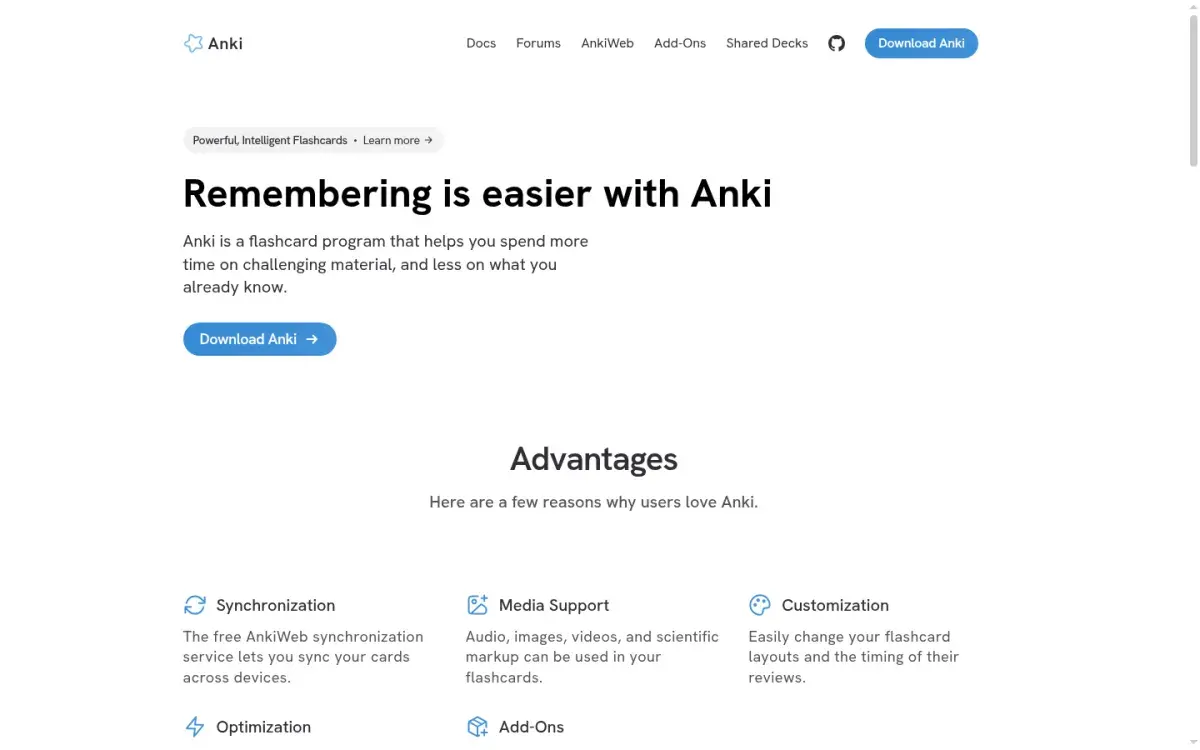
1. Anki: best overall and best free
Anki is the one to beat. It's free, open source, and does more than any other app here. It schedules every card individually, offers FSRS in deck options, and handles cloze deletions, image occlusion and audio. AnkiWeb hosts a large library of free shared decks, including AnKing for medical boards.
You pay in time. Anki looks like a settings menu that grew a study app, and it takes an evening to learn. There's no built-in AI card maker either. But if you need to remember a lot for months, as a medical student, a language learner or someone facing a licensing exam, that evening pays you back.
Price: Free on Windows, Mac, Linux, Android (AnkiDroid) and the web. AnkiMobile for iPhone and iPad is $24.99 once.
2. Quizlet: best for ready-made sets
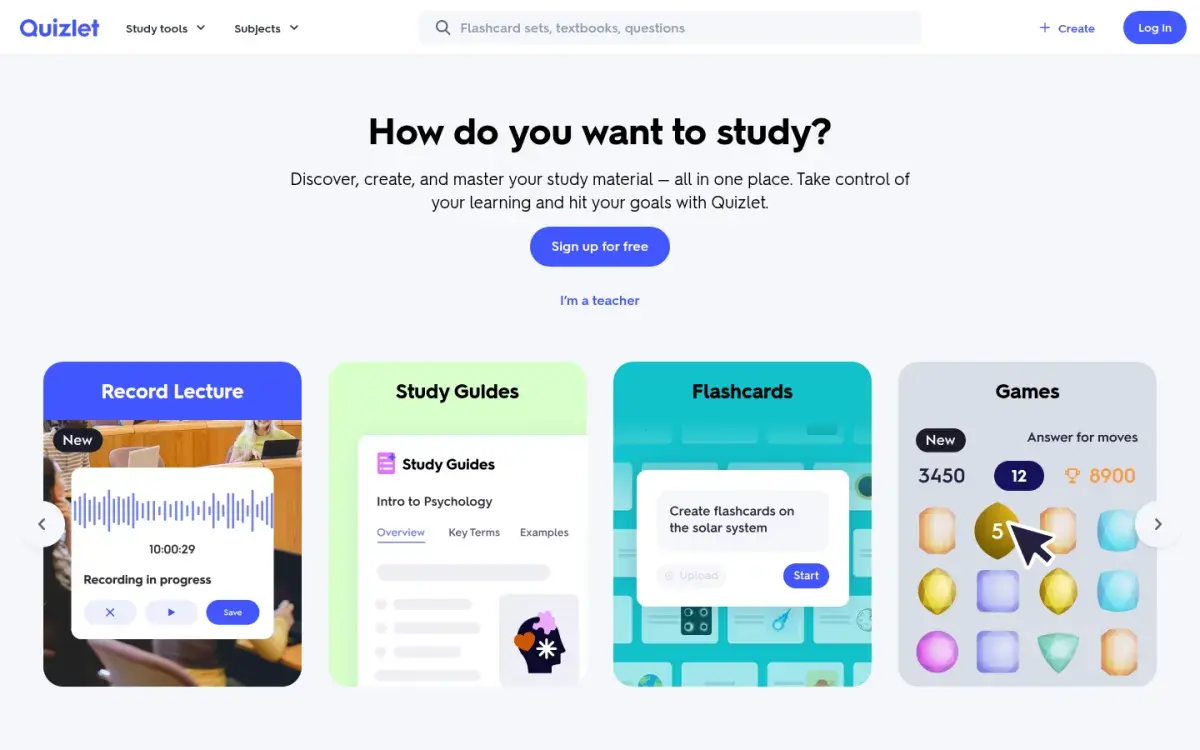
You have a midterm on Thursday and a course code. Type it into Quizlet, and there's a good chance another student has already made the set. That's the whole pitch. It's a strong one.
Learn mode adapts to your answers within a session, Test and Match add variety, and AI study guides can turn your notes into a set. What you can't do is see or tune when a card comes back weeks later. Shared sets also contain mistakes, so check them against your notes.
Price: Free with ads. Plus is $35.99/year; Plus Unlimited is $44.99/year and removes the cap on Learn rounds. Thinking of leaving? Our Quizlet alternatives roundup compares what's actually free elsewhere.
3. Knowt: best free Quizlet-style app
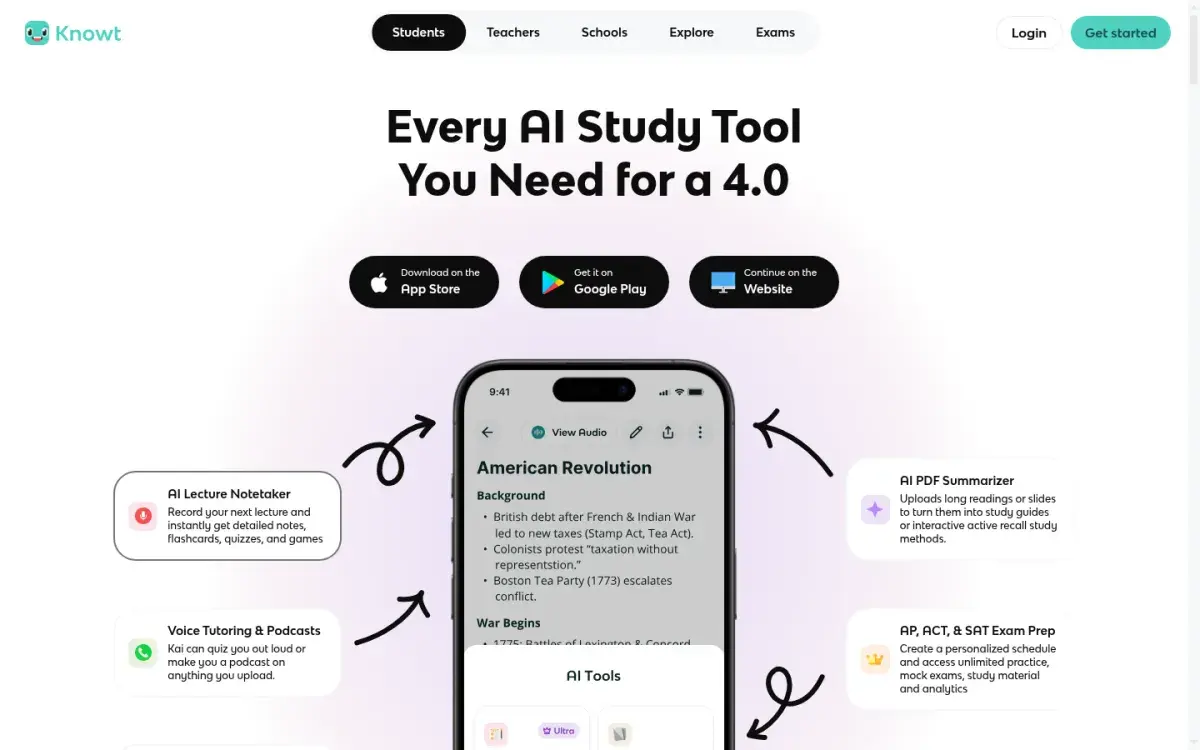
Like Quizlet's study modes but not its prices? Knowt imports Quizlet sets in two clicks and gives you Learn mode, a spaced repetition mode and practice tests for free. Upload a PDF and it drafts notes, flashcards and a practice test from it.
Two catches. The free plan has ads, and Knowt doesn't publish how its spaced repetition mode schedules cards, so you can't tune it. For a semester of intro courses, that's a fair trade.
Price: Free with ads. Ultra is $7.99/month billed yearly ($95.99) or $24.99 month to month; it removes ads and adds AI summaries of PDFs, slides and lecture recordings.
4. Brainscape: best phone-first app
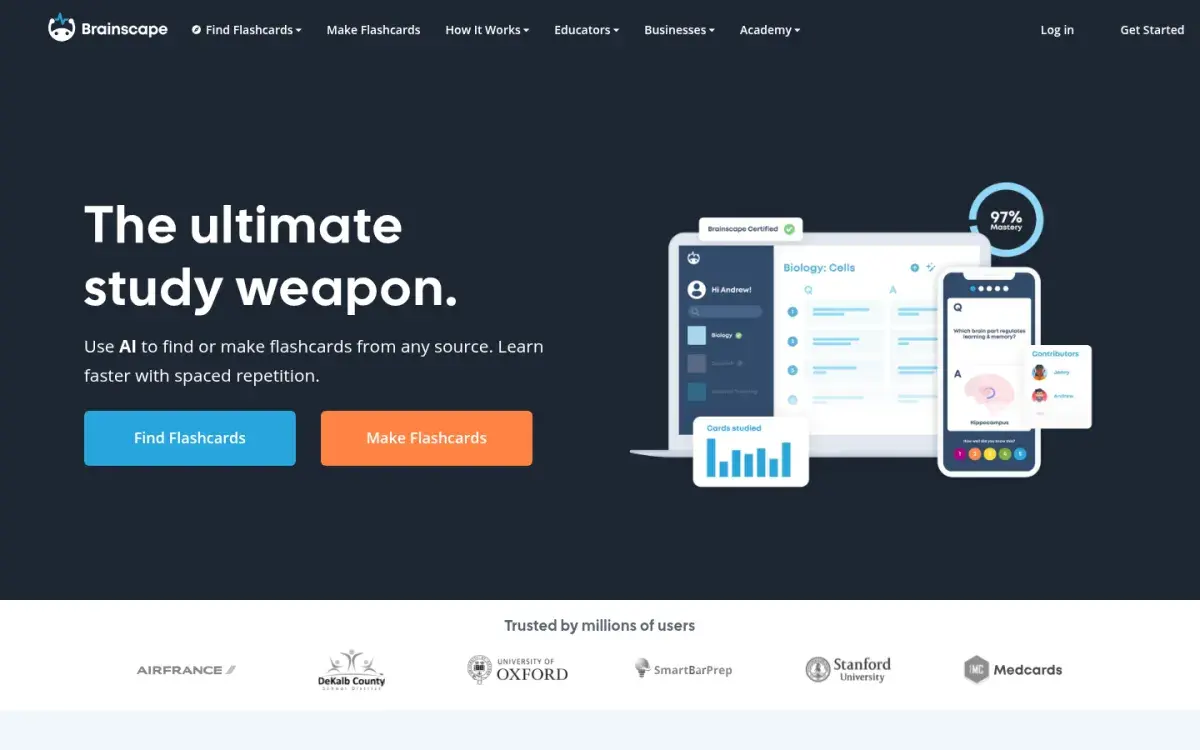
You study in the gaps: the coffee line, the bus, the ten minutes before a lecture. Brainscape is built for that. See the card, flip it, rate how well you knew it, and low-confidence cards come back sooner. Nothing to set up.
It also sells expert-made "Certified" decks for big exams, and the free plan lets AI draft cards for your own decks. The limits show up quickly, though. Images, sounds and full access to Certified and other users' decks need Pro, and you can't tune the scheduling.
Price: Free for unlimited text cards. Pro is $7.99/month billed yearly.
5. RemNote: best for notes and flashcards together
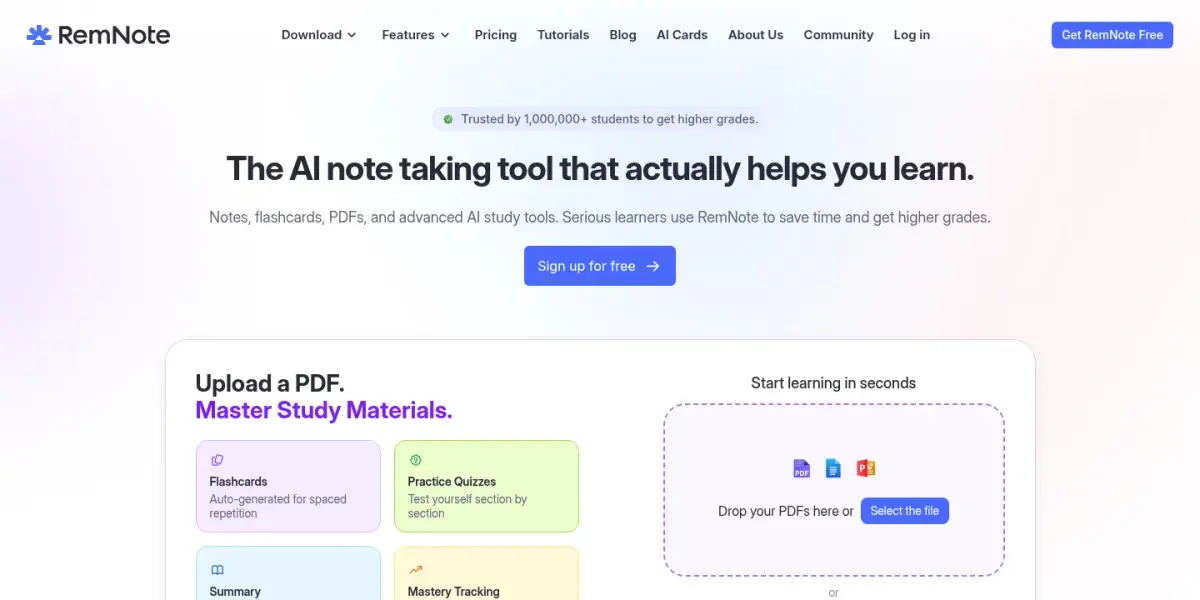
Pick RemNote if your notes and your flashcards should be the same thing. Any line in your notes can become a card, so every card stays linked to the context you learned it in. It annotates PDFs, offers FSRS scheduling, has image occlusion, and can generate AI cards and quizzes.
Is it overkill if you only want flashcards? Probably. There's more to learn than in a plain flashcard app, and the free plan allows only 3 annotated PDFs and 5 image occlusion images.
Price: Free with unlimited notes and cards on unlimited devices. Pro is $8/month billed yearly ($96); Pro with AI is $18/month billed yearly ($216).
6. AlgoApp: best simple app with FSRS
First, the name. AlgoApp was called AnkiApp until its rename, but it isn't made by Anki's developers and doesn't sync with Anki or AnkiWeb. Don't install it expecting your Anki collection to appear.
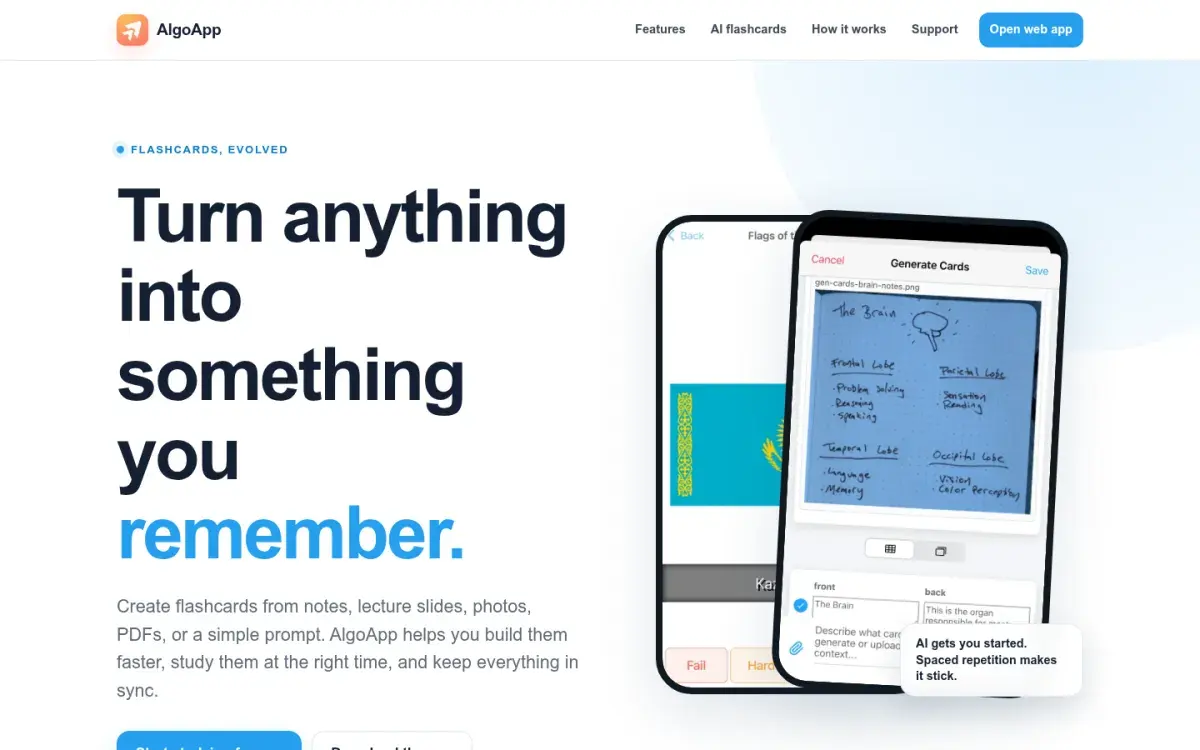
Judged on its own, it's good. You get FSRS scheduling with no setup on iPhone, iPad, Android, Mac, Windows and the web. Its AI can draft cards from a PDF or a photo of your notes, and it imports Anki decks and CSV files. It's the easiest way to get Anki-style scheduling on an iPhone, where AnkiMobile costs $24.99.
Price: Free with unlimited cards. Unlimited is $29.99/year in the US and adds unlimited daily reviews and devices.
7. Mochi: best minimal offline app
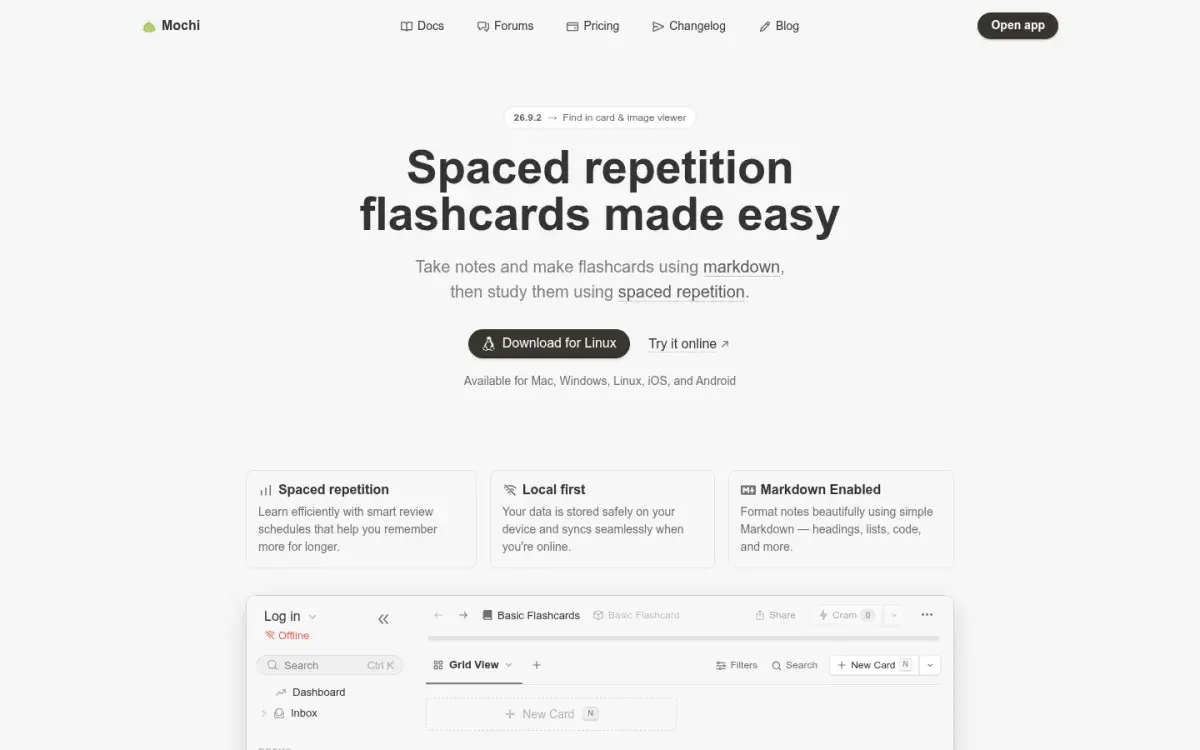
You write in plain text, you study on planes, and you'd rather not see an ad between cards. Mochi's free plan fits: unlimited Markdown cards and decks, unlimited offline use, import and export, and no ads. It runs on Mac, Windows, Linux, iPhone and Android, with a browser version too, and you can switch its scheduler to FSRS.
The catch is sync. Without Pro, your cards stay on one device.
Price: Free. Pro is $5/month billed yearly ($60) and adds sync, deck publishing and higher AI limits.
8. Flashcards Deluxe: best one-time purchase
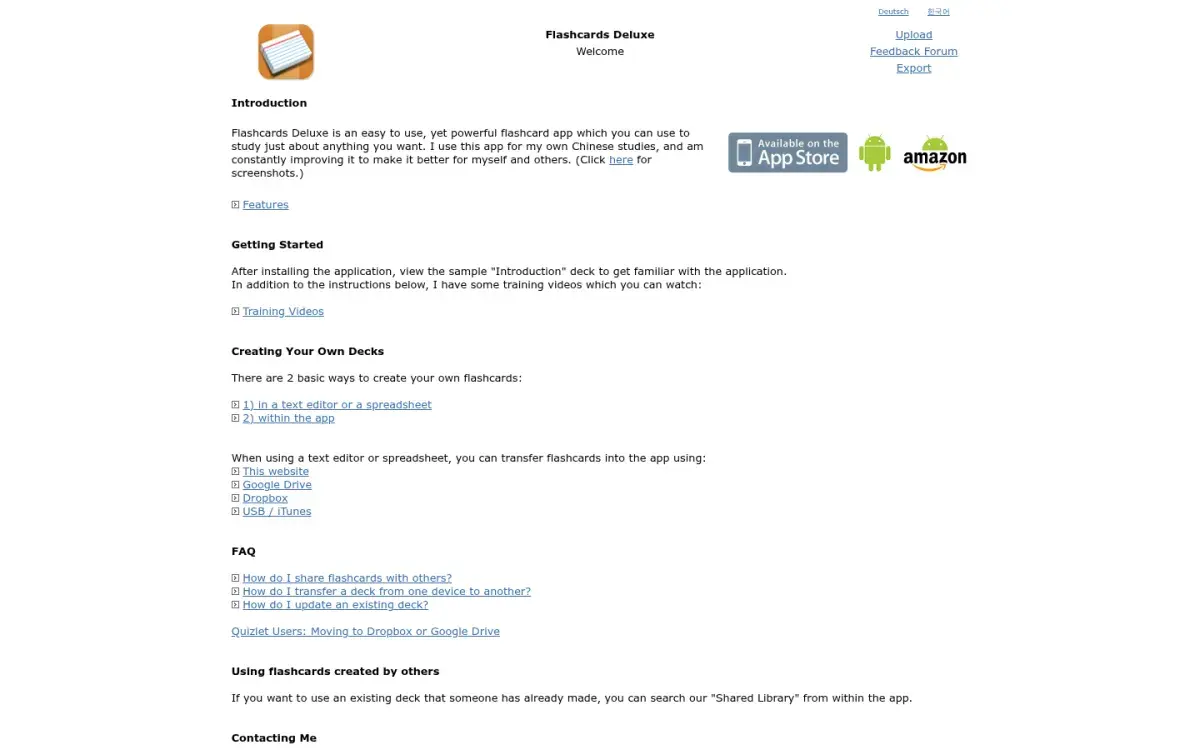
You have 400 Spanish verbs and a 20-minute bus ride. Flashcards Deluxe handles that well. Cards can have up to five sides (word, pronunciation, example sentence and more), and it reads them aloud with offline text-to-speech. Decks import from Google Drive, Dropbox, OneDrive or email.
It costs $4.99 once on Google Play and the App Store, with no subscription. The design is dated in the way a reliable old car is dated. One setup step matters: spaced repetition is optional, so switch it on before you start.
9. Active Recalling: best for turning your own PDFs and notes into cards and quizzes
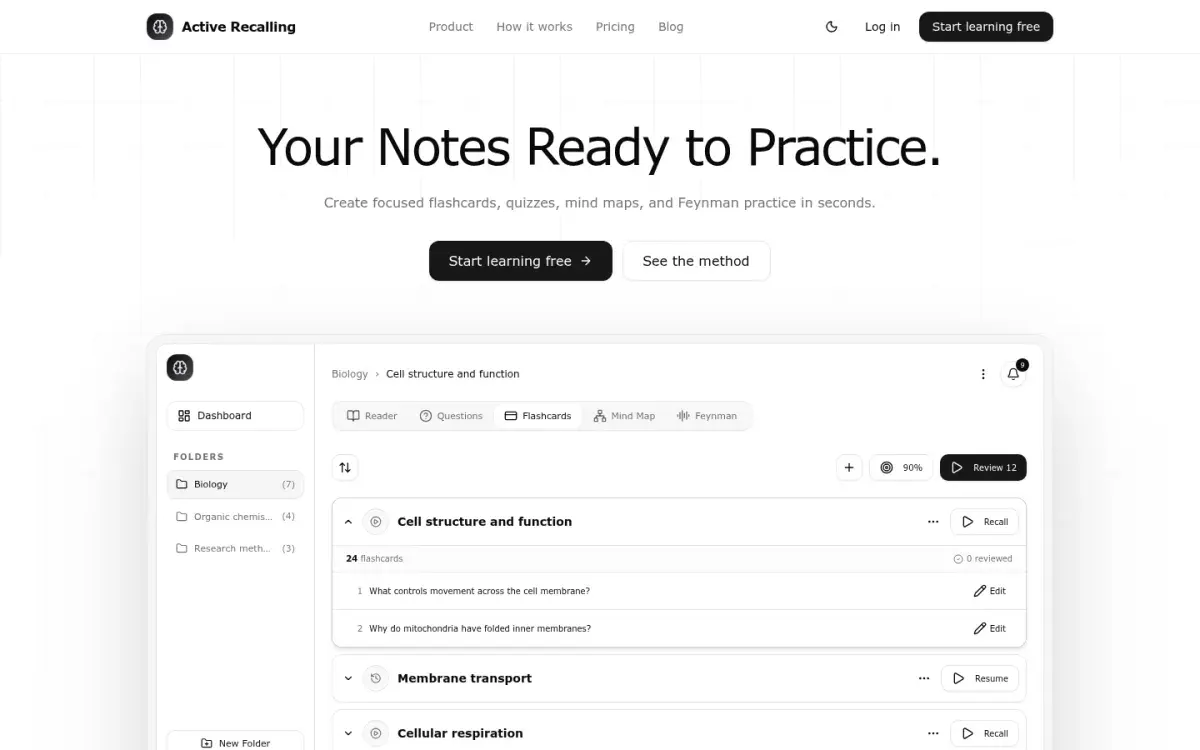
Full disclosure: this one is ours, so weigh it accordingly. It's for students whose material is lecture PDFs and notes rather than someone else's deck. Add a PDF, Word document, screenshot, pasted notes or a web page to a chapter, and it drafts flashcards, four-option practice questions, a mind map and a Feynman "explain it aloud" exercise. Every card and question is editable, and reviews are scheduled with FSRS. Our PDF to flashcards page shows how the upload works.
What it doesn't do matters too. It's a web app only, with no iPhone or Android app and no offline mode. There's no Anki or Quizlet import and no shared deck library, and quiz questions mark the right answer without explaining it.
Price: Free for 1 folder with up to 3 chapters. Pro is $3.99/month for unlimited folders and chapters.
Is Anki still the best flashcard app?
Yes, if you need to remember a lot for a long time. Anki is free on almost every platform. It schedules each card with an algorithm you can see and adjust. It has image occlusion and a huge shared-deck library. And the old complaint that its algorithm is dated no longer holds: FSRS, the modern open-source scheduler, is now built into Anki, AnkiMobile and AnkiDroid.
So when should you pick something else?
- You need a set for your course tonight. Quizlet's library wins. If you're choosing between those two, our Anki vs Quizlet comparison goes feature by feature.
- You want AI to write the cards. Anki has no built-in generator. Knowt, AlgoApp and Active Recalling draft cards from your files.
- You won't spend an evening on setup. AlgoApp and Mochi keep per-card scheduling with far fewer settings.
- You'll only study on an iPhone and won't pay $24.99. Use AlgoApp, or AnkiWeb in Safari for free.
Tried Anki and bounced off? Our guide to Anki alternatives covers which apps import your existing decks and review history.
One warning before you search the app stores: watch for lookalikes. AlgoApp (formerly AnkiApp) and Noji (formerly Anki Pro) come from separate developers and don't work with Anki's apps or sync. The official apps are AnkiDroid on Android and AnkiMobile, by Anki Software, on iPhone.
How to choose a flashcard app in 5 minutes
Five questions, in order. Most people have their answer by the third.
- Where will you review? Phone only: Brainscape, AlgoApp or AnkiDroid. Computer and phone: Anki, RemNote or Mochi Pro, so your cards sync. iPhone, but you won't pay $24.99: AlgoApp, or AnkiWeb in Safari.
- Where will your cards come from? You'll write them: Anki, Mochi or RemNote. Someone else made them: Quizlet, Knowt or Brainscape's expert decks. They're stuck in lecture PDFs and slides: Knowt, AlgoApp or Active Recalling, then edit every draft card.
- How long do you need to remember it? A quiz in two weeks: any app with Learn mode or practice tests. Months or years, such as boards, a language or a professional exam: an app that schedules each card, such as Anki, AlgoApp, RemNote or Mochi.
- What will you pay? Nothing, with no ads: Anki or Mochi. Once: Flashcards Deluxe or AnkiMobile. A subscription is fine: compare the yearly totals in the table above, not the monthly headline.
- Can you leave? Before you add 500 cards, find the export option and check that another app can import the file.
Then test your pick on one real chapter for a week: 20–30 cards, reviews every day, and an answer from memory before every flip. If you're still opening the app on day seven, you've found it.
Frequently asked questions
What is the best flashcard app?
For most students, Anki. It's free on computers, Android and the web, schedules every card with spaced repetition including FSRS, and has a large library of shared decks. Quizlet is best for ready-made sets, Brainscape for the simplest phone app, and RemNote for notes and flashcards together. The right pick depends on where your cards come from and how long you need to remember them.
What is the best free flashcard app?
Anki. The computer version, AnkiDroid on Android and AnkiWeb in a browser cost nothing, show no ads and don't cap your reviews. If Anki feels too complicated, Mochi's free plan is unlimited and works offline but doesn't sync between devices, and Knowt's free plan includes Learn mode and spaced repetition, with ads.
Which flashcard apps use spaced repetition?
Anki, RemNote, AlgoApp, Mochi and Active Recalling schedule each card individually, and all of them can use the FSRS algorithm. Brainscape schedules cards by your confidence ratings, Knowt has a spaced repetition mode, and Flashcards Deluxe has optional spaced repetition you switch on. Quizlet's Learn mode adapts within a session, but you can't see or change when cards return weeks later.
What is the best flashcard app for learning a language?
Anki is the strongest choice for vocabulary you want to keep for years, because it handles audio and has many shared language decks. Flashcards Deluxe ($4.99 once) suits language learners who want something simpler: each card can have up to five sides, such as word, pronunciation and example sentence, and it reads cards aloud offline. In any app, say the answer before you flip.
Can a flashcard app make cards for me with AI?
Yes. Knowt, Brainscape, AlgoApp, RemNote, Quizlet and Active Recalling can all draft cards from your notes or files, with free limits that vary by app. Anki has no built-in AI card maker. Check every generated card against your source before it enters your reviews: split any card with two answers, fix wrong details, and delete vague ones.
Is Quizlet still free?
Quizlet still has a free plan, but it shows ads, and Learn mode and practice tests are limited even on the cheaper paid plan. As of November 2026, Quizlet Plus costs $35.99 a year and allows 20 Learn rounds and 3 practice tests a month; Plus Unlimited costs $44.99 a year and removes the Learn limit. Knowt and Anki are the main free alternatives.
Sources and further reading
Start with the primary research and official guidance below. Links open in a new tab so you can compare the evidence with the article.
- Read source
AnkiMobile Flashcards
Apple App Store, 2026
- Read source
Upgrade your account (Quizlet Plus plans)
Quizlet, 2026
- Read source
Knowt plans
Knowt, 2026
- Read source
Brainscape pricing
Brainscape, 2026
- Read source
RemNote pricing
RemNote, 2026
- Read source
AlgoApp: AI flashcards and spaced repetition
AlgoApp, 2026
- Read source
Mochi pricing
Mochi, 2026
- Read source
Flashcards Deluxe
Google Play, 2026