

The best spaced repetition app for most serious students is Anki: it's free on desktop and Android, it ships the modern FSRS scheduler, and its shared-deck library is unmatched. If Anki's setup puts you off, RemNote keeps notes and cards together, Mochi and AlgoApp give you an easier Anki, and Brainscape has the most polished phone app.
A spaced repetition app does one job that paper can't do well: it decides which card you see today, based on how you answered it last time, so each review lands just before you'd forget. Everything else (AI card generation, quizzes, shared decks) is a bonus. It's also the job a chatbot doesn't do on its own, which is why spaced repetition with ChatGPT still needs an app like these.
We compared 10 apps on their scheduling algorithm, free plan, price, and what they're best for. Prices were checked on each official site or app store listing in October 2026, in US dollars.
Spaced repetition apps compared
| App | Scheduling | Free plan | Cheapest paid plan | Best for |
|---|---|---|---|---|
| Anki | SM-2 default, FSRS optional | Desktop, Android, web | $24.99 once (iPhone) | Control, shared decks |
| RemNote | SM-2 default, FSRS optional | Unlimited cards | $8/mo billed yearly | Notes + cards |
| Mochi | Own algorithm, FSRS optional | Unlimited cards, no sync | $5/mo billed yearly | Markdown, offline |
| AlgoApp | FSRS | Unlimited cards, capped reviews | $29.99/yr | Simple Anki-style app |
| Brainscape | Confidence-based (1–5) | Your own cards | $7.99/mo billed yearly | Phone-first study |
| Quizlet | Proprietary (Learn) | Sets, with ads | $35.99/yr | Ready-made sets |
| Knowt | Proprietary | Generous, with ads | $149.99/yr | Free Quizlet-style study |
| Noji | Proprietary | Daily limits | In-app Premium | Mobile, language decks |
| Active Recalling | FSRS | 1 folder, 3 chapters | $3.99/mo | Cards + quizzes from PDFs |
| SuperMemo | Proprietary | First month free | $9.99/mo (App Store) | Language courses |
What a year of each app's cheapest paid plan costs
US dollars, October 2026. Anki desktop, AnkiDroid, and AnkiWeb are free; AnkiMobile is a one-time purchase.
Source: Official pricing pages and US App Store listings, October 2026
View data
| App | Annual cost (USD) |
|---|---|
| Knowt Ultra | $149.99 |
| SuperMemo Premium | $99.99 |
| RemNote Pro | $96 |
| Brainscape Pro | $95.88 |
| Mochi Pro | $60 |
| Active Recalling Pro | $47.88 |
| Quizlet Plus | $35.99 |
| AlgoApp Unlimited | $29.99 |
| AnkiMobile (one-time) | $24.99 |
What makes a spaced repetition app good?
Three things matter far more than the feature list.
- It schedules every card individually. A real spaced repetition app tracks each card's history and sets its next due date. A "shuffle" or "study again" button is not spaced repetition.
- It makes you answer before you flip. The app can't force this, but good ones make it easy to type or say an answer first. That retrieval attempt is what builds the memory, as our active recall guide explains.
- You'll actually open it every day. A perfect algorithm loses to a decent one you use daily. Speed, a clean review screen, and offline access matter.
SM-2 vs FSRS vs proprietary algorithms
SM-2 is the 1980s SuperMemo formula that Anki adapted: every card gets an "ease" multiplier that grows or shrinks with your answers. FSRS is a newer open-source model that estimates how likely you are to recall each card and schedules it for when that chance drops to your target. Anki, RemNote, and Mochi offer it as a switch; AlgoApp and Active Recalling use it by default. Our FSRS vs SM-2 comparison covers the details.
"Proprietary" means the app doesn't publish how it schedules. That's not automatically bad, but you can't tune it, and you can't easily check whether it's spacing reviews far enough apart.
If your app uses FSRS, one setting matters most: desired retention. Anki's manual sets the default at 90% and warns that above 90% "the workload increases very quickly," and above 97% it "can be overwhelming." Leave it at 90% unless you have a reason.
The 10 best spaced repetition apps
1. Anki: best overall if you'll learn the setup
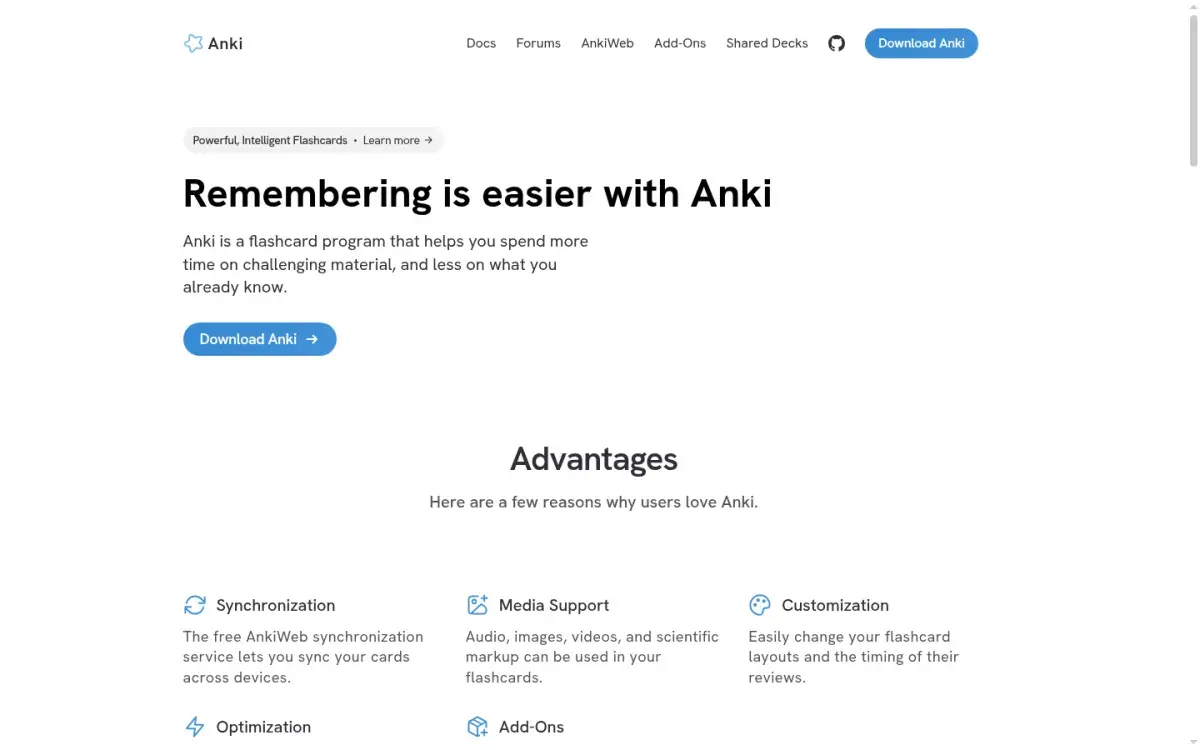
Anki is free, open source, and runs on Windows, Mac, Linux, Android (AnkiDroid), and the web (AnkiWeb). It supports text, images, audio, LaTeX, cloze deletions, built-in image occlusion, and thousands of shared decks. FSRS has been built in since Anki 23.10 and AnkiDroid 2.17; you turn it on in deck options.
The costs are time and polish. Note types, templates, and learning steps confuse beginners, and the iPhone app, AnkiMobile, is a $24.99 one-time purchase.
Strengths
- Free on desktop, Android, and web
- FSRS, cloze, and image occlusion built in
- Largest library of shared decks
Drawbacks
- Steep learning curve
- Dated interface
- AnkiMobile costs $24.99
Price: Free; AnkiMobile $24.99 once. Planning to leave? See our Anki alternatives guide.
2. RemNote: best for notes and flashcards in one app
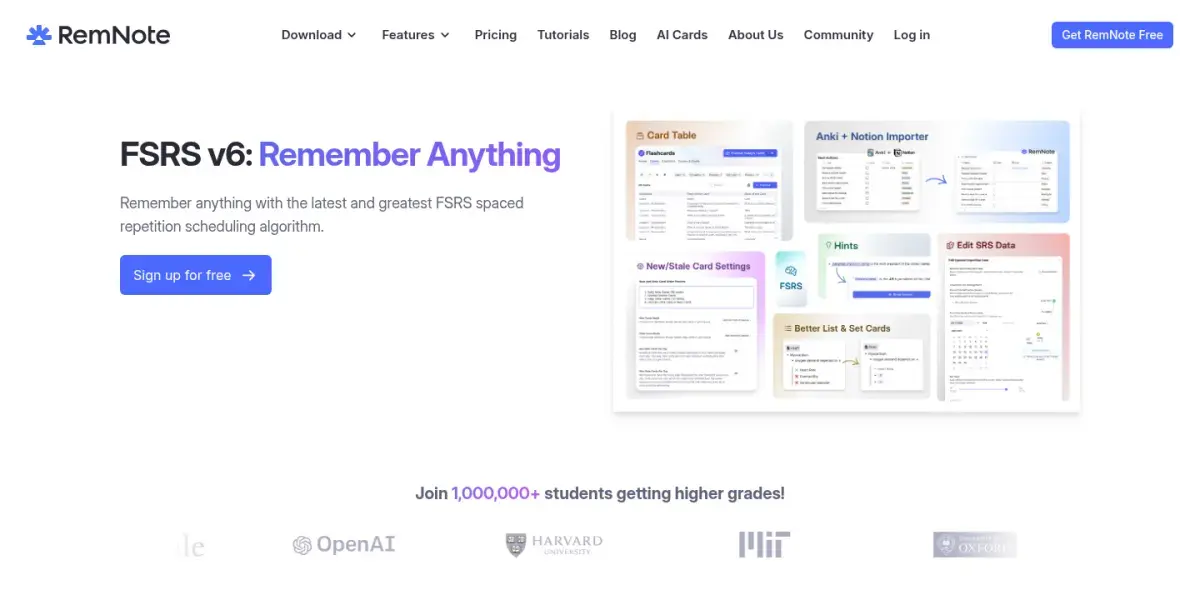
RemNote is the pick if you want your notes to be part of your reviews: any line in a note can become a card, so each card stays linked to its context. SM-2 is the default scheduler; FSRS, which RemNote still labels beta, is under Settings → Schedulers. It also annotates PDFs, generates AI cards and quizzes, and imports Anki decks with review history.
Strengths
- Cards live inside your notes
- Imports Anki decks
- AI cards and quizzes on paid plans
Drawbacks
- More to learn than a plain flashcard app
- Free plan: 3 annotated PDFs, 5 image occlusions
- AI features cost more
Price: Free with unlimited notes and cards. Pro is $8/month billed yearly ($96); Pro with AI is $18/month billed yearly ($216).
3. Mochi: best for a clean, offline Anki
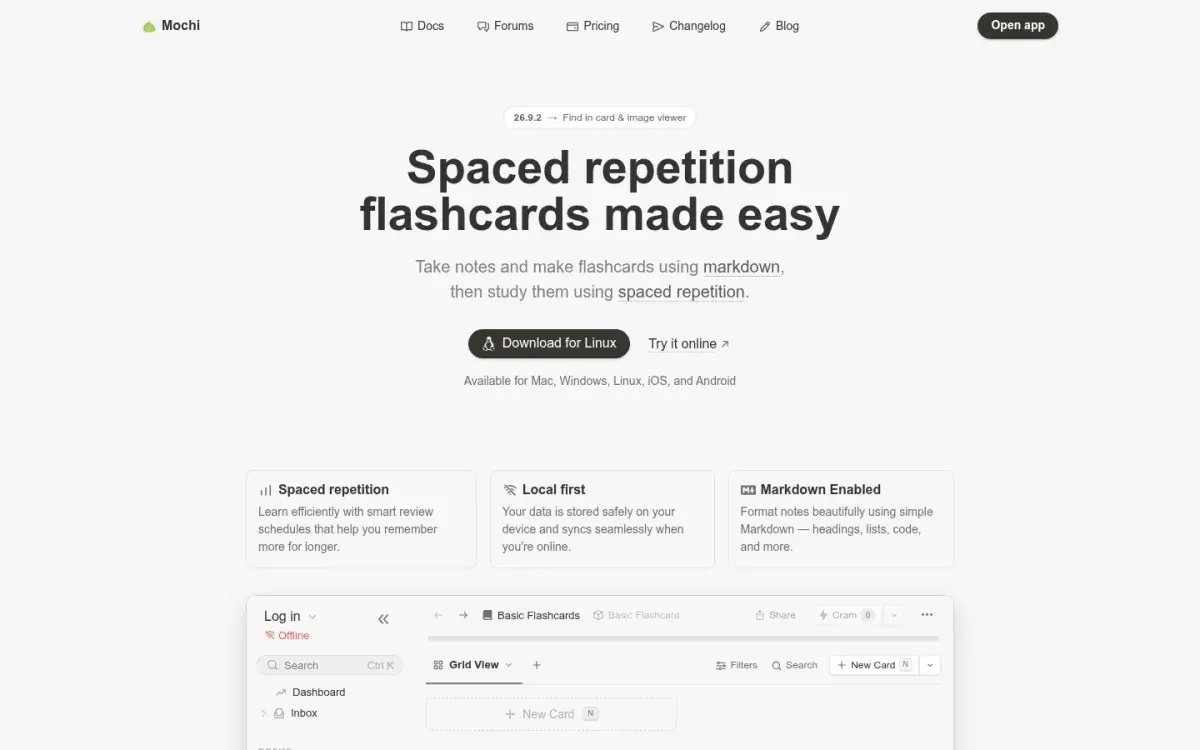
Mochi gives you a choice of scheduler. Its default algorithm moves each card's interval up or down by fixed multipliers when you remember or forget it, and you can switch to FSRS with a target retention you pick. Cards are written in Markdown, it works offline on Mac, Windows, Linux, iOS, and Android, and it imports Anki decks. The free plan is generous, but your data stays on one device until you pay for sync.
Strengths
- Unlimited cards and offline use for free
- Fast, minimal review screen
- Imports Anki decks; FSRS optional
Drawbacks
- Sync needs Pro
- Smaller shared-deck community
- Heavily styled Anki decks may need cleanup
Price: Free. Pro is $5/month billed yearly and adds sync and higher AI limits.
4. AlgoApp (formerly AnkiApp): best simple FSRS app
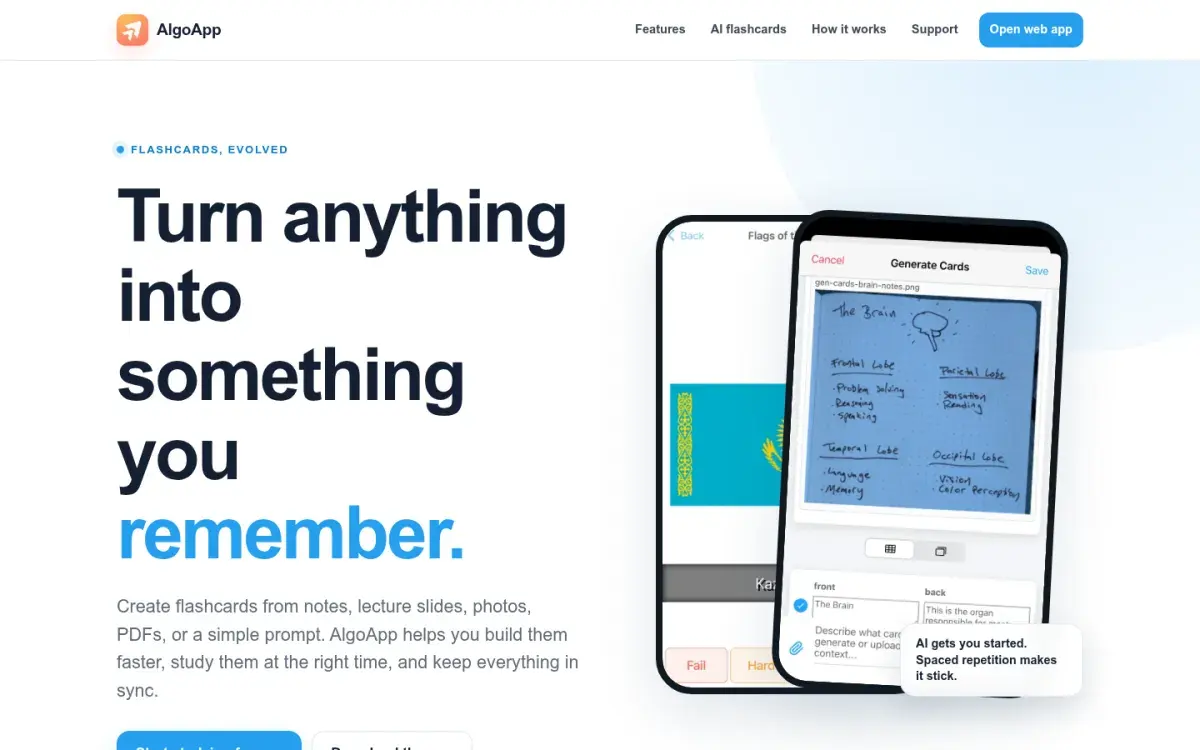
AlgoApp, which was called AnkiApp until its rename, is not affiliated with Anki. It uses FSRS out of the box, imports Anki .apkg and CSV files, works offline, has image occlusion, and runs on iPhone, iPad, Android, Mac, Windows, and the web. It can draft cards from PDFs and photos with AI.
Strengths
- FSRS by default, no setup
- Imports Anki decks and CSV
- Offline study on every platform
Drawbacks
- Free plan caps daily reviews and devices
- Not the same app as Anki, despite the old name
- Smaller community
Price: Free with unlimited cards. Unlimited is $29.99/year in the US. Like Noji below, AlgoApp doesn't sync with Anki or AnkiWeb, so you can't use it as an Anki client.
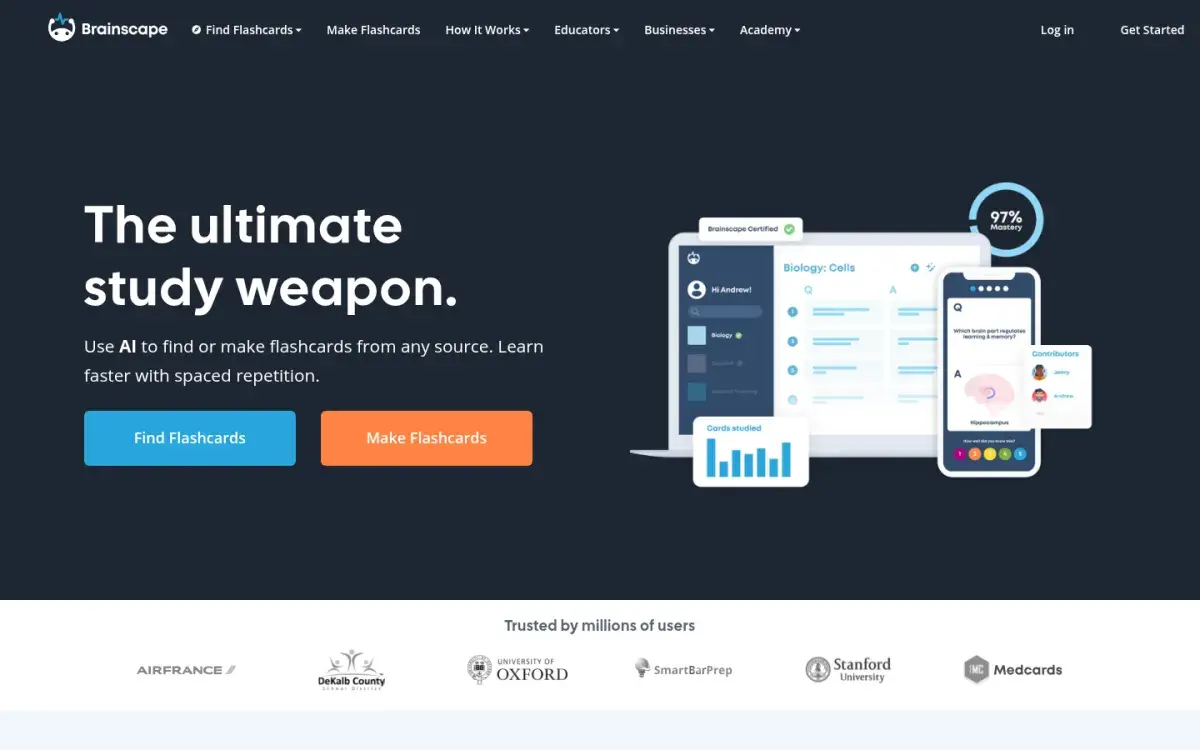
5. Brainscape: best phone-first flashcard app
Brainscape schedules by confidence rather than right or wrong: after each card you rate it from 1 to 5, and low-rated cards come back sooner. It doesn't publish the formula or let you tune it; in exchange, there's nothing to set up. The iPhone and Android apps are polished, and there are expert-made decks for exams such as the MCAT, NCLEX, and bar exam. It sticks to flashcards.
Strengths
- Excellent mobile apps
- Simple confidence ratings
- Free AI card creation for your own decks
Drawbacks
- Scheduling isn't published or tunable
- Image cards need Pro
- Premium decks need Pro
Price: Free to create and study your own cards. Pro is $7.99/month billed yearly.
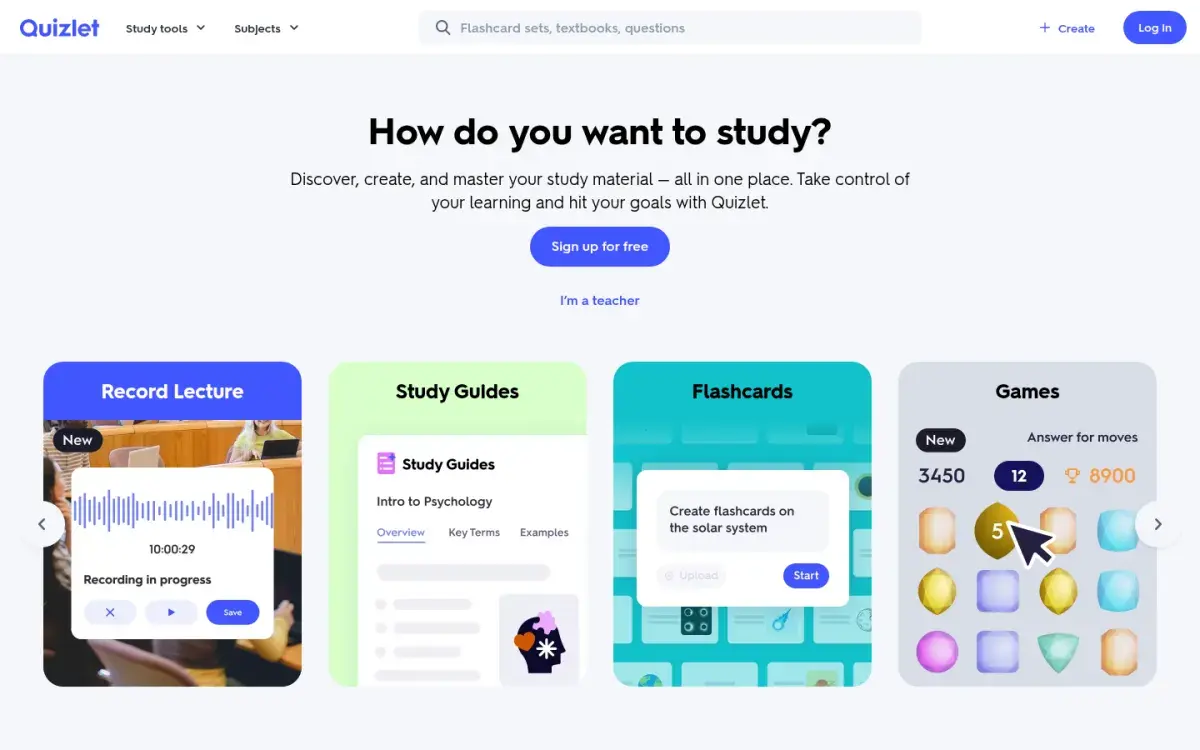
6. Quizlet: best for ready-made sets
Quizlet is on this list for its library, not its scheduler: search a course code and someone has probably made the set. Learn mode adapts to your answers within a round, and Test and Match add variety, but you can't see or tune when cards come back weeks later. Even the cheaper paid plan caps Learn at 20 rounds and practice tests at 3 a month; Plus Unlimited removes the caps.
Strengths
- Huge library of shared sets
- Almost no learning curve
- Practice tests and games
Drawbacks
- Opaque, untunable spacing
- Free plan has ads and tighter limits
- No Anki import
Price: Plus is $35.99/year; Plus Unlimited is $44.99/year. Compare options in our Quizlet alternatives roundup.
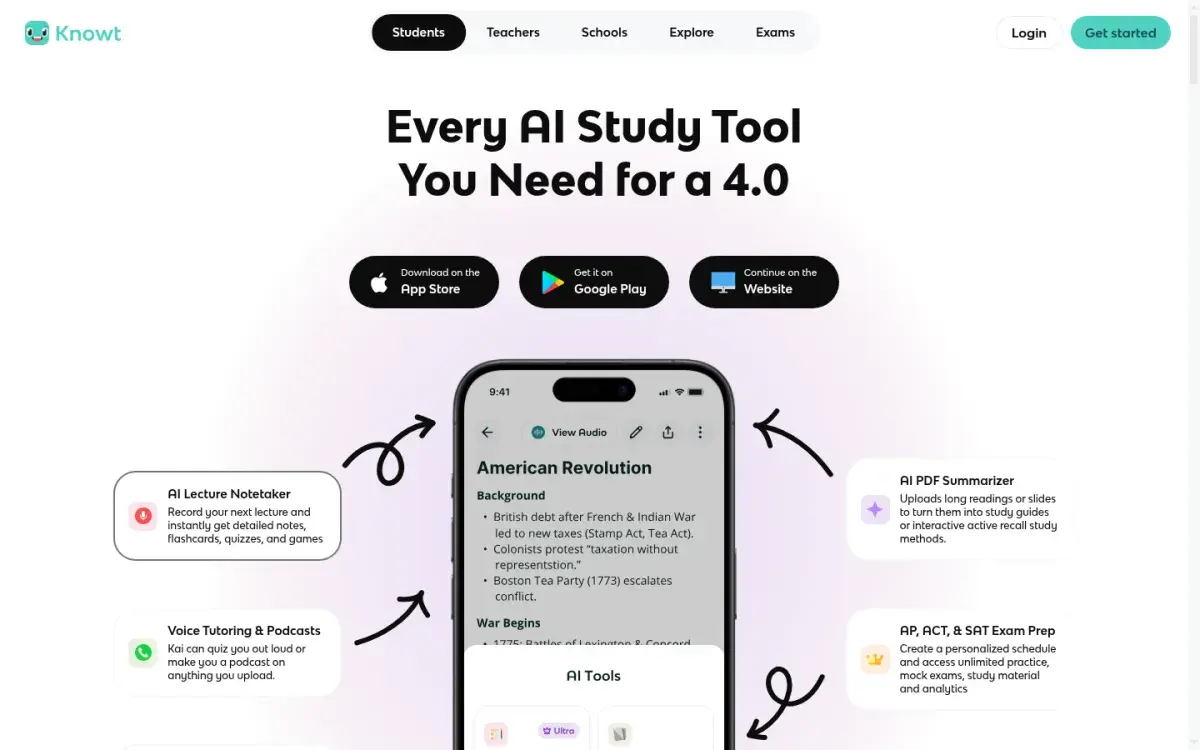
7. Knowt: best free Quizlet-style option
Knowt adds what Quizlet lacks for long-term study: a free spaced repetition mode, alongside a free Learn mode and one-click Quizlet import. The free plan is ad-supported, and AI summaries of PDFs, slides, and lecture recordings need the paid Ultra plan.
Strengths
- Free spaced repetition mode
- One-click Quizlet import
- Free Learn mode
Drawbacks
- Ads on the free plan
- Scheduling method isn't published
- AI summaries need Ultra ($24.99 if paid monthly)
Price: Free. Ultra is $149.99/year or $24.99/month.
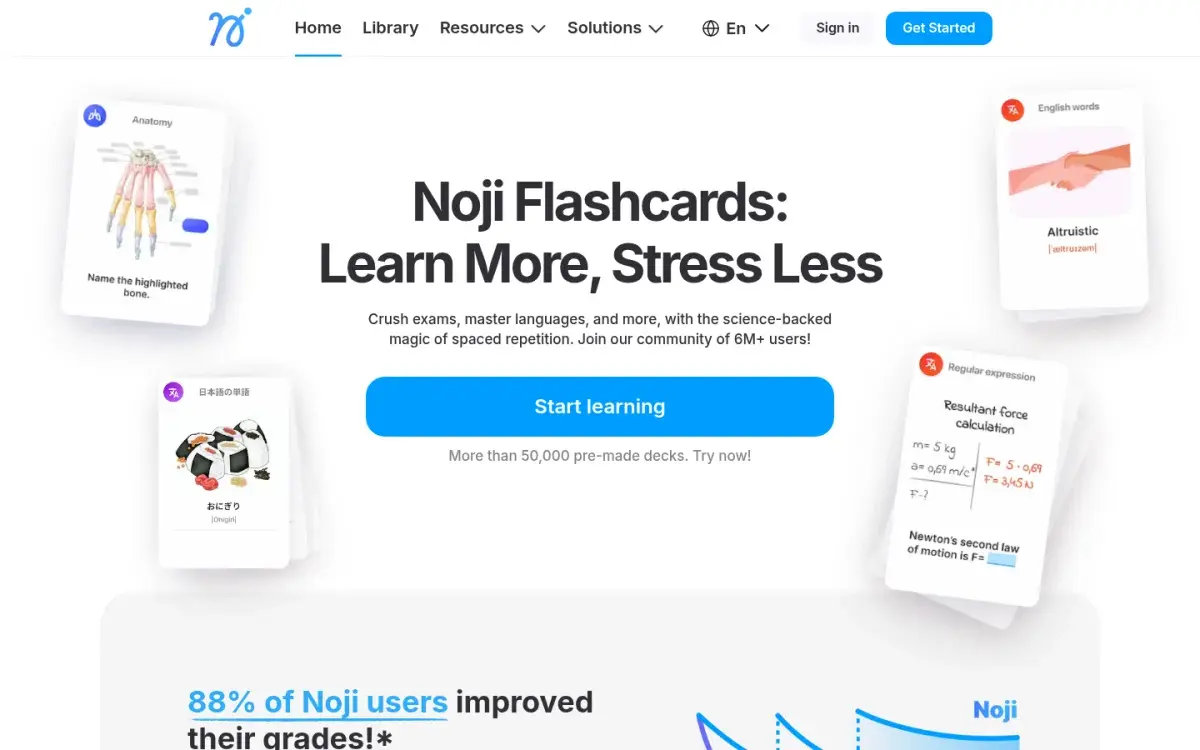
8. Noji: best for casual mobile review
Noji (formerly Anki Pro, and also unrelated to Anki) is a phone-first flashcard app for iPhone and Android with a large library of premade decks, popular for languages. The free version limits daily study; Premium adds unlimited daily learning, images and rich formatting, and custom spaced repetition presets.
Strengths
- Friendly, fast mobile app
- Lots of premade language decks
- Gentle learning curve
Drawbacks
- Free plan caps daily learning
- Algorithm isn't documented
- Premium prices vary by store and region
Price: Free; Premium is an in-app subscription. The US App Store lists several plans, so check the price in your store before you subscribe.
9. Active Recalling: best for flashcards plus quizzes from your material
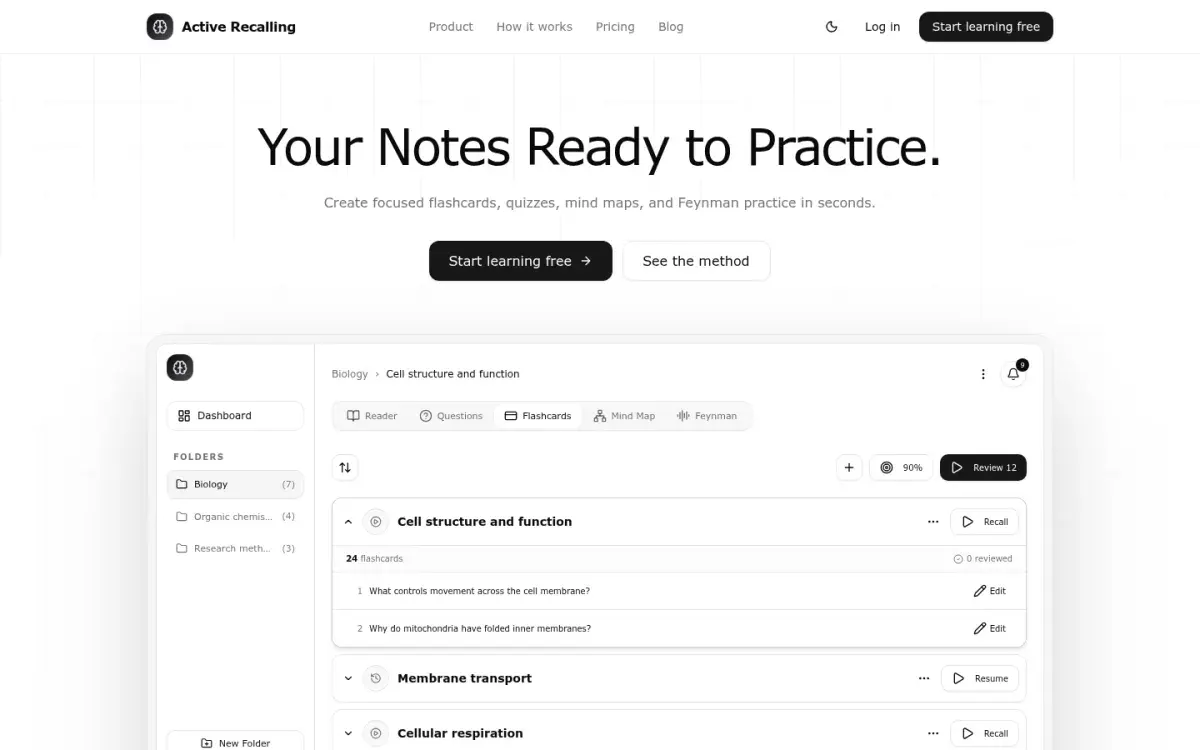
This is our app, so weigh this section accordingly. Active Recalling schedules flashcard reviews with FSRS out of the box, with no setup required, and pairs the cards with four-option practice questions. Both are drafted from a PDF, Word document, screenshot, pasted notes, or web page you add to a chapter, along with a mind map and a Feynman "explain it aloud" exercise. Every card and question is editable. There's no image occlusion or shared deck library.
Strengths
- Cards and quizzes from one upload
- FSRS scheduling, editable cards
- $3.99/month
Drawbacks
- No Anki or Quizlet import
- Web app only, no offline mode
- Quizzes mark the right answer but don't explain it
Price: Free for 1 folder with up to 3 chapters. Pro is $3.99/month. If Anki is your starting point, see how Active Recalling and Anki differ before you choose. Coming from Quizlet instead? Our Quizlet alternative page covers how it differs.
10. SuperMemo: the original, now built around language courses
SuperMemo, created by Piotr Wozniak in the late 1980s, is where computer-scheduled spaced repetition began, and SM-2 comes from it. Today the supermemo.com app for web, iPhone, and Android is mostly a catalog of language courses with its own scheduling; you can add words to courses but it isn't designed for building your own decks from scratch. The classic SuperMemo for Windows, with incremental reading, is a separate desktop program for enthusiasts.
Price: First month free. The US App Store lists Premium at $9.99/month or $99.99/year.
How to choose a study app with flashcards and quizzes
A feature list won't tell you which app suits you. Test your whole workflow, from the material you start with to the exam you'll sit, against these criteria:
| Criterion | What to check | Why it matters |
|---|---|---|
| Source input | Can it take your PDFs, slides, or notes, and do labels and equations survive? | Bad input produces bad cards |
| Editing | Can you fix, split, and delete cards quickly, including on your phone? | AI and premade cards always need fixing |
| Quiz feedback | Do practice questions explain why an answer is wrong? | A bare score doesn't tell you what to fix |
| Scheduling | Is the algorithm named? Can you set desired retention or daily limits? | You need to control the workload |
| Portability | Can you export cards, and does the export keep images and review history? | Months of work shouldn't be locked in |
| Privacy | What does the app do with uploaded files? | Matters for clinical notes or unpublished work |
| Total cost | Price plus minutes spent making, checking, and reviewing cards | A cheap app that wastes an hour a week isn't cheap |
Flashcards or quizzes? Both are retrieval practice. Cards are fastest for definitions, vocabulary, and drug names. Practice questions are better when the exam asks you to apply ideas, choose between similar options, or work through a case. Quizlet, Knowt, RemNote, and Active Recalling offer both; Anki, Mochi, AlgoApp, and Brainscape are flashcard-first.
Run a one-week test before you commit
Don't move your whole course on day one. Use one real chapter.
- Day 1: Add one lecture or chapter. Make or generate 20–30 cards, and 10 practice questions if the app has them.
- Day 2: Edit every card. Delete anything vague, split any card with more than one answer, and time how long this takes.
- Days 3–6: Do your reviews daily, answering before you flip. Note how long each session takes and whether the app ever shows you cards you already know cold.
- Day 6: Try exporting your cards. Open the file and check that images and formatting survived.
- Day 7: Take a few questions from a past paper on that chapter, without notes. If the app's practice didn't help you there, it's the wrong tool for that course.
Then decide. Whichever app you choose, the habits matter more than the logo: answer from memory, review every day, and keep new cards to a pace you can sustain. Our guide to using flashcards effectively covers card-writing rules and daily limits, and the spaced repetition guide explains the schedule. If you study mostly on a phone, see our picks for Android and iPhone and iPad.
Frequently asked questions
What is the best spaced repetition app?
Anki is the best spaced repetition app for most serious students: it's free on desktop and Android, supports FSRS, and has the largest library of shared decks. If you want something easier, Mochi and AlgoApp keep Anki-style scheduling with a simpler interface, and RemNote suits people who want notes and flashcards in one app.
What is the best free spaced repetition app?
Anki on a computer, AnkiDroid on Android, and AnkiWeb in a browser are all free with no review limits. Mochi's free plan is also unlimited and works offline, but it doesn't sync between devices. Quizlet and Knowt have free plans too, with ads and less control over when cards come back.
Which flashcard apps use FSRS?
AlgoApp and Active Recalling use FSRS by default. Anki (since version 23.10), AnkiMobile, and AnkiDroid (since 2.17) include FSRS as an option you enable in deck options. RemNote and Mochi also let you switch to FSRS in settings. Quizlet, Brainscape, Knowt, and Noji use their own scheduling methods.
Is Quizlet a spaced repetition app?
Not in the full sense. Quizlet's Learn mode adapts to your answers within a study round, but you can't see or adjust when individual cards return across weeks. It's excellent for learning a set quickly. For material you need months from now, a dedicated scheduler such as Anki, Mochi, or AlgoApp gives you more control.
Is there one study app with flashcards and quizzes?
Yes. Quizlet, Knowt, RemNote, and Active Recalling all combine flashcards with practice questions or tests. Check whether the quiz explains wrong answers and whether you can edit the questions, because generated questions are sometimes vague or wrong. Anki, Mochi, AlgoApp, and Brainscape focus on flashcards.
Sources and further reading
Start with the primary research and official guidance below. Links open in a new tab so you can compare the evidence with the article.
- Read source
Deck options (FSRS, desired retention, daily limits)
Anki Manual
- Read source
AnkiMobile Flashcards
Apple App Store, 2026
- Read source
RemNote pricing
RemNote
- Read source
Mochi pricing
Mochi
- Read source
AlgoApp: AI flashcards and spaced repetition
AlgoApp
- Read source
Brainscape pricing
Brainscape
- Read source
Knowt plans
Knowt
- Read source
Quizlet Plus plans
Quizlet
- Read source
Anki knockoffs
Anki Manual FAQ