

The best flashcard app for Android is AnkiDroid. It's free, has no ads or in-app purchases, works fully offline, schedules reviews with spaced repetition (including FSRS), and syncs with Anki on your computer. If you want something friendlier, AlgoApp and Brainscape are easier to start, and Quizlet has the biggest library of ready-made sets.
Android is the best phone platform for flashcards in one respect: the most powerful app is free here, while the official iPhone version costs $24.99. The catch is that AnkiDroid takes an evening to learn.
We compared eight apps on their Google Play price, ads, offline study, and scheduling. Prices, ratings, and download counts were checked on Google Play and each app's official site in October 2026, in US dollars.
Android flashcard apps compared
| App | Google Play price | Ads | Offline study | Play rating |
|---|---|---|---|---|
| AnkiDroid | Free, no in-app purchases | No | Yes, full | 4.8 (10M+ installs) |
| AlgoApp | Free; Unlimited $29.99/yr | No | Yes | 4.4 (1M+) |
| Quizlet | Free; Plus $35.99/yr | Yes | Flashcards and Match | 4.7 (50M+) |
| Brainscape | Free; Pro $7.99/mo billed yearly | No | Not stated | 4.7 (1M+) |
| Knowt | Free; Ultra $149.99/yr | Yes | Not stated | 4.6 (500K+) |
| RemNote | Free; Pro $8/mo billed yearly | No | Yes | 4.8 (100K+) |
| Mochi | Free; Pro $5/mo billed yearly | No | Yes (free) | 4.4 (10K+) |
| Flashcards Deluxe | $4.99 one-time | No | Yes | 4.5 (100K+) |
"Not stated" means neither the Play listing nor the official site says whether offline study works, so test it in airplane mode before you rely on it.
What makes an Android flashcard app worth using?
Most "best of" lists rank by popularity. These are the things that decide whether you'll still be reviewing in week six:
- Real spaced repetition. The app should schedule each card by your past answers, not just shuffle a deck. Ideally it names its algorithm (SM-2 or FSRS) and lets you set a daily limit for new cards.
- Offline study. Buses, basements, and flights are where phone reviews happen. Test airplane mode before you commit.
- Sync with your computer. Typing cards on a laptop is much faster than on a phone. Check that edits made on either side sync both ways.
- No ads in the review screen. An ad between cards breaks your focus at the exact moment you're trying to retrieve an answer.
- A home-screen widget or reminder. A visible "cards due" count is a simple nudge to clear your queue. AnkiDroid has deck and card widgets.
Watch out for apps with "Anki" in the name
Search "Anki" on Google Play and you'll see several apps. AnkiDroid Flashcards, by the AnkiDroid Open Source Team, is the only official one. Anki's own documentation notes that AnkiApp (now AlgoApp) and Anki Pro (now Noji) were made by separate groups and don't work with the other Anki apps. They're legitimate apps, but they won't sync with AnkiWeb or your desktop Anki.
The 8 best flashcard apps for Android
1. AnkiDroid: best overall
AnkiDroid is the official Android version of Anki, built by volunteers. It supports text, images, audio, MathJax, cloze cards, text-to-speech, a whiteboard for writing answers, home-screen widgets, and thousands of free shared decks. Since version 2.17 it includes the FSRS scheduler, which you switch on in deck options. Your collection lives on the phone, so it works offline; sync through a free AnkiWeb account is optional.

Strengths
- Free, no ads, no in-app purchases
- FSRS, cloze cards, and widgets
- Syncs with Anki on Windows, Mac, Linux, and iPhone
Drawbacks
- Takes an evening to learn
- Utilitarian design
- Card templates are easier to edit on a computer
Price: Free.
2. AlgoApp: easiest app with FSRS
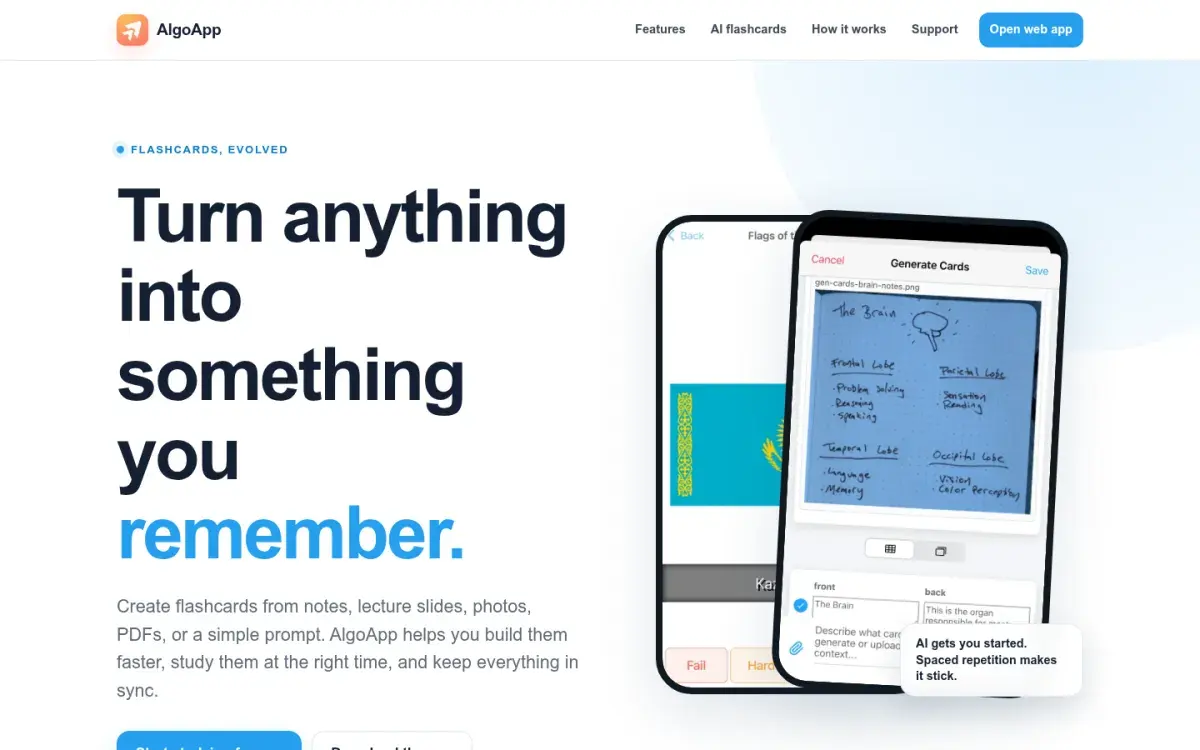
If AnkiDroid's settings feel like too much, AlgoApp gives you modern scheduling with none of the setup. Formerly called AnkiApp, it uses FSRS by default, imports Anki .apkg and CSV files, works offline, and can turn PDFs, lecture slides, and photos of handwritten notes into cards with AI. It also runs on iPhone, Mac, Windows, and the web, so it's a good fit if you switch devices. Remember it's a separate app from Anki and doesn't sync with AnkiWeb.
Strengths
- FSRS out of the box
- Imports Anki decks and spreadsheets
- Offline study
Drawbacks
- Free plan caps daily reviews and devices
- Separate from Anki: no AnkiWeb sync
- Smaller deck library
Price: Free with unlimited cards. Unlimited is $29.99/year in the US.
3. Quizlet: best for ready-made sets
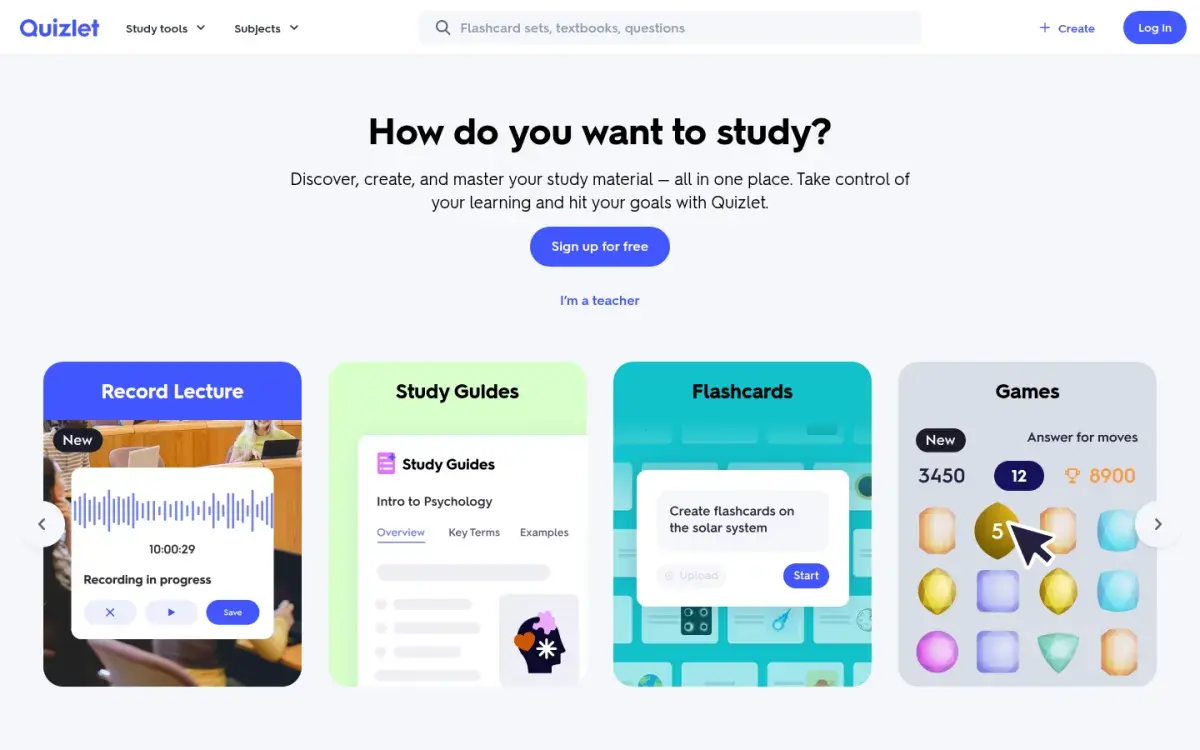
Quizlet has more than 50 million installs on Google Play, and its library means you can often find a set for your exact course. On Android you can study Flashcards and Match offline: Quizlet saves your eight most recent sets automatically, and you can download more. The trade-offs are ads on the free plan and little control over when cards come back for review.
Strengths
- Biggest library of ready-made sets
- Flashcards and Match work offline
- You can create sets offline too
Drawbacks
- Ads on the free plan
- Spacing isn't visible or tunable
- Plus still caps Learn and practice tests
Price: Free. Plus is $35.99/year with monthly caps on Learn rounds and practice tests; Plus Unlimited is $44.99/year.
4. Brainscape: most polished phone app
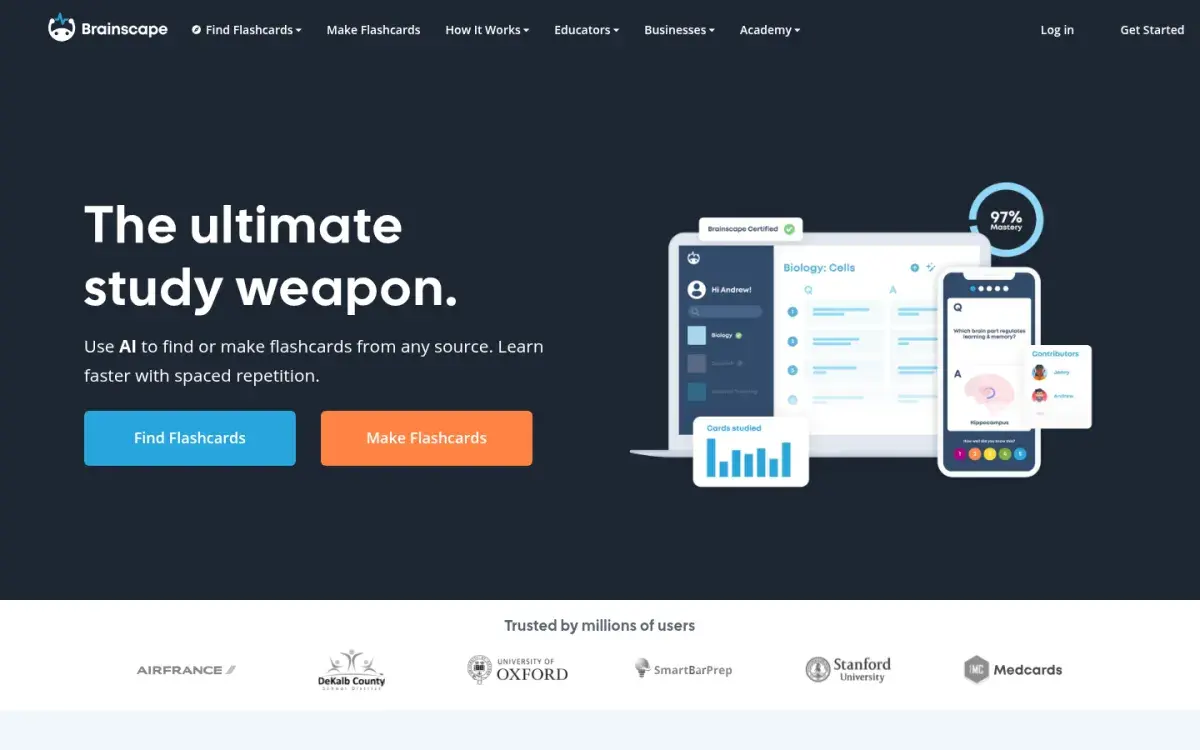
If you want the least fiddly study screen on Android, Brainscape is it: one card, a flip, and a 1–5 confidence rating, with low-rated cards coming back sooner. Expert-made decks cover the MCAT, NCLEX, bar exam, and languages, and there are no ads in the Android app.
Strengths
- Almost nothing to set up
- Expert decks for big exams
- Rated 4.7 on Google Play
Drawbacks
- Scheduling isn't documented
- Image cards and premium decks need Pro
- Offline support not stated
Price: Free for your own text cards. Pro is $7.99/month billed yearly.
5. Knowt: best free Quizlet-style app
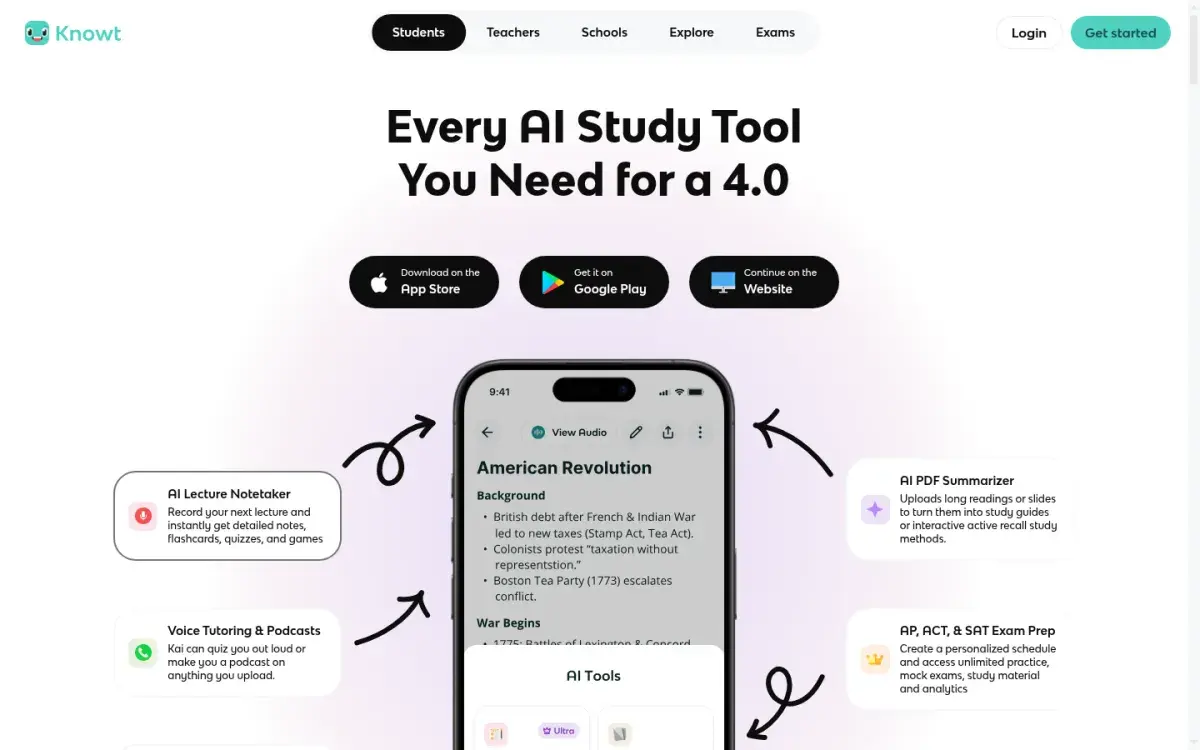
Knowt is the Android pick if you want Quizlet's study modes without paying: it imports Quizlet sets, and its Learn mode and spaced repetition mode are free. The trade-off is ads in the Android app, and AI summaries of PDFs, slides, and lecture recordings need the paid Ultra plan.
Strengths
- Free Learn and spaced repetition modes
- One-click Quizlet import
- Rated 4.6 on Google Play
Drawbacks
- Ads in the Android app
- AI summaries and voice tutor need Ultra
- Ultra costs $149.99 a year
Price: Free. Ultra is $149.99/year or $24.99/month.
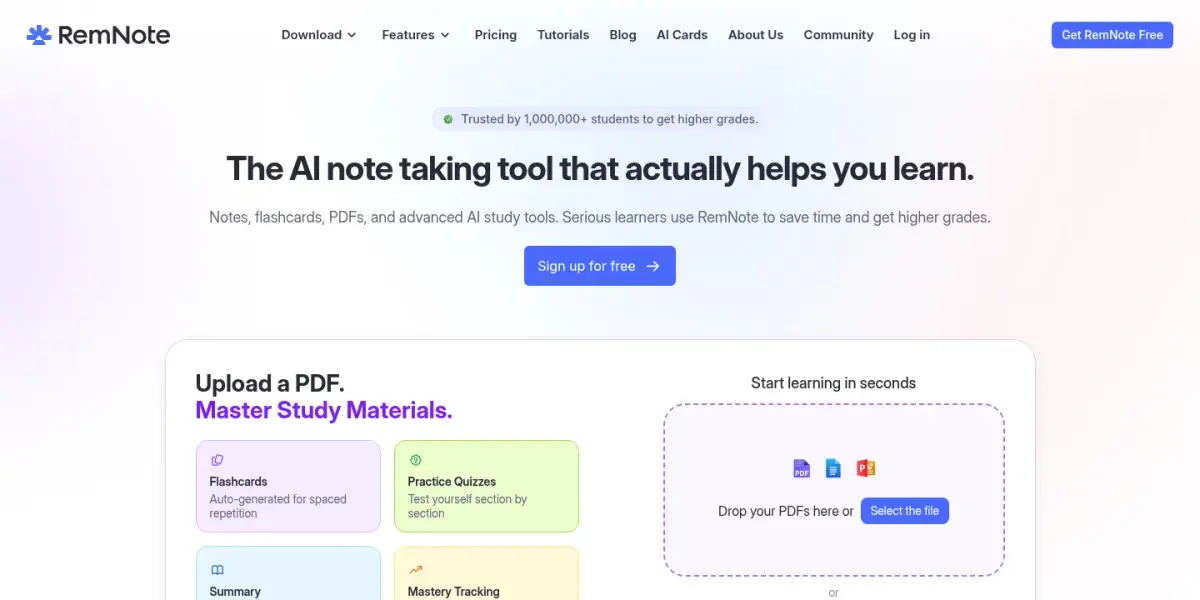
6. RemNote: best if your notes live on your phone too
If you take notes on your phone as well as review there, RemNote keeps both in one app: write a line as a question and answer, and it becomes a card linked to your notes. The Android app works offline, and the scheduler can use SM-2 or FSRS (labeled beta). It's more than you need if you only want flashcards, and our roundup of other apps that pair notes with flashcards compares lighter and heavier options.
Strengths
- Notes and cards in one app
- Offline editing and review
- No ads
Drawbacks
- Steeper learning curve
- Free plan limits PDFs and image occlusion
- Heavier than a plain flashcard app
Price: Free with unlimited notes and cards. Pro is $8/month billed yearly.
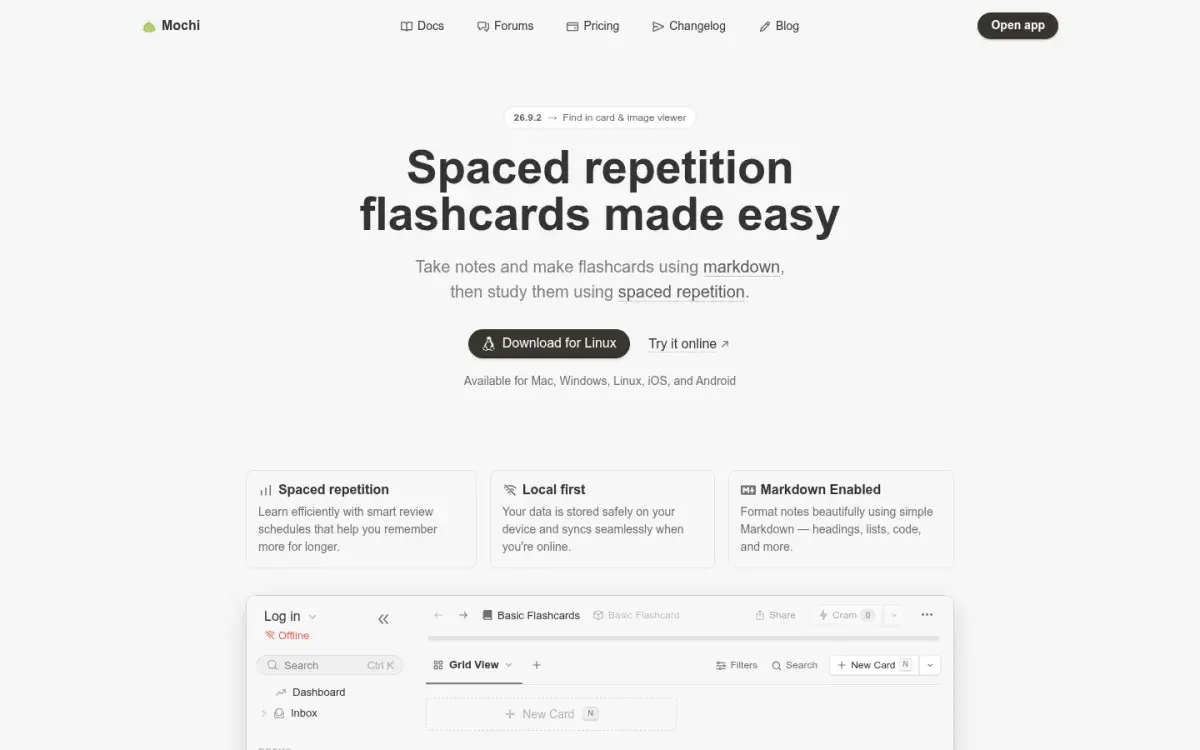
7. Mochi: best offline app without ads
If you want an offline app with no ads and no account, Mochi's free plan gives you unlimited Markdown cards on your phone. It imports Anki decks with their review history and schedules with its own algorithm or FSRS. Syncing between your phone and computer needs Pro.
Strengths
- Free, unlimited, offline
- No ads or account needed
- Imports Anki decks with review history
Drawbacks
- Sync needs Pro
- Small Android user base
- Fewer shared decks
Price: Free. Pro is $5/month billed yearly.
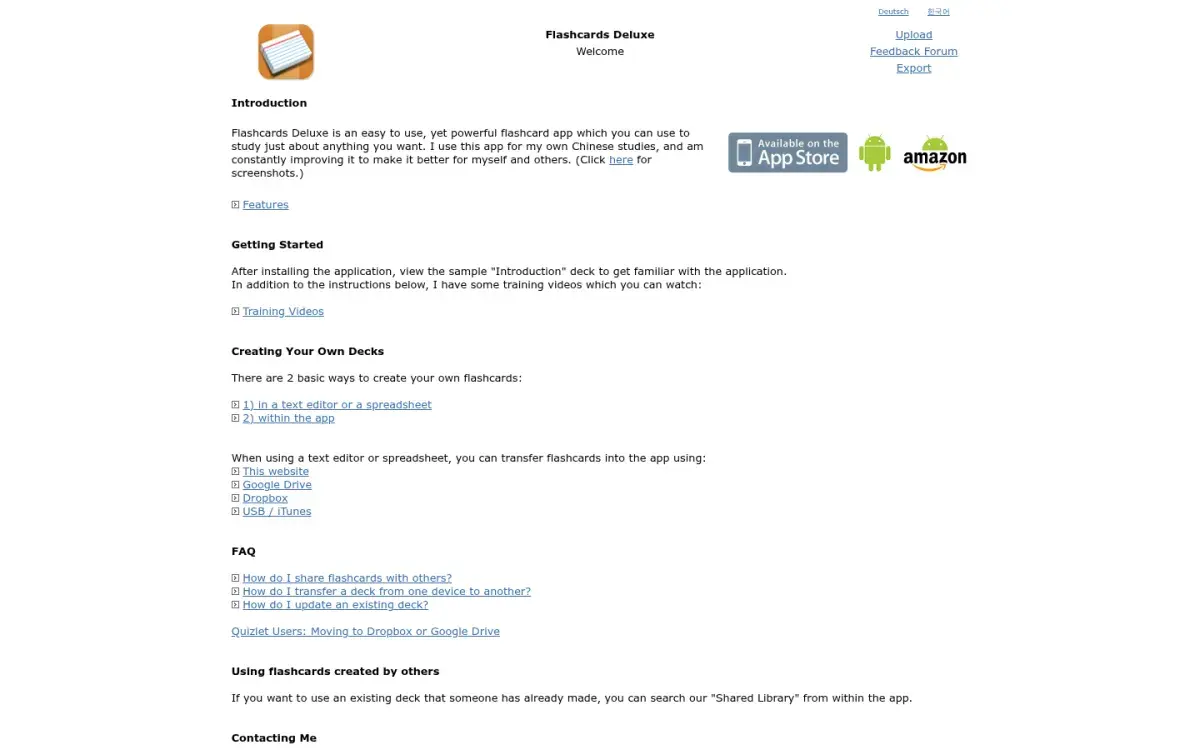
8. Flashcards Deluxe: best one-time purchase
Flashcards Deluxe costs $4.99 once on Google Play, with no subscription. Cards can have up to five sides (term, pronunciation, example sentence, and more), it reads cards aloud with offline text-to-speech, includes multiple-choice and spelling tests, and has optional spaced repetition. You can build cards in a spreadsheet and import them from Google Drive or Dropbox. A free Lite version lets you try it first.
Strengths
- $4.99 once, no subscription
- Up to 5 sides per card
- Offline text-to-speech
Drawbacks
- Dated design
- Spaced repetition is optional, so you must turn it on
- No built-in AI card maker
Price: $4.99 one-time; Lite is free.
What about Noji and Active Recalling?
Noji (formerly Anki Pro) has more than a million installs and a friendly mobile design, but its free version limits daily study and its scheduling isn't documented. Active Recalling, our app, has no Android app. It runs in Chrome on your phone: you upload a PDF or notes on any device, then review its AI-generated flashcards and quizzes in the browser. It needs a connection, since there's no offline mode. If writing cards for AnkiDroid is the part you keep putting off, see our Anki alternative that writes the cards for you.
How to choose the right Android flashcard app
Answer these in order:
- Do you already use Anki on a computer? Get AnkiDroid. Nothing else syncs with your collection.
- Do you want to pay nothing and see no ads? AnkiDroid or Mochi.
- Do you want premade sets for a common course? Quizlet, Knowt, or Brainscape.
- Do you hate subscriptions? Flashcards Deluxe at $4.99 once, or AnkiDroid for free.
- Is making cards your bottleneck? AlgoApp drafts cards from PDFs and photos of your notes, and Brainscape and Knowt have AI card makers too. Check every card before you study it.
For a wider comparison that includes desktop apps, see our guide to the best spaced repetition apps. Studying on an iPhone or iPad as well? See the best flashcard apps for iPhone and iPad.
How to set up AnkiDroid in 15 minutes
- Install the right app. On Google Play, look for "AnkiDroid Flashcards" by the AnkiDroid Open Source Team.
- Create a free AnkiWeb account if you also study on a computer. Sync in AnkiDroid, then in Anki desktop. It doubles as a backup.
- Turn on FSRS. Open a deck's options and enable FSRS. If you also use Anki on a computer or iPhone, update them first: FSRS needs Anki 23.10+, AnkiMobile 23.10+, or AnkiDroid 2.17+ on every device. Leave desired retention at 90%.
- Set new cards per day. Start with 10–20. Anki's manual says that learning 20 new cards a day leads to roughly 200 reviews a day once the deck builds up.
- Add a widget to your home screen so you see how many cards are due.
- Make cards on your computer, review on your phone. Typing on a full keyboard is faster, and cards sync both ways.
- Answer before you flip, out loud or on the whiteboard. Our guide on how to use flashcards effectively covers the card-writing rules, and the FSRS vs SM-2 explainer explains what the scheduler is doing.
Frequently asked questions
What is the best free flashcard app for Android?
AnkiDroid. It's completely free, with no ads, no in-app purchases, and no daily limits, and it works offline. Mochi is a good free alternative with a cleaner interface, though syncing between devices needs its paid plan. Quizlet and Knowt are free too but show ads.
Is AnkiDroid the same as Anki?
AnkiDroid is the official Android version of Anki, made by a volunteer open source team. It reads the same decks and syncs through AnkiWeb with Anki on Windows, Mac, and Linux, and with AnkiMobile on iPhone. Apps such as AlgoApp (formerly AnkiApp) and Noji (formerly Anki Pro) are unrelated and don't sync with Anki.
Which flashcard apps work offline on Android?
AnkiDroid, Mochi, RemNote, AlgoApp, and Flashcards Deluxe all let you study offline. Quizlet's Android app supports offline Flashcards and Match for sets you've saved; it keeps your eight most recent sets automatically. Before a flight or exam trip, open the app in airplane mode to confirm your decks are on the device.
Is Quizlet or AnkiDroid better on Android?
AnkiDroid is better for long-term memory: it schedules every card with spaced repetition, works offline, and costs nothing. Quizlet is better for speed: you can find a ready-made set for most courses in seconds. Many students start with a Quizlet set, then rebuild the important cards in AnkiDroid for reviews across the semester.
Does Active Recalling have an Android app?
No. Active Recalling is a web app that runs in Chrome or any mobile browser on Android. You can upload PDFs, Word documents, screenshots, or notes and review the generated flashcards and quizzes on your phone, but you need an internet connection, because there's no offline mode.
Sources and further reading
Start with the primary research and official guidance below. Links open in a new tab so you can compare the evidence with the article.
- Read source
AnkiDroid Flashcards
Google Play, 2026
- Read source
AnkiDroid changelog
AnkiDroid
- Read source
Deck options (FSRS, new cards per day)
Anki Manual
- Read source
Anki knockoffs
Anki Manual FAQ
- Read source
Studying offline with Quizlet mobile apps
Quizlet Help Center
- Read source
Flashcards Deluxe
Google Play, 2026
- Read source
AlgoApp: AI flashcards and spaced repetition
AlgoApp
- Read source
Mochi pricing
Mochi