

The best AI flashcard generator for most students in 2026 is Knowt, because its free plan lets you study AI-made cards in every mode, including spaced repetition. Choose Gemini Notebook (formerly NotebookLM) if you want cards built strictly from your own PDFs, AnkiDecks if you review in Anki, and RemNote if you want cards inside your notes.
Every tool below can turn notes, slides, or a PDF into a draft deck. They differ in three ways that matter more than speed: how much AI generation the free plan allows, how easy it is to fix bad cards, and whether the app schedules your reviews.
We checked each tool's official site and help pages in October 2026. We didn't run a lab test, so we also give you a 20-minute test to run on your own course material before you pay for anything. If flashcards are only part of what you need, our guide to AI tools for studying covers tutors, quizzes, and mind maps too.
AI flashcard generators compared
| Tool | Best for | Free plan | Cheapest paid plan | Review scheduling |
|---|---|---|---|---|
| Knowt | Free studying | All study modes; AI file summaries capped | $149.99/yr | Spaced repetition mode |
| Gemini Notebook | Cards from your own sources | Yes, usage-limited | Google AI Plus or Pro | Not described by Google |
| AnkiDecks | Anki users | 4 deck generations/mo | $60/yr | FSRS, or export to Anki |
| RemNote | Notes plus cards | 250 AI credits/mo | $96/yr | FSRS |
| Quizlet | Ready-made sets | Limited AI Study Guides | $35.99/yr | Learn mode |
| Brainscape | Phone study | Unlimited manual cards; hundreds of AI cards | $95.88/yr | Confidence-based |
| Gizmo | Game-style quizzing | Core features; 15 Hearts | Weekly or yearly plan | Spaced repetition |
| Active Recalling | Cards, quizzes, mind map together | 1 folder, 3 chapters | $3.99/mo (no yearly plan) | FSRS |
What a year of the cheapest paid plan costs
Annual cost in US dollars, October 2026. Gemini Notebook's AI flashcards are free, and Gizmo doesn't publish its prices.
Source: Official pricing pages, checked October 2026
View data
| Tool | Annual cost (USD) |
|---|---|
| Knowt Ultra | $149.99 |
| RemNote Pro | $96 |
| Brainscape Pro | $95.88 |
| AnkiDecks Pro | $60 |
| Active Recalling Pro | $47.88 |
| Quizlet Plus | $35.99 |
What makes a good AI flashcard?
Before you compare apps, know what you're grading them on. A generator that makes 200 cards in ten seconds isn't helpful if you have to rewrite half of them. Good cards pass four checks:
- One question, one answer. The card tests a single fact or idea.
- Specific enough to answer from memory. You can say the answer before you flip the card.
- Faithful to your source. It keeps the exceptions and numbers your lecture gave.
- No answer in the question. The wording doesn't give the answer away.
Here's what that looks like with typical AI output from a cardiovascular lecture:
| AI card | Problem | Better version |
|---|---|---|
| What is the cardiovascular system and how does it work? | Too broad to answer from memory | Which heart chamber pumps oxygenated blood into the aorta? → Left ventricle |
| Arteries carry oxygenated blood. True or false? | Drops the exception the lecture taught | Which artery carries deoxygenated blood? → The pulmonary artery |
| What does ATP synthase synthesize? | Answer is in the question | Which enzyme uses the proton gradient to make ATP? → ATP synthase |
| List the four steps of cellular respiration. | Four answers on one card | What step comes after glycolysis? → Pyruvate oxidation |
The fixes take seconds per card, but only if the app makes editing easy. That's why editing matters as much as generation in the reviews below. For more on writing cards that stick, see how to use flashcards effectively. If you draft cards in a chatbot instead, our guide to making flashcards with Claude has a prompt that builds these four checks in.
The 8 best AI flashcard generators
1. Knowt: best free AI flashcard generator
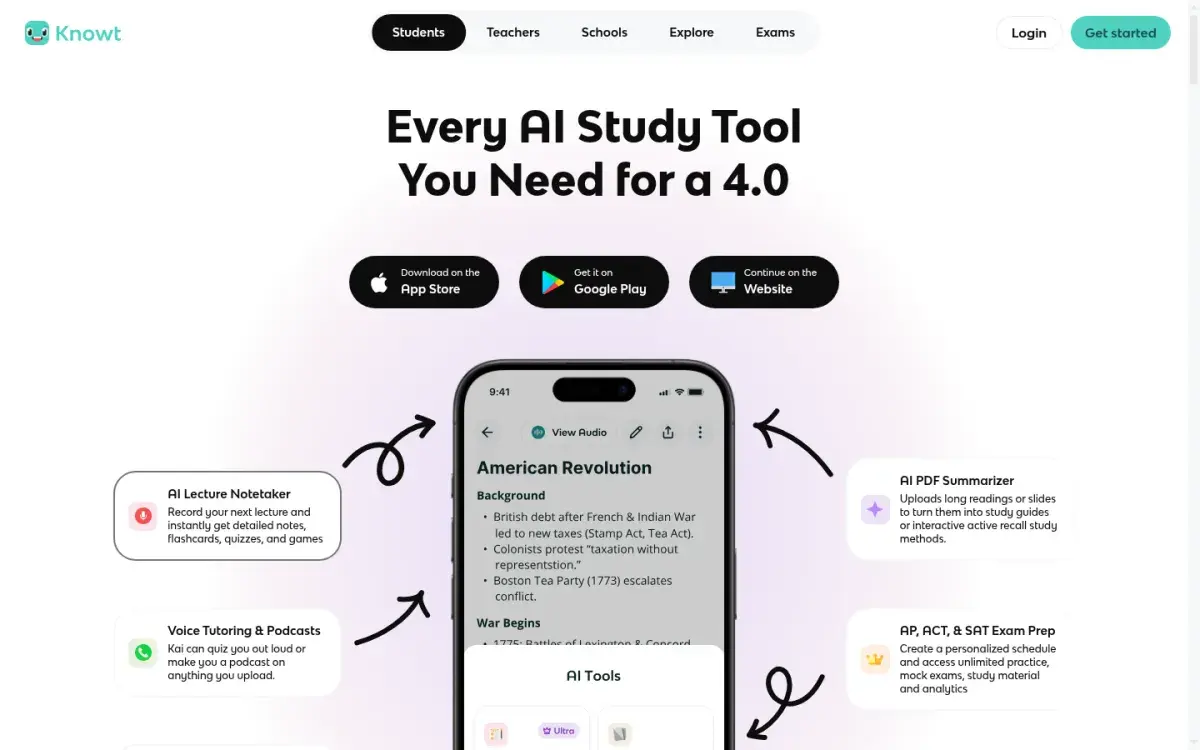
Knowt began as a free alternative to Quizlet and it still has the most generous free studying. Paste notes or upload a PDF or PowerPoint, and it drafts term-and-definition cards. On the free plan you can study your own sets in every mode: Learn, Practice Test, Match, and Spaced Repetition. It also imports Quizlet sets.
The catch is AI volume. Free AI summaries of PDFs, slides, images, videos, and recordings are capped at one a month, which limits how much you can generate from files. Settings → Your Plan shows when your allowance resets, so check it before you upload a whole semester.
Strengths
- Every study mode free on your own sets
- Spaced Repetition mode included free
- Imports Quizlet sets
Drawbacks
- AI file summaries capped on the free plan
- Ad-free studying needs Ultra
- Ultra is $24.99 if paid monthly
Price: Free. Ultra is $149.99/year or $24.99/month.
2. Gemini Notebook: best for cards from your own PDFs
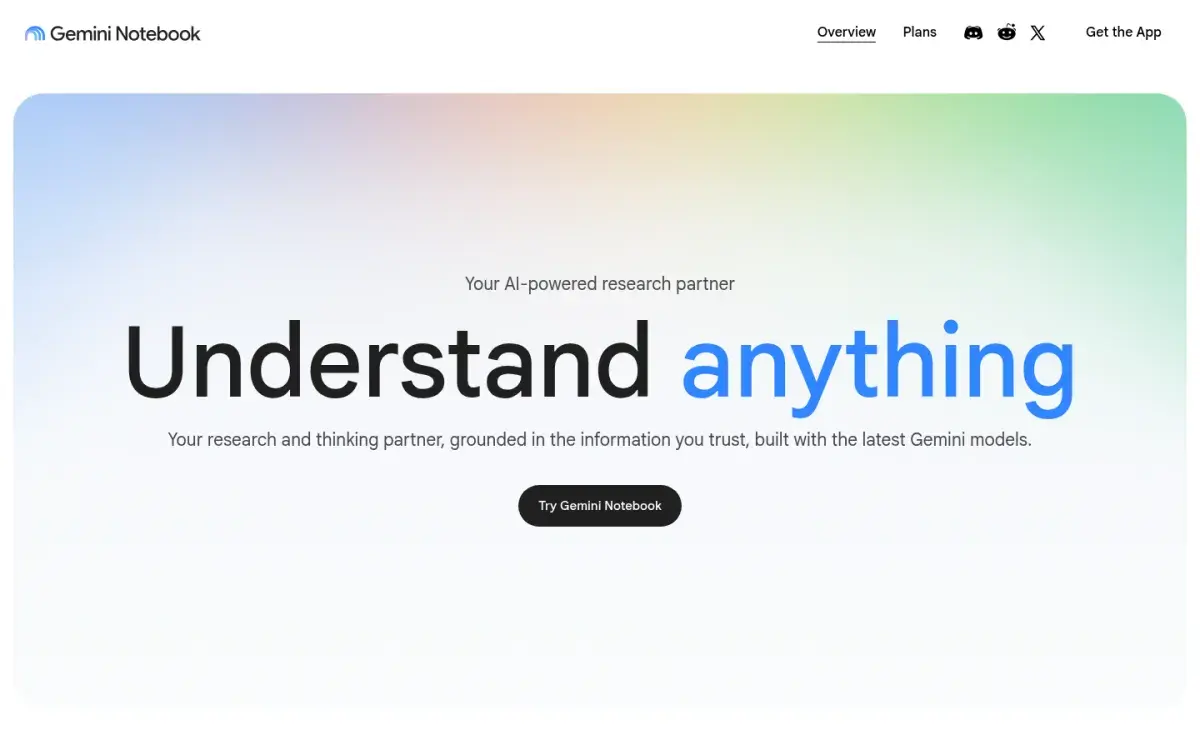
Gemini Notebook, which Google renamed from NotebookLM in July 2026, answers only from the sources you add. That makes its flashcards unusually faithful to your material: if a fact isn't in your slides, it shouldn't appear on a card. It accepts PDFs, Google Docs and Slides, Word files, web pages, public YouTube videos, and audio.
You can ask the notebook to explain any card in more detail, and since September 2026 you can edit or add cards and ask the notebook chat where to focus next. Google doesn't describe a review schedule for these cards, so if you need to keep material for months, copy your best ones into a spaced-repetition app.
Strengths
- Cards come only from your sources
- Free with a Google account
- Same notebook also makes quizzes and study guides
Drawbacks
- No long-term review schedule described
- Usage limits are compute-based, so hard to predict
- Not a full flashcard app
Price: Free, with usage limits that refresh every five hours. Google AI Plus doubles them and AI Pro quadruples them. US college students can get a free year of Google AI Pro if they redeem by December 31, 2026.
3. AnkiDecks: best for Anki users
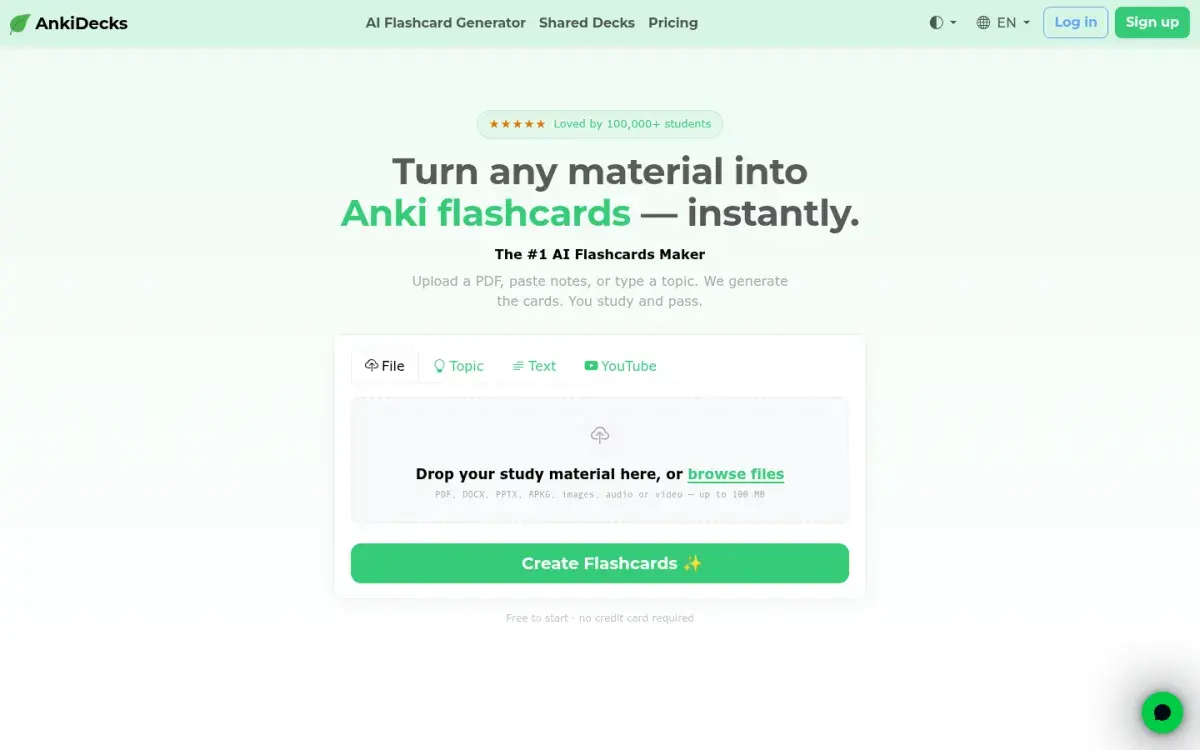
AnkiDecks is a separate site that turns PDFs, PowerPoints, Word files, images, audio, video, and YouTube links into question-and-answer, cloze, or multiple-choice cards. Every plan, including free, exports .apkg files that open in Anki on desktop and mobile. You can also study in the browser with its built-in FSRS scheduler. The site states it isn't affiliated with Anki.
It can also create image-occlusion cards from labeled diagrams, which matters for anatomy and maps. If you're happy in Anki and only hate making cards, this is the shortest path. Our Anki alternatives guide covers what to do if Anki itself is the problem.
Strengths
- Exports .apkg files on every plan
- Cloze, multiple-choice, and image-occlusion cards
- Built-in FSRS study mode
Drawbacks
- Free plan: 4 generations a month, 10-page files
- Another account to manage alongside Anki
- No note-taking; it's built to feed Anki
Price: Free for 4 deck generations a month. Pro is $5/month billed yearly ($60) or $7.99 monthly, with 50 generations and 100-page files.
4. RemNote: best for notes and flashcards in one place
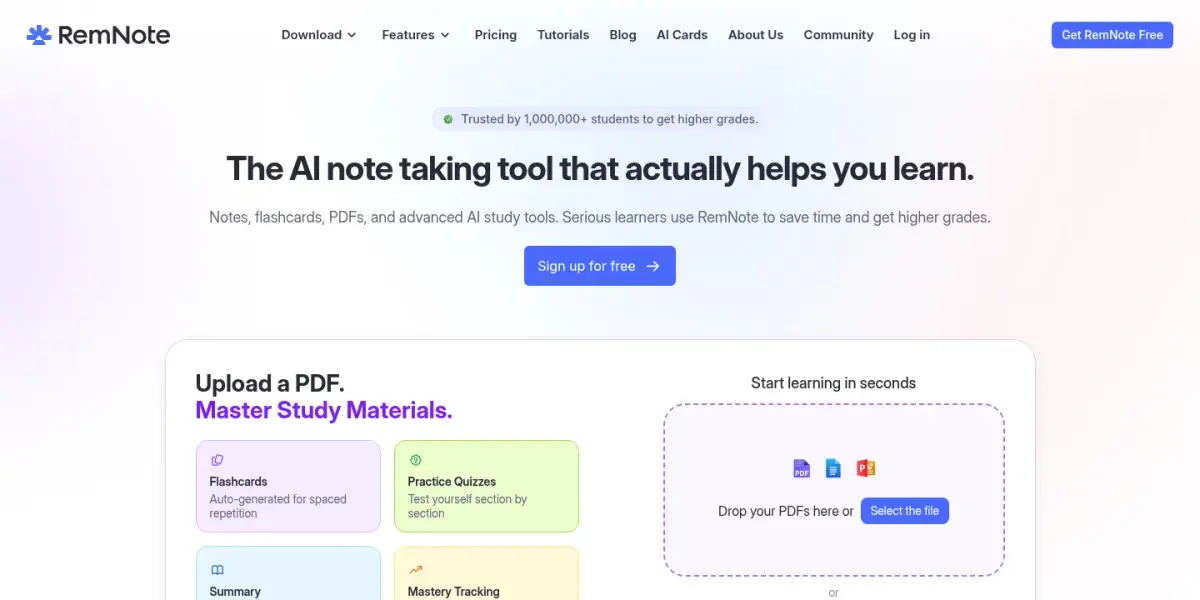
RemNote is a note-taking app where any line can become a flashcard. Its AI makes cards from text, PDFs, and slides, and the same AI credits power practice quizzes. Reviews use spaced repetition with FSRS, and it imports Anki decks with their review history.
It suits students who want their cards linked to the notes they came from. The trade-off is more to learn than a plain flashcard app.
Strengths
- Cards live inside your notes
- FSRS scheduling
- Imports Anki decks with history
Drawbacks
- Free plan has 250 AI credits a month
- Steeper learning curve
- Large AI allowances need Pro with AI ($216/yr)
Price: Free with 250 AI credits a month. Pro is $8/month billed yearly ($96) with 1,000 credits; Pro with AI is $18/month billed yearly.
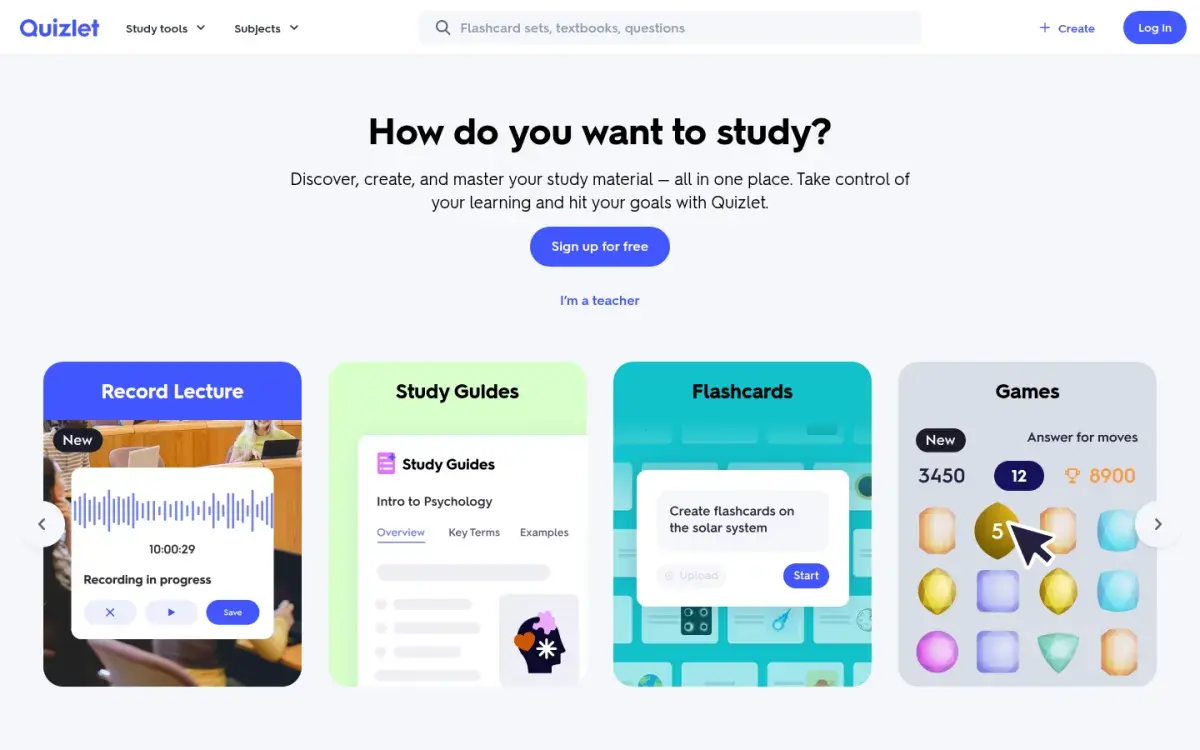
5. Quizlet: best for ready-made sets
Quizlet's strength is still its library: for many intro courses, someone has already made a set. Its AI Study Guides (formerly Magic Notes) turn uploaded notes into an outline and a flashcard set you can edit. Free users get limited access, and in the US, Study Guides are open to users aged 14 and over.
Learn mode adapts to your answers, but you get less control over long-term spacing than in Anki or RemNote. Our Quizlet alternatives guide covers apps that fix that.
Strengths
- Huge library of shared sets
- Very low learning curve
- Practice tests with a time limit
Drawbacks
- AI features limited on the free plan
- Less control over review spacing
- No Anki import
Price: Free with ads. Plus is $35.99/year or $7.99/month; Plus Unlimited is $44.99/year.
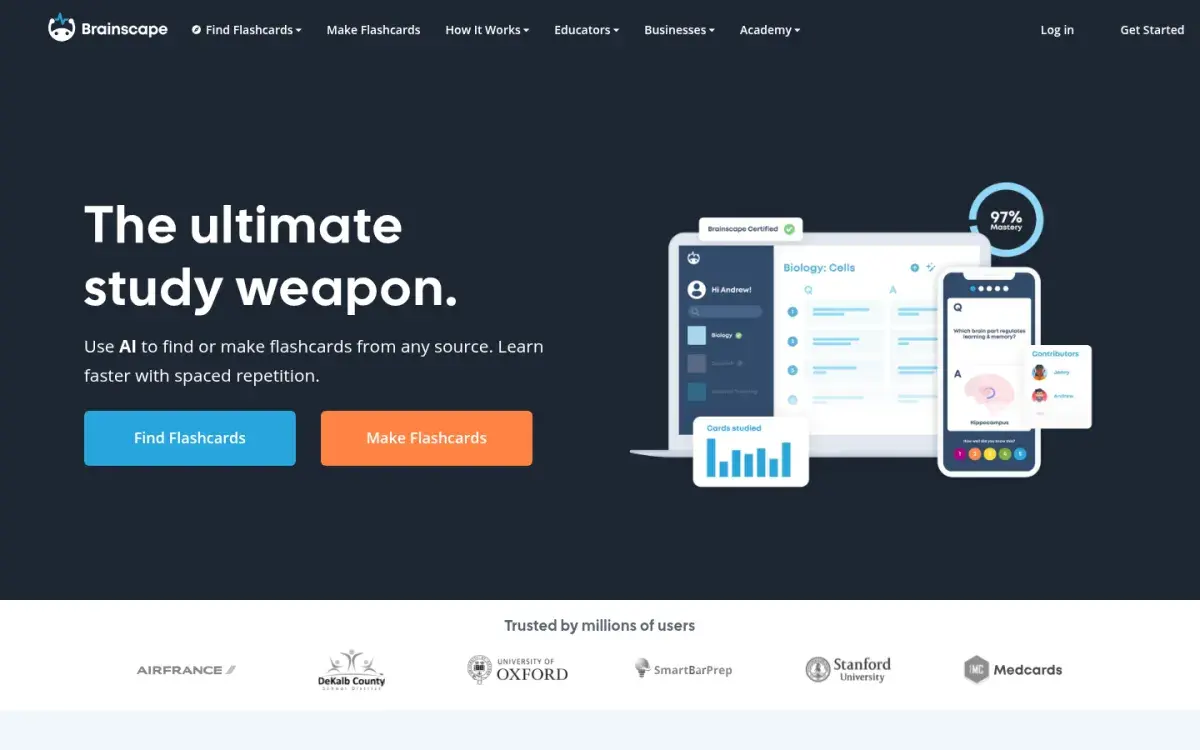
6. Brainscape: best for studying on your phone
Brainscape asks you to rate your confidence from 1 to 5 after each card and brings back low-rated cards sooner. Its phone apps are polished. The free plan lets you make hundreds of AI cards; Pro makes AI generation unlimited. Pro also includes Flashcard Copilot, which helps you write one card at a time instead of generating a whole deck, so you keep doing the thinking.
Strengths
- Excellent iPhone and Android apps
- Simple confidence-based repetition
- Hundreds of AI cards on the free plan
Drawbacks
- Unlimited AI and Flashcard Copilot need Pro
- Scheduling is less transparent than FSRS
- No Anki import
Price: Free for unlimited cards you write and hundreds made with AI. Pro is $7.99/month billed yearly.
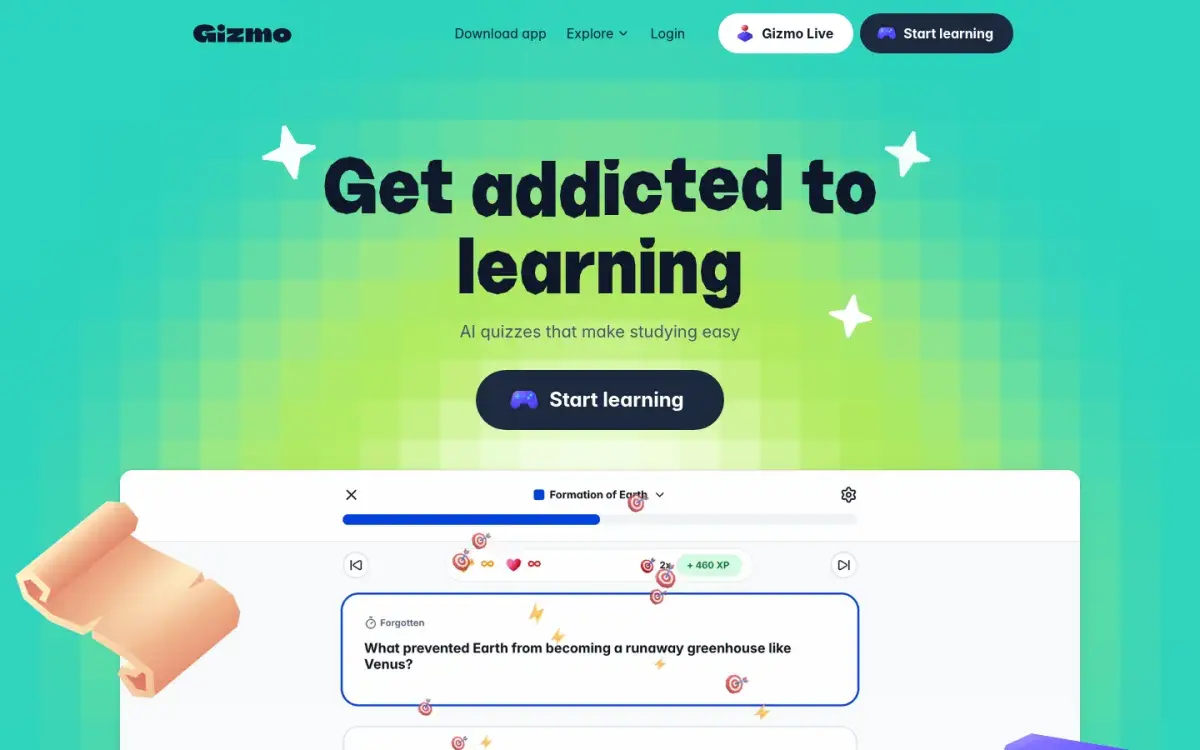
7. Gizmo: best for game-style quizzing
Gizmo turns notes, PDFs, slides, YouTube videos, or Quizlet sets into flashcards you quiz in a game: you earn XP for right answers, and the free plan gives you up to 15 Hearts in Memorise mode, so wrong answers eventually pause your session. Reviews follow spaced repetition. Free accounts also get limited AI Tutor use and a 20-minute wait between imports.
Strengths
- Game format keeps short sessions going
- Imports from PDFs, slides, YouTube, and Quizlet
- Core card creation is free
Drawbacks
- Hearts limit how long you can review for free
- Prices aren't published on its site
- Less control over card format
Price: Core features are free. Unlimited is sold as a weekly plan or a one-time yearly payment; Gizmo's help pages don't list the price.
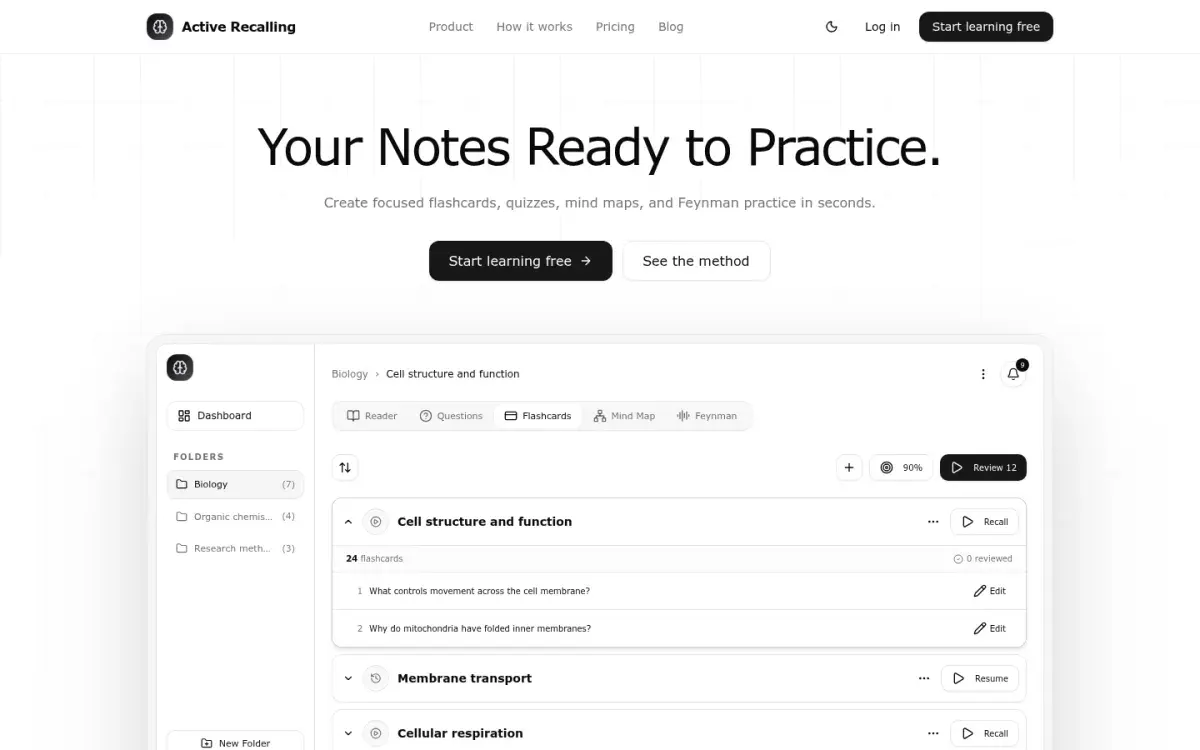
8. Active Recalling: best for cards, quizzes, and a mind map from one upload
This is our app, so weigh this section accordingly. You add a PDF, Word file, screenshot, pasted notes, or a web page to a chapter, and it generates flashcards, four-option quiz questions, a mind map, and a Feynman exercise where you explain the topic aloud. Cards and questions are editable, and reviews are scheduled with FSRS.
Strengths
- Flashcards, quizzes, and a mind map from one source
- Editable cards with FSRS scheduling
- Pro is $3.99/month
Drawbacks
- No Anki or Quizlet import
- Web app only (works in mobile browsers)
- No YouTube links, image occlusion, or shared deck library
Price: Free for 1 folder with up to 3 chapters. Pro is $3.99/month. See our AI flashcard generator page for how it works.
How to choose an AI flashcard generator
Work through these in order:
- Already use Anki? Use AnkiDecks to make cards and keep reviewing in Anki. Our FSRS vs SM-2 explainer shows how to tune the schedule.
- Studying mainly from PDFs and slides? Start with Gemini Notebook for faithful cards, or Active Recalling if you also want quizzes. Our PDF to flashcards guide covers cleaning up files first. To question a PDF before you make cards, try tools that let you chat with a PDF.
- Need diagrams or anatomy? Pick a tool with image occlusion, such as AnkiDecks or RemNote.
- Want zero cost? Knowt for studying, Gemini Notebook for generating.
- Hate studying at a desk? Brainscape or Gizmo, both of which have native phone apps.
The 20-minute test to run before you pay
Free plans are small, so don't burn them on easy material. Use one chapter that already gives you trouble and run it through two or three tools.
- Pick a 3–5 page section that contains a definition, a process with steps, a number or formula, and one diagram.
- Generate cards in each tool from the same file. Don't change the settings yet.
- Score 20 cards from each tool. Give one point for each card that passes all four checks above without editing.
- Look for the hard parts. Did the formula survive? Did the tool make a card from the diagram, or skip it? Did it keep the exception?
- Time your edits. Fix five bad cards in each app. If editing is slow, you'll stop doing it.
- Check the review step. Does the app schedule the next review, or do you have to remember?
The tool with the highest score and the fastest edits wins, whatever the rankings say. Then build the habit around it: our notes-to-flashcards workflow shows the weekly routine, and the spaced repetition guide explains how often to review.
Frequently asked questions
What is the best free AI flashcard generator?
Knowt is the best free option for most students, because you can study AI-made cards in every mode, including spaced repetition, without paying. Gemini Notebook is the best free generator if you want cards drawn strictly from your own PDFs and slides, though it doesn't schedule long-term reviews.
Can ChatGPT make flashcards?
Yes. Paste your notes and ask for one-fact question-and-answer pairs, or upload a file. ChatGPT won't schedule reviews, so you'll need to copy the cards into a flashcard app. Dedicated generators save that step and make it easier to edit and review the cards.
Can I export AI flashcards to Anki?
AnkiDecks exports .apkg files on every plan, including free, and Revisely lists Anki export on its paid plan. Most other tools, including Knowt, Quizlet, and Active Recalling, don't export Anki packages, though some let you export plain text that Anki can import without review history.
Are AI-generated flashcards accurate?
Mostly, but not reliably enough to skip checking. Common errors are dropped exceptions, wrong numbers, garbled formulas, and cards about filler text. Tools that answer only from your sources make fewer unsupported claims. Spot-check every card against your notes before your first review.
How many flashcards should I make from one lecture?
There's no fixed number, but fewer, sharper cards beat a huge generated deck. As a rule of thumb, start with the definitions, processes, and numbers your lecturer emphasized, delete anything you already know cold, and add cards later for questions you miss on quizzes.
Sources and further reading
Start with the primary research and official guidance below. Links open in a new tab so you can compare the evidence with the article.
- Read source
What's included in the free plan for students
Knowt Help Center, 2026
- Read source
Knowt plans
Knowt, 2026
- Read source
Sharpen your study routine with new Gemini Notebook tools
Google, 2026
- Read source
AnkiDecks pricing
AnkiDecks, 2026
- Read source
RemNote pricing
RemNote, 2026
- Read source
Brainscape pricing
Brainscape, 2026
- Read source
Flashcard Copilot: why Brainscape built AI that doesn't replace your thinking
Brainscape, 2026
- Read source
What do I get with Gizmo Unlimited?
Gizmo Help, 2026
- Read source
Studying with Study Guides
Quizlet Help Center, 2026