
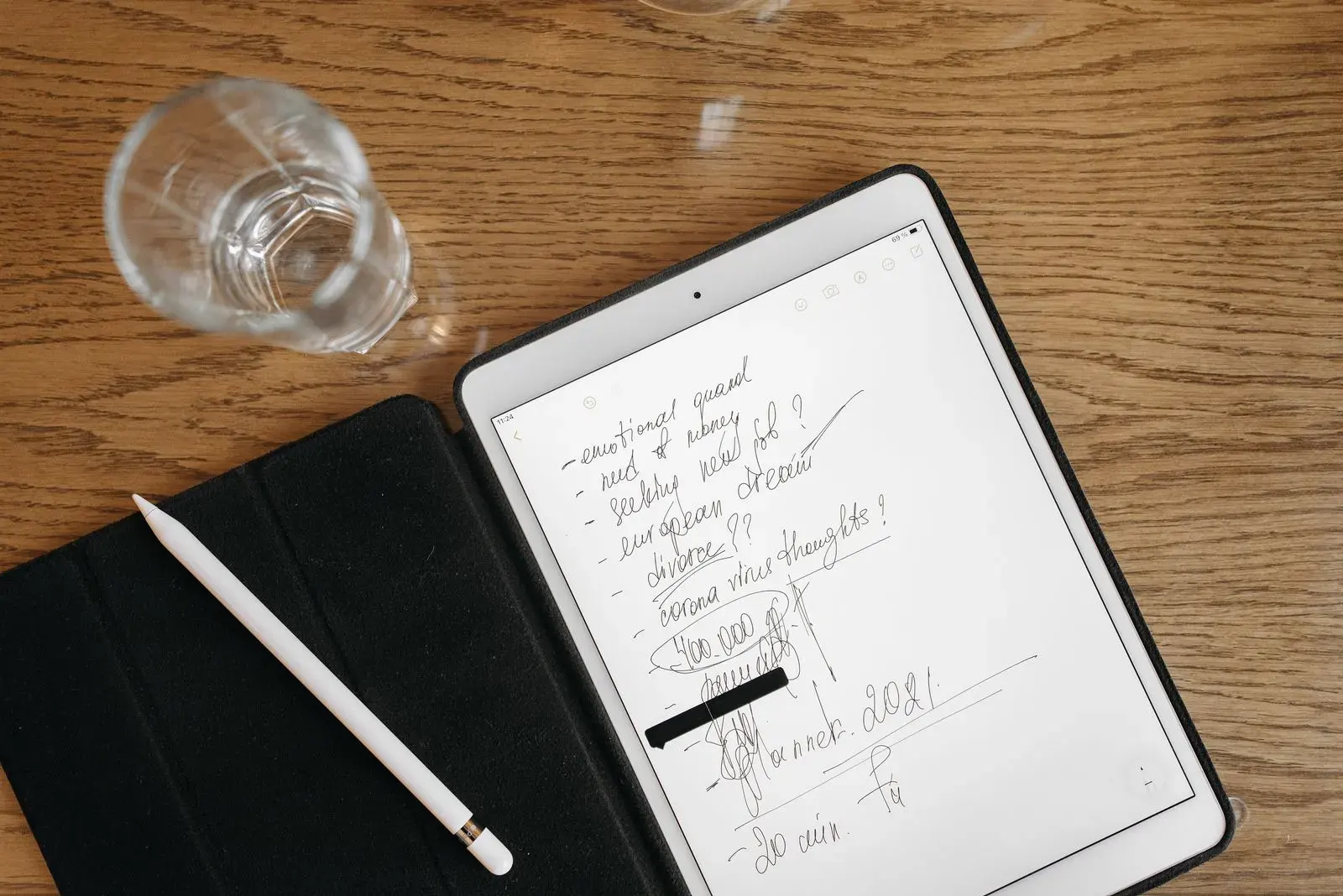
The best flashcard app for iPhone and iPad is AnkiMobile, the official iOS version of Anki. It's a one-time $24.99 purchase in the US, it uses the same SM-2 and FSRS scheduling as desktop Anki, it has an Apple Pencil scratchpad, and it syncs with Anki on your computer. If you don't want to pay, AlgoApp is the best free spaced repetition app, and Brainscape and Quizlet are the easiest to start.
Most "best iPhone flashcard app" lists are years out of date. We checked every app below on the US App Store and each official site in October 2026: price, in-app purchases, Apple Pencil support, offline study, and scheduling.
iPhone and iPad flashcard apps compared
| App | US App Store price | Offline study | Apple Pencil | Rating |
|---|---|---|---|---|
| AnkiMobile | $24.99 one-time | Yes | Scratchpad, drawn images | 4.0 |
| AlgoApp | Free; Unlimited $29.99/yr | Yes | Photos of handwriting to AI cards | 4.7 |
| Brainscape | Free; Pro via in-app purchase | Not stated | — | 4.8 |
| Quizlet | Free; Plus via in-app purchase | Flashcards and Match | — | 4.8 |
| Knowt | Free; Ultra via in-app purchase | Not stated | — | 4.7 |
| RemNote | Free; Pro via in-app purchase | Yes | Handwritten documents | 4.8 |
| Mochi | Free; Pro via website | Yes (free) | — | 4.6 |
| Goodnotes | Free (3 notebooks); from $11.99/yr | Not stated | Handwritten study sets | 4.7 |
| Flashcards Deluxe | $4.99 one-time | Yes | — | 4.5 |
Ratings are App Store averages in October 2026. A dash means the app doesn't advertise Apple Pencil features for flashcards.
What makes a flashcard app good on iPhone and iPad?
- Real spaced repetition. The app should schedule each card from your answers and let you cap new cards per day. A daily limit is what keeps the review pile manageable.
- Sync across iPhone, iPad, and computer. Most people make cards on a laptop and review on a phone. Check that edits sync both ways.
- Offline study. Phones get used on the subway and on flights. Test airplane mode before you depend on it.
- Apple Pencil, if you're on iPad. Writing a chemical structure, a kanji, or a free-body diagram from memory is a better test than recognizing it. Few apps support this well.
- Honest pricing. Several apps charge more through the App Store than on their website.
Subscriptions cost more through the App Store
Before you tap "Subscribe" inside an app, check the company's website. As of October 2026, the App Store lists RemNote Pro Yearly at $149.99, while remnote.com charges $96 a year for Pro. Quizlet's in-app purchase list shows Quizlet Plus at up to $44.99 without naming the billing period; on quizlet.com, Plus is $35.99 a year.
The 9 best flashcard apps for iPhone and iPad
1. AnkiMobile: best overall
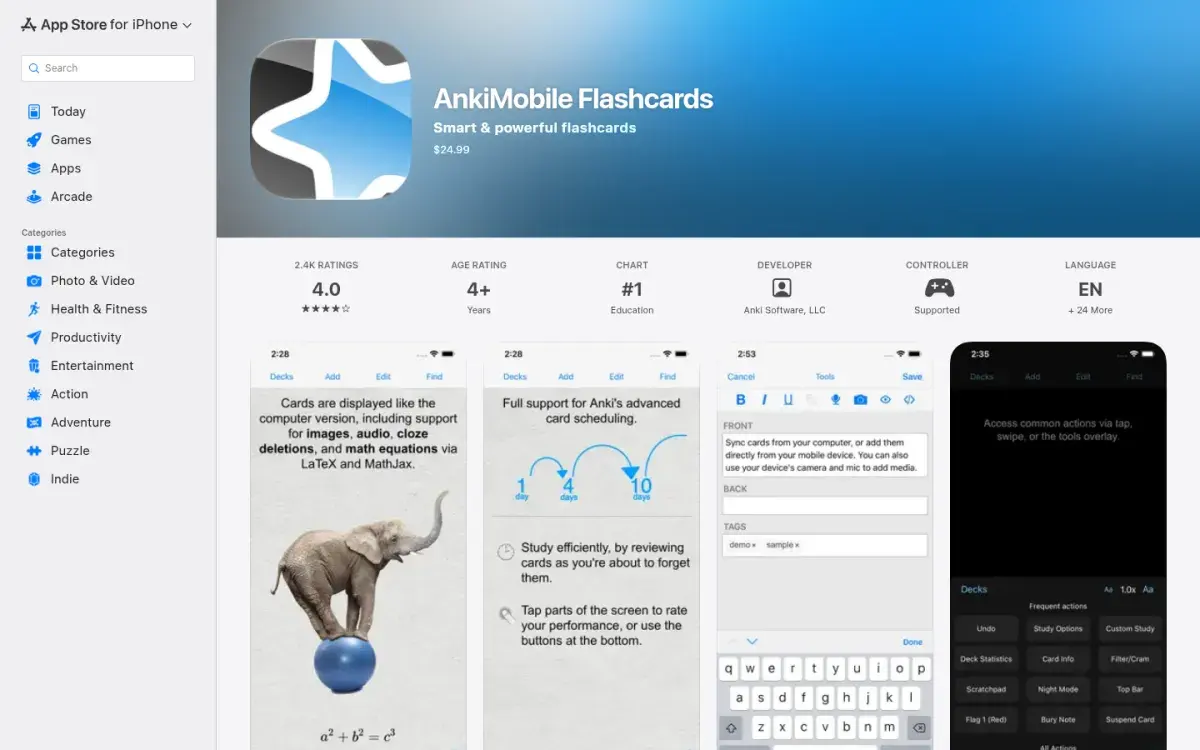
AnkiMobile is made by Anki's developer, and its sales fund the free desktop and web versions. It supports images, audio, cloze cards, MathJax, and LaTeX, uses the same SM-2 and FSRS scheduling as desktop Anki, and syncs through a free AnkiWeb account. The scratchpad lets you write answers by finger or Apple Pencil (pressure-sensitive on iPad), and you can add Pencil drawings to cards.
One purchase covers up to five of your iOS devices on the same Apple ID, and it works with Family Sharing. Anki's developer says a price cut or sale is unlikely.
Strengths
- Same scheduling as desktop Anki, including FSRS
- Apple Pencil scratchpad
- One price for up to five devices
Drawbacks
- $24.99 up front
- Built as a companion to desktop Anki
- Steep learning curve
Price: $24.99 one-time (US). Not sure yet? Use AnkiWeb in Safari for free first, then buy once you're hooked.
2. AlgoApp: best free app with FSRS
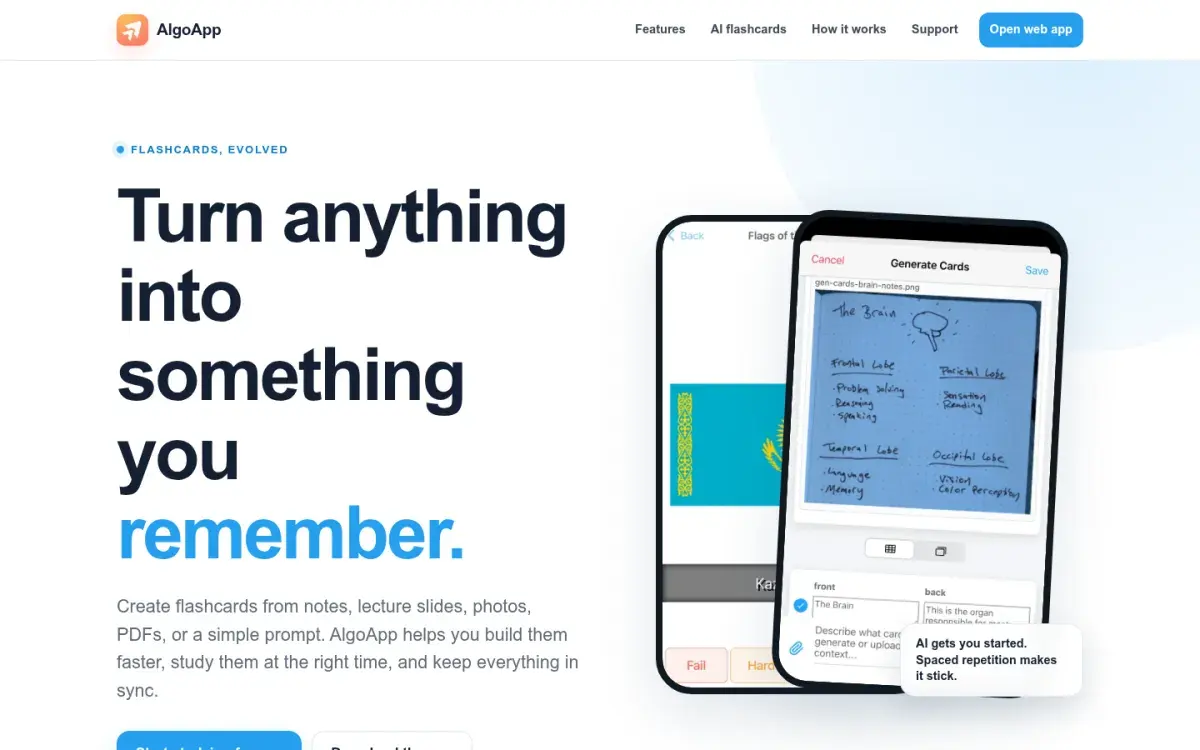
If you want FSRS without paying $24.99 up front, AlgoApp is the free route. Formerly called AnkiApp, it uses FSRS by default, works offline, imports Anki .apkg and CSV files, and syncs across iPhone, iPad, Mac, Windows, Android, and the web. Its AI can turn a photo of handwritten notes or a PDF of slides into draft cards. It's a separate company from Anki and doesn't sync with AnkiWeb, so don't buy it expecting your Anki collection to appear.
Strengths
- FSRS by default
- Offline, with sync on every platform
- No ads
Drawbacks
- Free plan caps daily reviews and devices
- Not compatible with Anki sync
- Lifetime plan is $149.99
Price: Free. Unlimited is $29.99/year (also $9.99/month or $149.99 lifetime in the App Store).
3. Brainscape: most polished app
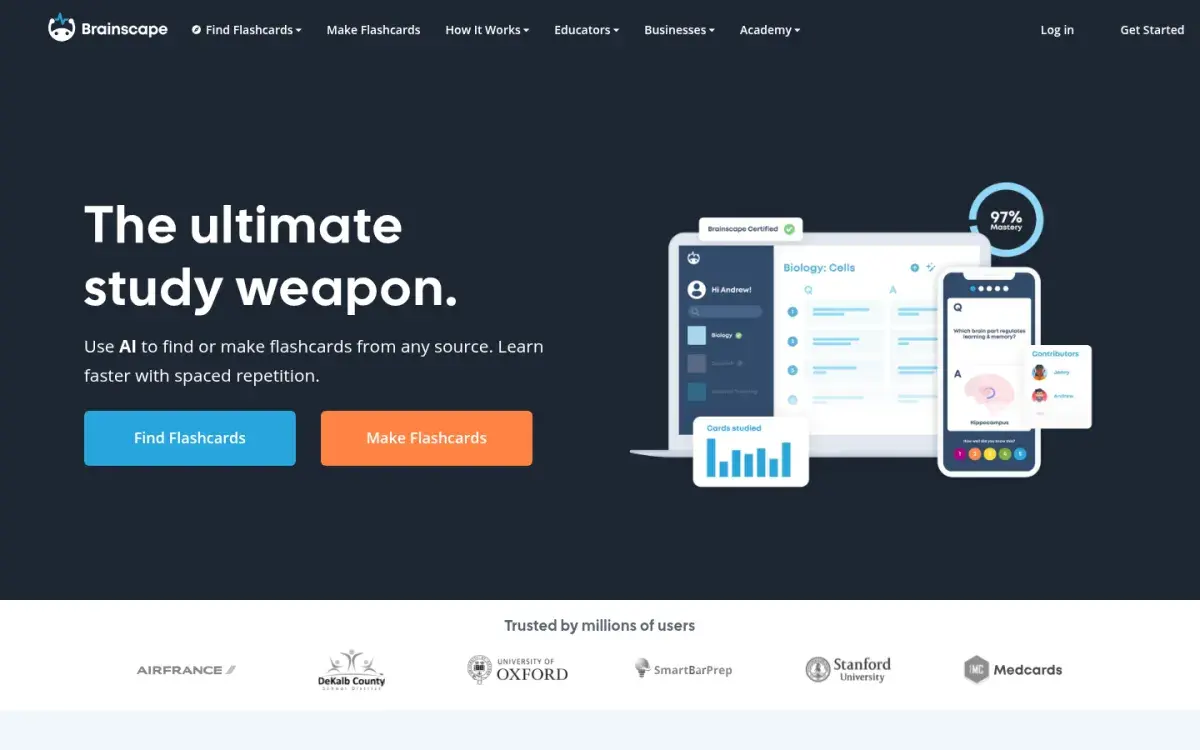
Brainscape's study screen is simple: see the card, think, flip, and rate your confidence from 1 to 5. Low-confidence cards come back sooner. The free plan covers unlimited cards you make yourself, with AI help to draft them, and Brainscape sells expert-made "certified" decks for big exams.
Strengths
- Clean, fast iPhone app
- Expert decks for big exams
- Free AI card creation
Drawbacks
- Scheduling isn't documented
- Image cards need Pro
- Pro is pricier than most
Price: Free for your own cards. Pro is $7.99/month billed yearly on the website; in the App Store it's $19.99 a month or $95.99 a year.
4. Quizlet: best for ready-made sets
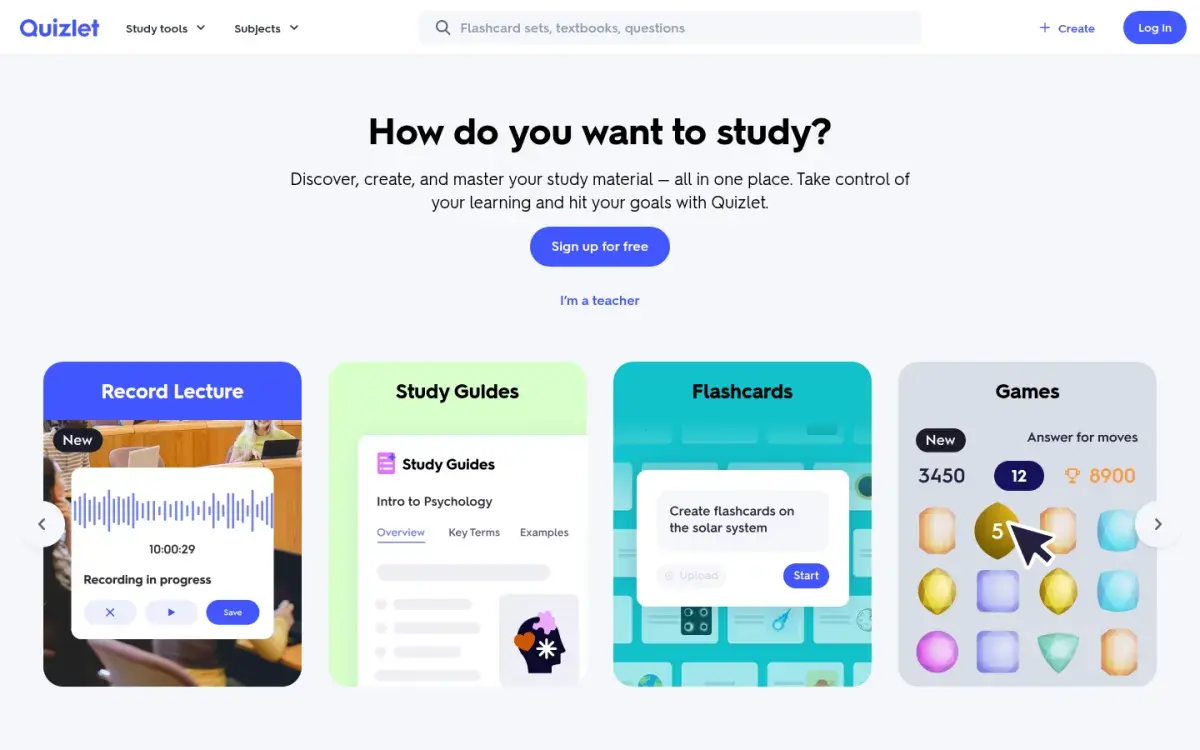
Quizlet has over a million App Store ratings and a set for nearly every course. On iPhone and iPad you can study Flashcards and Match offline; the app saves your eight most recent sets automatically. Spacing is the weak point: you can't see or adjust when old cards come back.
Strengths
- Huge library of shared sets
- Offline Flashcards and Match
- Very easy to start
Drawbacks
- Spacing isn't visible or tunable
- Plus caps Learn and practice tests
- Ads on the free plan
Price: Free. On quizlet.com, Plus is $35.99/year and Plus Unlimited is $44.99/year.
5. Knowt: best free Quizlet-style app
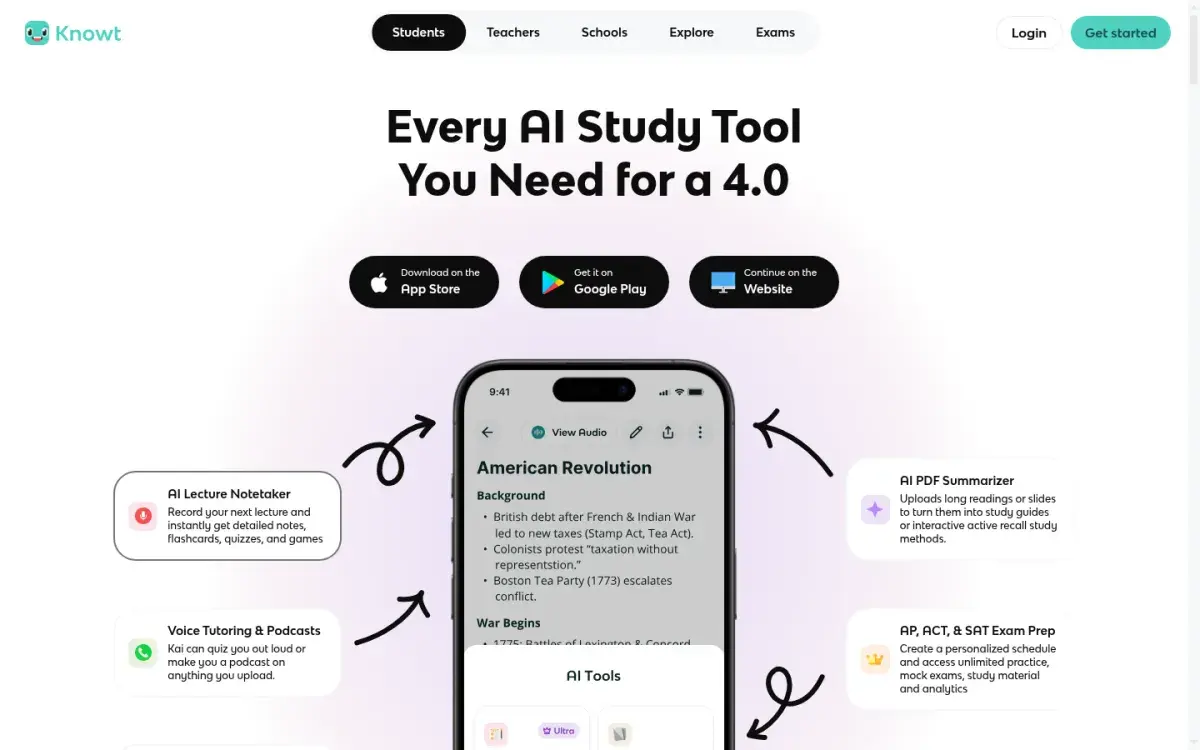
If you want Quizlet-style studying on iPhone without paying, Knowt imports Quizlet sets and includes Learn mode and a spaced repetition mode for free, with ads. AI summaries of PDFs, slides, and lecture recordings are part of the paid Ultra plan.
Strengths
- Free Learn and spaced repetition modes
- One-click Quizlet import
- Rated 4.7 in the App Store
Drawbacks
- Ads on the free plan
- AI summaries and voice tutor need Ultra
- Ultra is $24.99 if paid monthly
Price: Free. Ultra is $149.99/year or $24.99/month on knowt.com.
6. RemNote: best for notes, PDFs, and cards on iPad
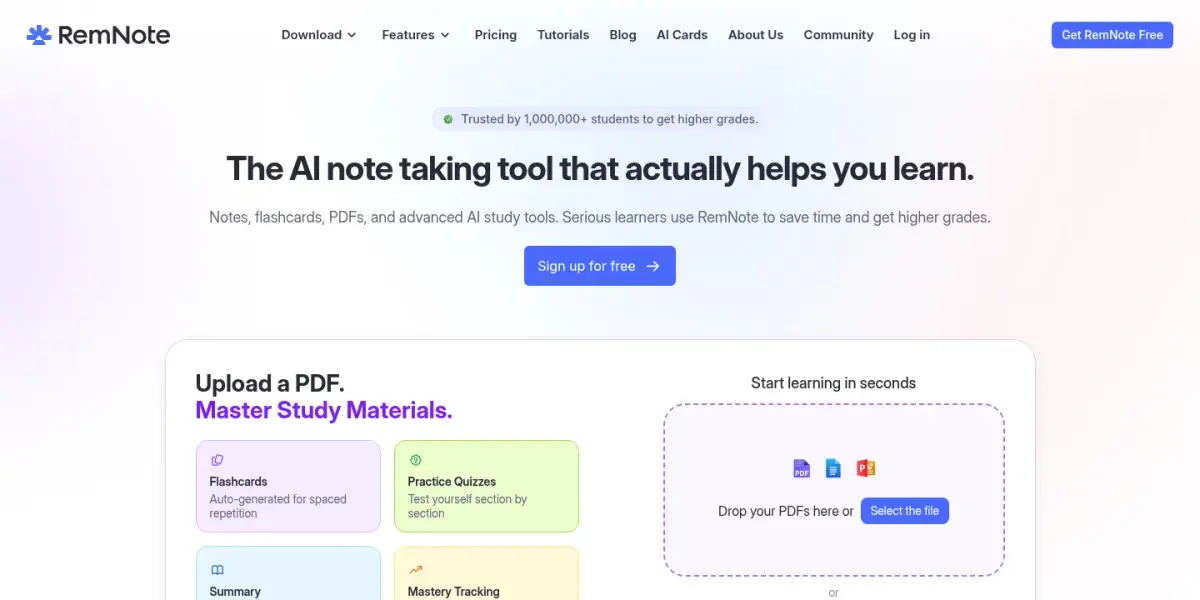
RemNote is a notes app where any line can become a flashcard, which suits iPad users who read and annotate PDFs. It works offline, supports handwritten documents (one on the free plan), and can schedule with SM-2 or FSRS.
Strengths
- PDFs, notes, and cards side by side on iPad
- Works offline
- Handwritten documents with Apple Pencil
Drawbacks
- Steeper learning curve
- Much cheaper on the website than in the app
- Free plan limits PDFs and image occlusion
Price: Free. Pro is $8/month billed yearly ($96) on remnote.com.
7. Mochi: best minimal app
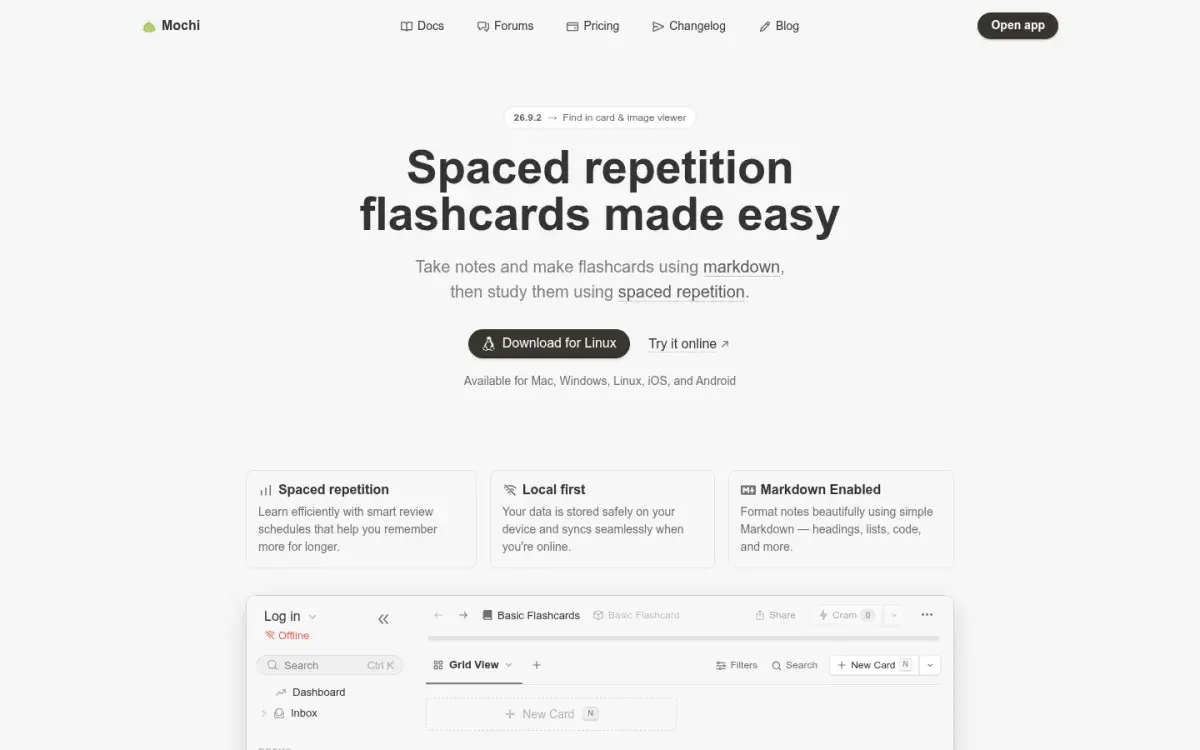
If you want a minimal app that works on a plane, Mochi's free plan includes unlimited cards and offline study on iPhone and iPad, with no ads. Cards are written in Markdown (with math support), Anki decks import with their review history, and you can switch to FSRS. Sync between devices needs Pro.
Strengths
- Free, unlimited, offline
- Markdown cards with math support
- Imports Anki decks with review history
Drawbacks
- Sync between devices needs Pro
- Small community and few shared decks
- Plain, no-frills interface
Price: Free. Pro is $5/month billed yearly.
8. Goodnotes: best for handwritten flashcards with Apple Pencil
Goodnotes is a note-taking app, not a dedicated flashcard app, but its Study Sets hold flashcards with handwriting, images, or typed text, and its Smart Learn mode schedules them with spaced repetition. On iPad you can open a notebook beside a Study Set and drag handwritten notes straight into cards. It can also cover parts of a notebook page so you can test yourself without making cards at all.
Strengths
- Handwritten cards with Apple Pencil
- Drag handwriting from your notes into cards
- Syncs via iCloud across iPad, iPhone, and Mac
Drawbacks
- Flashcards are a side feature
- Free plan limited to 3 notebooks
- Less control over scheduling than Anki
Price: Free for 3 notebooks. Essential is $11.99/year and Pro is $35.99/year.
9. Flashcards Deluxe: best cheap one-time purchase
Flashcards Deluxe is the cheapest serious option: $4.99 once, no subscription, and an interface that hasn't changed much in years. Each card can have up to five sides, which suits language learners (word, reading, meaning, example sentence), and it reads cards aloud offline. Spaced repetition is optional, so switch it on. Build big decks in a spreadsheet and import them; a free Lite version lets you try it first.
Price: $4.99 one-time; Lite is free.
What about Noji and Active Recalling?
Noji (formerly Anki Pro) is a popular, friendly iPhone app with premade decks, but it isn't related to Anki, its free version limits daily study, and the App Store lists several Premium plans at different prices. Active Recalling, our app, has no iOS app either. You use it in Safari: add a lecture PDF, Word file, screenshot, or notes, then study the flashcards and quiz questions it drafts. It won't work without a connection, because there's no offline mode. If you're weighing it against AnkiMobile, our feature-by-feature comparison with Anki covers where each fits.
If you use Quizlet but can't find sets that match your course, see how Active Recalling works as a Quizlet alternative that builds cards from your own material.
How to choose the right iPhone flashcard app
- Do you use Anki on a computer, or plan to study medicine? Buy AnkiMobile. Shared decks and image occlusion make Anki the default for medical students.
- Want FSRS for free? AlgoApp, or Mochi if you don't need sync.
- Want premade sets? Quizlet, Knowt, or Brainscape.
- Taking handwritten notes on iPad? Goodnotes Study Sets, or AnkiMobile's scratchpad.
- Hate subscriptions? AnkiMobile or Flashcards Deluxe, both one-time.
For desktop options too, see our comparison of the best spaced repetition apps. Leaving Anki entirely? Read the best Anki alternatives first.
A 20-minute setup for Anki on iPhone and iPad
- Make a free AnkiWeb account and study a deck in Safari for a few days. If you like it, buy AnkiMobile.
- Install Anki on your computer (free) and make cards there. Typing on a keyboard is much faster than on a phone.
- Sync in desktop Anki, then in AnkiMobile. Your cards appear on every device.
- Turn on FSRS in deck options and leave desired retention at the default 90%. Anki's manual warns that workload "increases very quickly" above 90%. Our FSRS vs SM-2 explainer covers why.
- Cap new cards at 10–20 a day. Anki's manual says 20 new cards a day leads to roughly 200 reviews a day.
- On iPad, use the scratchpad for anything you'd write by hand on the exam: structures, equations, characters.
- Answer before you flip. Our guide to using flashcards effectively covers the card-writing rules that make reviews fast.
If you also study on Android, see the best flashcard apps for Android.
Frequently asked questions
What is the best flashcard app for iPhone?
AnkiMobile is the best flashcard app for iPhone if you're studying for serious exams: it has the most capable spaced repetition, including FSRS, and syncs with Anki on your computer. It costs $24.99 once in the US. For a free option, AlgoApp has FSRS scheduling, and Brainscape and Quizlet are the easiest to start.
Is AnkiMobile worth $24.99?
If you'll study with it for more than a few weeks, usually yes. It's a one-time price, covers up to five of your Apple devices, and funds the free desktop and web versions. Before buying, use AnkiWeb in Safari for free to see whether Anki suits you. If you only need a deck for one short course, a free app is enough.
Is there a free version of Anki for iPhone?
There's no free Anki app on the App Store, but AnkiWeb works in Safari for free and syncs with Anki on your computer. Apps with similar names, such as AlgoApp (formerly AnkiApp) and Noji (formerly Anki Pro), are made by different companies and don't sync with Anki.
Which flashcard apps work with Apple Pencil?
AnkiMobile has a scratchpad for writing answers with Apple Pencil and lets you add Pencil drawings to cards. Goodnotes Study Sets hold handwritten flashcards, and on iPad you can drag handwriting from your notebooks into them. AlgoApp can turn a photo of handwritten notes into draft cards. Most other flashcard apps are typed-only.
Can I use flashcard apps offline on iPhone?
Yes. AnkiMobile, AlgoApp, Mochi, RemNote, and Flashcards Deluxe all let you study offline. Quizlet supports offline Flashcards and Match for saved sets and keeps your eight most recent sets automatically. Open the app in airplane mode before a trip to make sure your decks are downloaded.
Does Active Recalling have an iPhone app?
No. Active Recalling runs in Safari or any other browser on iPhone and iPad, so there's nothing to install. You can add PDFs, Word documents, screenshots, or notes and study the flashcards and quizzes it generates, but only while you're online. There's no offline mode, image occlusion, or Apple Pencil support.
Sources and further reading
Start with the primary research and official guidance below. Links open in a new tab so you can compare the evidence with the article.
- Read source
AnkiMobile Flashcards
Apple App Store, 2026
- Read source
AnkiMobile study tools (scratchpad)
AnkiMobile Manual
- Read source
Why does AnkiMobile cost more than a typical mobile app?
Anki FAQ
- Read source
Anki knockoffs
Anki FAQ
- Read source
Deck options (FSRS, new cards per day)
Anki Manual
- Read source
Studying offline with Quizlet mobile apps
Quizlet Help Center
- Read source
RemNote pricing
RemNote
- Read source
Goodnotes pricing
Goodnotes
- Read source
Study with Smart Learn
Goodnotes Support