

The best Quizlet alternatives in 2026 are Knowt if you want Quizlet's study modes for free, Anki for free, ad-free spaced repetition, Gizmo or Active Recalling if you want AI to build cards and quizzes from your notes, Brainscape for a confidence-based phone app, and Kahoot! if you're a teacher who mainly used Quizlet for class games.
Most people search for a replacement for one reason: Quizlet's free plan does less than it used to. Free accounts get limited access to Learn and practice tests and see ads. Even Quizlet Plus ($35.99 a year) caps you at 20 rounds of Learn and 3 practice tests a month; only Plus Unlimited ($44.99 a year) removes those caps.
We compared eight alternatives on what you actually get for free, ads, spaced repetition, AI features, and how to bring your sets with you. Prices and plan limits were checked on each official site in October 2026.
What's actually free on each Quizlet alternative
| App | Best for | What the free plan gives you | Spaced repetition | Cheapest paid plan |
|---|---|---|---|---|
| Quizlet (for reference) | Shared sets | Flashcards; limited Learn and practice tests; ads | No published algorithm | Plus $35.99/yr |
| Knowt | Free Quizlet-style studying | Quizlet import, Learn mode, practice tests; ads | Yes | Ultra $149.99/yr |
| Anki | Long-term memory | Everything on desktop, Android, and web | FSRS or SM-2 | Free (iPhone app $24.99 once) |
| Gizmo | AI quizzes from any source | Free flashcards; paid tiers in the app | Yes | Gizmo Unlimited (in-app) |
| Brainscape | Phone-first studying | Unlimited cards you make or are shared with you | Confidence-based | Pro $7.99/mo billed yearly |
| RemNote | Notes plus flashcards | Unlimited notes and cards; 3 annotated PDFs | SM-2 or FSRS | Pro $96/yr |
| Mochi | Offline, local-first cards | Unlimited cards on one device; no sync | Yes | Pro $5/mo billed yearly |
| Active Recalling | Cards and quizzes from your files | 1 folder, 3 chapters, all study formats | FSRS | Pro $3.99/mo |
| Kahoot! | Classroom games | Basic quiz and true/false games | No | Kahoot!+ plans for teachers |
A year on the cheapest paid plan
US dollars, October 2026. Monthly plans multiplied by 12. Anki is free except the one-time iPhone app.
Source: Official pricing pages and the US App Store
View data
| App | Annual cost (USD) |
|---|---|
| Knowt Ultra | $149.99 |
| RemNote Pro | $96 |
| Brainscape Pro | $95.88 |
| Mochi Pro | $60 |
| Active Recalling Pro | $47.88 |
| Quizlet Plus Unlimited | $44.99 |
| Quizlet Plus | $35.99 |
| AnkiMobile (one-time) | $24.99 |
One thing the chart makes clear: if you're happy with how Quizlet works, its own annual plans are cheaper than most alternatives. People switch for reasons other than price: wanting free study modes, no ads, real spaced repetition, or study material built from their own lectures.
Why students switch from Quizlet
Name your actual reason first, because each alternative fixes a different one.
- The free plan is too limited. You want Learn-style practice and practice tests without paying. Knowt is the most direct fix.
- Ads. Anki and Mochi have none, even on their free versions.
- You keep forgetting old sets. Quizlet works one set at a time and doesn't publish a long-term review schedule. Anki, RemNote, Mochi, Brainscape, and Active Recalling schedule every card for you. Our comparison of spaced repetition apps goes deeper on the algorithms.
- Shared sets don't match your class. Someone else's set reflects their teacher's emphasis. AI tools that build cards from your own slides fix this.
- You run a classroom. If you mainly used Quizlet for live review games, a dedicated game platform does that better.
The 8 best Quizlet alternatives
1. Knowt: best free replacement for Quizlet
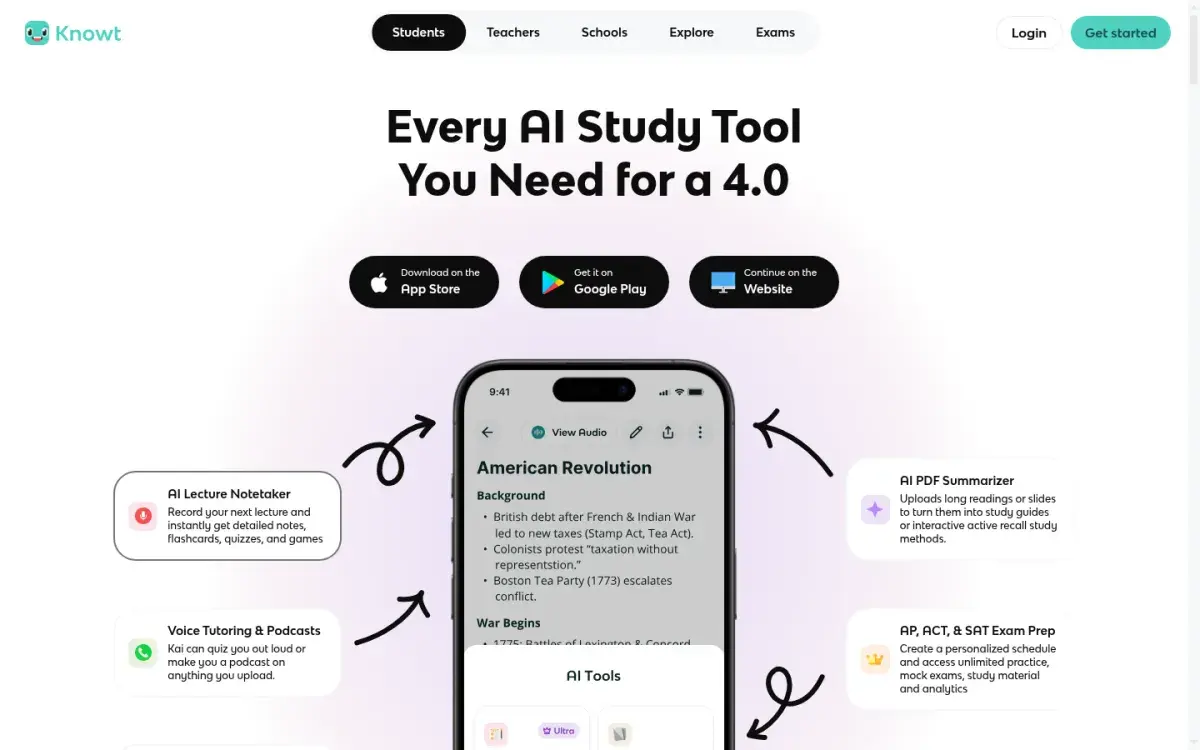
If your reason for leaving is Quizlet's paywall, start here. Knowt feels the most like Quizlet, and its pitch is that the study modes Quizlet charges for are free. You can bring over existing Quizlet sets from Knowt's site or its Chrome extension, then study with a free Learn mode (multiple choice, true or false, fill in the blank) that Knowt says you can run as many times as you like, a spaced repetition mode, and practice tests generated from your notes.
Strengths
- Brings over Quizlet sets
- Free Learn mode, spaced repetition, and practice tests
- iPhone and Android apps
Drawbacks
- Ads unless you pay for Ultra
- Ultra is pricey: $149.99/yr or $24.99/month
- AI summaries of PDFs, slides, and lectures are listed as Ultra features
Price: Free. Ultra is $149.99 billed yearly or $24.99 a month, with a 3-day trial on the annual plan.
2. Anki: best free, ad-free option for long-term memory
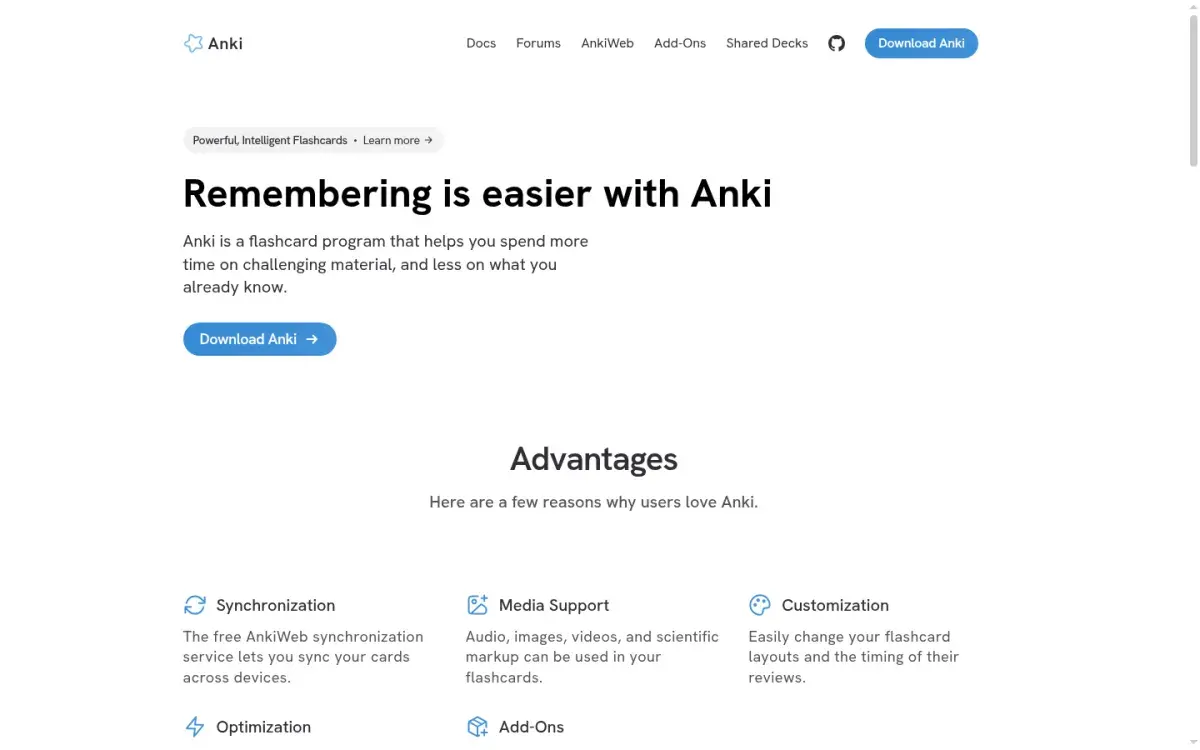
If you're leaving because you forget last month's sets, Anki is the strongest fix. It schedules every card individually with FSRS or its older SM-2-based scheduler, so material keeps coming back for months instead of only before a test. It's free, open source, and ad-free, works offline, and syncs free through AnkiWeb.
The cost is time. You'll learn note types and deck options, and Anki has no games or built-in AI. The iPhone app is a $24.99 one-time purchase; desktop, Android, and the AnkiWeb browser version are free.
Strengths
- Free with no ads or study-mode limits
- Per-card spaced repetition with FSRS
- Imports text and CSV, so your own Quizlet sets can come with you
Drawbacks
- Steep learning curve
- iPhone app costs $24.99
- No games, practice tests, or AI generation built in
Price: Free, except AnkiMobile for iPhone and iPad ($24.99 once). If you're comparing Anki with other flashcard apps, see our Anki alternatives guide.
3. Gizmo: best for AI quizzes from any source
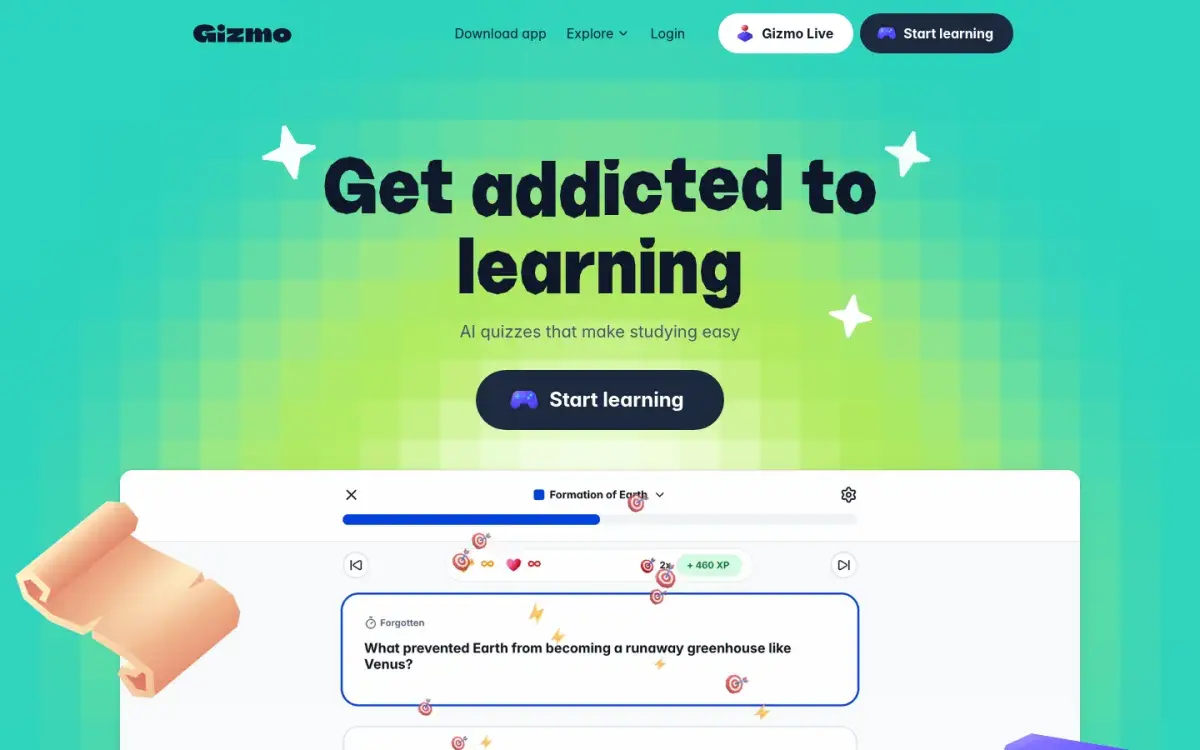
If you liked Quizlet's games but want the questions built from your own material, try Gizmo. It turns notes, PDFs, PowerPoint files, and YouTube videos into flashcards and quizzes, and it converts existing Quizlet and Anki sets too. Its App Store listing describes spaced repetition and active recall as the core method, wrapped in study games, leaderboards, and XP. It's rated 4.8 out of 5 from about 14,000 ratings in the US App Store.
Strengths
- Imports Quizlet and Anki sets
- AI quizzes from PDFs, slides, and YouTube
- Spaced repetition with a game layer
Drawbacks
- Pricing isn't published on its website
- Game mechanics like XP won't suit everyone
Price: Free to start, with paid "Gizmo Unlimited" tiers sold in the app. The App Store lists several, so check the price in the app before you subscribe.
4. Brainscape: best phone-first flashcards
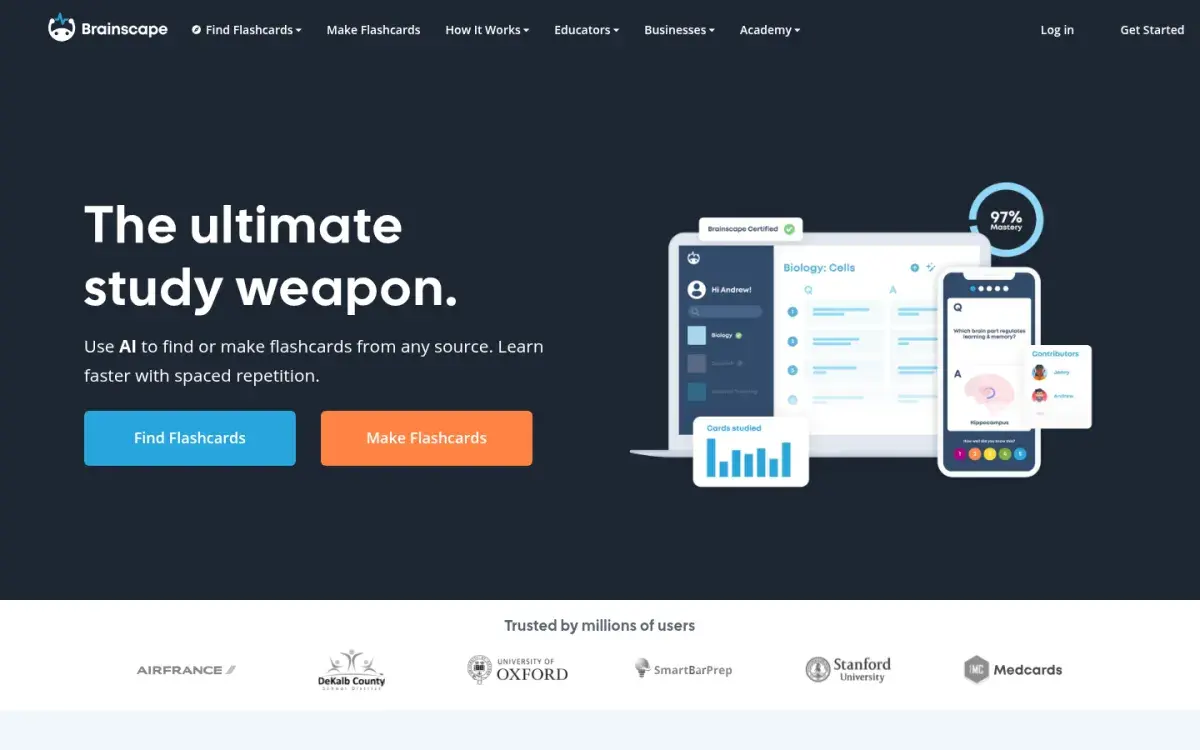
If you mostly studied Quizlet sets on your phone and want cards to come back on a schedule, Brainscape is the closest fit. You rate each card from 1 to 5 by confidence, and weak cards return more often. Its iPhone and Android apps are polished (4.8 out of 5 from more than 21,000 ratings in the US App Store), and it sells expert-made "certified" decks for exams, languages, and certifications.
Strengths
- Excellent mobile apps
- Simple 1–5 confidence scale
- Free to create and study unlimited cards of your own
Drawbacks
- Free plan includes only 2,500 preloaded cards
- Works only if you rate your confidence honestly
Price: Free for your own cards plus 2,500 preloaded cards. Pro is $7.99 a month billed yearly.
5. RemNote: best if you want notes and flashcards together
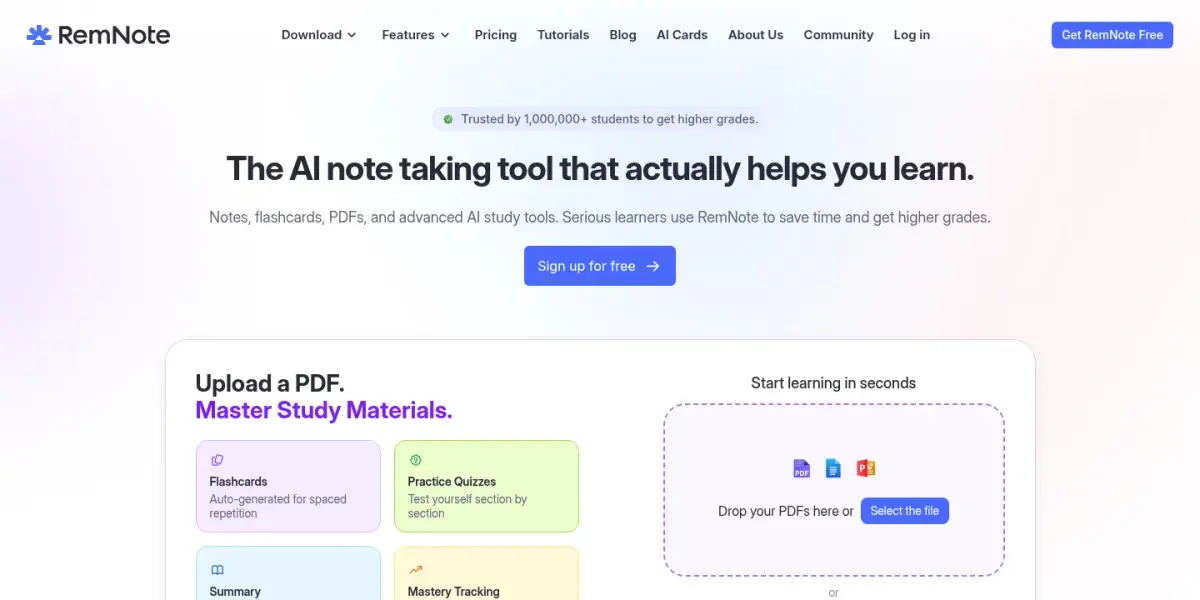
If you want your notes and flashcards in the same place, RemNote is built for it: write a note, mark a line as a card, and it joins your review queue. It can annotate PDFs and generate AI cards and quizzes, and it schedules reviews with SM-2 by default, with FSRS as an option.
Strengths
- Unlimited notes and flashcards on the free plan
- Cards stay linked to your notes
- Desktop and mobile apps work offline
Drawbacks
- More to learn than a flashcard app
- Free plan allows 3 annotated PDFs and 5 AI card generations
- The full AI toolkit costs $216/yr
Price: Free. Pro is $8 a month billed yearly ($96); Pro with AI is $18 a month billed yearly ($216).
6. Mochi: best offline flashcards
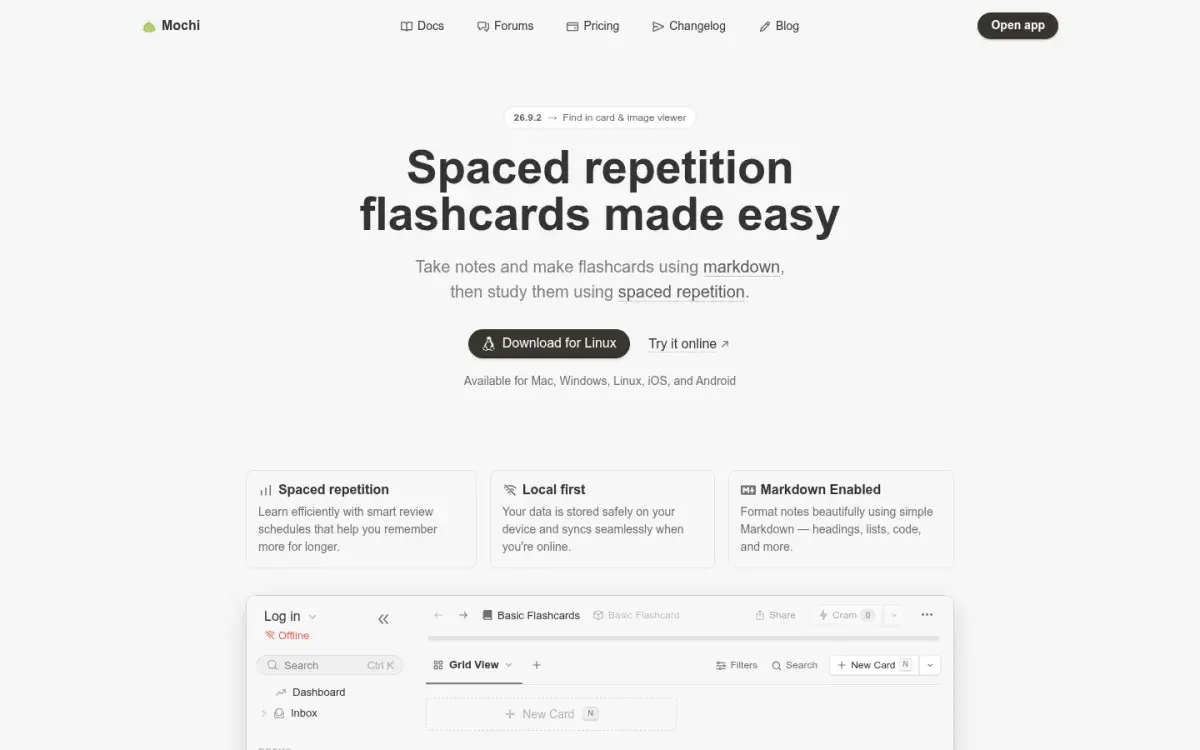
If ads are what drove you away, Mochi has none and doesn't even need an account. It's a quiet, fast flashcard app with cards written in Markdown. The free plan gives unlimited cards and decks offline on Mac, Windows, Linux, iOS, and Android. It imports CSV files, which makes it one of the easier homes for exported Quizlet sets.
Strengths
- Free, offline, and no sign-up needed
- Imports CSV, Markdown, and Anki decks
- Built-in dictionaries and text-to-speech for language learners
Drawbacks
- Sync between devices needs Pro
- Plain interface, no games
Price: Free for unlimited local use. Pro is $5 a month billed yearly and adds sync, 10 GB of storage, and higher AI allowances.
7. Active Recalling: best for cards and quizzes from your own lecture files
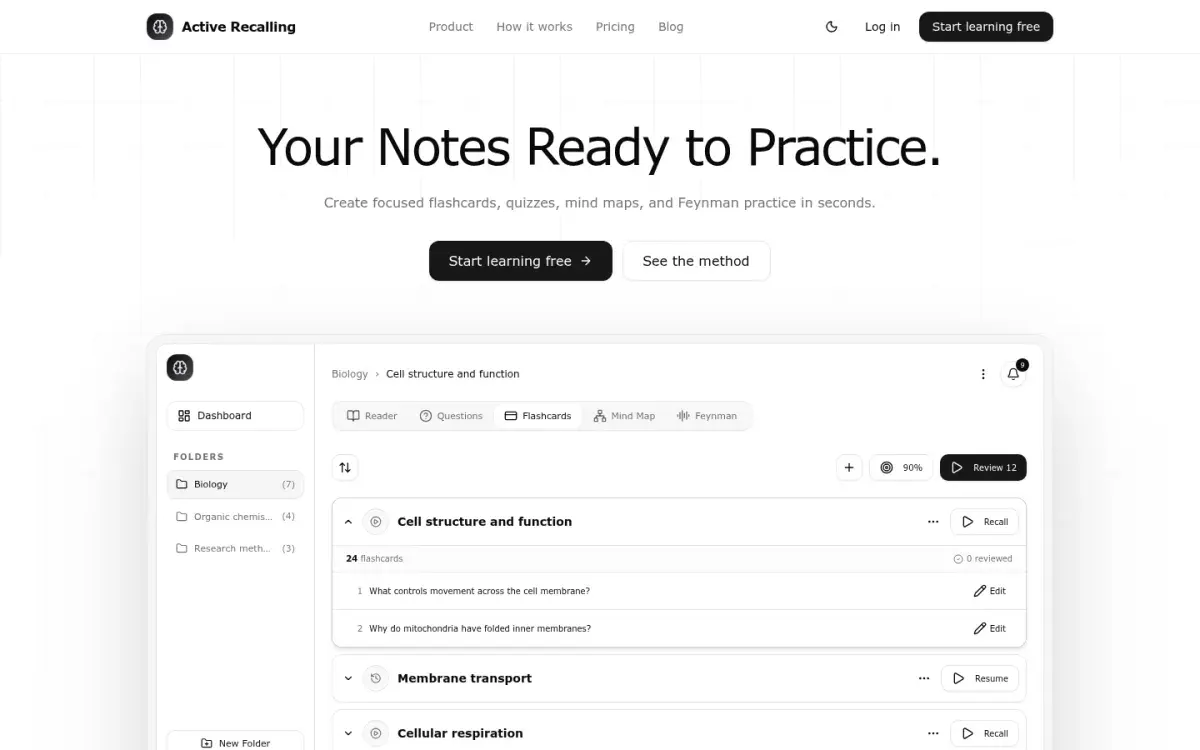
This is our app, so read this section with that in mind. Active Recalling is a Quizlet alternative built from your own course files, for courses where no shared set matches what your professor taught. Upload the slides or handout you were actually given (as a PDF, Word file, screenshot, pasted text, or webpage link) and it drafts flashcards and four-option practice questions from them, plus a mind map and a Feynman exercise where you explain the topic aloud. You edit the drafts, and FSRS schedules the reviews.
Strengths
- Flashcards, quizzes, and a mind map from one file
- FSRS spaced repetition, no ads
- $3.99/month with no yearly commitment
Drawbacks
- No Quizlet or Anki import
- Web app only: no native app or offline mode
- No public set library or games
Price: Free for 1 folder with up to 3 chapters. Pro is $3.99 a month for unlimited folders and chapters. For a direct comparison, read Active Recalling vs Quizlet.
8. Kahoot!: best for teachers replacing classroom games
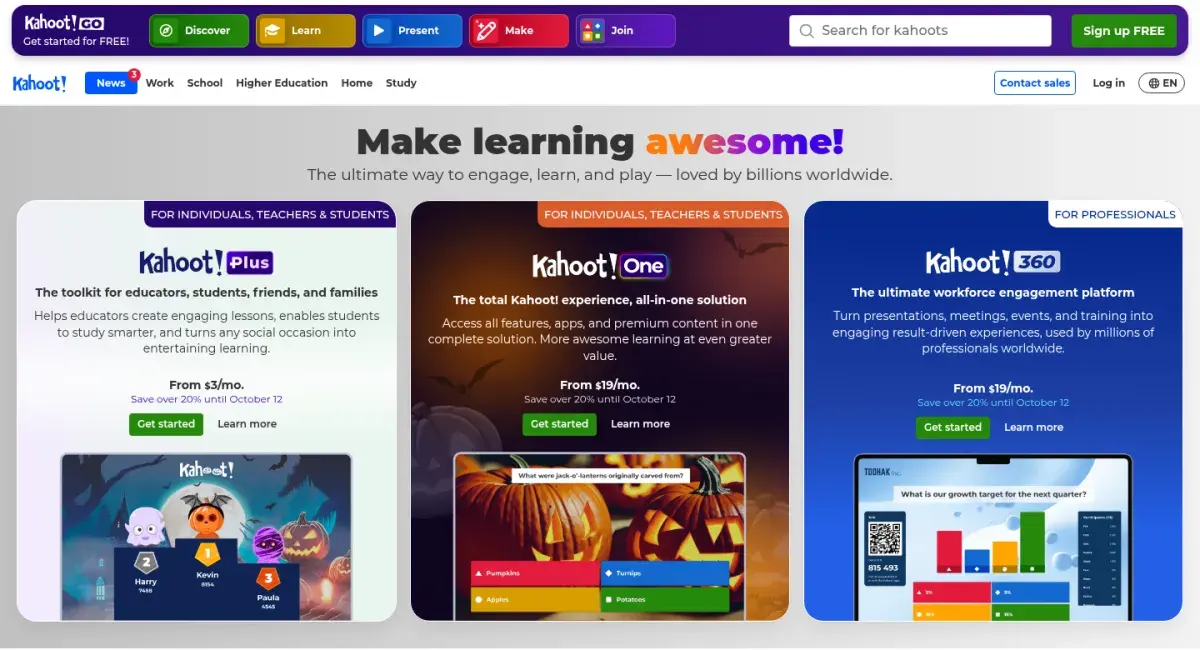
If you mostly used Quizlet to run live review games, a flashcard app won't replace that. Kahoot! is built for it: you host a game on the board and students answer on their own devices. You can also assign kahoots for students to finish in their own time.
Strengths
- Live games that work on any student device
- Self-paced assignments
- Large library of public kahoots
Drawbacks
- Not a flashcard or spaced-repetition tool
- Free plan is limited to basic question types
- Paid plans are priced per teacher
Price: The free plan covers quiz and true-or-false games. Kahoot!+ plans for teachers add more question types and larger groups.
How to choose the right Quizlet alternative
Work through these in order:
- Are you a teacher running class games? Use Kahoot! for games, and point students to a flashcard app for studying at home.
- Do you want Quizlet, just free? Use Knowt and bring your sets over.
- Is your exam weeks or months away? Pick an app with real spaced repetition: Anki if you'll put in the setup time, Brainscape or Mochi if you want it simpler.
- Does your course run on your own slides and readings? Use an AI tool that builds from your files, such as Gizmo, RemNote, or Active Recalling. Our roundup of AI flashcard generators compares more of them.
- Do you study mostly on a phone? Brainscape, Knowt, and Gizmo all have highly rated native apps. See our guide to the best flashcard apps for iPhone and iPad for more.
Whatever you choose, how you study matters more than the app. Answer every card from memory before you flip it, and say the answer out loud or write it down. Our guide on how to use flashcards effectively covers the habits that make the biggest difference.
How to move your Quizlet sets
Quizlet lets you export only the sets you created yourself, and only on the website. Sets you copied from other users can't be exported, and images don't come with the text. So do this before you cancel a subscription.
- Export each set. On quizlet.com, go to Your library, then Flashcard sets, and open the set. Select the more menu, then Export. Choose how terms and definitions are separated (a tab or comma works for most apps), then select Copy text.
- Save it as a text file. Paste into a plain-text editor and save it as
.txtor.csvin UTF-8. - Import it into your new app:
- Anki: File → Import. Anki detects tab, comma, or semicolon separators, then you map the columns to the Front and Back fields.
- Mochi: import the CSV into a deck; columns become card sides.
- Knowt and Gizmo: both bring over Quizlet sets directly, so you may not need the export step.
- Active Recalling: there's no set import. Paste the exported text into a chapter as notes and it will draft new cards from it, or upload the original lecture file instead.
- Check one set before you move the rest. Look for split lines, missing images, and accents that didn't survive.
You'll lose Quizlet's progress data in every case, so expect to relearn some cards in the first week.
Frequently asked questions
What is the best free alternative to Quizlet?
Knowt is the closest free replacement: it imports Quizlet sets and offers Learn mode, spaced repetition, and practice tests at no cost, supported by ads. If you want no ads and stronger long-term scheduling, Anki is completely free on desktop, Android, and the web, though it takes longer to learn.
Is Knowt better than Quizlet?
Knowt is better if you want Learn mode and practice tests without paying, since Quizlet limits both on its free plan. Quizlet is better for its millions of shared sets, classroom tools, and textbook solutions. Knowt's free plan shows ads; its ad-free Ultra plan costs $149.99 a year, far more than Quizlet Plus.
Why isn't Quizlet free anymore?
Quizlet still has a free plan, but it limits Learn and practice tests and shows ads. Quizlet Plus ($35.99 a year) removes ads but still caps Learn at 20 rounds and practice tests at 3 a month. Plus Unlimited ($44.99 a year) removes those caps. Monthly billing costs more than the annual plans.
Can I transfer my Quizlet sets to Anki?
Yes, for sets you created. Export the set as text on the Quizlet website, save it as a UTF-8 text or CSV file, and use File → Import in Anki, mapping the columns to Front and Back. Images don't transfer, and sets you copied from other people can't be exported.
Is there a Quizlet alternative with AI?
Yes. Gizmo, Knowt, RemNote, and Active Recalling all use AI to build study material from your notes, PDFs, or other sources, and Quizlet has its own AI tools too. AI-generated cards can be vague or occasionally wrong, so compare them with your source before you study from them.
What is better than Quizlet for remembering long term?
An app with per-card spaced repetition, such as Anki, RemNote, Mochi, or Brainscape. These schedule each card's next review based on how well you knew it, so you revisit old material right before you'd forget it, instead of rereading whole sets before each test.
Sources and further reading
Start with the primary research and official guidance below. Links open in a new tab so you can compare the evidence with the article.
- Read source
Upgrade your account: Quizlet Plus plans
Quizlet, 2026
- Read source
Exporting your sets
Quizlet Help Center
- Read source
Knowt plans
Knowt, 2026
- Read source
Gizmo: AI Tutor
Apple App Store, 2026
- Read source
Brainscape pricing
Brainscape, 2026
- Read source
RemNote pricing
RemNote, 2026
- Read source
Mochi pricing
Mochi, 2026
- Read source
Importing text files
Anki Manual