
The best Anki alternatives in 2026 are RemNote if you want notes and flashcards in one place, Mochi if you want Anki's power with a cleaner interface, Quizlet or Knowt if you want the easiest possible setup, Brainscape for a polished phone app, and an AI flashcard generator if making cards is what keeps you from studying.
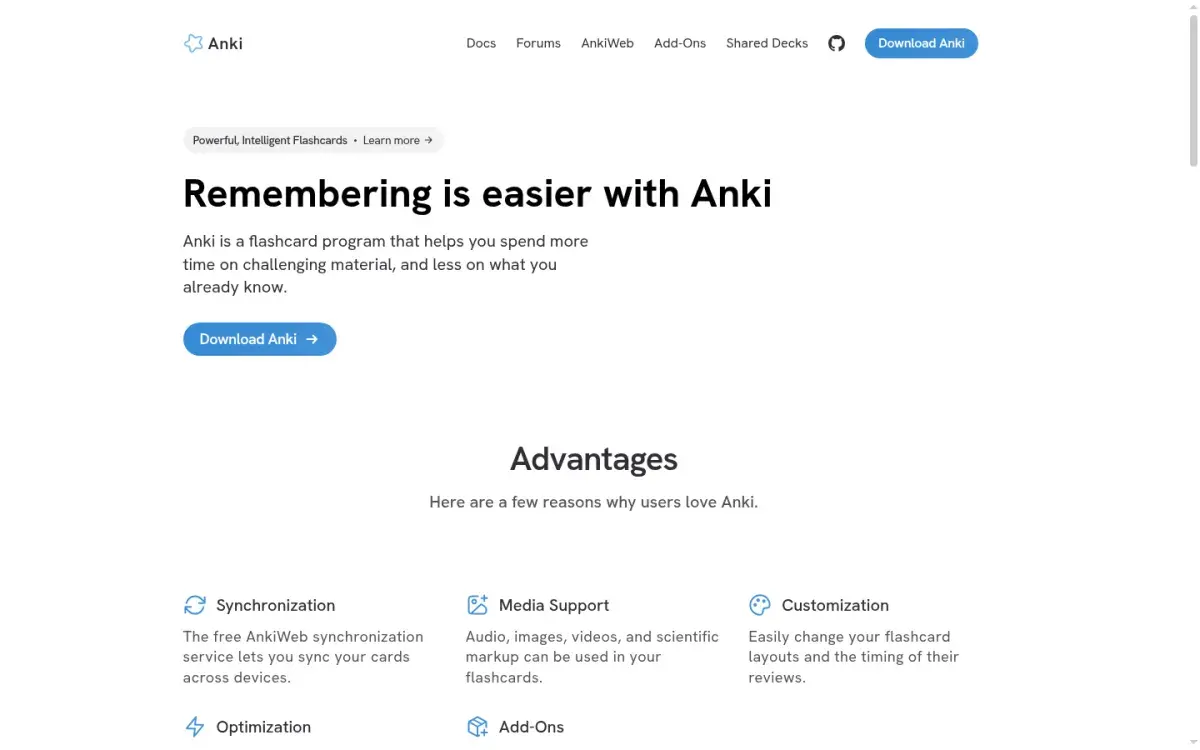
Anki is still one of the most capable flashcard programs ever made. It's free on desktop and Android, it now includes the modern FSRS scheduler, and its add-on ecosystem is enormous. People leave because of the learning curve, the dated interface, the $24.99 iPhone app, and the hours it takes to build good decks. Each app below fixes one or more of those problems, and each gives something up.
We compared seven alternatives on price, Anki import, spaced repetition, and who each one suits. Prices were checked on each official site in October 2026.
Anki alternatives compared
| App | Best for | Free plan | Cheapest paid plan | Imports Anki decks |
|---|---|---|---|---|
| RemNote | Notes + flashcards in one app | Unlimited cards, limited PDFs and AI | $8/mo billed yearly | Yes, with review history |
| Mochi | Anki users who want simplicity | Unlimited cards, offline, no sync | $5/mo billed yearly | Yes, with review history |
| Quizlet | Shared sets and quick setup | Unlimited sets; capped Learn and tests | $35.99/yr (Plus) | No |
| Brainscape | Mobile-first study | Unlimited cards you create | $7.99/mo billed yearly | No |
| Knowt | Free Quizlet-style studying | Generous, with ads | $149.99/yr (Ultra) | No (imports Quizlet) |
| Active Recalling | Cards, quizzes, and mind maps from PDFs | 1 folder, 3 chapters | $3.99/mo | No |
| Obsidian + Spaced Repetition plugin | People who already take notes in Obsidian | Free | Free (sync is optional) | No |
What a year of the cheapest paid plan costs
Annual cost in US dollars, October 2026. Anki and the Obsidian plugin are free on desktop.
Source: Official pricing pages; AnkiMobile is a one-time App Store purchase
View data
| App | Annual cost (USD) |
|---|---|
| Knowt Ultra | $149.99 |
| RemNote Pro | $96 |
| Brainscape Pro | $95.88 |
| Mochi Pro | $60 |
| Active Recalling Pro | $47.88 |
| Quizlet Plus | $35.99 |
| AnkiMobile (one-time) | $24.99 |
Why people look for an Anki alternative
It helps to name your actual problem before you switch, because no app fixes all of them.
- Setup and settings. Note types, card templates, deck options, and learning steps confuse new users. Most alternatives hide these choices.
- Making cards takes hours. A semester of biology can mean thousands of cards. AI generators and shared decks cut this down.
- The interface. Anki looks like desktop software from 2010. RemNote, Mochi, and Brainscape feel modern.
- The iPhone price. AnkiMobile is a $24.99 one-time purchase in the US. AnkiDroid on Android is free.
- Studying beyond flashcards. Anki is built for cards. If you also want practice quizzes, notes, or concept maps, you need another tool or several add-ons.
When you should stay with Anki
If your real complaint is "too many reviews," try turning on FSRS in your deck options first. Anki has supported it since version 23.10, and it often schedules fewer reviews for the same retention than the older SM-2 settings. Our FSRS vs SM-2 explainer covers how to switch. Anki is also hard to beat for medical school, where shared decks and image occlusion matter. See spaced repetition for medical school for that workflow.
The 7 best Anki alternatives
1. RemNote: best for notes and flashcards in one place
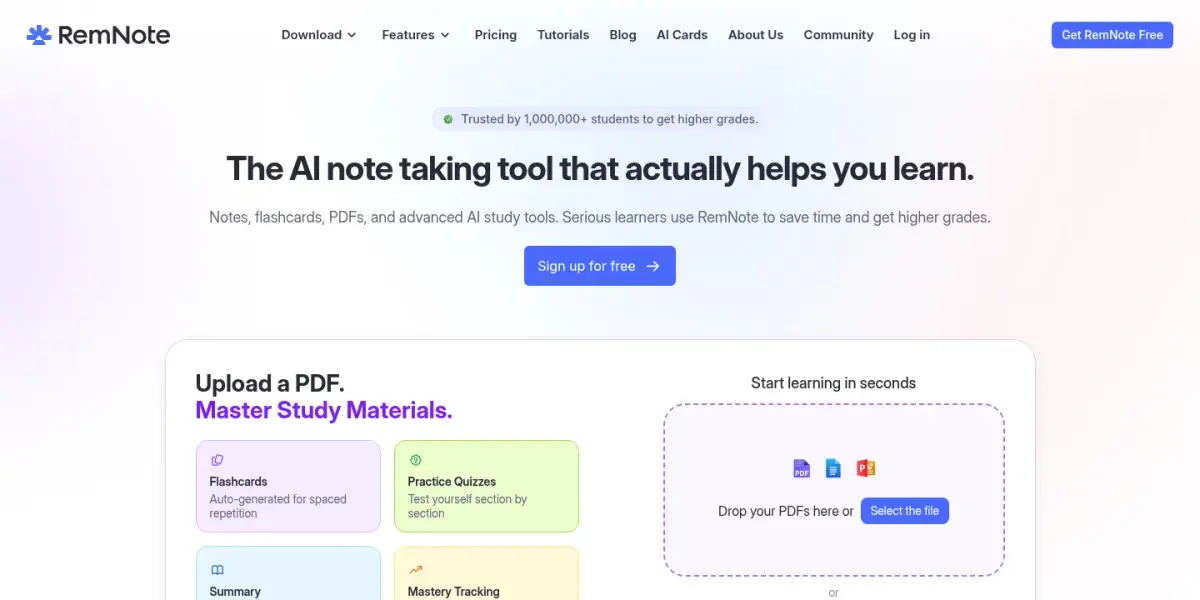
RemNote lets you write notes and turn any line into a flashcard with a simple arrow syntax, so your cards stay linked to the context you learned them in. You can annotate PDFs, generate AI flashcards and quizzes, and review everything with spaced repetition, including FSRS.
If Anki feels disconnected from your notes, this is the fix. And like Mochi below, RemNote imports .apkg files along with your review history, so your schedule carries over. If the notes-plus-cards idea appeals but RemNote doesn't, these RemNote alternatives for notes and flashcards cover the other options.
Strengths
- Imports Anki decks with review history
- Cards live inside your notes
- FSRS scheduling and image occlusion
Drawbacks
- More to learn than a plain flashcard app
- Free plan limits annotated PDFs to 3
- AI features need the pricier plan
Price: Free plan with unlimited notes and flashcards. Pro is $8/month billed yearly ($96); Pro with AI is $18/month billed yearly.
2. Mochi: best for Anki users who want something simpler
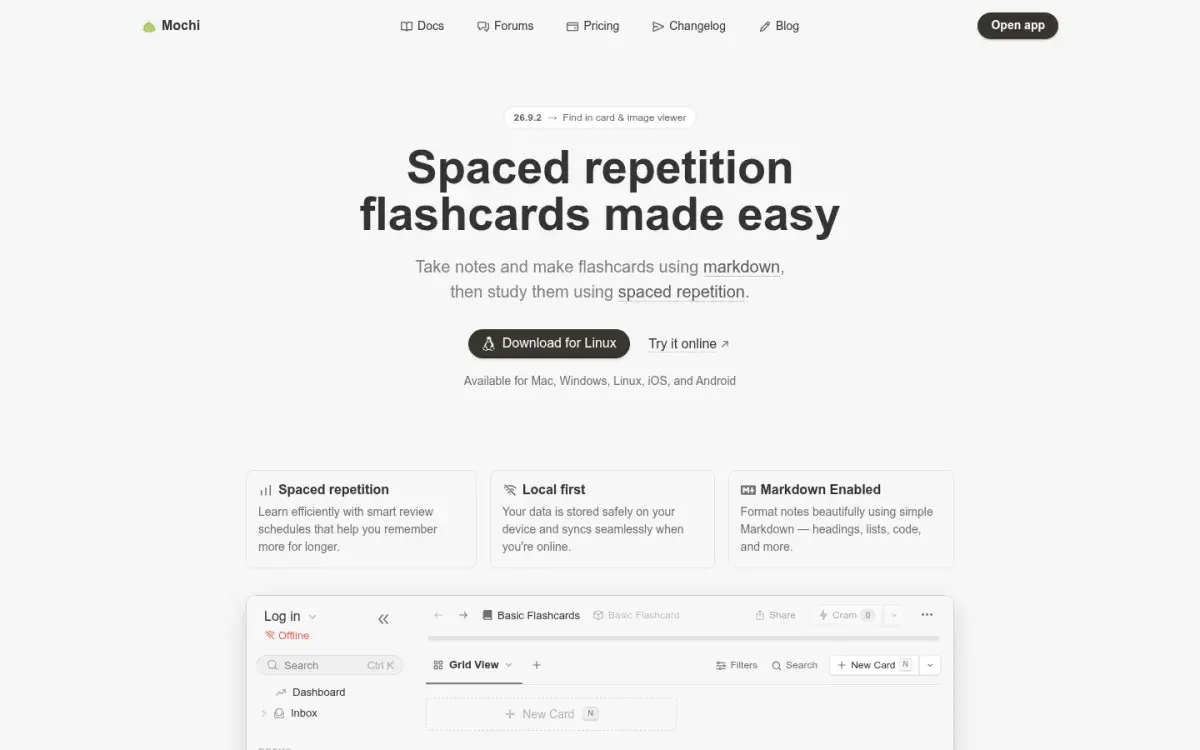
If you like how Anki works but not how it looks, Mochi is the closest thing to "Anki, but calmer." Cards are written in Markdown, decks are plain and fast, and it works offline on Mac, Windows, Linux, iOS, and Android. It imports Anki .apkg files with their review history, though it strips custom CSS and JavaScript, so heavily styled decks may need cleanup. You can keep Mochi's own scheduler or switch to FSRS.
Strengths
- Clean, fast, Markdown-based cards
- Free plan has unlimited cards and works offline
- Imports Anki decks with review history
Drawbacks
- Sync between devices needs Pro
- Smaller community and fewer shared decks
- Complex Anki templates don't import perfectly
Price: Free forever for unlimited local use. Pro is $5/month billed yearly and adds sync, publishing, and AI.
3. Quizlet: best for quick setup and shared sets
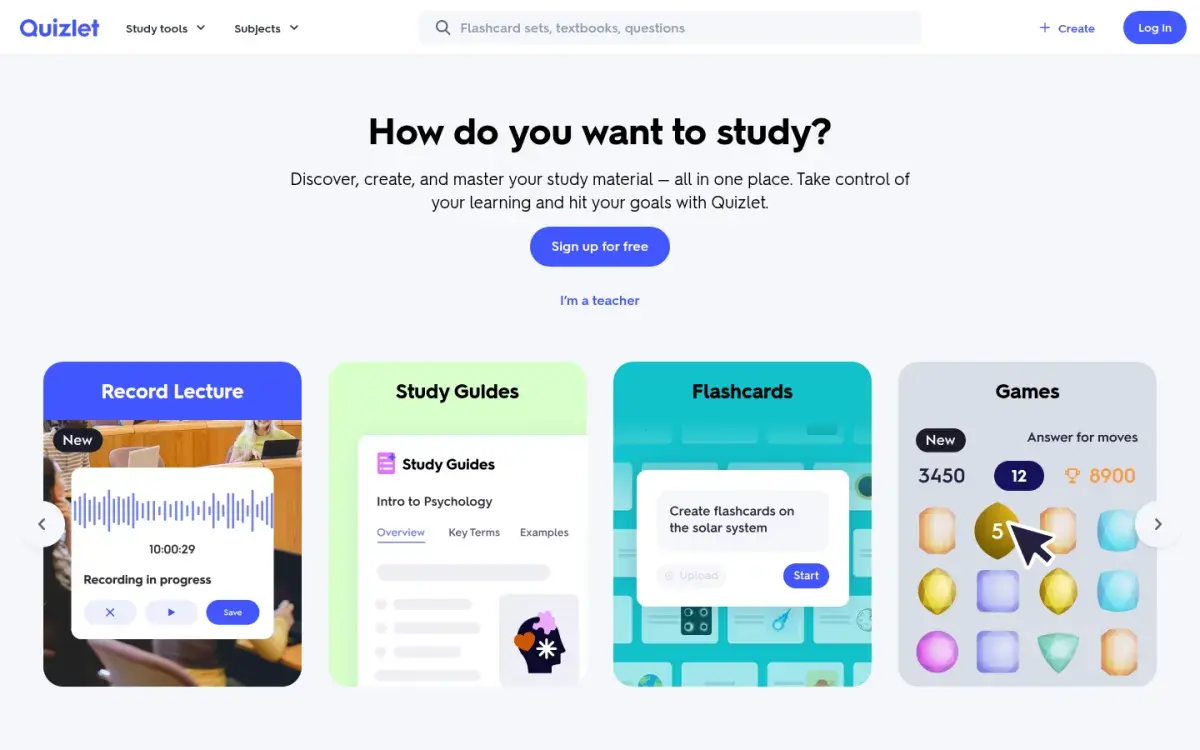
Quizlet is the easiest way to start: search for a set someone else made, or paste a list of terms, and you're studying in a minute. Its Learn mode adapts to your answers and it has games and practice tests. The trade-off is control. You can't tune the review schedule the way you can in Anki, and the free plan now limits Learn rounds and practice tests.
Strengths
- Millions of ready-made sets
- Very low learning curve
- Games and practice tests for variety
Drawbacks
- No Anki import
- Free plan caps Learn and tests and shows ads
- Less control over spacing
Price: Quizlet Plus is $35.99/year and Plus Unlimited is $44.99/year when paid annually; monthly billing costs more. If Quizlet is on your shortlist, see our Quizlet alternatives guide too.
4. Brainscape: best mobile flashcard app
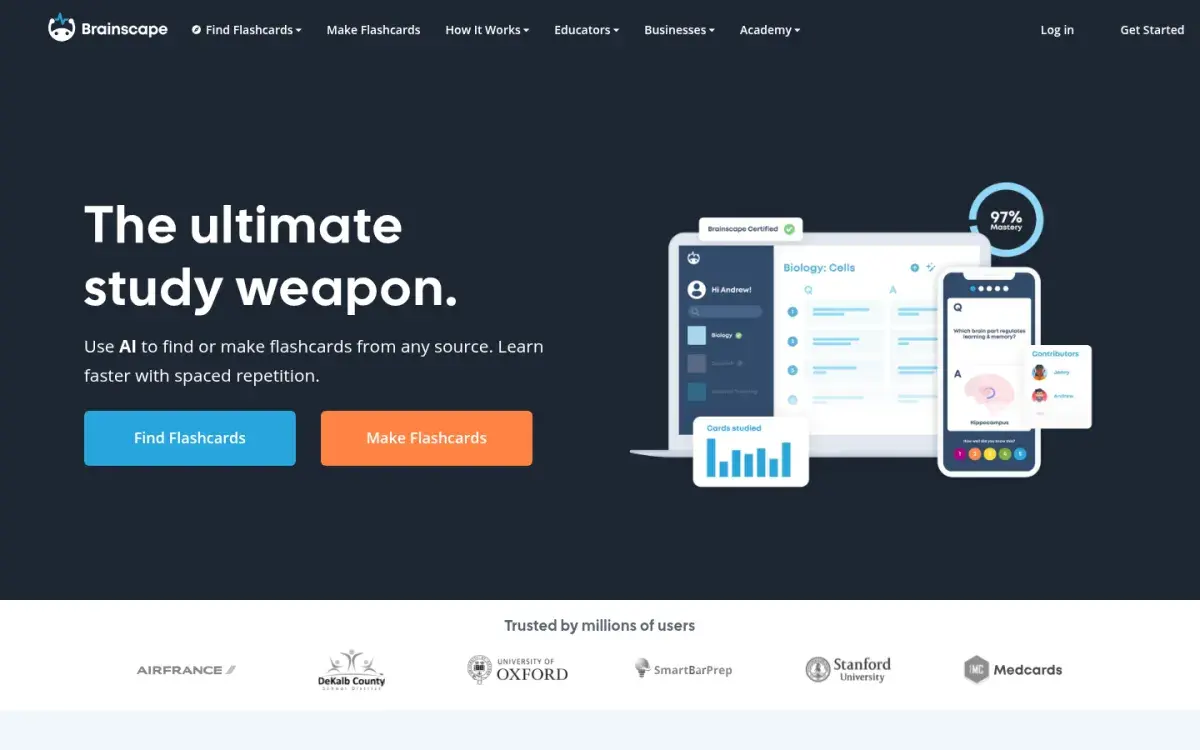
If you do most of your reviews on a phone and AnkiDroid's menus or AnkiMobile's $24.99 price put you off, Brainscape is the most polished mobile option here. Instead of Anki's four answer buttons, you rate your confidence in each card from 1 to 5, and low-rated cards come back sooner. There's nothing to configure, and it sells expert-made decks for subjects like the MCAT and languages.
Strengths
- Excellent phone apps
- Simple 1–5 confidence system
- Expert-made decks for popular exams
Drawbacks
- No Anki import
- Scheduling is a black box
- Best premium decks need Pro
Price: Free to create and study your own cards. Pro is listed at $7.99/month billed yearly.
5. Knowt: best free Quizlet-style option
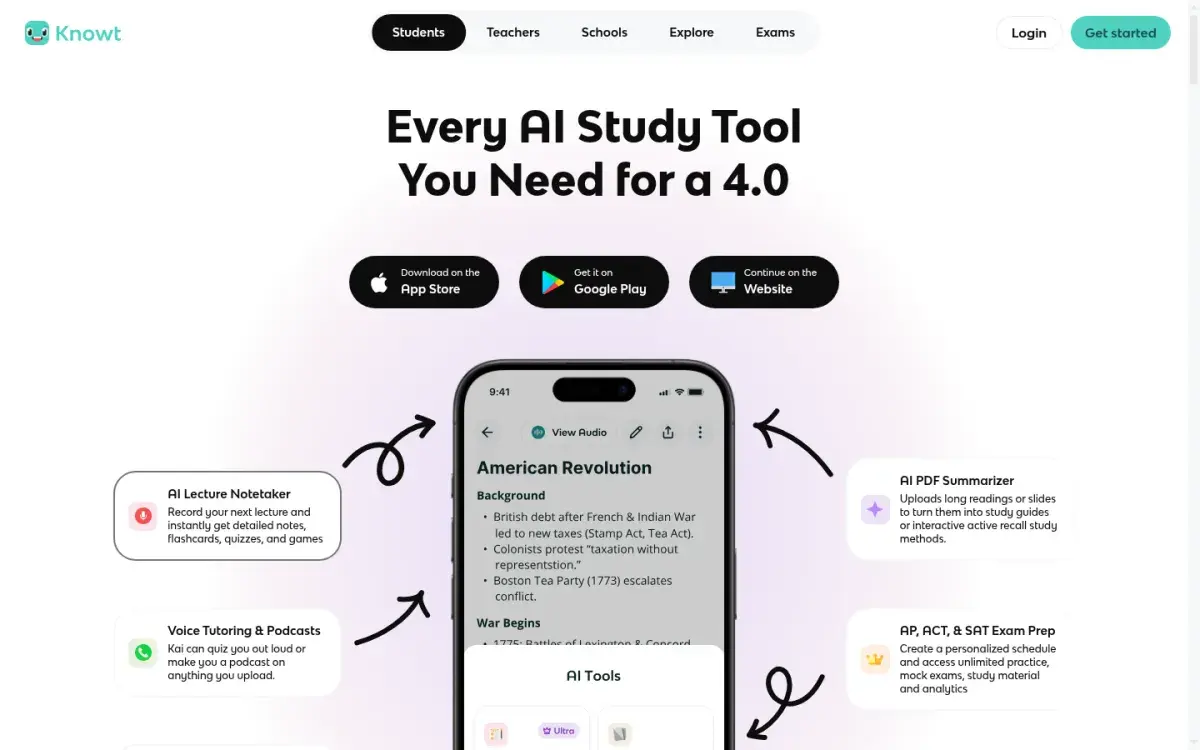
If you'd rather not touch a settings screen at all and don't mind ads, Knowt gives you spaced repetition with almost no setup. It grew as a free alternative to Quizlet and imports Quizlet sets in one click. The free plan covers unlimited flashcards with a Learn mode and a spaced repetition mode. AI summaries of PDFs, slides, and lecture recordings are part of the paid Ultra plan.
Strengths
- Large free plan
- One-click Quizlet import
- Learn mode and spaced repetition on the free plan
Drawbacks
- No Anki import
- Ads on the free plan
- AI summaries need Ultra, which costs $24.99 if paid monthly
Price: Free. Ultra is $149.99/year or $24.99/month.
6. Active Recalling: best for studying from PDFs and notes
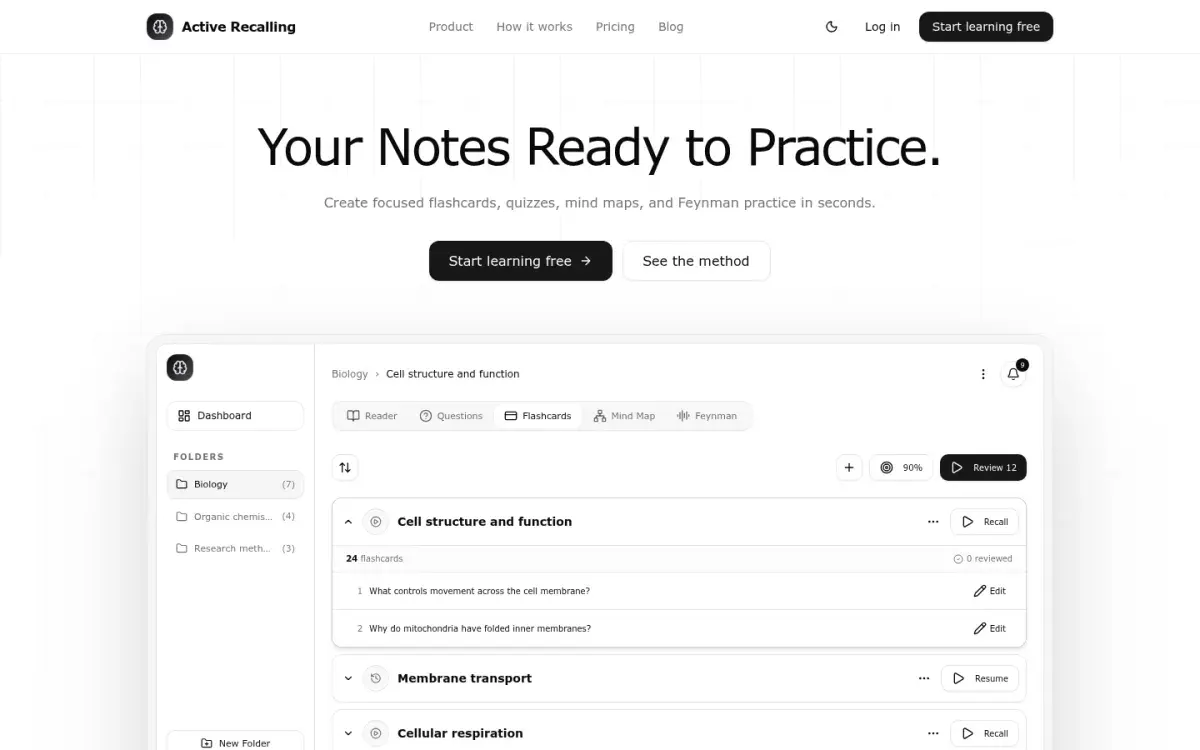
This is our app, so weigh this section accordingly. If your Anki decks stall because writing cards takes longer than studying them, that's the problem Active Recalling is built for. Add a lecture PDF, Word handout, screenshot, pasted notes, or a web page to a chapter, and it drafts flashcards, four-option quiz questions, a mind map, and a Feynman-style "explain it aloud" exercise from that source. You edit the drafts, and FSRS schedules the reviews.
Strengths
- Flashcards, quizzes, and mind maps from one upload
- FSRS scheduling with editable cards
- Low price: $3.99/month
Drawbacks
- No Anki or Quizlet import
- Web app only (works in mobile browsers, no native app)
- No shared deck library or image occlusion
Price: Free for 1 folder with up to 3 chapters. Pro is $3.99/month. More detail on our Anki alternative page.
7. Obsidian + Spaced Repetition plugin: best if you already use Obsidian
If your notes already live in Obsidian, the free community Spaced Repetition plugin turns lines like Question::Answer into flashcards and schedules them with FSRS or SM-2. Review data is stored inside your Markdown files, so nothing is locked in. It suits people who enjoy building their own system, as we describe in Obsidian for students.
Strengths
- Free and open source
- Cards live in your own Markdown notes
- No lock-in
Drawbacks
- You build and maintain the system yourself
- No AI card generation or shared decks
- Mobile review is less polished
Price: Free. Obsidian Sync is optional.
How to choose the right alternative
Answer these four questions in order:
- Do you have a large Anki collection you need to keep? Choose RemNote or Mochi, or stay with Anki and switch it to FSRS.
- Is making cards the bottleneck? Use an AI tool that drafts cards from your material, then edit them. Our roundup of AI flashcard generators compares the options in detail.
- Do you mostly study on your phone? Brainscape and Quizlet have the best native apps.
- Do you need more than flashcards? If your exams include problem-solving or applied questions, add practice quizzes rather than more cards. See how to use flashcards effectively for where cards stop helping.
Whichever you pick, the method matters more than the app: answer each card from memory before you flip it, and keep up with daily reviews. Our spaced repetition guide explains why.
How to switch from Anki without losing progress
- Export a backup first. In Anki, use File → Export, choose "Anki Collection Package (.colpkg)" for a full backup, or "Anki Deck Package (.apkg)" for one deck. Tick "Include scheduling information" and "Include media."
- Import into an app that keeps history. RemNote and Mochi both read
.apkgfiles with review history. Both drop custom CSS and JavaScript, so styled cards may look different. - Test with one small deck. Check that images, cloze deletions, and formatting survived before you move everything.
- Run both apps for a week. Keep your Anki reviews going until you trust the new schedule.
- For apps without Anki import, export cards as plain text from Anki (File → Export → Notes in Plain Text) and use the app's CSV or text import. You'll lose review history, so expect a burst of reviews at first.
Frequently asked questions
What is the best free alternative to Anki?
For a free app that feels like Anki, Mochi's free plan includes unlimited cards and works offline, but sync needs Pro. Knowt has the most generous free plan for Quizlet-style studying. If you just want Anki on your phone for free, AnkiDroid on Android is free, and AnkiWeb works in any browser.
Is there an Anki alternative for iPhone that's free?
Yes. RemNote, Brainscape, Quizlet, Knowt, and Mochi all have free iPhone apps with paid upgrades. Active Recalling runs in Safari without an app. You can also review Anki decks for free in the browser through AnkiWeb, which syncs with Anki on your computer.
Can I import my Anki decks into another app?
RemNote and Mochi both import .apkg files including review history, with some loss of custom card styling. Quizlet, Brainscape, Knowt, and Active Recalling don't import Anki packages, although some accept plain text or CSV, which loses your review history.
Is RemNote better than Anki?
RemNote is better if you want notes and flashcards in one place and a modern interface. Anki is better if you want maximum control, the largest add-on ecosystem, shared decks for medical school, and a free desktop app. Both now support FSRS scheduling.
Is Quizlet as good as Anki for long-term memory?
Not by default. Quizlet is excellent for quickly learning a set, but Anki gives you more control over spaced reviews across months. If you use Quizlet for exams far in the future, make sure you're coming back to old sets on a schedule rather than only before tests.
Sources and further reading
Start with the primary research and official guidance below. Links open in a new tab so you can compare the evidence with the article.
- Read source
Anki — powerful, intelligent flashcards
Anki official site
- Read source
Deck options: FSRS
Anki Manual
- Read source
RemNote pricing
RemNote
- Read source
Importing from Anki
RemNote Help Center
- Read source
Mochi pricing
Mochi
- Read source
Importing into Mochi
Mochi Docs
- Read source
Brainscape pricing
Brainscape
- Read source
Knowt plans
Knowt
- Read source
Obsidian Spaced Repetition plugin
GitHub