

If your exam is Friday, use Quizlet. If it's in March, use Anki. That's the honest Anki vs Quizlet answer for most students: Anki is better for long-term memory, and Quizlet is better for quick review before a test.
Anki is free on desktop, Android, and the web, and it schedules every card with spaced repetition for months or years. Quizlet gets you studying a ready-made set in seconds, with games, practice tests, and polished phone apps. The catch is that its strongest study modes sit behind Quizlet Plus.
So which one fits you? It comes down to three things: how long the material has to stick, whether a good set already exists, and how much setup you'll put up with. We checked Quizlet's upgrade page and help center, Anki's website and manual, and the US App Store in November 2026, so the prices and limits below are current as of then. We make Active Recalling, a different study app, and we have no deal with either company.
Anki vs Quizlet at a glance
| Anki | Quizlet | |
|---|---|---|
| Best for | Long-term memory: med school, languages, cumulative exams | Short-term review: class quizzes, vocab lists, shared sets |
| Price | Free on desktop, Android, and web; iPhone app $24.99 once | Free with ads and limits; Plus $35.99/yr; Plus Unlimited $44.99/yr |
| Spaced repetition | Every card, FSRS or SM-2, on every device | Spaced Repetition mode on the website only; Learn is session-based |
| Making cards | You write them (Basic, Cloze, Image Occlusion) or download shared decks | Type them, paste-import a list, or use AI (Smart Assist) |
| Ready-made content | Shared deck library | Millions of public flashcards, plus teacher classes |
| Images | Free, including image occlusion | Your own images and diagram sets need Plus |
| Study modes | Flashcard reviews, custom study, filtered decks | Flashcards, Learn, Test, Match, and other games |
| Phone apps | AnkiDroid (free), AnkiMobile ($24.99) | Free iOS and Android apps |
| Offline | Full offline study | Flashcards and Match in the mobile apps |
| Customization | Card templates, deck options, add-ons on desktop | Few settings, no add-ons |
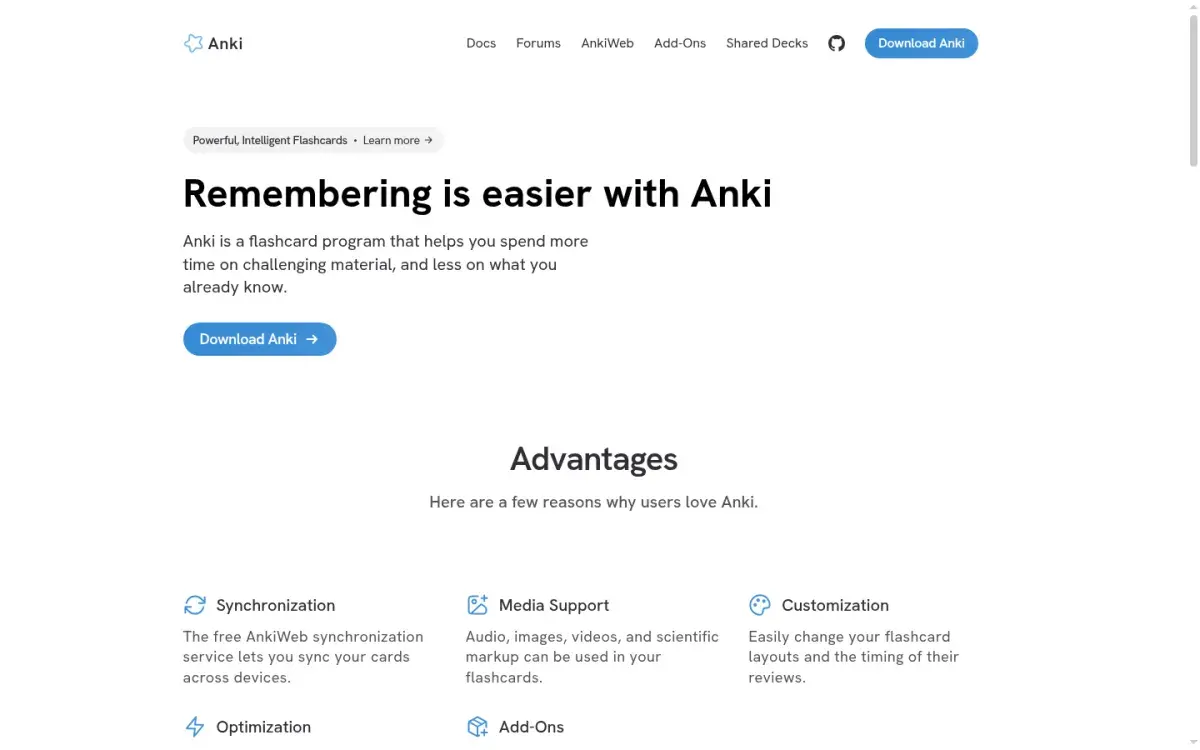
Notice the pattern? Anki is a toolkit you set up once and use for years. Quizlet is a finished product you can open and use in five minutes. Almost every other difference follows from that.
Which is better for long-term memory?
Anki. It isn't close.
Spaced repetition only works if each card comes back right before you'd forget it. Anki does that for every card you own, on every device, online or off.
Why does the timing matter so much? A meta-analysis of 317 experiments from 184 articles compared spaced and massed study, and the gap between sessions that produced the best retention grew the longer people had to remember the material (Cepeda et al., 2006). Cards for a May final need different spacing than cards for Friday's quiz. A scheduler works that out so you don't have to.
How Anki schedules reviews
Picture a PA student with 900 pharmacology cards. She can't review all 900 every night, and she doesn't need to. After each card she rates it Again, Hard, Good, or Easy, and Anki sets that card's next due date. The drug she knows cold drifts further out. The one she keeps mixing up comes back soon.
Anki gives you two schedulers to pick from:
- SM-2, the older algorithm Anki used for years.
- FSRS (Free Spaced Repetition Scheduler), supported since Anki 23.10. The Anki manual says it can help you remember more material in the same amount of time. Its key setting is desired retention, the chance you'll remember a card when it comes due, which defaults to 90%.
Want more reviews before boards? Raise desired retention. Lower it for low-stakes decks and you'll review less. Our FSRS vs SM-2 explainer walks through those settings, which helps, because Anki's deck options screen has more dials than some car dashboards.
Is Quizlet Learn spaced repetition?
No, not in the long-term sense. Quizlet describes Learn as a personalized study path based on your goals and how familiar you are with a set. It mixes question types and repeats what you miss until you've mastered the set. That makes it great for a test next week and the wrong tool for a test next semester, because it doesn't plan reviews weeks or months ahead.
Free accounts get a limited taste of Learn. Quizlet Plus allows 20 rounds of Learn a month, and only Plus Unlimited removes the cap. The free plan is real, and so are the reminders that Plus exists.
Quizlet's newer Spaced Repetition mode
Plenty of older comparisons say Quizlet has no spaced repetition. That's out of date. Quizlet now has a separate Spaced Repetition option inside Flashcards: you rate each card Repeat, Hard, Okay, or Easy, and Quizlet decides when to show it again. As of November 2026, Quizlet's feature page says it:
- Is free for all logged-in users, no Plus needed.
- Turns on automatically for sets with 100+ terms.
- Works on desktop and mobile web, but not yet in the iOS or Android apps.
Should you use it? If you already live in Quizlet, yes. It's a real step forward. But Quizlet doesn't say which algorithm it uses, and the only setting is how many new cards you see per day. For a deck you'll carry through a whole degree, Anki is still the safer home.
How much do Anki and Quizlet cost?
Anki costs $0 unless you want the iPhone app. Quizlet costs $0 until you start leaning on Learn and practice tests. Here's the full picture in US prices, as of November 2026.
Anki
- Desktop (Windows, Mac, Linux): free.
- AnkiDroid (Android): free, developed by contributors.
- AnkiWeb: free sync, and you can review in any browser.
- AnkiMobile (iPhone and iPad): $24.99, one time. No subscription and no sync fees, and Family Sharing is supported. The purchase funds Anki's development.
Quizlet
- Free: flashcards, games, and practice questions, with ads and limited Learn and practice tests.
- Quizlet Plus: $35.99 a year. 20 rounds of Learn and 3 practice tests a month, 3 textbook or Q&A solutions a month, no ads.
- Quizlet Plus Unlimited: $44.99 a year. Unlimited Learn, full practice tests, textbook solutions, no ads.
- Quizlet Family: $83.99 a year for up to 5 accounts.
- Annual plans come with a 7-day free trial; monthly plans don't, and cost more over a year.
What four years of studying costs
US dollars. Anki on desktop, Android, and the web costs $0. Quizlet plans multiplied by four years of annual billing.
Calculated from November 2026 list prices, assuming they stay the same.
Source: Quizlet upgrade page and the US App Store, November 2026
View data
| App and plan | Total cost (USD) |
|---|---|
| AnkiMobile (one-time) | $24.99 |
| Quizlet Plus x4 | $143.96 |
| Quizlet Plus Unlimited x4 | $179.96 |
Is $35.99 a year a lot? For most students, no. The limits bother us more than the price. If you rely on Learn and practice tests, the free plan runs out fast, and even Plus caps both. Anki has no study-mode limits at any price. You pay in setup time instead.
Which is easier to use?
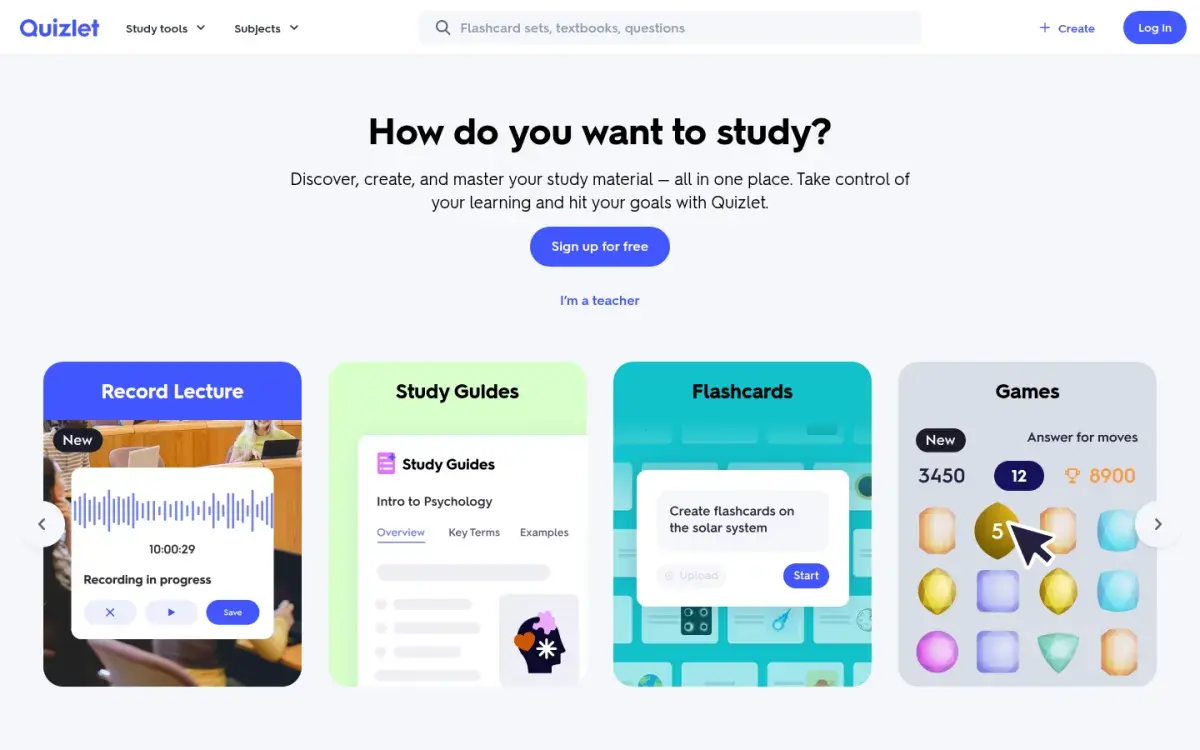
Quizlet wins this one easily. Sign up, search for "AP Biology unit 3," and you're flipping cards a minute later.
Anki wants you to learn decks, notes, note types, and deck options first. None of it is hard. There's just a lot of it, and it all shows up on day one.
Making cards
- Quizlet: type a term and definition, or paste a list where terms and definitions are separated by a comma, tab, or dash. Its AI tool, Smart Assist, can build a set from pasted text, an uploaded file, or a topic.
- Anki: you add notes in the desktop or mobile app. A Basic note makes one front-and-back card; a Cloze note hides part of a sentence, such as
The {{c1::mitral}} valve sits between the left atrium and left ventricle.Anki doesn't generate cards for you.
Is writing your own cards a waste of time? Usually not. It's slower, but deciding what belongs on a card is part of learning it. Our guide on how to use flashcards effectively covers what makes a card worth keeping, in either app.
Shared decks vs shared sets
Quizlet's library is its biggest advantage. Its upgrade page advertises millions of flashcards, and teachers can share sets with a class. If you're cramming AP Spanish vocab the night before, someone has very likely made that set already.
The catch: anyone can publish a set. Errors slip in, and someone else's set reflects their teacher's emphasis, not yours.
Anki has a shared deck library too (Get Shared, then Download). Its manual gives a fair warning: shared decks often skip the background and explanations, so for complex subjects use them as a supplement to your course material, not a replacement.
Images and image occlusion
For visual subjects, Anki pulls ahead. Since version 23.10 it has built-in image occlusion: load a diagram, draw boxes over the labels, and each box becomes a card. For the brachial plexus, a cell diagram, or a map, it's hard to beat. It's also free.
Quizlet charges for this kind of thing. Adding your own images to cards requires Plus (free users can pick from Quizlet's image gallery), and diagram sets, where you label parts of one image, are a Plus feature that can only be created on the website.
Add-ons and customization
Anki's desktop app supports add-ons, and you can change card templates, review timing, and daily limits. Add-ons are a desktop feature; AnkiMobile doesn't support them. Quizlet has no equivalent. You get a handful of study options and that's it, which plenty of students would call a feature.
Phone apps, sync, and offline study
On a phone, the gap narrows. Quizlet's iPhone and Android apps are free and polished, and you can save sets for offline study, though offline you're limited to Flashcards and Match.
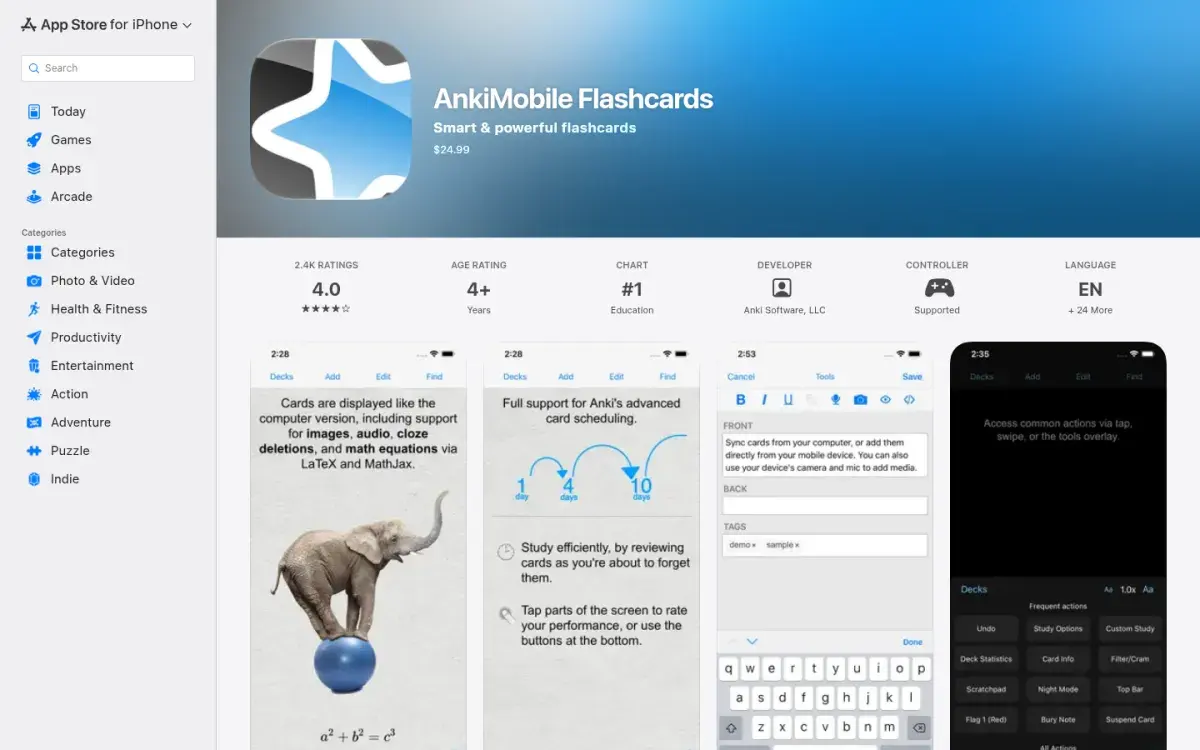
Anki's apps are plainer and do more. AnkiDroid is free on Android; AnkiMobile costs $24.99 on iPhone and iPad. Both sync through AnkiWeb and work fully offline, scheduled reviews included.

If you mainly study on a phone, our guides to the best flashcard apps for iPhone and iPad and the best flashcard apps for Android compare more options.
Anki vs Quizlet for med school, languages, and class tests
Medical school and USMLE
Use Anki. Medical students have built large shared Anki decks for board prep, image occlusion handles anatomy and pathology diagrams, and that volume of material is hard to keep without long-term scheduling. A first-year who learns the cranial nerves in September still needs them for boards.
There's some evidence behind this, too. In a 2015 survey of 72 students at one US medical school, 31% used Anki. After controlling for MCAT score, grades, test anxiety, and other factors, each additional 1,700 unique Anki cards seen was associated with one more point on USMLE Step 1. About 450 more practice questions were associated with one more point as well.
That's a correlation from one school, not a trial. The lesson still holds: use flashcards alongside a question bank, not instead of one. Our guide to spaced repetition in medical school covers daily card limits and pairing Anki with a qbank.
Language learning
For a language you'll study longer than a semester, Anki again. Vocabulary is exactly the kind of material that fades without spaced reviews, and Anki cards can hold audio and images. A Basic (and reversed card) note turns "el perro / the dog" into two cards, so you practice recognizing the word and producing it.
Quizlet is fine for a weekly vocab quiz. Learn lets you answer with terms or definitions and includes typing practice with Write and Spell, though Learn is limited on the free plan. For more methods, see our guide to memorizing vocabulary.
Quick class tests and intro courses
This is Quizlet's home turf. Spanish quiz on Friday, or an AP unit test in three days? A good set probably already exists. Run Learn with a goal, take a practice test, and play Match on the bus. If your teacher adds sets to a Quizlet class, class members get free access to Learn and Test for those sets.
Anki can cram with a filtered deck, but it's built for spacing over weeks. Setting it up for a three-day quiz is like assembling a bookshelf to hold one book.
How to move your Quizlet sets into Anki
The good news: sets you created come with you. The bad news: not much else does. Quizlet doesn't let you export sets you copied from other users, and images don't export.
- Export from Quizlet. On quizlet.com (export isn't available in the apps), go to Your library, then Flashcard sets, and open the set. Select the more menu, then Export. Choose Tab between term and definition and New line between rows, then select Copy text.
- Save it as a text file. Paste into a plain-text editor and save it as
biology-unit3.txtin UTF-8. Each line should look likemitochondria[tab]site of aerobic respiration. - Import into Anki. On Anki desktop, choose File, then Import, and pick the file. Anki guesses the separator, and you can change it in the import window. Map the first column to Front, the second to Back, and choose a deck. The Anki manual's text import page covers the details.
- Check ten cards. Look for lines that split in the wrong place, broken accents, and cards that relied on a missing image.
- Sync. Sync to AnkiWeb so the new deck appears on your phone.
Your Quizlet progress doesn't transfer, so every card starts as new. Keep the deck's new cards per day modest, around 20, or week two will bury you in reviews.
Going the other way works too. In Anki, export Notes in Plain Text, which separates fields with tabs, and paste the result into Quizlet's import box when you create a set.
Which one should you use?
Still torn? Find your situation below.
| Your situation | Pick | Why |
|---|---|---|
| Med school, USMLE or COMLEX prep | Anki | Shared board decks, image occlusion, long-term scheduling |
| Learning a language over months | Anki | Audio, reversed cards, reviews spaced over years |
| Cumulative final or licensing exam | Anki | Material has to survive months, not days |
| Quiz or unit test this week | Quizlet | Existing sets, Learn, Test, and Match with no setup |
| Teacher assigns Quizlet sets | Quizlet | Class sets include free Learn and Test |
| Anatomy, maps, or labeled diagrams on $0 | Anki | Image occlusion is free; Quizlet diagrams need Plus |
| Study offline often | Anki | Everything works offline, including scheduled reviews |
| iPhone only, no budget | Quizlet, or AnkiWeb in Safari | AnkiMobile costs $24.99 |
| You hate configuring apps | Quizlet | Sign up and study in a minute |
You don't have to choose just one. A sensible split is Quizlet for this week's quiz and Anki for what has to last. At the end of each unit, export the sets you made in Quizlet, import them into Anki, and let spaced repetition carry them to the final.
If neither fits, compare more options in our Quizlet alternatives guide and our Anki alternatives guide. And if what really stops you is writing cards in the first place, a generator that builds them from your own lecture files may suit you better. Active Recalling, our app, turns a PDF, Word file, or pasted notes into editable flashcards and four-option quizzes scheduled with FSRS. It can't import Anki decks or Quizlet sets, and it runs in the browser with no native app.
Frequently asked questions
Is Anki better than Quizlet?
For long-term memory, yes. Anki schedules every card with spaced repetition (FSRS or SM-2) on every device, works offline, and is free except the $24.99 iPhone app. Quizlet is better for quick review before a test, finding ready-made sets, and studying with games and practice tests. A good rule: Quizlet for this week, Anki for anything you need months from now.
Is Quizlet Learn spaced repetition?
Not really. Learn builds a study session around your goal and repeats what you miss until you've mastered the set, which suits a test next week. It doesn't schedule reviews weeks ahead. Quizlet's separate Spaced Repetition mode in Flashcards does schedule reviews, is free, and turns on for sets with 100+ terms, but as of November 2026 it works only on the website.
Is Anki free?
Mostly. Anki is free on Windows, Mac, and Linux, AnkiDroid is free on Android, and AnkiWeb lets you sync and review in a browser for free. The only paid version is AnkiMobile for iPhone and iPad, a $24.99 one-time purchase with no subscription. Watch out for similarly named apps in the App Store; the official one is published by Anki Software, LLC.
Can you import Quizlet into Anki?
Yes, for sets you created. Export the set as text on quizlet.com with tabs between terms and definitions, save it as a UTF-8 text file, then use File, Import in Anki desktop and map the columns to Front and Back. Sets you copied from other users can't be exported, images don't come along, and your Quizlet progress resets.
Should medical students use Anki or Quizlet?
Anki. Medical school means thousands of facts kept for months, which is exactly what per-card spaced repetition is for, and Anki's image occlusion handles anatomy and pathology diagrams for free. In one study of 72 medical students, seeing more unique Anki cards was linked to higher Step 1 scores. Pair it with a question bank rather than relying on flashcards alone.
Is Quizlet Plus worth it?
Only if you use Learn and practice tests a lot. Plus costs $35.99 a year but caps Learn at 20 rounds and practice tests at 3 a month; Plus Unlimited ($44.99 a year) removes those caps. If you mainly flip cards and play Match, the free plan is enough. And if you want long-term spaced repetition, Anki gives you that for free.
Sources and further reading
Start with the primary research and official guidance below. Links open in a new tab so you can compare the evidence with the article.
- Read source
Upgrade your account: Quizlet Plus plans
Quizlet, 2026
- Read source
Spaced Repetition Flashcards
Quizlet, 2026
- Read source
Exporting your sets
Quizlet Help Center, 2026
- Read source
Anki: powerful, intelligent flashcards
Anki official site, 2026
- Read source
Deck Options
Anki Manual, 2026
- Read source
AnkiMobile Flashcards
Apple App Store, 2026
- Read source
Student-directed retrieval practice is a predictor of medical licensing examination performance
Perspectives on Medical Education, 2015
- Read source
Distributed practice in verbal recall tasks: A review and quantitative synthesis
Psychological Bulletin, 2006