
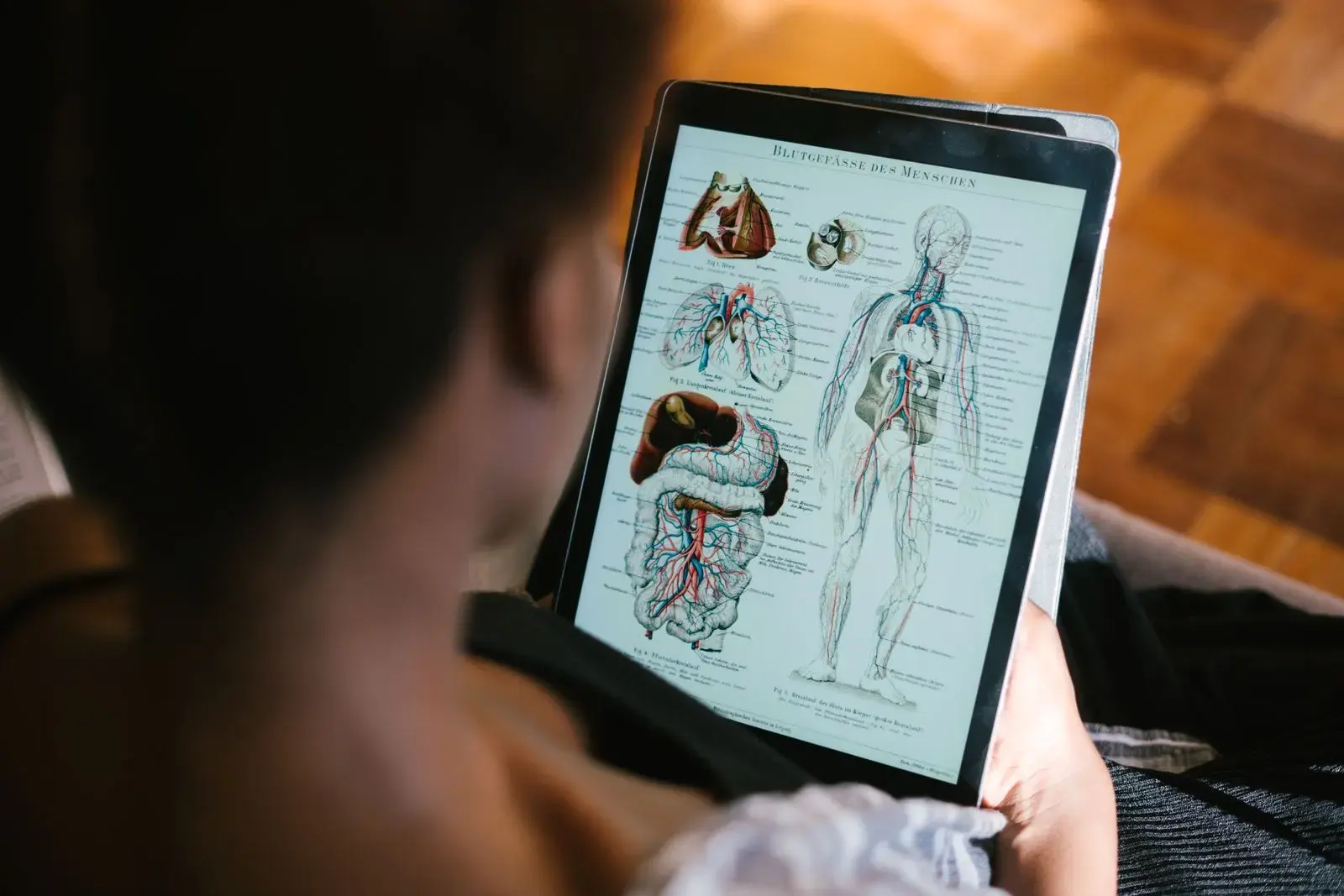
The best flashcard app for most medical students is Anki, paired with the AnKing deck for boards content. It's free on desktop and Android, has built-in image occlusion and the FSRS scheduler, and has the largest library of medical cards. Choose RemNote if you want notes and cards in one place, Brainscape for a polished phone app with premade decks, Picmonic if picture mnemonics stick for you, and an AI flashcard generator if turning your school's lecture slides into cards is the bottleneck.
Whatever you pick, the setup that works is one review app, one fast way to draft cards, and one question bank. Below we compare six options on price, medical content, and Anki compatibility, then show how to use AI-made medical cards without studying mistakes. Prices were checked on each official site in October 2026.
This guide is about choosing the tool. If you already use Anki and your reviews are out of control, that is a settings problem, not an app problem: our guide to spaced repetition for medical school covers new-card limits, FSRS, and catching up on a backlog.
Medical flashcard apps compared
| App | Best for | Free option | Paid price (Oct 2026) | Imports Anki decks |
|---|---|---|---|---|
| Anki + AnKing | Boards and long-term retention | Desktop, Android, and AnkiWeb are free | AnkiMobile $24.99 once; AnkiHub Core $6/mo or $66/yr for AnKing | It is Anki |
| RemNote | Notes and cards together | Unlimited cards; 5 image occlusions | Pro $8/mo billed yearly | Yes, with history |
| Brainscape | Phone study, premade decks | Your own cards plus some preloaded ones | Pro $7.99/mo billed yearly | No |
| Quizlet | Classmates' course sets | Unlimited sets; capped Learn and tests | Plus $35.99/yr | No |
| Picmonic | Picture mnemonics | Free trial | $179.88/yr (Medicine) | No (has an Anki add-on) |
| Active Recalling | AI cards and quizzes from lecture PDFs | 1 folder, 3 chapters | $3.99/mo | No |
What a year costs
Annual cost in US dollars of each app's cheapest paid option, October 2026. Anki is free on desktop, Android, and the web.
Source: Official pricing pages, October 2026. Yearly billing where offered; AnkiMobile is a one-time App Store purchase.
View data
| App | Annual cost (USD) |
|---|---|
| Picmonic (Medicine) | $179.88 |
| RemNote Pro | $96 |
| Brainscape Pro | $95.88 |
| AnkiHub Core (yearly) | $66 |
| Active Recalling Pro | $47.88 |
| Quizlet Plus | $35.99 |
| AnkiMobile (one-time) | $24.99 |
What to look for in a flashcard app for medical school
Medical school is unusual: you'll hold tens of thousands of cards for years, many of them images. That changes what matters.
- A modern scheduler. FSRS or something like it keeps reviews manageable over years.
- Image occlusion. Hiding labels on an anatomy plate, histology slide, or CT is the fastest way to test visual material. Anki and RemNote have it built in.
- Maintained boards content. A community-corrected deck saves hundreds of hours and fixes errors faster than one person can.
- Full editing. You need to fix wrong cards and split overloaded ones.
- Phone and laptop sync, because clerkship reviews happen in stairwells and on shuttles.
The best flashcard apps for medical students
1. Anki + AnKing: best overall for boards
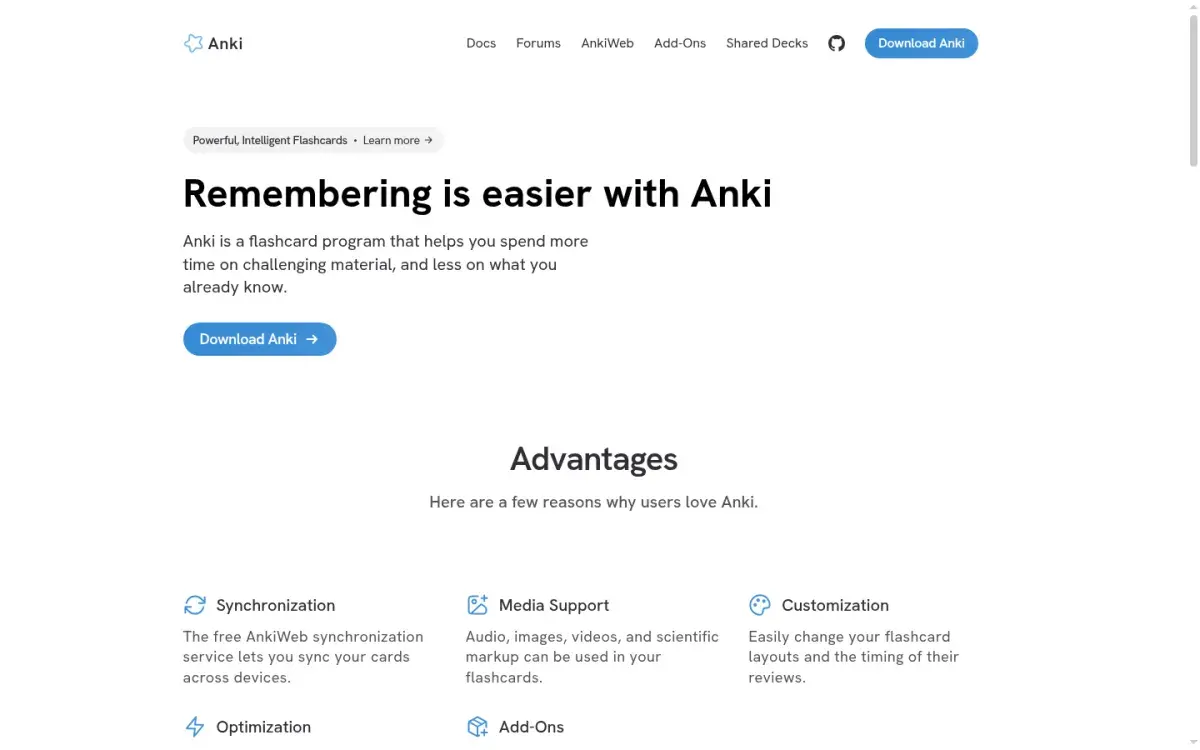
Anki is the default in medical school for a reason. In a University of Minnesota survey of 165 students, 56% used it daily. It's free on Windows, Mac, Linux, Android, and the web; the official iPhone app, AnkiMobile, is a one-time $24.99. Since version 23.10 it has had image occlusion built in (no add-on needed) and the FSRS scheduler.
The AnKing Step Deck is what makes it the boards choice: more than 30,000 cards for Steps 1, 2, and 3, tagged by resource (First Aid, Pathoma, Boards and Beyond, Sketchy, and more) and updated through AnkiHub. Access needs AnkiHub's Core plan: $6 a month or $66 a year.
Strengths
- Free on desktop, Android, and web
- Built-in image occlusion and FSRS
- AnKing deck with community updates
Drawbacks
- Steep setup and dated interface
- AnKing needs a paid AnkiHub plan
- iPhone app is a $24.99 purchase
Price: Free (desktop, Android, AnkiWeb). AnkiMobile $24.99 once. AnkiHub Core $6/month or $66/year for the AnKing deck.
2. RemNote: best for notes and flashcards together
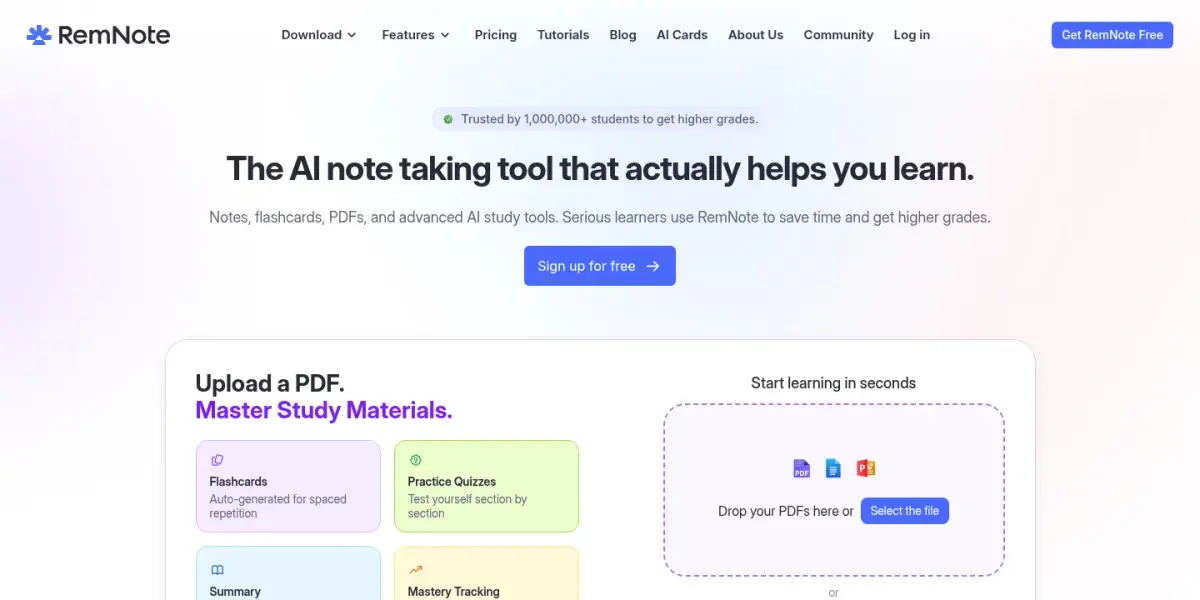
RemNote lets you write notes and turn lines into flashcards, so each card stays linked to its context. It has image occlusion (5 images on the free plan, unlimited on Pro), AI flashcards and quizzes from PDFs and slides, and it imports Anki decks with your review history, which makes it the safest way to leave Anki without losing your schedule.
Strengths
- Imports Anki decks with review history
- Image occlusion and PDF annotation
- Cards live inside your notes
Drawbacks
- No medical deck library on the scale of AnKing
- Free plan limits image occlusion to 5 images
- Serious AI use needs the $18/month tier
Price: Free plan. Pro is $8/month billed yearly ($96); Pro with AI is $18/month billed yearly ($216).
3. Brainscape: best for premade decks on your phone
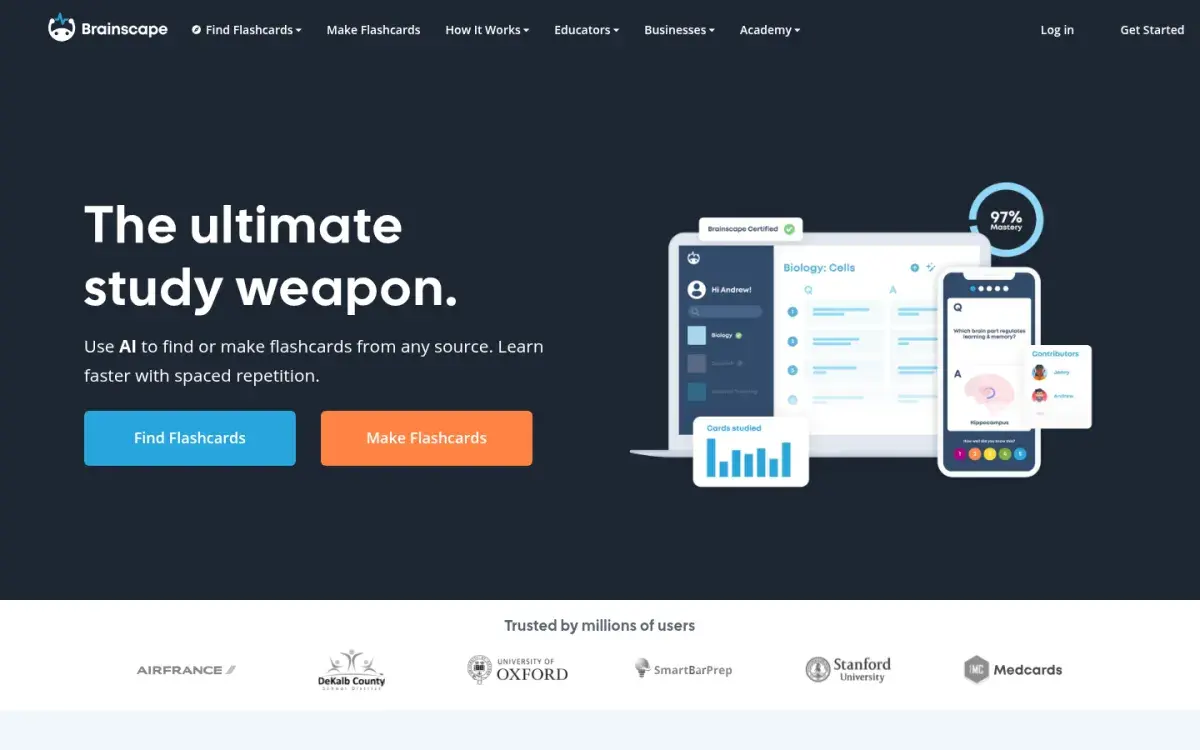
Brainscape asks you to rate your confidence from 1 to 5 after each card and repeats low-confidence cards sooner. Its Medical & Nursing library includes decks for the USMLE, MCAT, and NCLEX, some of them from publishers. Nursing students can see where premade decks fit in our NCLEX study plan. The phone apps are the most polished here.
Strengths
- Excellent phone apps
- Simple 1–5 confidence system
- Premade decks for USMLE, MCAT, and NCLEX
Drawbacks
- No Anki import
- Scheduling is a black box with few settings
- Free plan includes only a small set of premade cards
Price: Free to make and study your own cards, plus about 2,500 preloaded ones. Pro is $7.99/month billed yearly ($95.88).
4. Quizlet: best for classmates' course sets
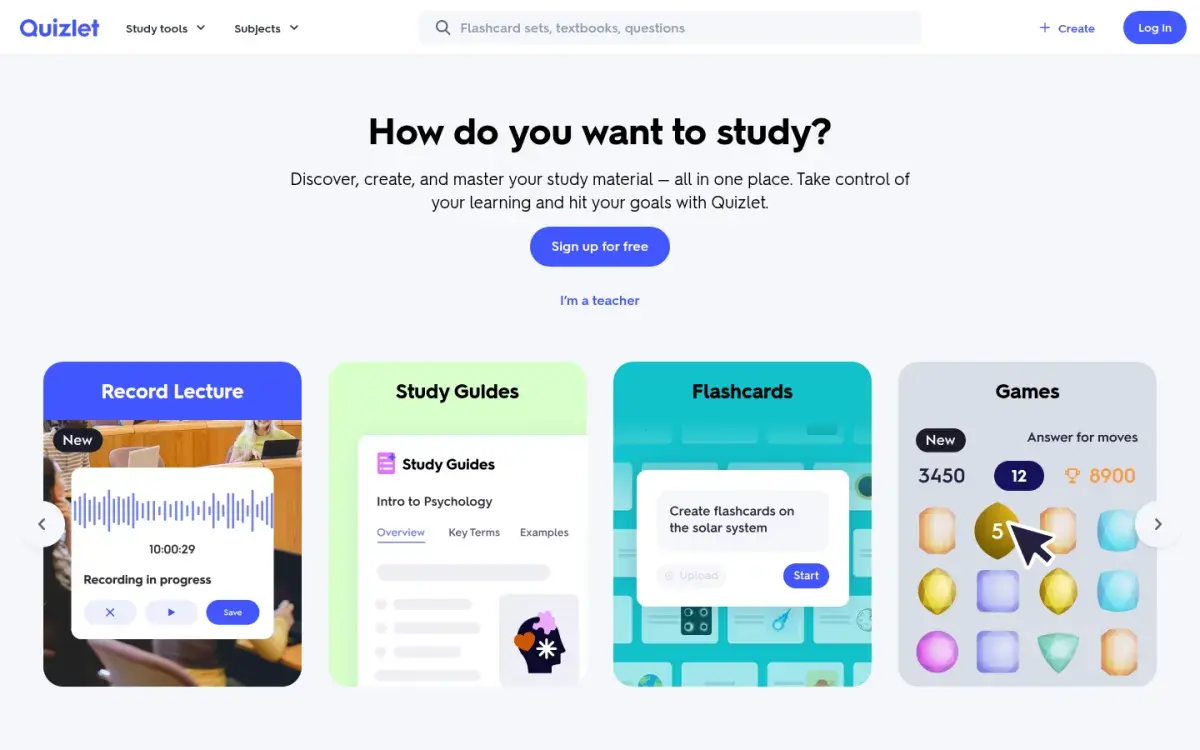
Quizlet's strength in medical school is local: someone in your class has often already made a set for this week's lecture. That's also its weakness, because user-made sets aren't checked, and a wrong drug fact studied fifty times is hard to unlearn. You also get less control over spacing than in Anki. For a closer look at the trade-offs against an AI-first app, see our side-by-side of Quizlet and Active Recalling.
Strengths
- Classmates' sets for your exact course
- Almost no setup
- Games and tests for variety
Drawbacks
- User-made sets can contain errors
- No Anki import
- Free plan caps Learn and tests
Price: Quizlet Plus is $35.99/year but still caps Learn rounds and practice tests; Plus Unlimited ($44.99/year) removes the caps.
5. Picmonic: best for visual mnemonics
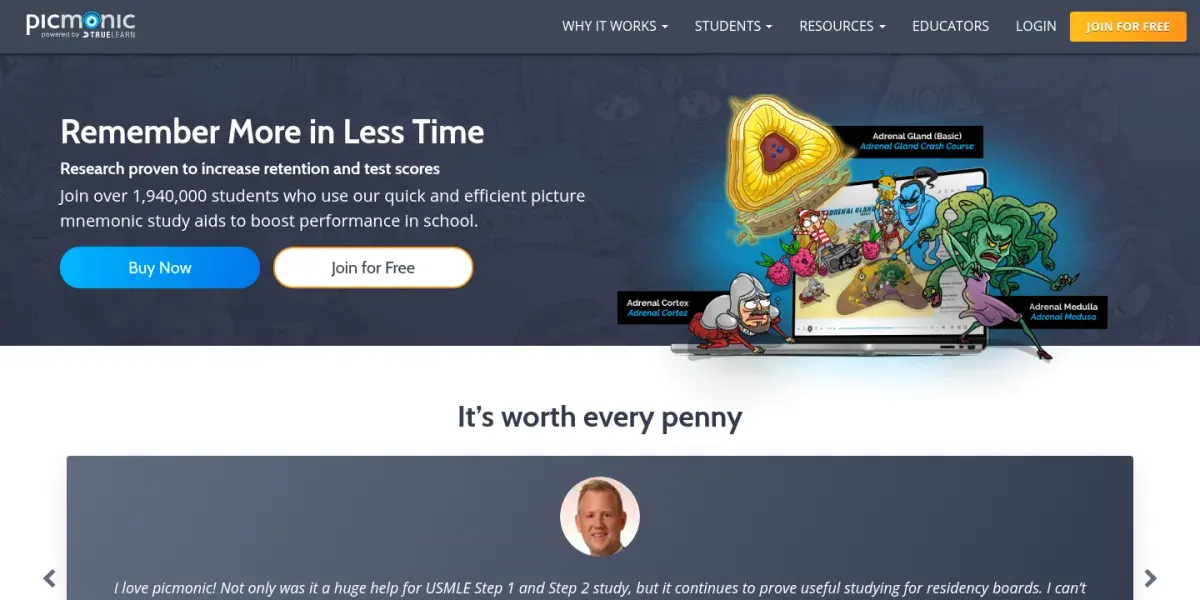
Picmonic turns facts into illustrated cartoon scenes, each with a short video and quiz. Its medical library has more than 2,000 mnemonics and over 24,000 fact quizzes, with a spaced-repetition daily quiz. An Anki add-on shows the matching Picmonic next to Anki cards, so it complements a deck rather than replacing it. Plans are sold by program, with separate versions for medicine and nursing.
Strengths
- Memorable picture mnemonics
- Built-in quizzes with spaced repetition
- Anki add-on links mnemonics to your cards
Drawbacks
- Most expensive option here
- Not a general-purpose flashcard app
- Picture mnemonics fit list-heavy facts better than reasoning
Price: $179.88 for 12 months for Medicine; a free trial is available.
6. Active Recalling: best for turning lecture PDFs into cards and quizzes
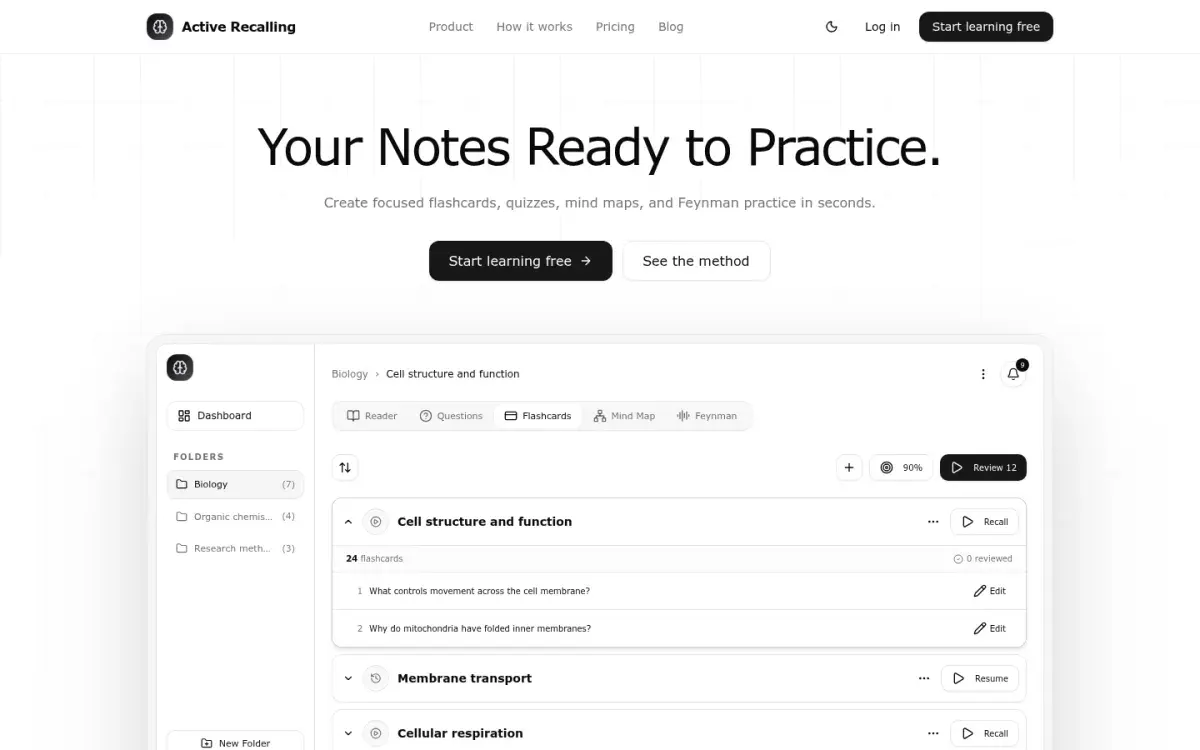
This is our app, so weigh this section accordingly. Active Recalling helps when your bottleneck is turning your school's own lecture material into practice. You add a PDF, slides exported as PDF, a Word document, screenshots, or pasted notes to a chapter, and it drafts flashcards, four-option quiz questions, a mind map, and a Feynman-style "explain it aloud" exercise. Every card and question is editable, and reviews are scheduled with FSRS.
Strengths
- Cards and quiz questions from one upload
- FSRS scheduling, fully editable cards
- Low price: $3.99/month
Drawbacks
- No image occlusion
- No Anki import or AnKing-style shared deck
- Web app only (works in mobile browsers)
Price: Free for 1 folder with up to 3 chapters. Pro is $3.99/month. See the AI flashcard generator page for how it works.
How to use AI to generate medical flashcards safely
AI generators can turn a 60-slide lecture into a draft deck in minutes. They also make mistakes that look exactly like correct cards. Use them as a first draft, never as a source.
- Generate from your material, not from a topic. "Make cards about heart failure" invites invented details. "Make cards from this lecture PDF" keeps the AI tied to what your exam covers.
- Work in small batches, one lecture or one learning objective at a time, so you can actually check every card.
- Give the AI rules. For example: "Using only the attached lecture, write question-and-answer flashcards for a second-year medical student. One fact per card. Keep every qualifier: population, timing, dose, exceptions. Don't add anything that isn't in the source, and flag any card where the source is unclear."
- Check each card with five questions: Does the source actually say this? Is a qualifier missing? Are names, numbers, units, and directions exact? Is it current? Is it worth reviewing a dozen times?
- Check high-risk cards first: doses, diagnostic thresholds, contraindications, interactions, emergency algorithms, and anything about pregnancy, children, or kidney function.
- Keep drafts out of your review queue. A card only moves from "draft" to your real deck once you've checked it.
Here's what the common errors look like:
| AI draft | What's wrong | Fixed card |
|---|---|---|
| "ACE-inhibitor angioedema occurs in the first week of treatment." | Qualifier lost. The label says it can occur at any time during treatment. | Can ACE-inhibitor angioedema appear after years of stable therapy? Yes, it can occur at any time during treatment. |
| "Reverse heparin with vitamin K." | Two drugs blended. Vitamin K reverses warfarin. | What reverses heparin? Protamine sulfate. |
| "Causes, symptoms, diagnosis, and treatment of DKA?" | Too broad to answer or grade. | Why do patients in DKA breathe deeply and rapidly (Kussmaul respirations)? To blow off CO₂ and compensate for metabolic acidosis. |
The good news: checking a card against the slide it came from takes seconds, and reading the source closely is itself good studying. Our roundup of AI flashcard generators compares more tools, and how to convert a PDF to flashcards walks through the full workflow.
How to choose: one review app, one drafter, one question bank
Most students end up with three tools that each do one job:
- One review app that holds every card and schedules it. For most, that's Anki; RemNote or Brainscape if Anki's setup is a dealbreaker. Switching later costs review history unless you move to an app that imports it.
- One fast way to make cards from your own lectures: AnKing tags where they cover it, your own cards for school-specific content, and an AI drafter if writing cards is what you never get to.
- One question bank, because questions teach you to apply facts in a vignette. Research on Step 1 preparation links both card and question volume with scores; our spaced repetition for medical school guide covers the studies.
By stage: in preclinical years, unsuspend AnKing cards that match each lecture and add your own for the rest. In dedicated study, keep reviews going and add new cards only for question-bank misses. On clerkships, review on your phone and switch to Step 2 tags. For the bigger picture, see how to study for medical exams.
Frequently asked questions
What flashcard app do most medical students use?
Anki, by a wide margin, usually with the AnKing deck for boards content. In a 2023 University of Minnesota survey of 165 medical students, 56% said they used Anki daily. Students who leave Anki most often move to RemNote, which imports Anki decks with review history, or to Brainscape for its phone apps.
Is Anki free for medical students?
Anki is free on Windows, Mac, Linux, Android, and in the browser through AnkiWeb. The official iPhone and iPad app, AnkiMobile, is a one-time $24.99 purchase. The software is free, but the current AnKing Step Deck is distributed through AnkiHub, which requires its Core plan: $6 a month or $66 a year as of October 2026.
Is Quizlet good for medical school?
Quizlet is good for quick, course-specific sets, especially when classmates have already made them for your lectures. Its limits are accuracy, since user-made sets aren't checked, and control, since you can't tune the review schedule the way you can in Anki. Use it for short-term course material, and check any set before you rely on it.
Do I need image occlusion in medical school?
For anatomy, histology, radiology, and pathology images, it helps a lot. Image occlusion hides one label at a time on a real image so you have to recall it. Anki has had it built in since version 23.10, and RemNote includes it too. Without it, you can still cover labels on a diagram by hand, but it's slower.
Can AI make good medical flashcards?
AI can draft useful cards quickly from your lecture slides, but the drafts contain errors that look correct: lost qualifiers, swapped drugs, wrong thresholds. Generate from your own source material in small batches, check every card against the source, and check doses, thresholds, and contraindications first. Only checked cards should go into your review queue.
Sources and further reading
Start with the primary research and official guidance below. Links open in a new tab so you can compare the evidence with the article.
- Read source
Anki — powerful, intelligent flashcards
Anki official site
- Read source
Editing: Image Occlusion
Anki Manual
- Read source
AnkiHub
AnkiHub official site
- Read source
RemNote pricing
RemNote
- Read source
Brainscape pricing
Brainscape
- Read source
Upgrade your account: Quizlet Plus plans
Quizlet, 2026
- Read source
Picmonic for Medicine pricing
Picmonic
- Read source
Zestril (lisinopril) prescribing information
DailyMed, US National Library of Medicine
- Read source
Academic and wellness outcomes associated with use of Anki spaced repetition software in medical school
Wothe et al., Journal of Medical Education and Curricular Development, 2023