

The best RemNote alternatives in 2026 are Obsidian with the Spaced Repetition plugin if you want notes you own as plain files, Logseq for a free, open-source outliner that feels closest to RemNote, Anki or Mochi if flashcards were the part of RemNote you actually used, Brainscape for simple phone-first review, and Active Recalling if you want cheaper AI cards and quizzes from your PDFs.
RemNote is hard to replace with a single app because it does a lot: outlined notes, flashcards written inside those notes, PDF annotation, AI tools, an exam scheduler, and spaced repetition with an FSRS option. Most alternatives do one or two of those things better. The trick is knowing which one you'd miss.
We compared six alternatives on linked notes, spaced repetition, offline use, where your data lives, and price. Everything was checked on official sites and docs in October 2026.
RemNote alternatives at a glance
| App | Linked notes | Spaced repetition | Works offline | Where your data lives |
|---|---|---|---|---|
| RemNote (for reference) | Yes | SM-2 by default, FSRS optional | Desktop and mobile apps | RemNote's cloud by default; exports to Markdown, OPML, Anki |
| Obsidian + SR plugin | Yes | FSRS or SM-2 (plugin) | Yes | Plain Markdown files on your device |
| Logseq | Yes, as an outliner | Basic built-in cards | Yes | Local Markdown or Org-mode files |
| Anki | No | FSRS or SM-2 | Yes | Local collection, free AnkiWeb sync |
| Mochi | Yes, wiki-style links between cards | Own algorithm or FSRS | Yes | On your device; sync needs Pro |
| Active Recalling | No | FSRS | No | Your online account |
What a year costs, October 2026
US dollars per year on each paid plan. The Obsidian and Logseq apps are free; Obsidian Sync is optional.
Source: Official pricing pages and the US App Store; yearly-billed prices where offered
View data
| Plan | Cost per year (USD) |
|---|---|
| RemNote Pro with AI | $216 |
| RemNote Pro | $96 |
| Brainscape Pro | $95.88 |
| Mochi Pro | $60 |
| Obsidian Sync | $48 |
| Active Recalling Pro | $47.88 |
| AnkiMobile (one-time) | $24.99 |
Why people look for a RemNote alternative
Be specific about what's bothering you, because some problems have fixes inside RemNote itself.
- There's a lot to learn. RemNote's pricing page alone lists annotated PDFs, image occlusion, an exam scheduler, handwritten documents, aliases, knowledge bases, search portals, LaTeX cloze cards, and AI credits. If you only wanted notes and cards, that's a lot of surface.
- The AI tools are expensive. The free plan includes 250 AI credits a month and 5 AI card generations from text, PDFs, or slides. The full AI toolkit (Learn PDF, the lecture recorder, and 20,000 AI credits a month) is on Pro with AI at $18 a month billed yearly, or $216 a year.
- Free-plan limits on PDFs. Free accounts can annotate 3 documents and add image occlusion to 5 images.
- You want to own plain files. By default, RemNote stores your knowledge base on its servers (the desktop app also offers local-only knowledge bases). You can export it, but the full-fidelity "RemNote (Complete)" export doesn't include images or PDFs.
- You only used the flashcards. If your notes live elsewhere, a dedicated flashcard app is simpler.
When to stay with RemNote
Check whether RemNote already does what you need. Its desktop and mobile apps work offline once you've signed in, with changes syncing when you reconnect. FSRS is available as an alternative to the default SM-2 scheduler, though RemNote's help center still labels it beta. Its iPhone app is rated 4.8 out of 5. If your problem is review load, try switching to FSRS first; our FSRS vs SM-2 explainer covers what changes.
The 6 best RemNote alternatives
1. Obsidian + Spaced Repetition plugin: best if you want to own your notes
Obsidian stores your notes locally as plain-text Markdown files, links them with [[wikilinks]], and works offline. It's free for personal and work use. The free community Spaced Repetition plugin turns lines like Mitochondria::site of oxidative phosphorylation into flashcards and schedules them with FSRS or SM-2, saving review data as a comment inside your notes.

Strengths
- Notes are plain Markdown files you keep forever
- Free, with thousands of community plugins
- Plugin supports FSRS and cloze cards
Drawbacks
- You assemble and maintain the setup yourself
- No built-in AI card generation
- Sync between devices is a paid add-on or a DIY setup
Price: Free. Obsidian Sync is optional at $4 a month billed yearly ($5 monthly). Our guide to Obsidian for students walks through a study setup.
2. Logseq: closest to RemNote's outliner, free and open source
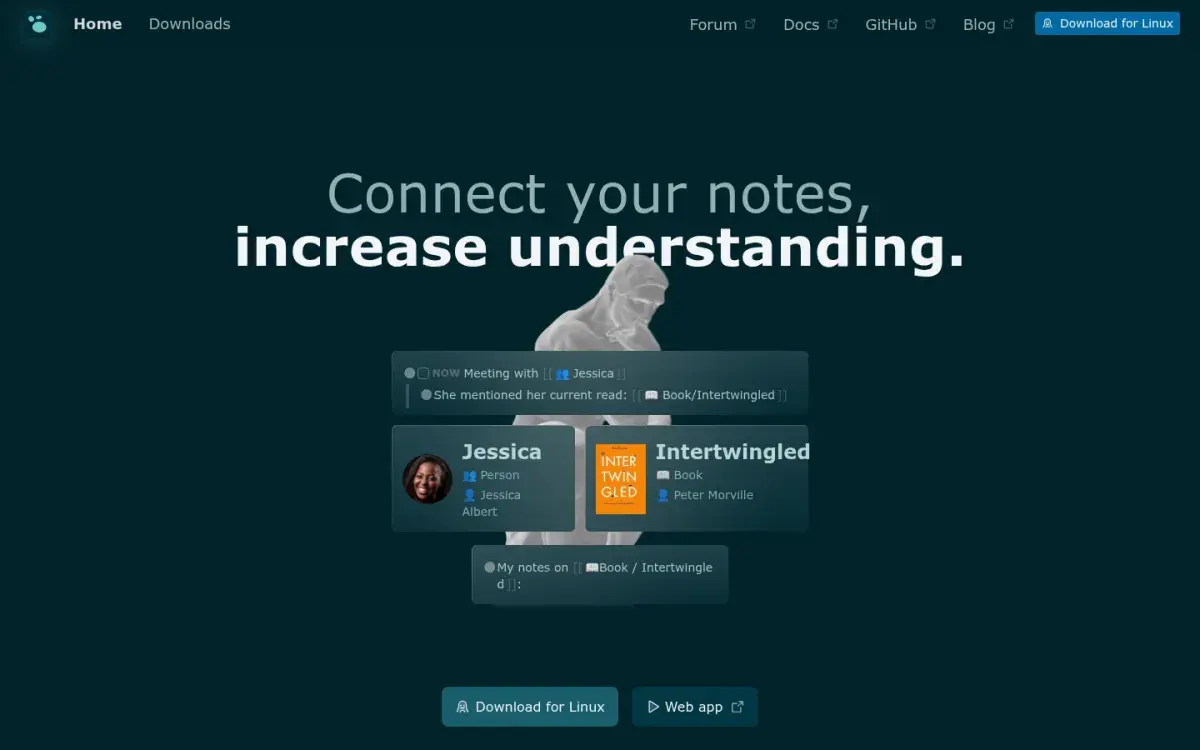
Logseq is an outliner like RemNote: every line is a block, and pages link to each other. It's open source under the AGPL-3.0 license, local-first, and supports Markdown and Org-mode files. Add #card to any block and it becomes a flashcard in Logseq's Flashcards review panel. On desktop, you can also highlight PDFs and link highlights into your notes.
Strengths
- Outliner workflow very close to RemNote's
- Free, open source, local files
- PDF highlighting on desktop
Drawbacks
- Flashcards are basic compared with RemNote or Anki
- The current iOS app listing hasn't been updated since April 2024
- New database version and its mobile app are still in beta and alpha
Price: Free.
3. Anki: best if you mainly used RemNote for flashcards
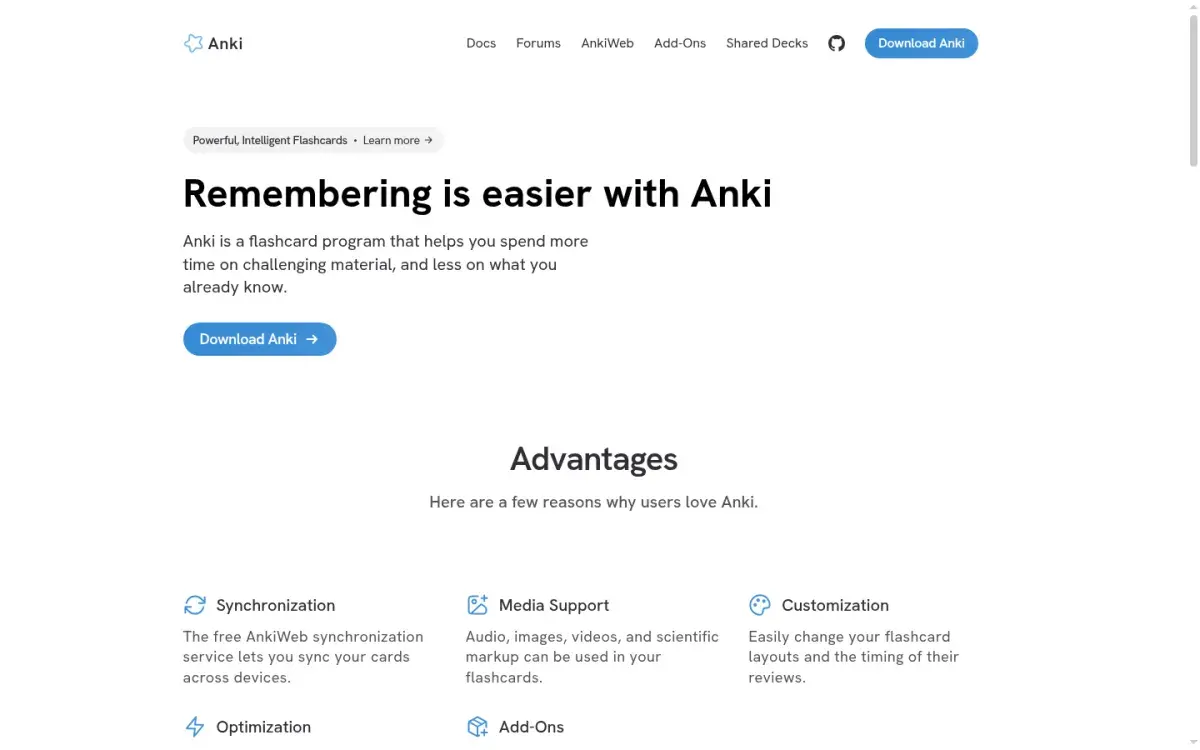
If RemNote's notes were just a container for cards, Anki gives you more control over the cards themselves: FSRS with tunable desired retention, custom card templates, image occlusion, add-ons, and a huge shared-deck library. It's free on Windows, Mac, Linux, Android, and the web through AnkiWeb, and it works offline.
The switch is easier than most: RemNote's export menu includes "Anki (Flashcards Only)", which produces an .apkg file and keeps the parent hierarchy of your notes. Bullets without flashcards are left out.
Strengths
- RemNote can export straight to Anki
- Free, offline, and endlessly configurable
- FSRS plus image occlusion built in
Drawbacks
- No real note-taking: cards lose the context of your notes
- Dated interface and a learning curve
- iPhone app is $24.99
Price: Free, except AnkiMobile for iPhone and iPad ($24.99 once). For more options in this category, see our Anki alternatives guide.
4. Mochi: best for simple, offline notes and flashcards
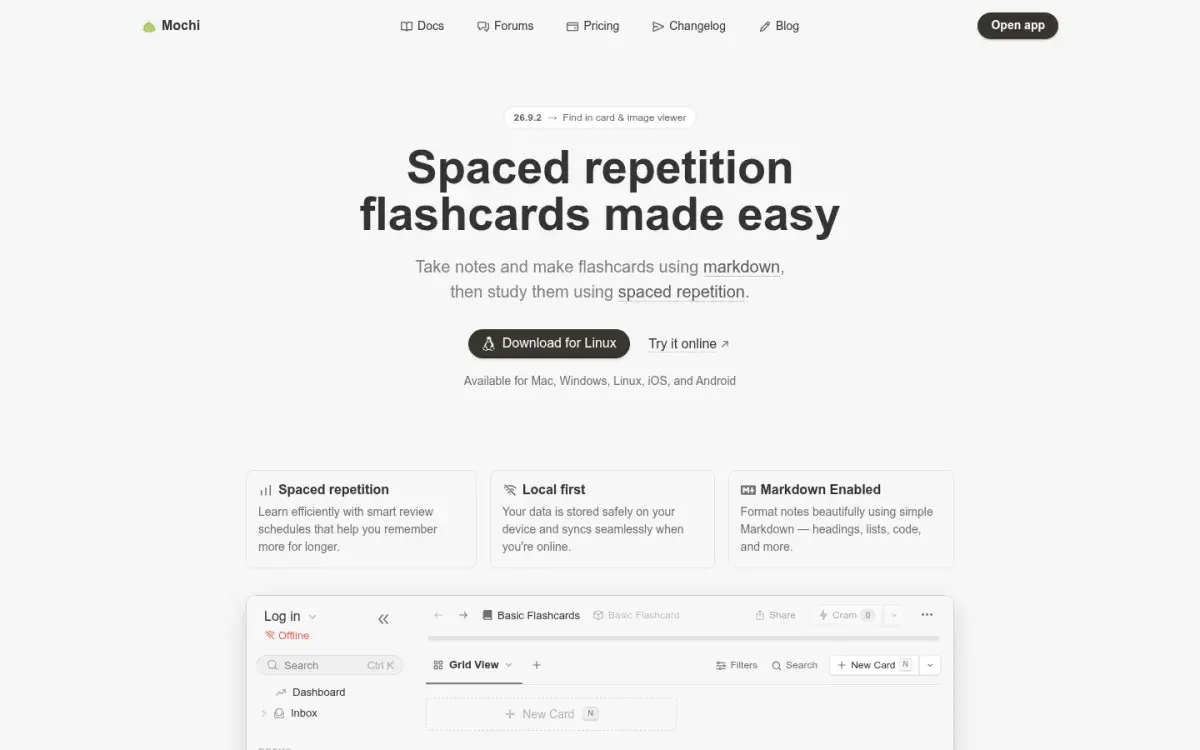
Mochi sits between a notes app and a flashcard app. You write notes and cards in Markdown, link cards to each other with wiki-style [[links]], and review with Mochi's own scheduler or FSRS. The free plan needs no sign-up and gives unlimited cards and decks offline on Mac, Windows, Linux, iOS, and Android. It imports both Markdown and Anki .apkg files, two formats RemNote exports; .apkg imports keep review history, Markdown imports don't.
Strengths
- Calm, fast, Markdown-based notes and cards
- Free offline use on every platform
- Imports RemNote's Markdown and Anki exports
Drawbacks
- Sync between devices needs Pro
- Markdown imports don't keep review history
Price: Free for local use. Pro is $5 a month billed yearly ($60) and adds sync, 10 GB of storage, and bigger AI allowances.
5. Brainscape: best for simple phone-first review
If you did most of your RemNote reviews on your phone and wanted something lighter, Brainscape is built for mobile. You rate each card from 1 to 5 by confidence, and low-confidence cards come back sooner. Its iPhone app is rated 4.8 out of 5 from more than 21,000 ratings, and there are expert-made decks for many exams and languages.

Strengths
- Polished iPhone and Android apps
- Very little to set up
- Unlimited cards of your own on the free plan
Drawbacks
- No note-taking at all
- Confidence ratings depend on you being honest
- Free plan includes only 2,500 preloaded cards
Price: Free for your own cards. Pro is $7.99 a month billed yearly, per Brainscape's pricing page.
6. Active Recalling: best for cheaper AI cards and quizzes from PDFs
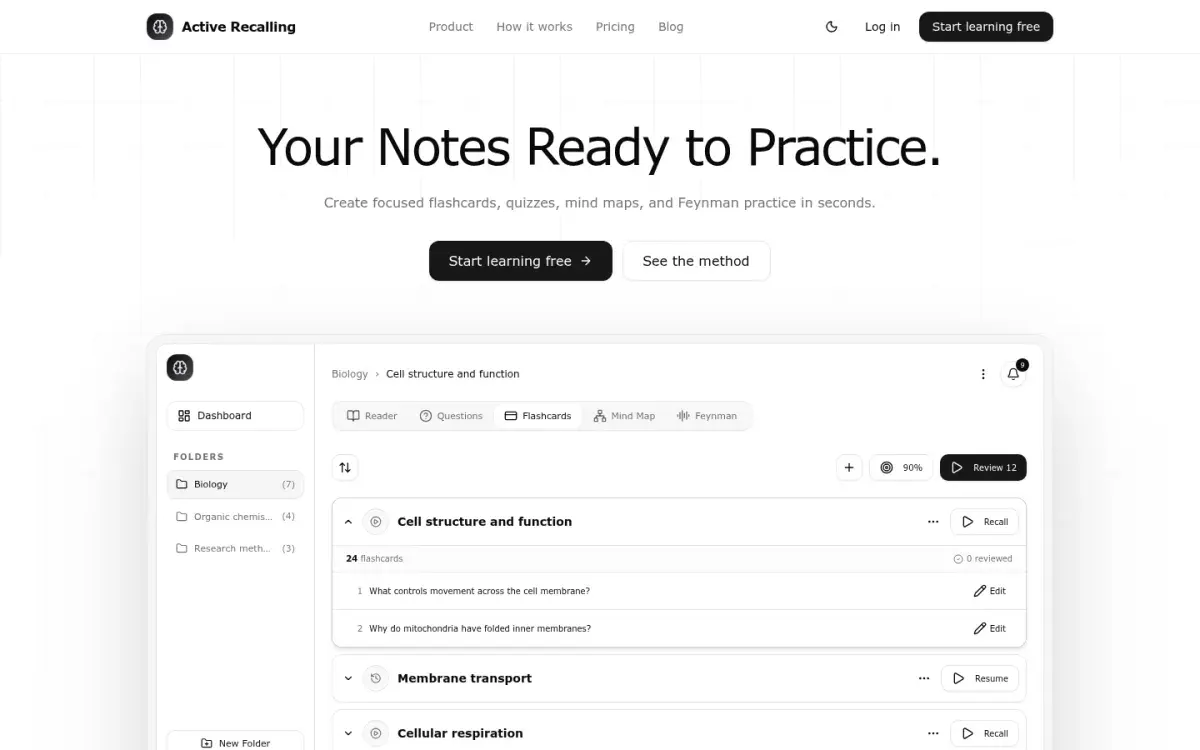
This is our app, so weigh this section accordingly. If the RemNote feature you valued most was "upload a PDF, get flashcards," Active Recalling turns a PDF into flashcards at a lower price, and adds more question types. Add a PDF, Word document, JPG or PNG screenshot, pasted notes, or a webpage link to a chapter, and it generates editable flashcards, four-option multiple-choice questions, a mind map, and Feynman practice (explain aloud, then compare with your notes). Reviews are scheduled with FSRS.
Strengths
- Cards, quizzes, and a mind map from one upload
- FSRS scheduling
- $3.99/month, about a fifth of RemNote Pro with AI
Drawbacks
- No linked notes or outlining
- No offline mode or native app
- No Anki or Quizlet import; RemNote notes come in only as pasted text
Price: Free for 1 folder with up to 3 chapters. Pro is $3.99 a month, with no yearly plan.
RemNote vs Obsidian and RemNote vs Anki
Two head-to-head questions come up often, so here's the short version.
RemNote vs Obsidian. RemNote is an all-in-one study app: flashcards, PDF annotation, AI, and scheduling work out of the box. Obsidian is a general notes app that becomes a study tool only after you add plugins. Choose Obsidian if you care most about owning plain files and customizing everything; choose RemNote if you want flashcards inside your notes with no assembly required.
RemNote vs Anki. Both schedule cards well and both offer FSRS. RemNote wins on notes: cards live inside the context you wrote them in. Anki wins on cards: deeper settings, add-ons, shared decks, and a free desktop app with no feature limits. If you want both, you can keep notes in RemNote and export the cards to Anki.
If you're still deciding how notes and cards should fit together, our guides to turning notes into flashcards and building a second brain for school cover the workflow side.
What about mobile and offline?
"Better mobile" and "works offline" are common reasons to look elsewhere, so here's what the App Store and each app's documentation say.
| App | US App Store rating | Ratings | Offline |
|---|---|---|---|
| RemNote | 4.8 | 1,643 | Yes, in the apps |
| Brainscape | 4.8 | 21,496 | Not stated |
| Mochi | 4.6 | 175 | Yes |
| Obsidian | 4.5 | 2,757 | Yes |
| Logseq | 4.4 | 264 | Yes |
| AnkiMobile | 4.0 | 2,354 | Yes |
Ratings from US App Store listings on October 11, 2026. Active Recalling has no native app.
RemNote's own iPhone app is rated as highly as any alternative here. If mobile is your complaint, the fix is usually a simpler app (Brainscape or Mochi), not a better-rated one. Offline is similar: RemNote's desktop app stores a full copy of your images and PDFs, while its mobile and web versions don't, so heavy PDF work offline is best on desktop. Obsidian, Logseq, Anki, and Mochi all keep your data on the device by design.
How to leave RemNote without losing your work
- Export twice. In RemNote's export settings, export your knowledge base as Markdown (for Obsidian, Logseq, or Mochi) and as Anki (Flashcards Only) (for Anki or Mochi). Also keep a RemNote (Complete) export as a backup in case you come back.
- Save your PDFs and images separately. The RemNote (Complete) export leaves out images and PDFs, which live on RemNote's servers, so download the originals you annotated.
- Import one document first. Check that headings, nested bullets, cloze cards, and math survived before you move everything. Expect some cleanup.
- Expect to lose some review history. Mochi's Markdown imports don't keep it, and RemNote doesn't say whether its Anki export carries scheduling data, so plan for a few heavier review days.
- Run both apps for a week. Keep doing RemNote reviews until you trust the new schedule, then stop.
Frequently asked questions
What is the best free alternative to RemNote?
Obsidian with the free Spaced Repetition plugin is the best free alternative if you want linked notes plus flashcards, and your notes stay as Markdown files you own. Logseq is the closest free outliner. If you only need flashcards, Anki is free on desktop, Android, and the web, and Mochi's free plan works offline.
Is Obsidian better than RemNote for studying?
Obsidian is better if you want full ownership of plain-text notes and enjoy customizing your setup with plugins. RemNote is better if you want flashcards, PDF annotation, AI tools, and spaced repetition working together without any setup. For most students who just want to study, RemNote needs less work; Obsidian rewards people who like building systems.
Is RemNote better than Anki?
RemNote is better if you want notes and flashcards in one place, with cards that keep the context of your notes. Anki is better for pure flashcard work: more scheduling settings, add-ons, shared decks, and no feature limits on the free desktop app. Both support FSRS, so scheduling is comparable; keeping up with your reviews matters more than the app.
Can I export RemNote flashcards to Anki?
Yes. RemNote's export options include "Anki (Flashcards Only)", which creates an .apkg file you can open in Anki. It keeps the parent hierarchy of your notes, skips bullets that have no flashcards, and turns multiple-choice cards into regular cards with the correct answer in bold, since Anki has no multiple-choice card type.
Does RemNote work offline?
Yes, in its desktop and mobile apps. After the first download and sign-in, you can edit notes and review flashcards offline, and changes sync when you reconnect. In a web browser, it keeps working only if the tab stays open. The desktop app stores your images and PDFs locally; the mobile app doesn't.
What is a good note-taking app with flashcards?
RemNote, Logseq, and Mochi all build flashcards into the notes app itself. Obsidian does it through the free Spaced Repetition plugin. If you'd rather keep notes in Notion or Google Docs (see our Notion study setup guide), pair them with a separate flashcard app such as Anki, or an AI tool that turns your notes into cards.
Sources and further reading
Start with the primary research and official guidance below. Links open in a new tab so you can compare the evidence with the article.
- Read source
RemNote pricing
RemNote, 2026
- Read source
Offline mode
RemNote Help Center
- Read source
Exporting notes
RemNote Help Center
- Read source
The FSRS spaced repetition algorithm
RemNote Help Center
- Read source
Obsidian pricing
Obsidian, 2026
- Read source
Obsidian Spaced Repetition plugin
GitHub
- Read source
Logseq docs: Flashcards
Logseq, GitHub
- Read source
Mochi pricing
Mochi, 2026