

The best AI mind map generator for students in 2026 is Mapify, which turns PDFs, Word files, web pages, and YouTube lectures into editable maps in seconds. Gemini Notebook (formerly NotebookLM) is the best free option if you want a map of your own sources, Xmind is best if you want to polish and export the map, and GitMind is the cheapest dedicated mind-mapping app.
AI mind maps are good at one thing: showing how a topic's parts fit together before you start memorizing. They're bad at the thing students hope they'll do, which is making you remember it. You still have to recall the map yourself.
We checked each tool's official site and pricing page in October 2026. Below you'll find the comparison, what separates a useful study map from a pretty one, and a cover-and-redraw routine that turns any AI map into recall practice. For flashcard, quiz, and tutoring tools, see our guide to AI tools for studying.
AI mind map generators compared
| Tool | Makes maps from | Free plan | Plan with regular AI use | Export |
|---|---|---|---|---|
| Mapify | PDFs, Word, web pages, YouTube, audio | 30 one-time credits | $5.99/mo billed yearly | PDF, Markdown, SVG (paid) |
| Gemini Notebook | Your notebook's sources | Yes, usage-limited | Google AI Plus or Pro | Not described |
| Xmind | Prompts, PDFs, docs, web pages, YouTube | 10 maps, 50 AI credits | $99/yr (Premium) | Word, Excel, SVG, Markdown (paid) |
| EdrawMind | Prompts and imported files | 500 AI tokens, 100 topics | $58.80/yr | Watermark on free |
| GitMind | Text, PDFs, video, audio, web pages, images | Up to 10 maps | $4.08/mo billed yearly | HD export on paid plans |
| Whimsical | A text prompt | 10 AI credits, 50 board objects/mo | $10/mo billed yearly | Watermark on free |
| Active Recalling | PDFs, Word, screenshots, text, web pages | 1 folder, 3 chapters | $3.99/mo | — |
What a year of AI mind mapping costs
Annual cost in US dollars of each tool's cheapest plan with ongoing AI use, October 2026. Gemini Notebook's mind maps are free.
Source: Official pricing pages, checked October 2026; annual billing where offered
View data
| Tool | Annual cost (USD) |
|---|---|
| Whimsical Pro | $120 |
| Xmind Premium | $99 |
| Mapify Basic | $71.88 |
| EdrawMind Individual | $58.8 |
| GitMind Annual | $48.96 |
| Active Recalling Pro | $47.88 |
What makes a good AI mind map for studying?
A study map has one job: to show the true structure of a topic so you can hold it in your head. Check every AI map for three things.
- The hierarchy is right. Main branches should be the big ideas, and sub-branches should belong to their parent. AI often promotes a detail to a main branch or buries a key idea three levels deep.
- Siblings are the same kind of thing. If one branch is a stage of a process, the branches next to it should be stages too, not a location or a definition.
- The links match your source. Every branch should trace to something in your notes, and nothing important from your notes should be missing.
Here's what that looks like for cellular respiration. A typical first draft from AI might put these on the same level: Glycolysis, Mitochondria, ATP, Krebs cycle, Electron transport chain. That mixes stages with a place and a product. A better map has four stage branches (glycolysis, pyruvate oxidation, the Krebs cycle, the electron transport chain), each with sub-branches for where it happens and what it produces. Fixing it takes two minutes, and deciding where each piece goes is itself useful thinking.
Mind map or concept map?
A mind map branches out from one central idea in a tree. A concept map is a web of ideas joined by labeled links, such as "glycolysis produces pyruvate." Most AI tools make mind maps. Concept maps are better for showing cause and effect, so if your course is about processes or systems, add a few labeled cross-links by hand.
Neither replaces retrieval. In one experiment, students who practiced recalling a science text learned more than students who built concept maps of it, even when the final test asked them to draw a concept map (Karpicke & Blunt, 2011). Use the map to organize, then test yourself. Our guide to mind mapping for better learning covers drawing your own.
The 7 best AI mind map generators
1. Mapify: best for turning PDFs and lectures into maps
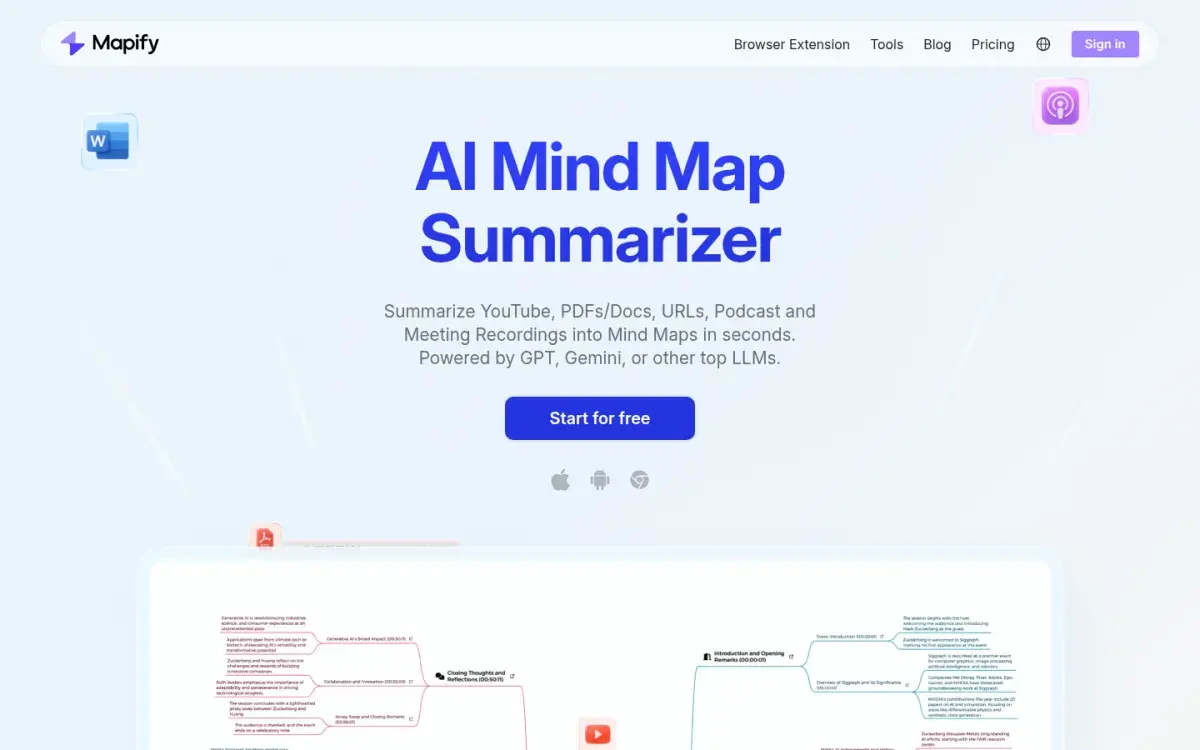
Mapify summarizes a PDF, Word file, web page, YouTube video, podcast, or recording into a mind map you can edit, then export or present as slides. That flexible input set matters if your course mixes readings with recorded lectures. It runs on the web, as a Chrome extension, and in Apple and Android apps.
Strengths
- Maps from PDFs, web pages, YouTube, and audio
- Export to PDF, Markdown, or SVG
- 30% discount for students and educators
Drawbacks
- Free plan is 30 one-time credits (about five files)
- Basic plan uses only the faster Instant model
- Audio and image input need Pro
Price: Free with 30 one-time credits. Basic is $5.99/month billed yearly or $9.99 monthly; Pro is $11.99/month billed yearly.
2. Gemini Notebook: best free AI mind map generator
Gemini Notebook, the tool Google renamed from NotebookLM in July 2026, can generate a mind map from all the sources in a notebook: lecture PDFs, slides, web pages, YouTube videos. Because it works from those sources, the map reflects your course rather than the internet. Treat it as an overview for finding your way around, then build the map you'll study from yourself.
Strengths
- Free with a Google account
- Maps only your own sources
- Same notebook makes quizzes and flashcards
Drawbacks
- Less control over layout than a mapping app
- Export options not described by Google
- Usage limits are compute-based
Price: Free, with usage limits that refresh every five hours. Google AI Plus doubles them and AI Pro quadruples them.
3. Xmind: best for editing and exporting a polished map
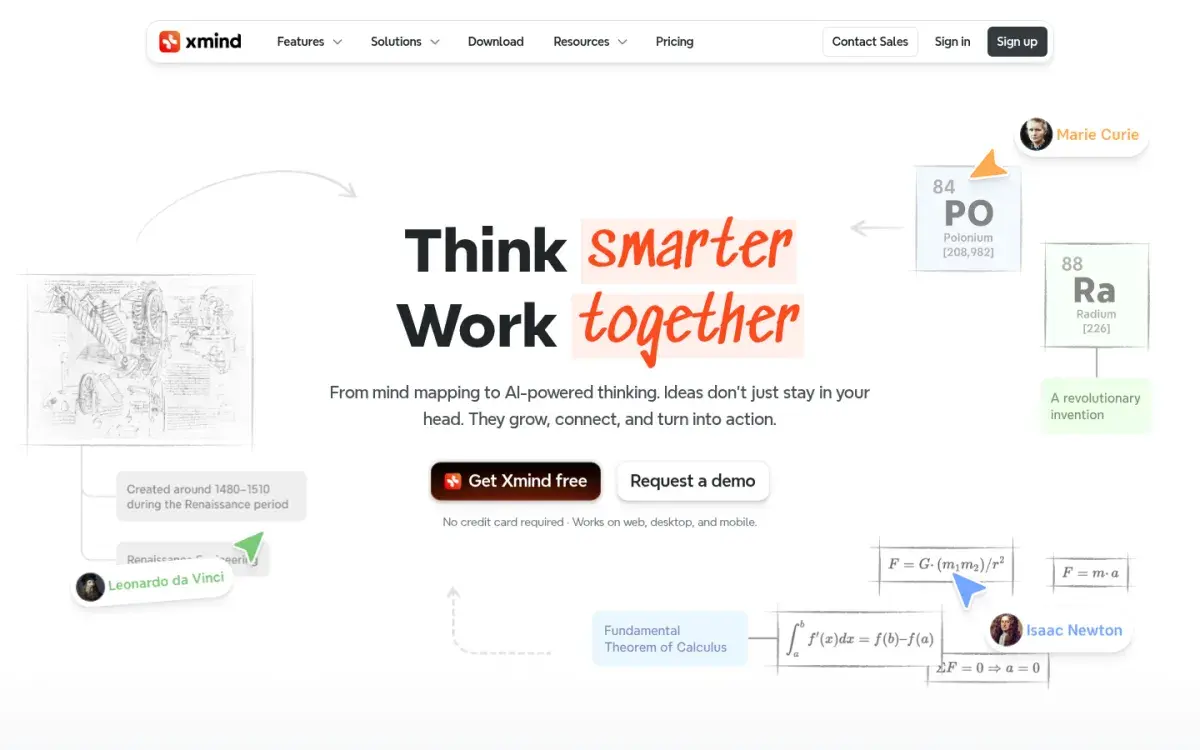
Xmind is a long-standing mind-mapping app on web, desktop, and mobile. Its AI can turn a prompt, PDF, document, web page, or YouTube link into a map. The free and Pro plans include 50 AI credits to try it; regular use needs Premium, with 500 credits a month. Pro and Premium add math equations in topics and exports to Word, Excel, SVG, and Markdown, which helps if you want your map in your notes.
Strengths
- Strong manual editing and layouts
- Math equations and rich exports on paid plans
- Desktop, web, and mobile apps
Drawbacks
- Regular AI use needs Premium ($99/yr)
- Free plan limits you to 10 online maps
- More features than most students need
Price: Free for 10 online maps and 50 AI credits. Pro is $4.92/month billed yearly with 50 AI credits; Premium is $8.25/month billed yearly ($99) with 500 AI credits a month.
4. EdrawMind: best for mapping on every platform
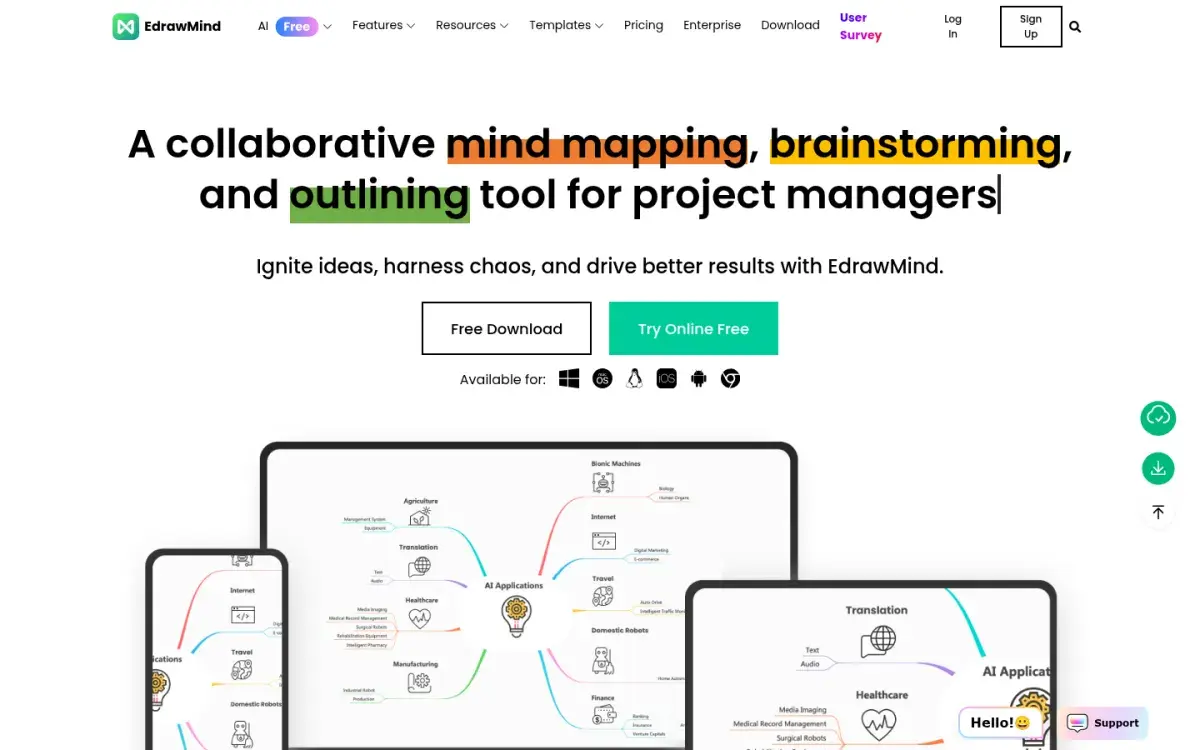
EdrawMind runs in the browser and on Windows, Mac, Linux, iOS, and Android, so your maps follow you between a laptop and a phone. The paid Individual plan includes 10,000 AI tokens against 500 on the free plan, and it imports Word, HTML, and Markdown files as well as MindManager and FreeMind maps.
Strengths
- Apps on every major platform
- Imports Word, HTML, and Markdown files
- 10,000 AI tokens on the Individual plan
Drawbacks
- Marketing and templates lean toward business
- Free plan: 500 AI tokens, 100 topics, watermarked exports
- Interface is busy for quick study maps
Price: Free plan with 500 AI tokens. Individual is $58.80/year ($4.90/month billed annually), with a 7-day free trial.
5. GitMind: cheapest dedicated mind-mapping app
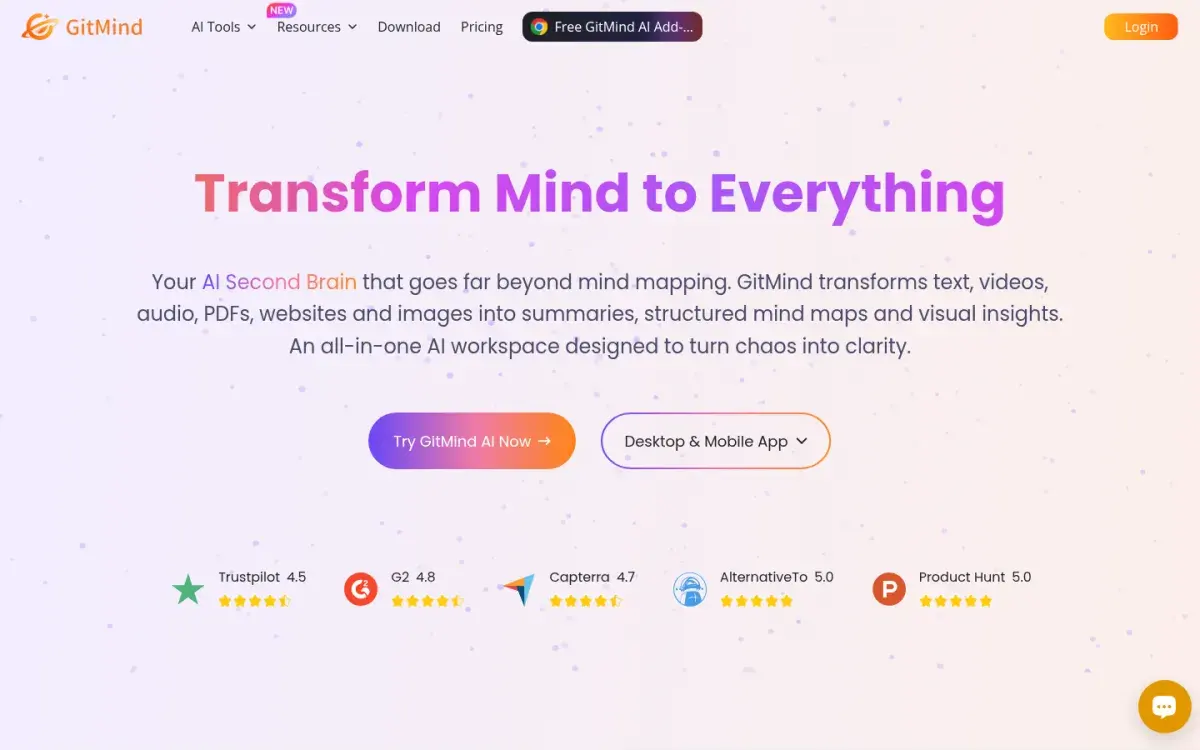
GitMind turns text, PDFs, video, audio, web pages, and images into summaries and mind maps, and you can invite classmates to work on a map with you. Its annual plan is the cheapest subscription among the dedicated mind-mapping apps here.
Strengths
- Cheapest annual plan of the mapping apps
- Wide range of inputs
- Shared maps for group work
Drawbacks
- Free plan stops at 10 maps
- HD export needs a paid plan
- Menus crowded with unrelated AI tools
Price: Free for up to 10 maps. Paid plans are $4.08/month billed yearly or $9 monthly.
6. Whimsical: fastest map from a prompt
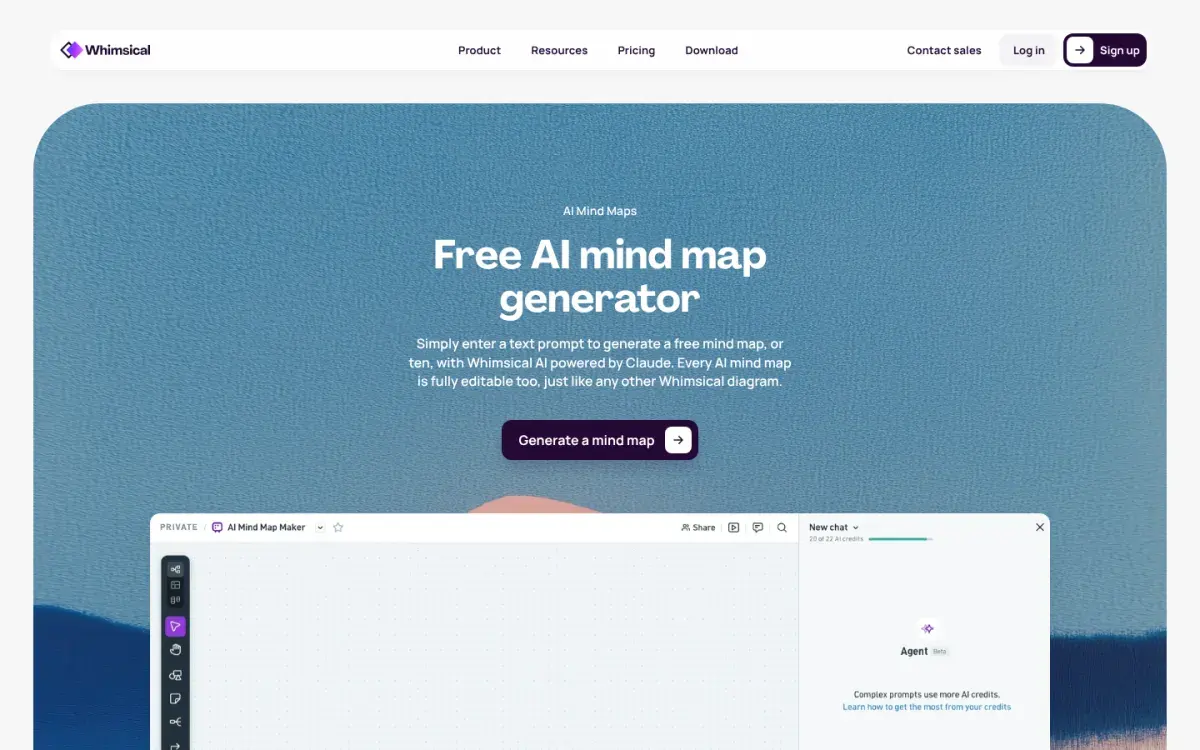
Whimsical's AI, powered by Claude, expands a short prompt into a fully branched map you can edit like any other diagram. It starts from your idea rather than your document, so it's best for brainstorming an essay or project, not for summarizing a chapter.
Strengths
- Fast, clean maps from a prompt
- Fully editable
- Also does flowcharts and diagrams
Drawbacks
- Starts from a prompt, not your notes
- Free plan: 50 board objects a month
- Most expensive plan in this list
Price: Free with 10 AI credits. Pro is $10/month per editor billed yearly.
7. Active Recalling: a map plus practice from the same source
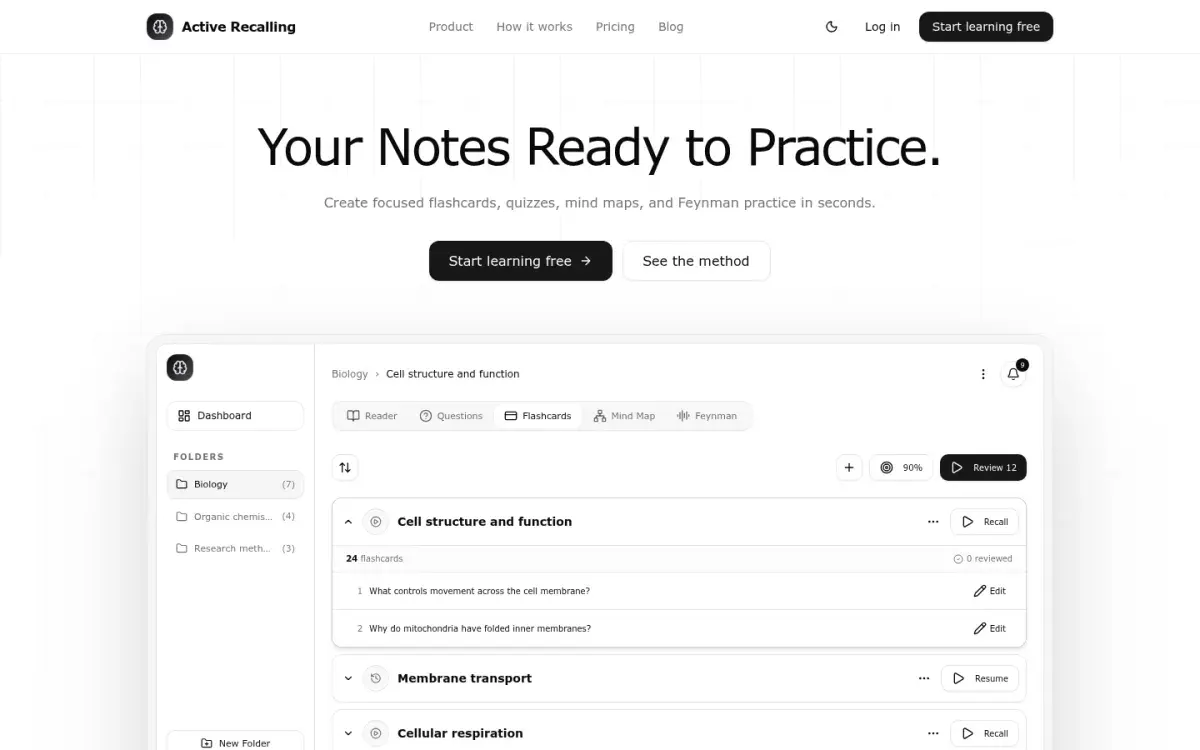
This is our app, so weigh this section accordingly. Add a PDF, Word file, screenshot, pasted notes, or a web page to a chapter and it generates a mind map alongside flashcards, four-option quiz questions, and a Feynman exercise where you explain the topic aloud. The point is to move straight from the map to recall practice, with reviews scheduled by FSRS.
Strengths
- Mind map, flashcards, and quiz from one upload
- Interactive map: move nodes and edit connections
- Pro is $3.99/month
Drawbacks
- Fewer layout and styling options than Xmind
- No YouTube links
- Web app only
Price: Free for 1 folder with up to 3 chapters. Pro is $3.99/month. See our AI mind map generator page for examples.
How to choose an AI mind map generator
- Studying from PDFs and recorded lectures: Mapify. If cost matters, try Gemini Notebook first.
- Want a map you'll keep editing and export into notes: Xmind or EdrawMind.
- Group project or brainstorming an essay: GitMind or Whimsical.
- Want the map and the practice in one place: Active Recalling.
If your source is a long PDF, see our step-by-step guide to turning a PDF into a mind map. To ask questions about the PDF before you map it, try chat-with-PDF tools that answer from your file. Visual learners should also read about dual coding, which explains why pairing words with a diagram helps, and why the "visual learner" label doesn't.
The cover-and-redraw routine: remember the map
An AI map you only look at will feel familiar and still be gone by the exam. This routine turns it into practice. It takes about 15 minutes per topic.
- Day 0: fix the map (5 min). Check the hierarchy against your notes using the three checks above. Cut any branch you can't trace to your source.
- Day 1: redraw from memory (10 min). On a blank page, write the central topic and draw every branch you can recall. Don't peek.
- Compare and mark. Circle the branches you missed or placed wrong in a different color. Those are your weak spots.
- Turn misses into questions. For each circled branch, write one question, such as "What does the electron transport chain produce, and where does it happen?"
- Day 3 and day 7: redraw again. Then explain the map out loud from the center outward, as you would in the Feynman technique.
Redrawing works because it's retrieval: you pull the structure out of memory instead of recognizing it on screen. For why that beats rereading, see retrieval practice explained.
Frequently asked questions
What is the best free AI mind map generator?
Gemini Notebook is the best free option for students, because it maps the PDFs, slides, and videos you add to a notebook without a paid plan. Whimsical and Mapify have free tiers too, but they're small: 10 AI credits at Whimsical and 30 one-time credits at Mapify.
Can AI make a mind map from a PDF?
Yes. Mapify, Gemini Notebook, Xmind, GitMind, and Active Recalling can all build a map from a PDF. Check the result against the document, because AI often mixes levels, such as putting a definition next to a process step, or skips sections it misreads.
Are mind maps good for studying?
They help you see how ideas connect and are useful when starting a new topic. On their own, they're weaker than self-testing: students who practiced recalling a text learned more than students who made concept maps of it. Redraw the map from memory to get both benefits.
What is the difference between a mind map and a concept map?
A mind map is a tree that branches out from one central idea. A concept map is a network of ideas joined by labeled links, such as "insulin lowers blood glucose." Concept maps show cause and effect better, so they suit processes and systems.
Should I make my own mind map or use AI?
Making your own map is better for learning, because deciding where each idea goes forces you to think about it. AI is useful for a first draft of a long reading. A good compromise is to let AI draft the map, fix it yourself, then redraw it from memory.
Sources and further reading
Start with the primary research and official guidance below. Links open in a new tab so you can compare the evidence with the article.
- Read source
Retrieval practice produces more learning than elaborative studying with concept mapping
Science, 2011
- Read source
Mapify pricing
Mapify, 2026
- Read source
Xmind pricing
Xmind, 2026
- Read source
EdrawMind online pricing
Wondershare EdrawMind, 2026
- Read source
GitMind pricing
GitMind, 2026
- Read source
AI mind map maker
Whimsical, 2026
- Read source
Whimsical pricing
Whimsical, 2026
- Read source
Create a notebook in Gemini Notebook
Gemini Notebook Help, 2026