
The best AI tools for studying in 2026 are ChatGPT's study mode for explaining hard ideas, Gemini Notebook (the tool formerly called NotebookLM) for questions about your own readings, Knowt for AI flashcards, and Quizgecko for practice questions. Add Mapify if you think in diagrams and Turbo AI if lectures are where you fall behind.
No single app does every job well, so this guide is organized by job rather than by brand. For each job you get one pick, what it costs as of October 2026, the limit to know before you rely on it, and a link to our full comparison of that tool type.
One rule runs through all of it: the AI tools that help you learn are the ones that make you produce answers. A summary feels like progress. A quiz you can't fully answer is what actually moves material into memory.
Best AI study tools at a glance
| Job | Best pick | Free plan | Cheapest paid plan (Oct 2026) |
|---|---|---|---|
| Explaining concepts | ChatGPT study mode | Yes, on every plan | Go, $8/mo in the US |
| Questions about your readings | Gemini Notebook | 100 notebooks, usage-limited | Google AI Plus |
| Flashcards from notes | Knowt | Every study mode; 1 AI file summary/mo | Ultra, $149.99/yr |
| Practice questions | Quizgecko | Starter limits | Plus, priced in local currency |
| Mind maps | Mapify | 30 one-time credits | Basic, $5.99/mo billed yearly |
| Lecture notes | Turbo AI | Yes | Not listed publicly |
How we picked these tools
We looked for tools that do one study job well and checked each one's official site, pricing page, and help center in October 2026. We did not run a controlled accuracy test, so treat the picks as informed recommendations, not lab results.
Four questions decided each pick:
- Does it work from your material? Your exam is written from your syllabus, not from the internet. Tools that read your PDFs, slides, and notes beat tools that answer from general knowledge.
- Does it make you retrieve? Flashcards, quizzes, and step-by-step questioning beat summaries. In a classic experiment, students who reread a passage felt more confident, but students who were tested on it remembered more a week later (Roediger & Karpicke, 2006).
- Can you fix its mistakes? AI output needs checking. Editable cards and questions matter.
- Is the free plan usable? You should be able to try the tool on a real chapter before paying.
The best AI tools for studying, by job
Explaining hard concepts: ChatGPT study mode
Study mode changes how ChatGPT answers. Instead of handing you a finished explanation, it asks what you already know, walks through the idea in steps, and checks your understanding with questions. It's free on every plan, on the web and in the iOS and Android apps: type @study in a regular chat or pick Study from the + menu.
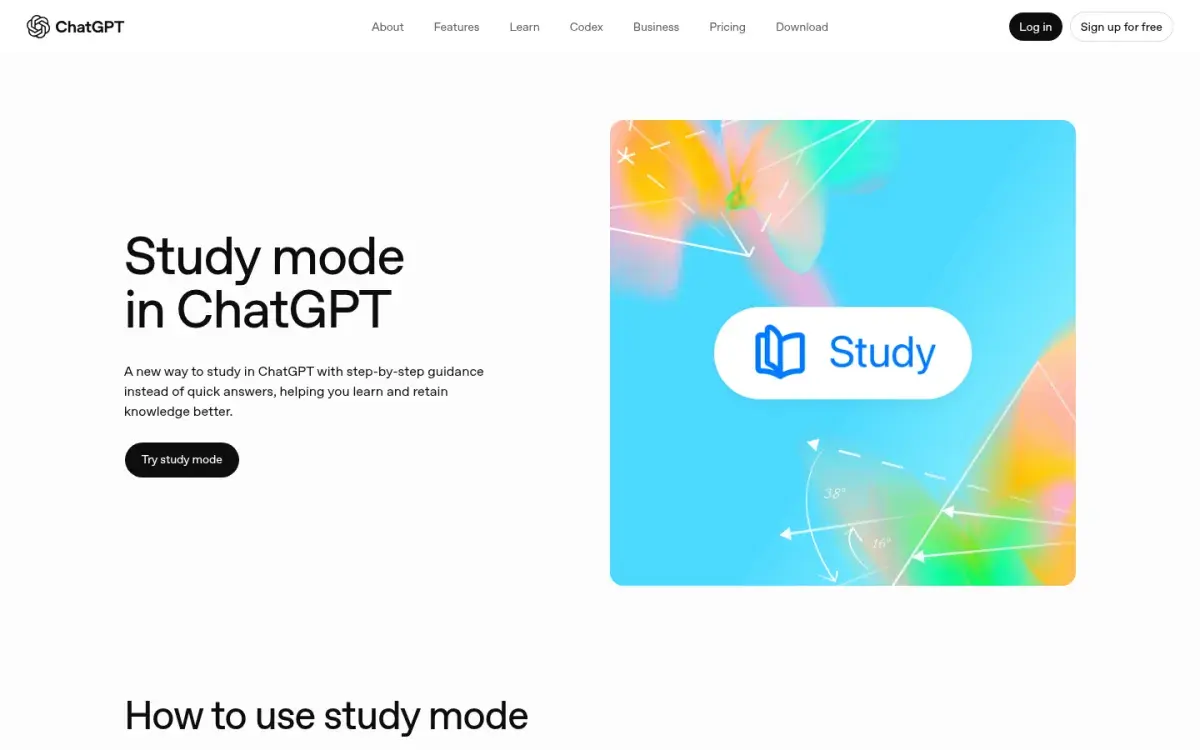
Use it for: a concept from lecture that didn't click, like why a lower Km means higher enzyme affinity. Ask it to quiz you before it explains.
Watch out for: it answers from general knowledge unless you upload your notes, and it can state wrong things confidently. Price: free; Go is $8/month in the US and Plus is $20/month. Our guide to the best AI tutors for students compares study mode with Gemini, Claude, and Khanmigo.
Questions about your own readings: Gemini Notebook
Google renamed NotebookLM to Gemini Notebook in July 2026, and existing notebooks carried over. You add sources, such as PDFs, Google Docs and Slides, Word files, web pages, public YouTube videos, audio, and images, and it answers from those sources rather than the open web. From the same notebook it can build a study guide, flashcards, quizzes, a mind map, and audio overviews. For other tools that answer questions about a PDF, see our ChatPDF alternatives.
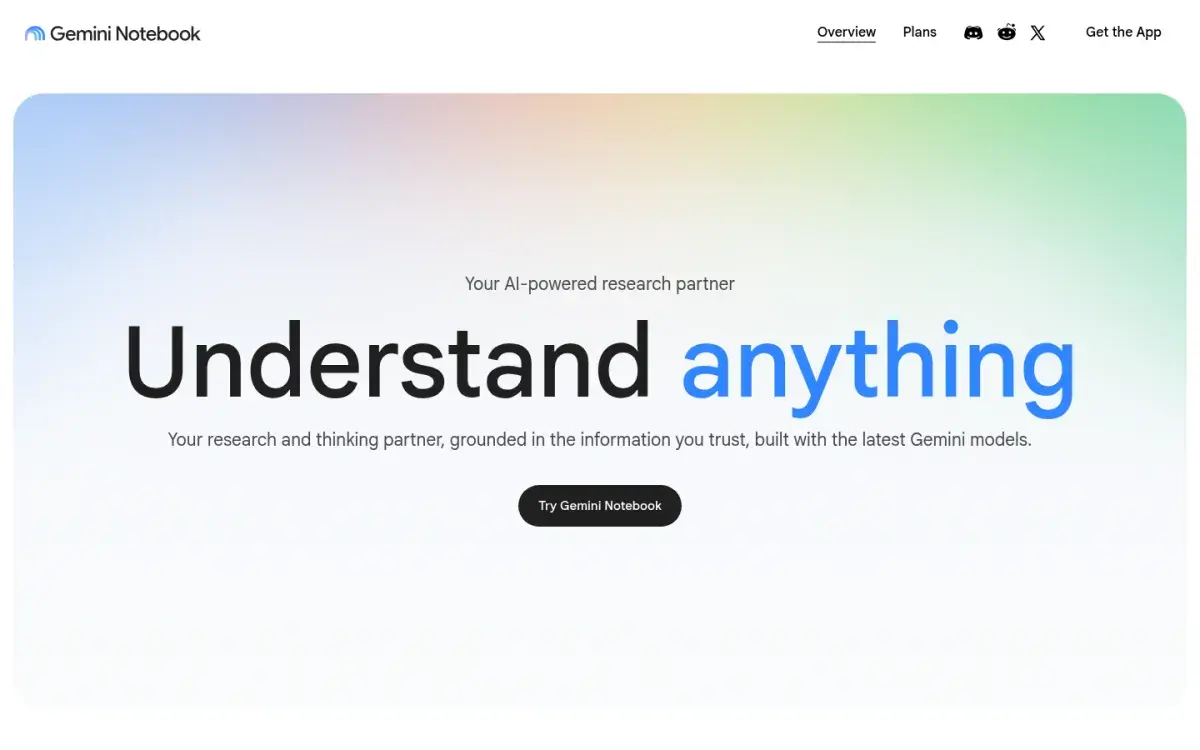
Use it for: a reading-heavy course. Upload the week's papers, ask "What does each author say causes X, and where do they disagree?", then generate a quiz.
Watch out for: Google doesn't describe a long-term review schedule for its flashcards, so move the cards you need for months into a spaced-repetition app. Price: free with a Google account, with up to 100 notebooks, 50 sources per notebook, and usage limits that refresh every five hours. Google AI Plus doubles those limits and AI Pro quadruples them. US college students can get a free year of AI Pro if they redeem by December 31, 2026.
Flashcards from your notes: Knowt
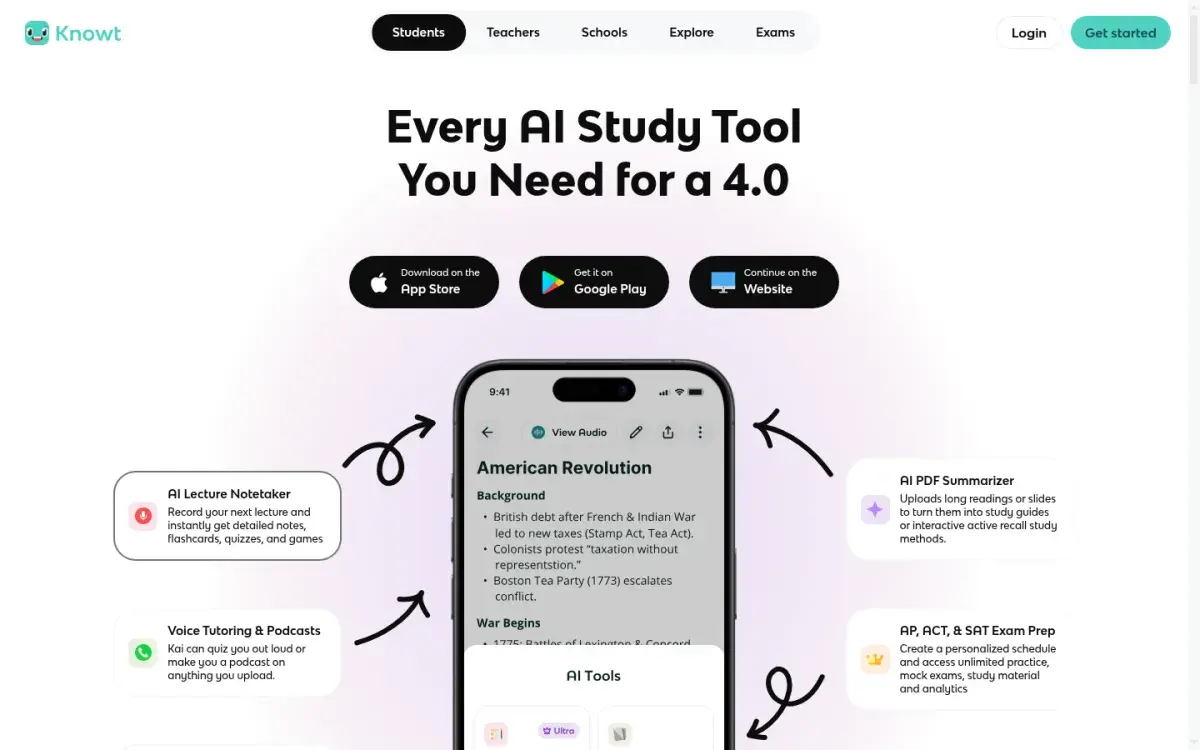
Flashcards are where AI saves the most time, because writing 200 good cards by hand takes hours. Knowt is our pick for most students: on the free plan you can study your own sets in every mode, including spaced repetition and practice tests. The catch is AI volume, since free AI summaries of PDFs, slides, and videos are capped at one a month. Ultra is $149.99/year.
Other good options: Gemini Notebook for cards that stick closely to your PDFs, AnkiDecks if you review in Anki, and Active Recalling (our app) if you want flashcards, quizzes, and a mind map from the same upload. Our guide to the best AI flashcard generators compares eight tools and shows how to judge card quality.
Practice questions: Quizgecko
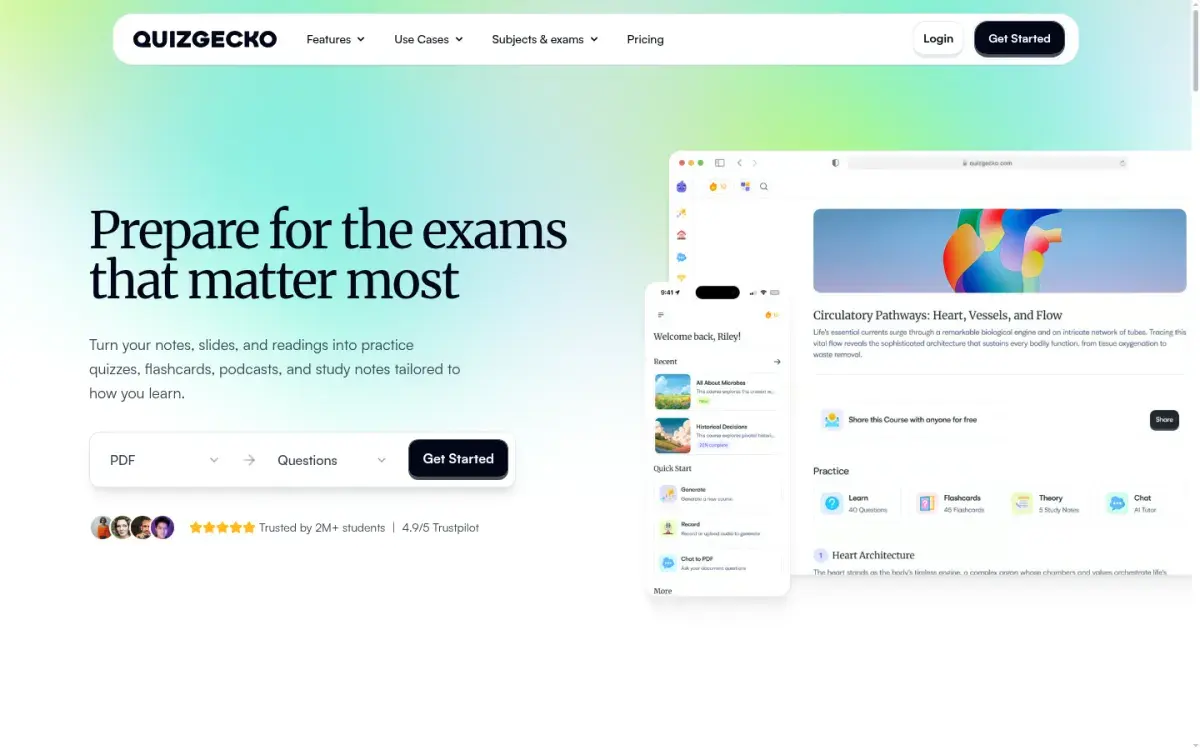
Flashcards test single facts. Exams test whether you can apply them, so you also need questions. Quizgecko turns notes, PDFs, slides, web links, or YouTube videos into a course of practice questions, flashcards, and study notes, and you can edit questions and adjust difficulty. The free plan has starter limits; Plus adds 20 AI courses a month and is priced in your local currency.
If you'd rather not pay, Gemini Notebook builds quizzes from your sources for free. Our comparison of the best AI quiz generators covers eight tools and a 10-minute check for wrong answer keys. Before a big exam, build a full timed mock with an AI practice test generator.
Mind maps: Mapify
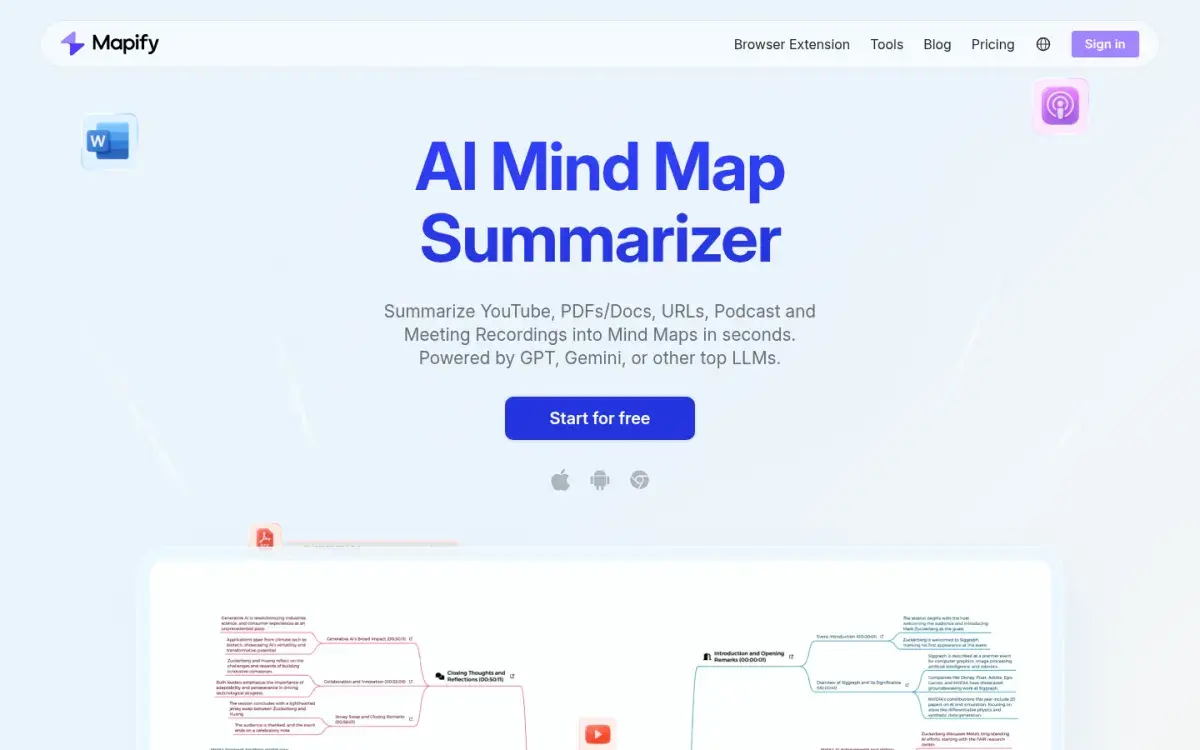
Mapify turns a PDF, Word file, web page, or YouTube video into a mind map you can edit and export. It's useful at the start of a topic, when you need to see how the parts connect before you memorize them. The free plan gives you 30 one-time credits (about five files); Basic is $5.99/month billed yearly, and students get 30% off.
Watch out for: a finished map is easy to look at and easy to forget. Cover it and redraw it from memory a day later. Our roundup of AI mind map generators explains that routine and compares six other tools.
Lecture recordings: Turbo AI
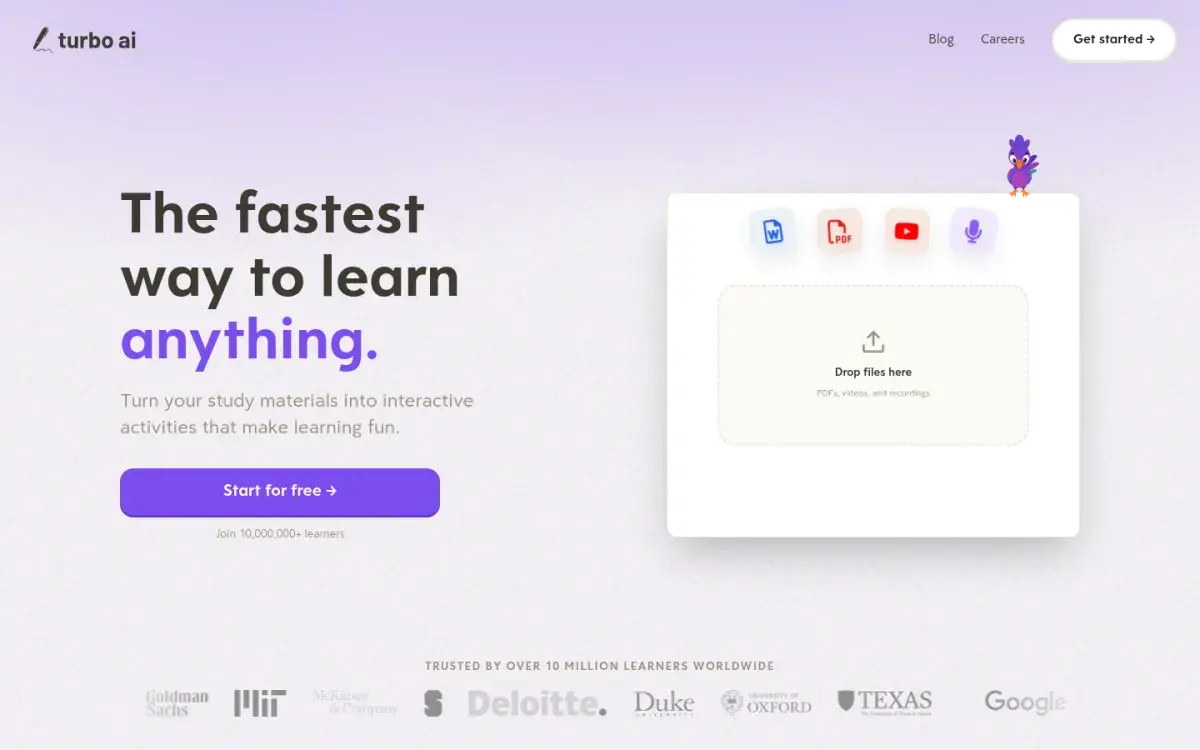
Turbo AI records a lecture and writes organized notes from it, then turns those notes, PDFs, or YouTube videos into flashcards, quizzes, and podcasts. It's free to start; we couldn't find a public price list for its paid plan in October 2026. Check your course's recording policy before you record, and still jot down what the professor stresses.
Our guide to AI lecture note-takers compares the alternatives.
Summaries and study guides: useful, but not the main event
AI summaries are good for a first pass through a long reading. They are weak as a study method on their own. A major review of ten study techniques rated practice testing and spaced practice as high utility, and rated summarization and rereading as low utility (Dunlosky et al., 2013). That review looked at students writing their own summaries; reading an AI's summary asks even less of you.
Use summaries to find your way around, then switch to questions. If you want a tool that writes a full guide, see our comparison of AI study guide makers, which includes a checklist for catching what the AI left out.
How to use AI tools for studying without cheating
Ask one question before you open an AI tool: will this make me produce an answer, or produce one for me? The first is studying. The second, on graded work, is where cheating starts.
Two published guidelines help draw the line. Stanford's conduct board says that unless an instructor states otherwise, using generative AI should be treated like help from another person, and using it to substantially complete an assignment or exam isn't permitted. APA's style team says submitting AI-generated work as though you did it yourself counts as academic misconduct for students. A quick test: would it be fine if a classmate or tutor did this for you?
| Helps you learn | Skips the learning |
|---|---|
| Generating practice questions from your lecture notes | Asking AI to answer your problem set |
| Asking for a step-by-step explanation of a concept you got wrong | Pasting the AI's explanation into your notes and moving on |
| Having AI quiz you before you look at the answer | Reading three summaries of the same chapter |
| Getting feedback on a paragraph you wrote | Having AI write the essay you'll submit |
Check each course's AI policy
Rules differ between schools, between courses, and sometimes between assignments in one course. Find the AI section of the syllabus and see which of these it says: no AI in graded work, AI for named tasks only (brainstorming but not drafting, say), or AI allowed with disclosure. If it says nothing or is vague, email your instructor before using AI on anything graded, name the exact use ("check my draft for grammar"), and keep the reply.
Disclose the AI help you rely on
When AI is allowed, say how you used it. A short note at the end of your work usually covers it:
AI use: I used ChatGPT to quiz myself on the readings and to check my final draft for grammar. The ideas, analysis, and wording are my own.
If your course uses APA style, cite the tool with the company as author, for example: OpenAI. (2025). ChatGPT [Large language model]. https://chatgpt.com/. Keep your chats (or their share links) and drafts with version history so you can show your process if asked. Never cite a study an AI mentions until you've found and read the original.
Use AI to quiz you, not to write for you
Even allowed use can backfire. In a field experiment with nearly a thousand high school math students, those who practiced with a plain ChatGPT-style tutor did better during practice, but once the AI was taken away they scored 17% lower than students who never had it. A tutor version with safeguards built to protect learning largely avoided that drop (Bastani et al., 2025).
- Attempt first. Write your answer, solution, or outline before you ask AI anything.
- Ask for questions and hints, not answers. ChatGPT's study mode and Gemini's Guided Learning are built this way; with any other chatbot, start with "Quiz me on this, one question at a time."
- Finish without the AI. Close the chat, then solve a fresh problem or explain the idea from memory.
One chapter, one week: an AI study workflow
Here's how the tools fit together for a single chapter, say cellular respiration in an intro biology course. Total AI time is about an hour across the week. The rest is you answering questions.
- Monday, after lecture (20 min). Read your notes once. Upload the lecture slides and textbook chapter to Gemini Notebook and ask it the three questions you still have. Write the answers in your own words.
- Monday night (15 min). Generate flashcards from the same slides in your flashcard tool. Delete duplicates and vague cards, and split any card that asks for more than one fact. Aim for 25–40 cards, not 150.
- Tuesday (15 min). Review the cards. Answer each one out loud before you flip it.
- Thursday (25 min). Generate a 15-question quiz. Take it without notes. For every miss, ask ChatGPT's study mode to walk you through the idea, then write one new card for it.
- Saturday (10 min). On a blank page, draw the chapter's structure from memory: glycolysis, pyruvate oxidation, the Krebs cycle, the electron transport chain. Compare it with an AI-made mind map and fix the gaps.
- Next week. Keep doing the flashcard reviews your app schedules. Retake a fresh quiz before the exam.
For the timing behind steps 3 and 6, see our spaced repetition guide. For ways to test yourself without any app, read what active recall is and how to use it. If you'd rather have ChatGPT or Claude save cards straight into your study app than copy and paste them, see our explainer on MCP for students.
Frequently asked questions
Is it cheating to use AI for studying?
Using AI to explain concepts, generate practice questions, or quiz you on your own notes is generally fine, because you're still doing the learning. It becomes cheating when AI produces work you submit as your own, or when you use it during an assessment that bans outside help. Policies vary by school and course, so check your syllabus.
What is the best free AI tool for studying?
For most students, Gemini Notebook is the best free tool because it works from your own PDFs and slides and can build quizzes, flashcards, and study guides from them. ChatGPT's study mode is the best free option for step-by-step explanations. Knowt has the most generous free flashcard studying.
Is NotebookLM still free?
Yes. NotebookLM was renamed Gemini Notebook in July 2026 and still has a free plan with up to 100 notebooks and 50 sources per notebook. Usage limits are based on how much computing your requests take and refresh every five hours. Google AI Plus and Pro subscriptions raise those limits.
Is ChatGPT or Gemini better for studying?
Both are free and both have a tutoring mode that asks you questions instead of handing over answers: study mode in ChatGPT and Guided Learning in Gemini. ChatGPT is the simpler all-rounder. Gemini makes more sense if your course files live in Google Drive, and Gemini Notebook is better for questions about your own readings. US college students can get Google AI Pro free for a year.
Are AI summaries good for studying?
They're good for getting oriented in a long reading, but poor as your main study method. Research rates summarizing and rereading as low-utility techniques and practice testing as high utility. Read the summary once, then spend your time answering questions about the material.
Do AI study tools make mistakes?
Yes. They can misread tables, drop exceptions, mix up similar terms, and mark a wrong quiz answer as correct. Tools that answer only from your sources make fewer unsupported claims, but you should still check cards and answer keys against your course material, especially numbers, formulas, and definitions.
Sources and further reading
Start with the primary research and official guidance below. Links open in a new tab so you can compare the evidence with the article.
- Read source
Using study mode in ChatGPT
OpenAI Help Center, 2026
- Read source
Introducing ChatGPT Go, now available worldwide
OpenAI, 2026
- Read source
NotebookLM is now Gemini Notebook
Google, 2026
- Read source
Sharpen your study routine with new Gemini Notebook tools
Google, 2026
- Read source
Gemini Notebook plans and usage limits
Gemini Notebook Help, 2026
- Read source
What's included in the free plan for students
Knowt Help Center, 2026
- Read source
Mapify pricing
Mapify, 2026
- Read source
Test-enhanced learning: taking memory tests improves long-term retention
Psychological Science, 2006
- Read source
Improving students' learning with effective learning techniques
Psychological Science in the Public Interest, 2013
- Read source
Generative AI without guardrails can harm learning: evidence from high school mathematics
Proceedings of the National Academy of Sciences, 2025
- Read source
Generative AI policy guidance
Stanford Office of Community Standards, 2023
- Read source
Citing generative AI in APA Style: Part 1—Reference formats
APA Style, 2025