
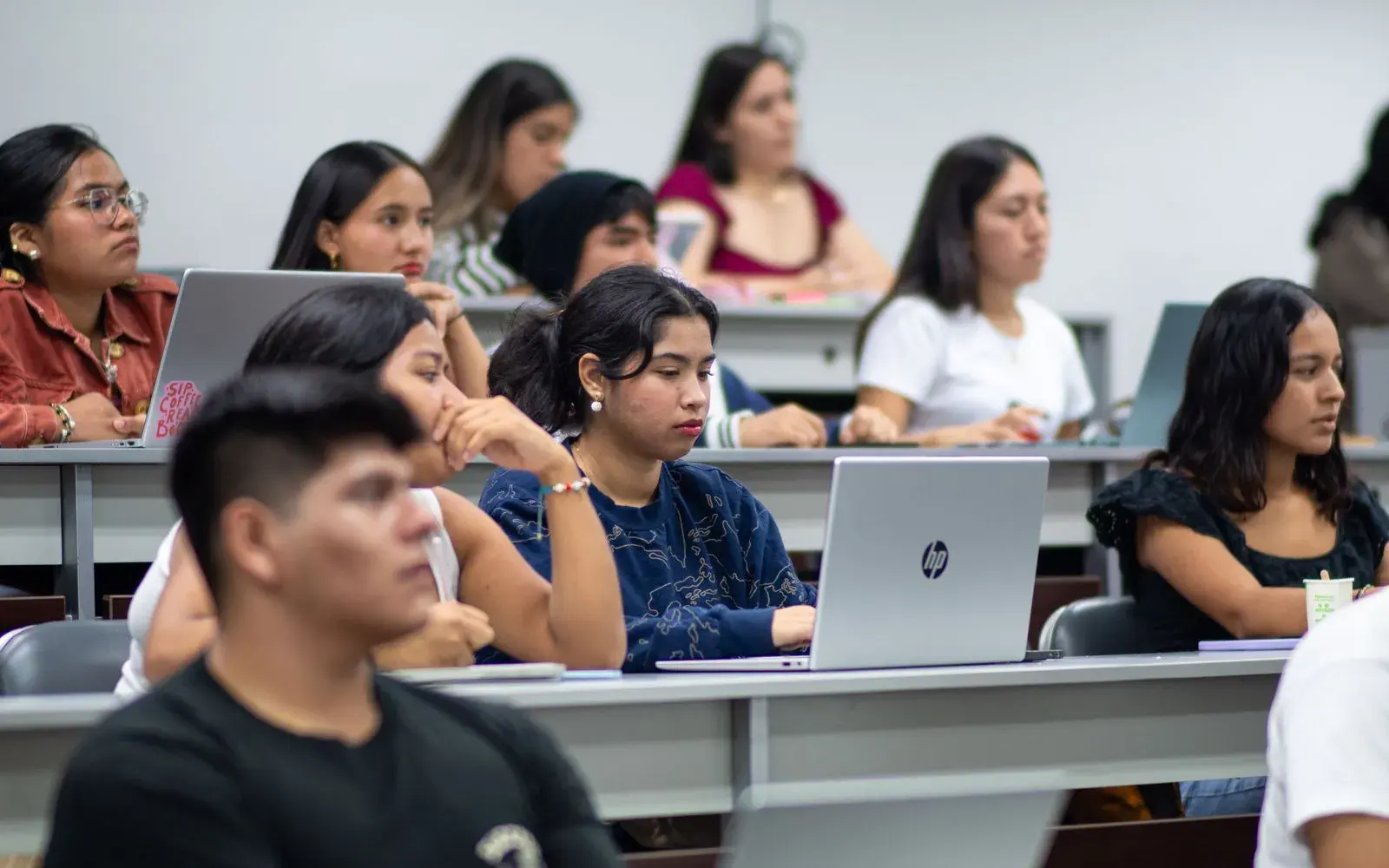
The best AI note taker for lectures in 2026 is Otter if you want a full, searchable transcript of every class, and Turbo AI if you want the recording turned straight into notes, flashcards, and quizzes. Gemini Notebook's new audio recorder is the best free option, because it keeps each recording next to your slides and readings.
Before you pick one, check two things most roundups skip. First, the free plan's limit on a single recording: a 30-minute cap won't cover a 50-minute lecture. Second, your course's recording rules, which increasingly name AI transcription tools specifically.
We checked each tool's official site, pricing page, or App Store listing in October 2026. At the end you'll find a five-minute test to run in your first lecture and a routine for turning the transcript into something you'll remember.
AI lecture note takers compared
| Tool | Free plan | Paid plan (Oct 2026) | Longest recording | Turns notes into |
|---|---|---|---|---|
| Otter | 300 min/month, 30 min each | Pro $79.99/yr with student discount | 90 min (Pro) | Live captions and notes |
| Notta | 120 min/month, 3 min each | Pro $97.99/yr (50% off for education) | 5 hours (Pro) | Summaries |
| Turbo AI | Free tier, limits not published | App Store, from $14.99/mo | Not stated | Notes, flashcards, quizzes, podcasts |
| Coconote | Free to start | App Store, $9.99–$152.99 | Not stated | Notes, quizzes, flashcards, podcasts |
| StudyFetch | Free to start | Premium $96/yr or $19.99/mo | Not stated | Notes, flashcards, quizzes, tutor |
| Knowt | 1 AI summary a month | Ultra $149.99/yr | Not stated | Flashcards, practice tests |
| Gemini Notebook | Free (recorder in mobile app) | Google AI Plus or Pro | Not stated | Chat with citations, quizzes, flashcards |
Longest single recording each plan allows
Minutes per recording or conversation, October 2026. A 50-minute lecture needs a cap of at least 50.
Source: Otter and Notta pricing pages, October 2026
View data
| Plan | Max minutes per recording |
|---|---|
| Notta Pro | 300 min |
| Otter Pro | 90 min |
| Otter Basic (free) | 30 min |
| Notta Free | 3 min |
Check your course's recording rules first
Recording rules have tightened as AI note takers spread. Two 2026 examples show the direction:
- SMU (policy adopted February 2026) says recording lectures, "including AI-generated transcripts," needs the instructor's express prior written permission or an approved disability accommodation. Recordings are for personal use and can't be kept past the end of the term.
- University of Glasgow (2026–27 policy) bans covert recording and says recordings of teaching, and transcripts or summaries made from them, must not be uploaded to third-party AI tools unless course guidance or the university's approved AI services allow it.
Before your first lecture:
- Read the syllabus for a recording or AI policy.
- Ask the instructor if it's silent, and get a yes in writing (an email is enough).
- Go through disability services if you need recordings as an accommodation; that route usually has to be honored.
- Mind other people's voices. Seminars and discussions record classmates, and consent laws differ between places.
- Check what the app does with audio. Otter, for example, says it uses a de-identified copy of user recordings and transcripts to train its models.
Our guide to using AI for studying without cheating covers how to ask and what to disclose.
The 7 best AI note takers for lectures
1. Otter: best for a full transcript
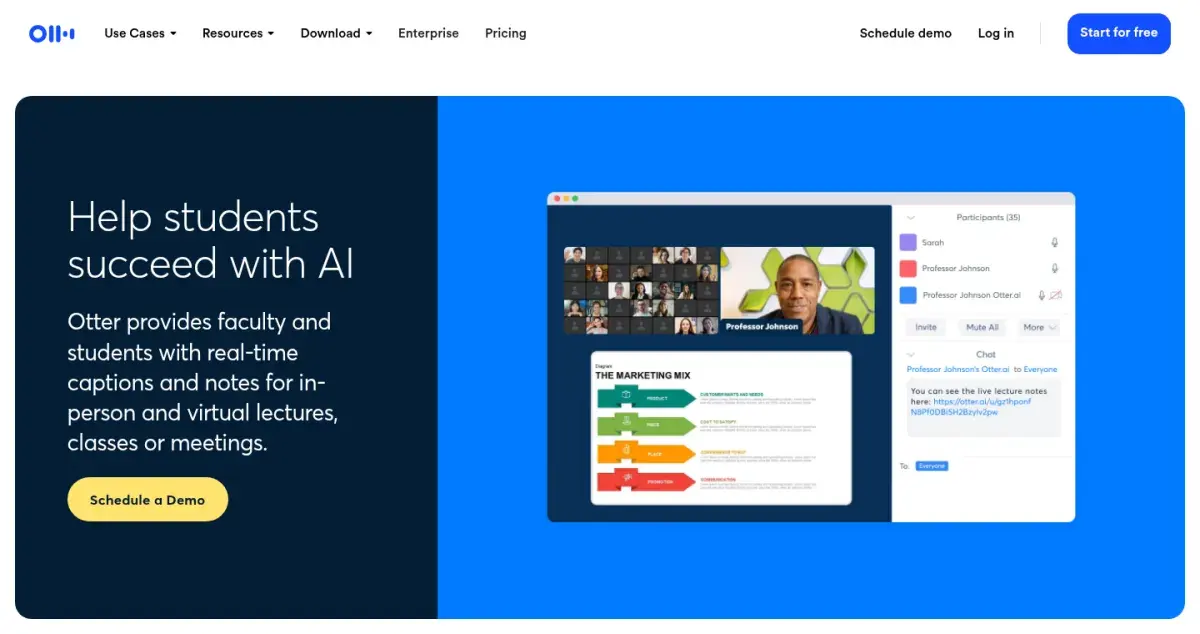
Otter transcribes as the lecture happens, with real-time captions and notes, and it works for in-person and online classes. The free Basic plan gives you 300 minutes a month but stops each conversation at 30 minutes and allows only three file imports in total, so it's a trial rather than a semester plan. Pro raises the cap to 90 minutes per conversation and 1,200 minutes a month.
Strengths
- Live captions during class
- 90-minute recordings on Pro
- 20% student discount with a .edu email
Drawbacks
- Free plan cuts off at 30 minutes
- Only 3 file imports on the free plan, ever
- Trains its models on de-identified user data
Price: Free Basic plan. Pro is $16.99/month or $8.33/month billed yearly; students with a .edu email get 20% off ($79.99/year).
2. Turbo AI: best for turning a lecture into study material
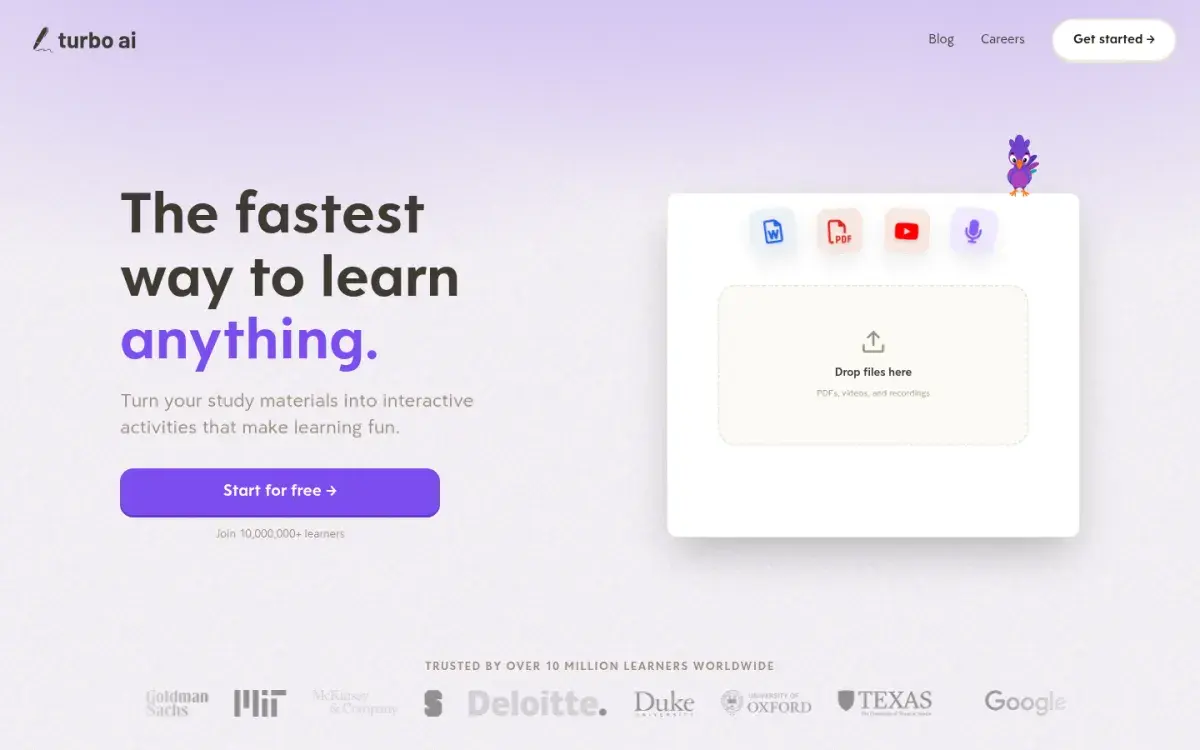
Turbo AI is built for students rather than meetings. Record a lecture (or upload a recording, PDF, or video) and it writes organized notes, then turns them into flashcards, quizzes, and podcast-style audio. Its FAQ describes a "generous free tier" that includes notes, flashcards, and quizzes, but it doesn't publish the limits or prices on its site.
Strengths
- Notes, flashcards, and quizzes from one recording
- Accepts PDFs and videos too
- Free tier to try it
Drawbacks
- Free limits and prices aren't published on its site
- Several different App Store prices for the same plan
- Generated notes still need checking against slides
Price: Free to start. App Store listings for Turbolearn Unlimited include $14.99 and $19.99 a month and yearly options from $29.99 to $119.99, depending on the offer.
3. Coconote: best for Quizlet users
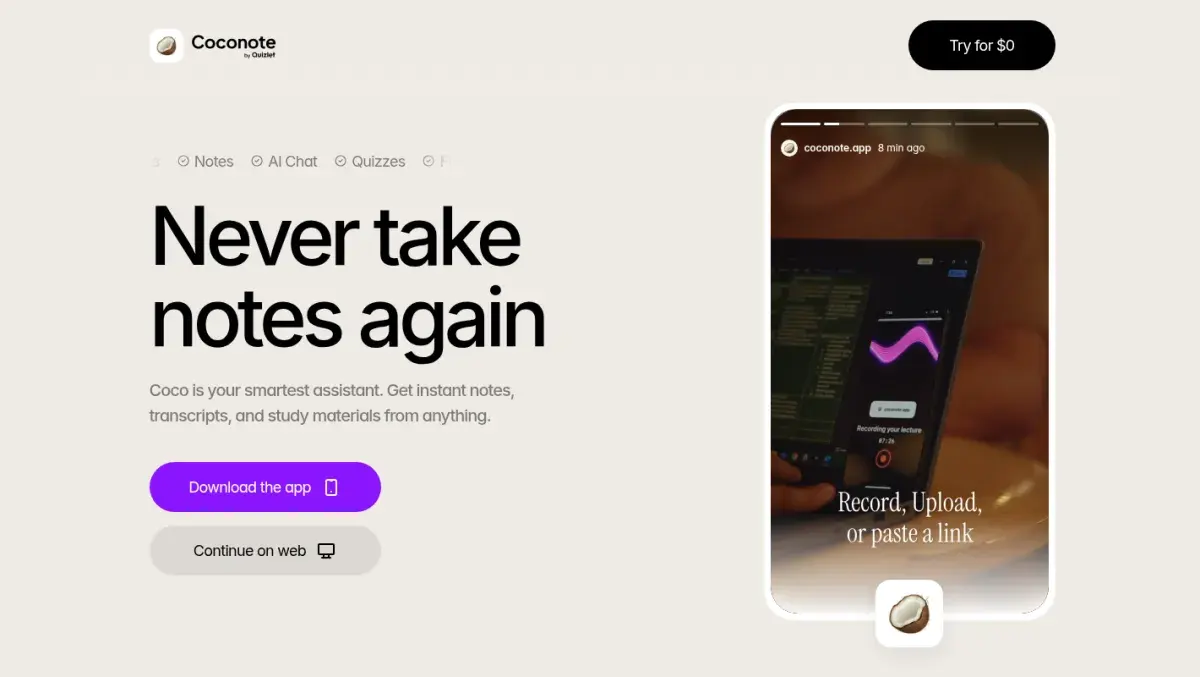
Coconote records lectures or takes uploads and links, then produces notes, a transcript, and study material: quizzes, practice exams, flashcards, and podcasts. It works in more than 100 languages. Quizlet acquired Coconote in early 2026, and the app is now published by Quizlet.
Strengths
- Record, upload, or paste a link
- Quizzes, flashcards, and practice exams from notes
- 100+ languages
Drawbacks
- Prices only appear in the app
- Ten unnamed Pro purchase options on the App Store
- Summary-first design invites rereading
Price: Free to start. The App Store lists Coconote Pro purchases from $9.99 to $152.99; the site calls the upgrade an Unlimited Pass.
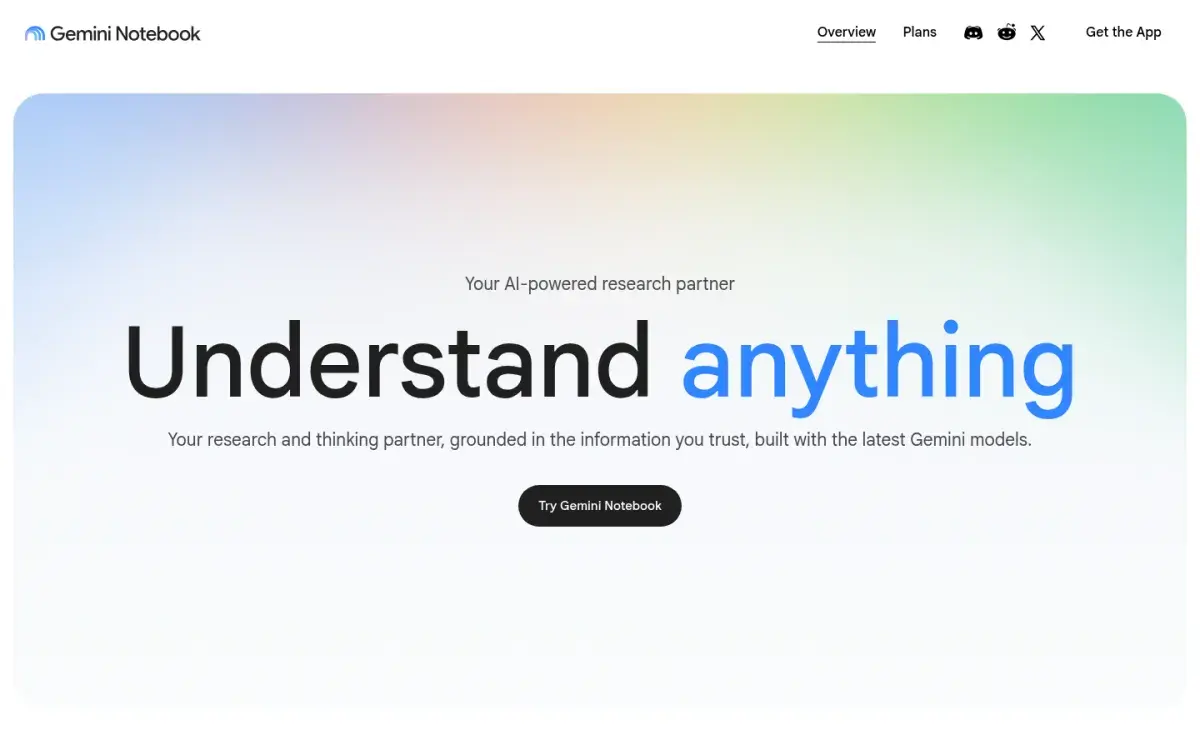
4. Gemini Notebook: best free option
In September 2026 Google announced an audio recorder in the Gemini Notebook mobile app for capturing lectures. Recordings sit alongside the slides and readings in your notebook, so you can ask questions across all of them, get answers with citations, and generate quizzes and flashcards from the lot. Google said the new study features would reach all users over the following weeks, so check that the recorder appears in your app before relying on it.
Strengths
- Free with a Google account
- Recordings searchable alongside slides and readings
- Cited answers, quizzes, and flashcards
Drawbacks
- Recorder announced for the mobile app
- New feature, still rolling out
- Recording limits not stated in the announcement
Price: Free. Google AI Plus and Pro raise usage limits. US college students can get a free year of Google AI Pro if they redeem by December 31, 2026.
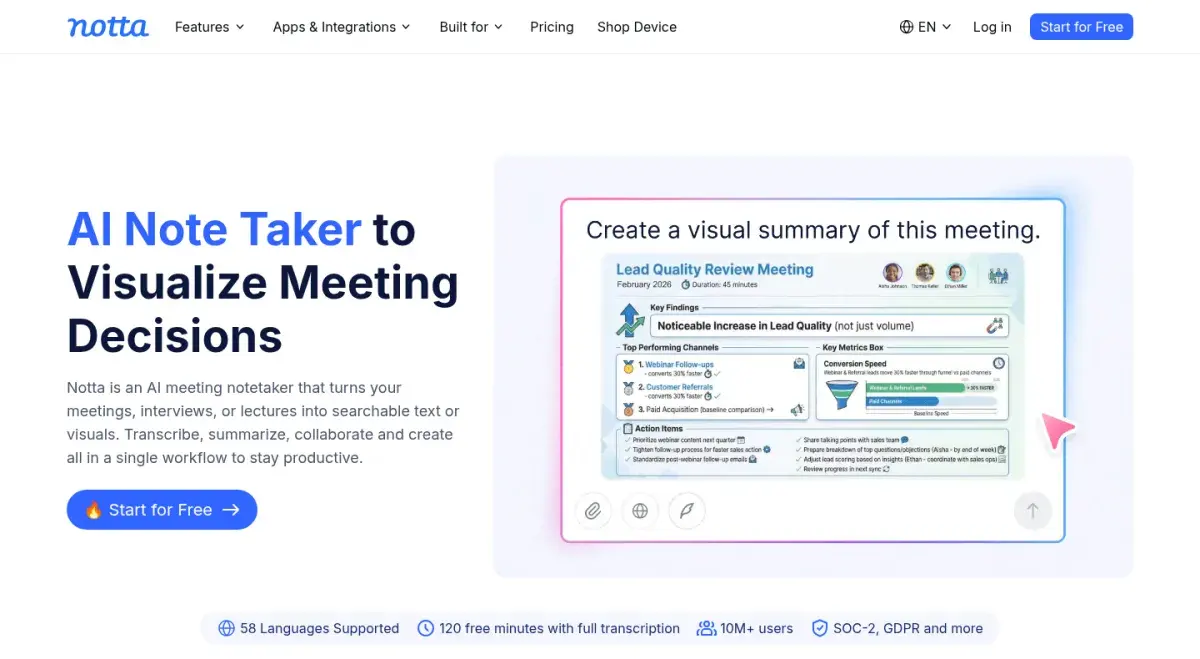
5. Notta: best for lectures in other languages
Notta is a general meeting note taker that also handles lectures. Its homepage lists 58 transcription languages, and Pro allows recordings of up to 5 hours. The free plan isn't usable for class, since each recording stops at 3 minutes, but the 50% education discount makes Pro one of the cheaper paid options.
Strengths
- 58 languages
- Recordings up to 5 hours on Pro
- 50% education discount on Pro
Drawbacks
- Free plan stops each recording at 3 minutes
- Built for meetings, not studying
- No flashcards or quizzes
Price: Free for 120 minutes a month. Pro is $8.17/month billed yearly ($97.99) before the education discount.
6. StudyFetch: best with a built-in tutor
StudyFetch advertises real-time lecture recording that transcribes and turns the class into notes as you go. From those notes and your uploaded course materials it makes flashcards and quizzes, and its AI tutor (Spark.E) can explain what you didn't follow.
Strengths
- Live lecture transcription into notes
- Flashcards and quizzes from your materials
- AI tutor in the same app
Drawbacks
- Free limits aren't spelled out
- Tutor calls are sold separately in the app
- Premium is $19.99 if paid monthly
Price: Free to start. Premium is $19.99/month, $29 a quarter, or $96 a year on the App Store.
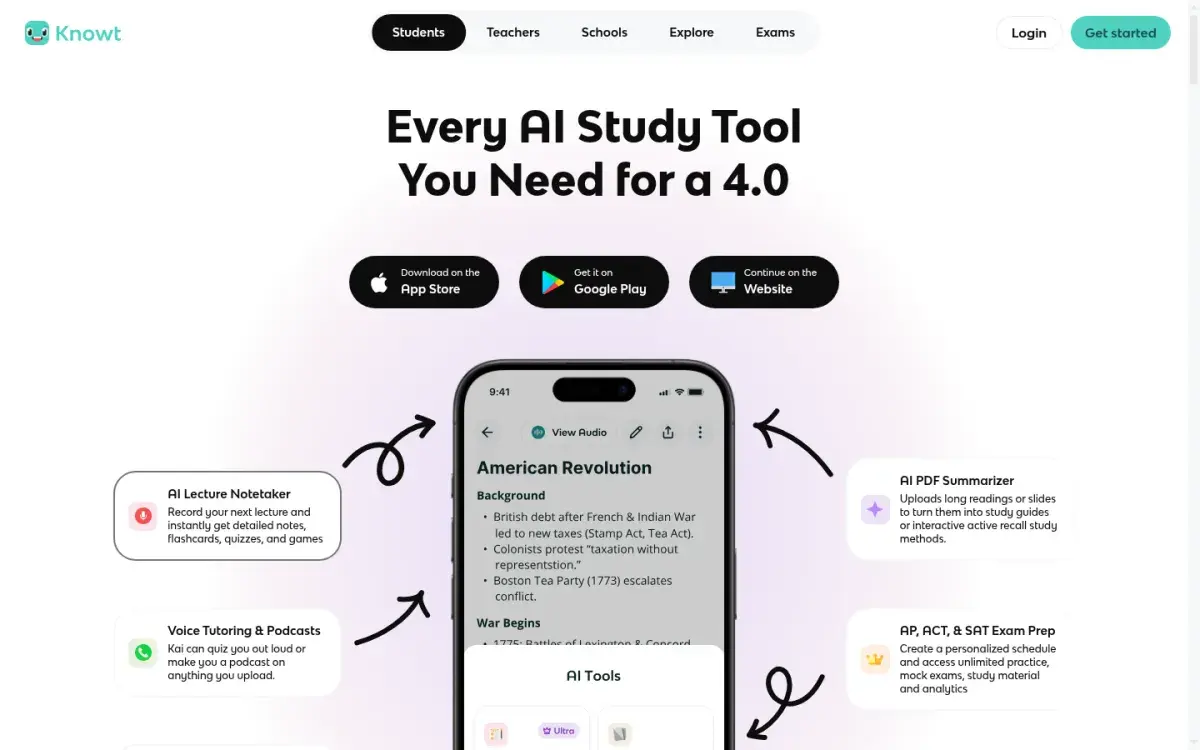
7. Knowt: best if you already study in Knowt
Knowt's AI lecture recording summarizer is part of its paid Ultra plan, which also removes the cap on PDF, video, and slide summaries. The free plan includes one AI summary a month across all formats, including live recordings. The draw is what comes next: Knowt's free flashcard modes, including spaced repetition and practice tests, work on whatever you make.
Strengths
- Lecture notes feed straight into flashcards
- Free spaced repetition and practice tests
- Ultra also removes the cap on PDF and slide summaries
Drawbacks
- Lecture summarizer needs Ultra
- Free plan: 1 AI summary a month
- Ultra is $24.99 if paid monthly
Price: Free. Ultra is $149.99/year (with a 3-day trial) or $24.99/month.
Also worth knowing
Notion AI Meeting Notes transcribes and summarizes in real time, but it's part of Notion's Business plan ($20 per member per month). Students get Notion's Plus plan free with a school email, which includes only a trial of the AI features.
Test any note taker in your first lecture
Vendor accuracy claims are measured on clear speech in quiet rooms. A lecture hall has echo, a professor walking away from the mic, and words like "phosphofructokinase." Run this check on your first recording:
- Jargon. Pick five technical terms from the slides. Are they spelled right in the transcript?
- Spoken math. Find a formula the lecturer read aloud, like "x squared over two." Is it usable, or garbled?
- The board. Anything written on the board and not said aloud is missing. Did the notes notice?
- Questions from the room. Student questions are often inaudible. Is the answer still understandable without them?
- Export. Can you get the transcript out as text or a document in under a minute?
If the tool fails on jargon or math, keep it for the outline and take your own notes for the technical parts.
After class: turn the transcript into recall practice
A transcript feels like a safety net, which is the risk: it's easy to stop listening because "it's all recorded," and then never open it again. Use it within a day, and use it to test yourself rather than to reread.
- During class, keep a cue sheet. Jot the lecturer's emphasis, confusions, and questions on one page. Methods like the Cornell system work well alongside a recording.
- Within 24 hours, recall first (5 minutes). Before opening the AI notes, write down the three to five main points from memory.
- Compare with the notes (10 minutes). Mark what you missed. Those gaps are your study list.
- Turn gaps into questions (10 minutes). Write or generate one question per gap, checked against the slides.
- Review on a schedule. Answer the questions again in two days and a week.
Answering questions is what makes this work: in a classic experiment, students who were tested on a passage remembered more of it a week later than students who reread it (Roediger & Karpicke, 2006).
If you'd rather have one written guide from the transcript, compare AI study guide tools for lecture material and check the result against your slides.
If your note taker doesn't make flashcards, export the transcript as text. Active Recalling (our app) doesn't record audio, but it accepts a pasted transcript or a PDF or Word upload; see our AI flashcard generator page. For the full routine, read our notes-to-flashcards workflow and our guide to taking better lecture notes.
Frequently asked questions
Is it allowed to record lectures with an AI note taker?
Only if your instructor or school allows it. Many universities require the instructor's written permission, and some, such as SMU, explicitly count AI-generated transcripts as recordings. Others restrict uploading recordings to third-party AI tools. Check the syllabus, ask in writing, and use disability services if you need recordings as an accommodation.
What is the best free AI note taker for lectures?
Gemini Notebook's mobile audio recorder is the best free option for most students, because recordings sit alongside your slides and readings. Otter's free plan is good for short classes, but it stops each recording at 30 minutes. Notta's free plan stops at 3 minutes, so it isn't practical for lectures.
Does Otter work for in-person lectures?
Yes. Otter says it provides real-time captions and notes for in-person and virtual lectures. Put your phone or laptop near the speaker for clearer audio. On the free plan, each conversation stops at 30 minutes; Pro raises that to 90 minutes, and students with a .edu email get 20% off Pro.
Can AI note takers handle technical terms and math?
Often not well. Transcription tools misspell specialist vocabulary, mishear similar-sounding terms, and garble formulas read aloud, and they can't see what's written on the board. Test your tool on a real lecture, compare the transcript with the slides, and take your own notes for equations and diagrams.
Should I still take notes if I record the lecture?
Yes, but lighter ones. Write down what the lecturer emphasizes, what confuses you, and questions to follow up. Those cues make the transcript useful later. Then, within a day, recall the main points from memory before opening the AI notes, and turn the gaps into practice questions.
Sources and further reading
Start with the primary research and official guidance below. Links open in a new tab so you can compare the evidence with the article.
- Read source
Otter pricing
Otter.ai, 2026
- Read source
Otter privacy and security
Otter.ai, 2026
- Read source
Notion pricing
Notion, 2026
- Read source
Notta pricing
Notta, 2026
- Read source
Turbo AI - Learn Faster
App Store, 2026
- Read source
Quizlet adds AI-powered tools for active practice, note-taking
THE Journal, 2026
- Read source
Sharpen your study routine with new Gemini Notebook tools
Google, 2026
- Read source
Knowt plans
Knowt, 2026
- Read source
Audio/video recording in academic settings (Policy 2.27)
Southern Methodist University, 2026
- Read source
Recording of Teaching Policy: changes for 2026-27
University of Glasgow, 2026