

The best ChatPDF alternative for most students is Gemini Notebook (formerly NotebookLM): it's free, it lets you chat with up to 50 files in one notebook, and every answer cites the passage it came from. Pick Claude for PDFs longer than a few hundred pages, ChatGPT for flexible free chat, and Adobe Acrobat AI Assistant if you read in Acrobat.
ChatPDF itself is a good tool. You drop in a file, ask questions, and its answers link back to the original text. Students usually look elsewhere for one of three reasons: the free plan's limit of two documents a day, wanting to chat across a whole week of readings at once, or wanting the PDF to become flashcards and quizzes instead of just answers.
Below are seven alternatives, what each costs as of October 2026, and a set of prompts that make any chat-with-PDF tool work as a study partner rather than a shortcut.
ChatPDF alternatives compared
| Tool | Free plan | Cheapest paid plan | Long files | Points to sources |
|---|---|---|---|---|
| ChatPDF (for reference) | 2 documents a day | Plus (price shown when you upgrade) | Higher page limit on Plus | Links answers to the PDF |
| Gemini Notebook | 50 sources per notebook | Google AI Plus or Pro | 500,000 words per source | Inline citations |
| Claude | Yes, usage-limited | Pro $17/mo billed yearly | 1,000 pages | If you ask |
| ChatGPT | About 12 pages of text per message | Go $8/mo | About 40 pages per message on Go | If you ask |
| Adobe Acrobat AI Assistant | Free trial | Express $9.99/mo (annual) | Not stated | Page citations |
| Humata | 60 pages a month | Expert $9.99/mo | 500 pages a month on Expert | Cited links into files |
| AskYourPDF | 1 document a day, 100 pages | Premium $11.99/mo billed yearly | 2,500 pages on Premium | Quotes on request |
| PDFgear | Free | Free | Not stated | Not stated |
Why students look for a ChatPDF alternative
ChatPDF's free plan lets you analyze two documents a day without an account. Its Plus plan removes the daily cap, raises the page limit per file, and lets you chat with a folder of PDFs at once. ChatPDF doesn't publish a pricing page; it shows the current Plus price when you upgrade. Before you pay or switch, check which of these is your actual problem:
- The daily cap. If you read three or four PDFs a day, two free documents won't cover it. Gemini Notebook limits you by sources per notebook (50) and overall usage rather than documents per day, and ChatGPT's free plan caps how many messages with uploads you can send.
- Many readings at once. ChatPDF's folders do this on Plus. Gemini Notebook does it free.
- Very long files. Whole textbooks and long reports need Claude or a paid plan somewhere.
- Studying, not just asking. If you want the PDF to become flashcards and quizzes, a notebook or study tool fits better than a chat window.
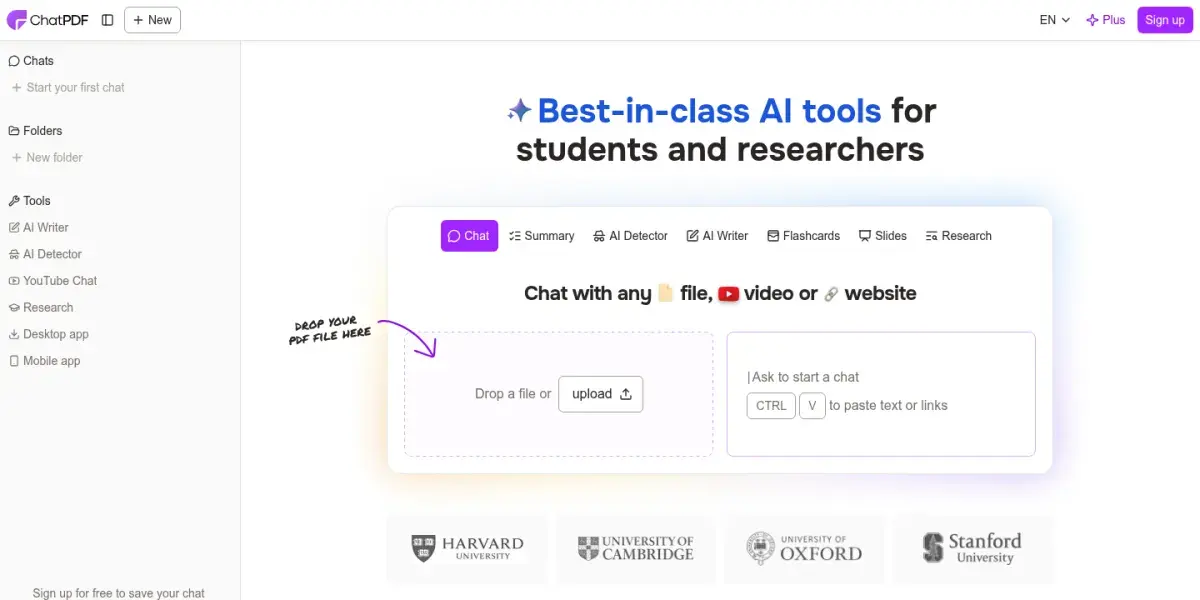
Gemini Notebook (NotebookLM) vs ChatPDF
These are the two tools students compare most often. The short version: ChatPDF is faster for one file; Gemini Notebook is better for a course.
| ChatPDF | Gemini Notebook | |
|---|---|---|
| Free limit | 2 documents a day | 50 sources per notebook |
| Multiple files at once | Folders, on Plus | Yes, free |
| Source types | PDF, Word, PowerPoint, Markdown, text | PDF, Docs, Slides, Word, web pages, YouTube, audio, images |
| Showing sources | Answers linked to the PDF | Inline citations |
| Study tools | Summary, flashcards, slides | Study guide, flashcards, quizzes, mind map, audio overview |
| Needs an account | No | Google account |
If you mainly ask quick questions about one paper, ChatPDF is the lighter tool. If you want a place for a whole module's readings that can also quiz you, use Gemini Notebook.
The 7 best ChatPDF alternatives for students
1. Gemini Notebook: best free ChatPDF alternative
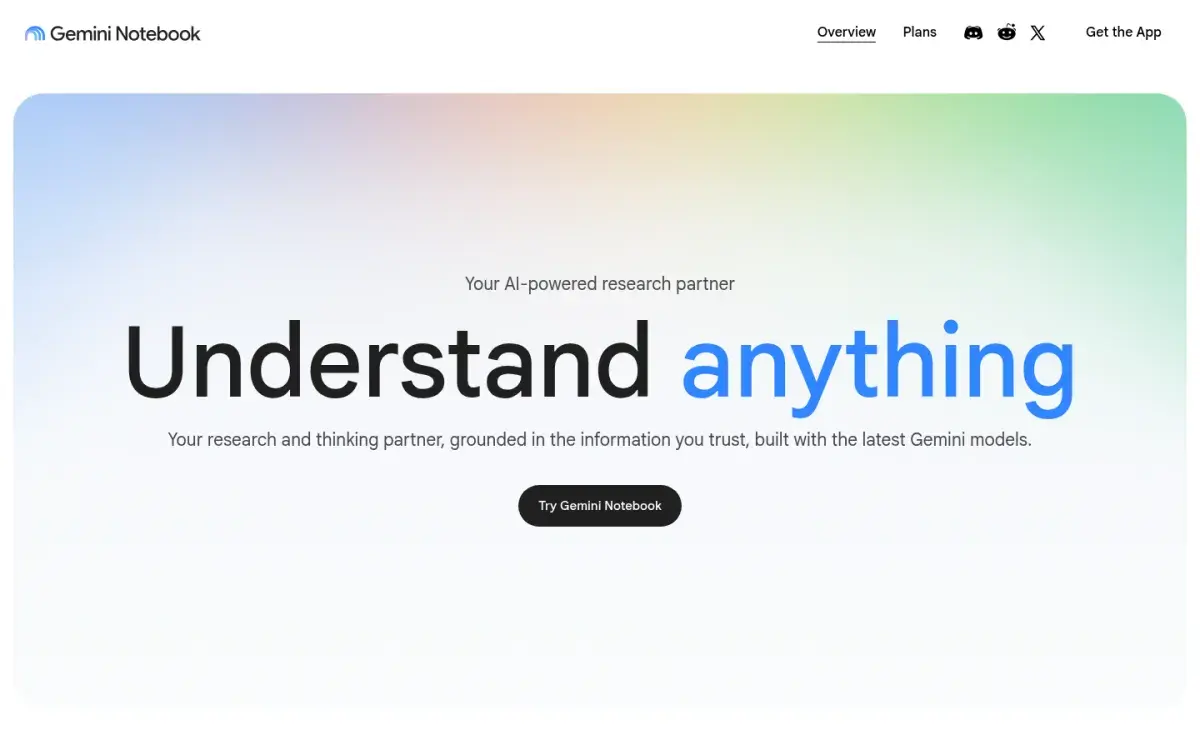
Gemini Notebook answers only from the sources you add to a notebook, and its answers carry inline citations to the passages they're based on. Google renamed it from NotebookLM in July 2026; your old notebooks carry over. On the free plan each notebook holds up to 50 sources, and each source can be up to 500,000 words or 200 MB.
Set up one notebook per course, add the week's readings and slides, and ask cross-reading questions such as "How does the second reading's definition of inflation differ from the lecture slides?" It's designed to answer from your files, not from the web, so it suits checking what your readings actually say.
Strengths
- Free chat across up to 50 sources
- Inline citations on every answer
- Builds flashcards, quizzes, and study guides from the same files
Drawbacks
- Needs a Google account
- Answers only from what you upload
- Feature rollouts sometimes reach paid tiers first
Price: Free. Google AI Plus and Pro raise limits. US college students can get a free year of Google AI Pro if they redeem by December 31, 2026 (it renews unless cancelled).
2. Claude: best for very long PDFs
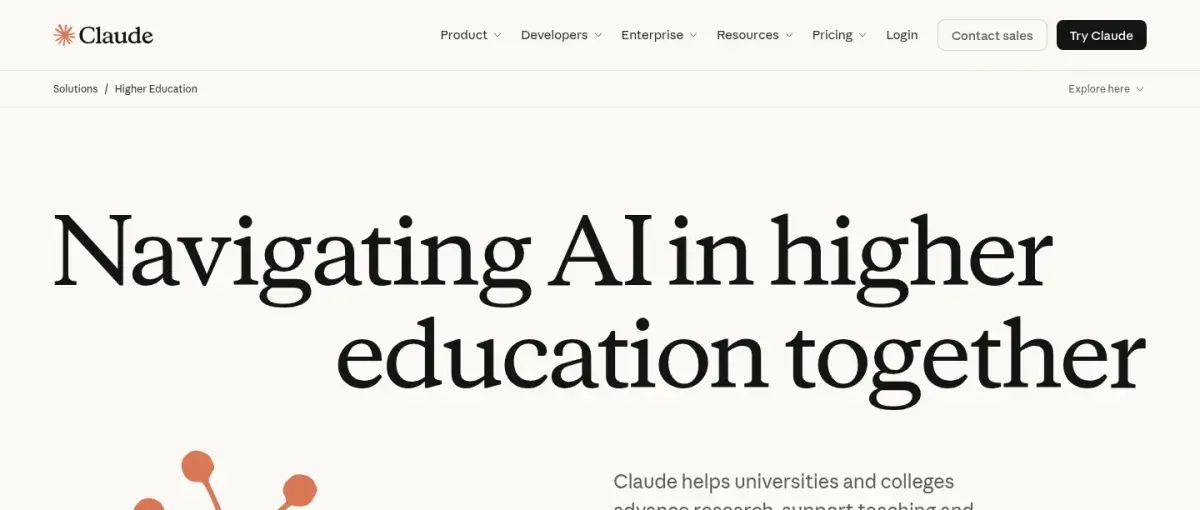
Claude takes PDFs of up to 1,000 pages and up to 20 files in a chat. For files of 100 pages or fewer it reads charts and images as well as text; longer files are read as text only. That covers most full textbooks, theses, and long reports that other free tools won't accept.
It won't cite pages unless you ask, so add this line to your first message: "For every answer, give the page number and quote the sentence you used."
Strengths
- PDFs up to 1,000 pages
- Reads charts and images in files up to 100 pages
- Free plan available
Drawbacks
- No citations unless you ask
- Text only for files over 100 pages
- No built-in quizzes or flashcards
Price: Free with usage limits. Pro is $17/month billed yearly ($200) or $20 monthly.
3. ChatGPT: best free all-rounder
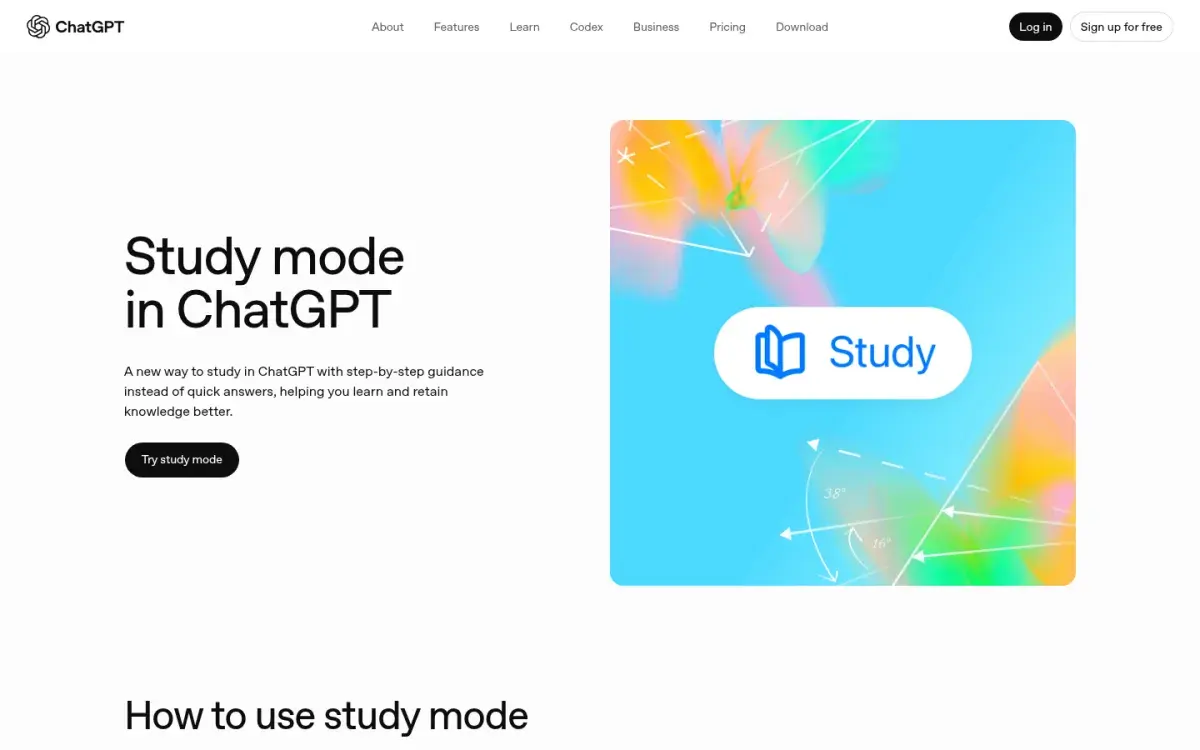
ChatGPT reads uploaded PDFs on every plan and can do more with the answer than most PDF tools: turn it into a table, an outline, or a set of practice questions. Study mode, free on every plan, makes it ask you questions instead of only answering yours.
Watch the length limit. OpenAI lists the free plan's input limit for its default model as about 12 pages of text, rising to about 40 on Go and Plus. For longer files, upload one section at a time. You can opt out of having your chats used for training on every plan.
Strengths
- Free on every plan
- Any output format you ask for
- Study mode turns answers into questions
Drawbacks
- About 12 pages of text per message on the free plan
- May mix in general knowledge unless told not to
- Citations only on request
Price: Free. Go is $8/month in the US (it may include ads); Plus is $20/month.
4. Adobe Acrobat AI Assistant: best inside your PDF reader
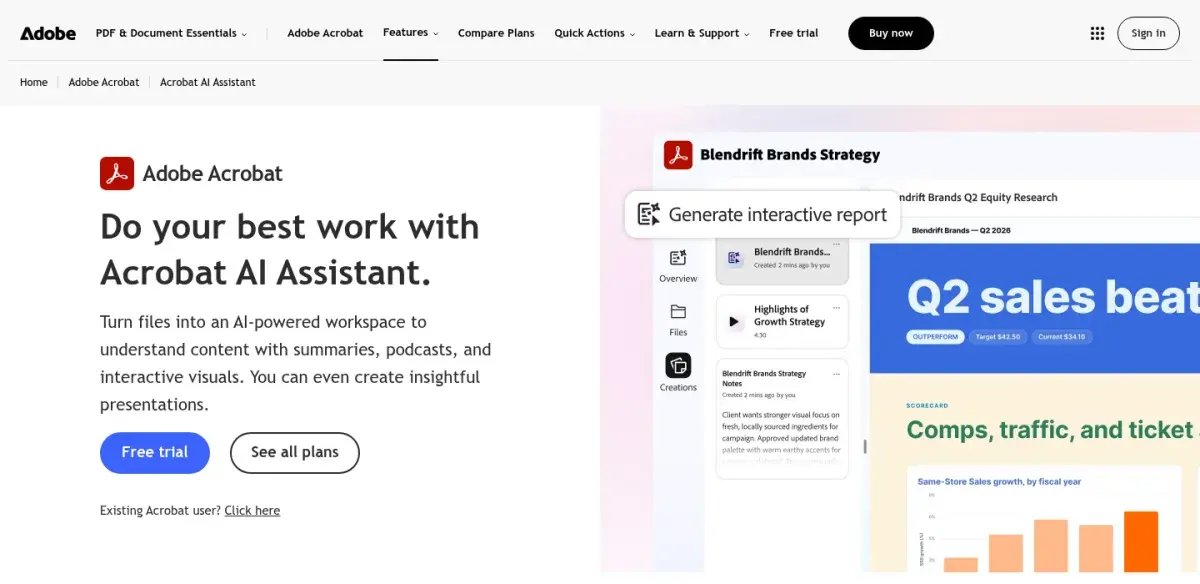
AI Assistant adds a chat panel to Acrobat, so you ask questions next to the page you're reading. Adobe says answers cite specific pages, that it can summarize and outline long documents, and that customer content is never used to train its AI models. It's the most convenient option if your university already licenses Acrobat.
Strengths
- Chat beside the page you're reading
- Answers cite page locations
- Adobe says your files aren't used for AI training
Drawbacks
- Paid after the free trial
- Fewer study features than Gemini Notebook
- Worth it mainly if you already use Acrobat
Price: Included with Acrobat Express ($9.99/month on an annual plan) and Acrobat Studio ($24.99/month on an annual plan), or as an add-on.
5. Humata: best for cited answers across many files
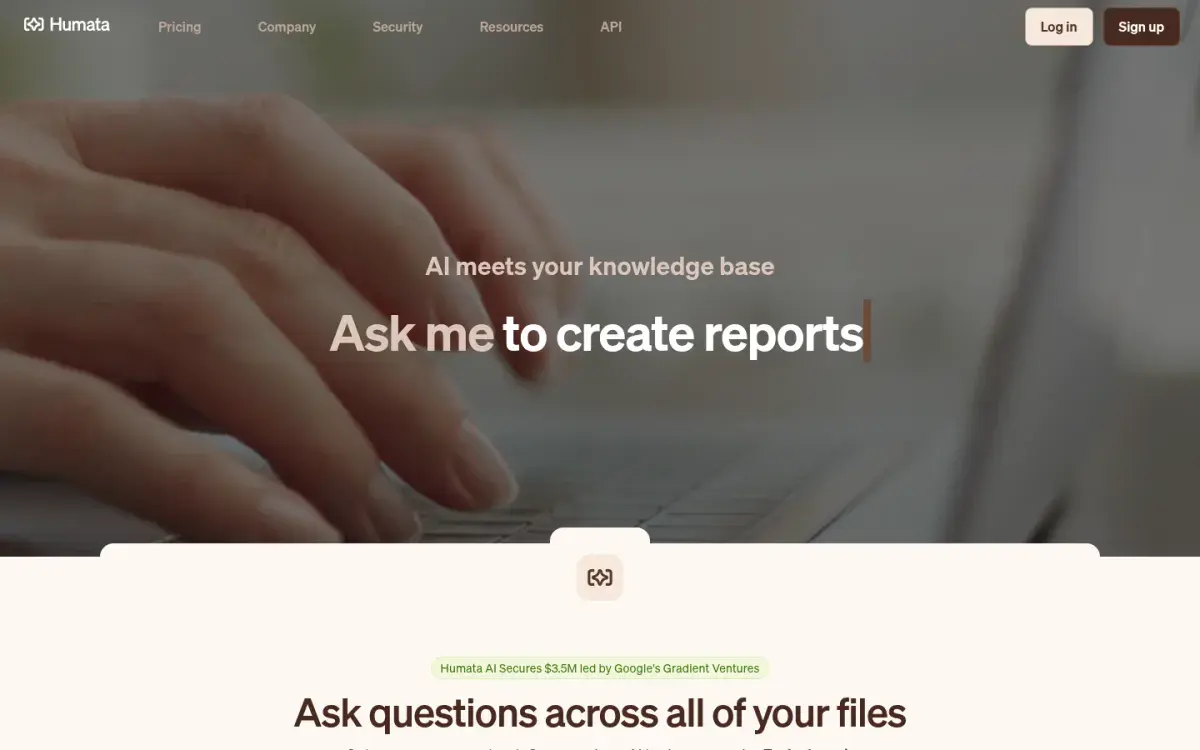
Humata lets you ask questions across all your uploaded files, and its answers cite the relevant sections with links into the source documents. It also compares documents and summarizes findings, which suits literature reviews and group research projects. It's priced by pages processed per month rather than by documents.
Strengths
- Cited answers that link into your files
- Compares several documents at once
- Expert plan covers up to 3 users
Drawbacks
- Free plan is only 60 pages a month
- Extra pages cost $0.02 each on Expert
- Aimed more at research teams than students
Price: Free for 60 pages a month. Expert is $9.99/month for 500 pages; Team is $49 per user per month.
6. PDFgear: best free desktop app
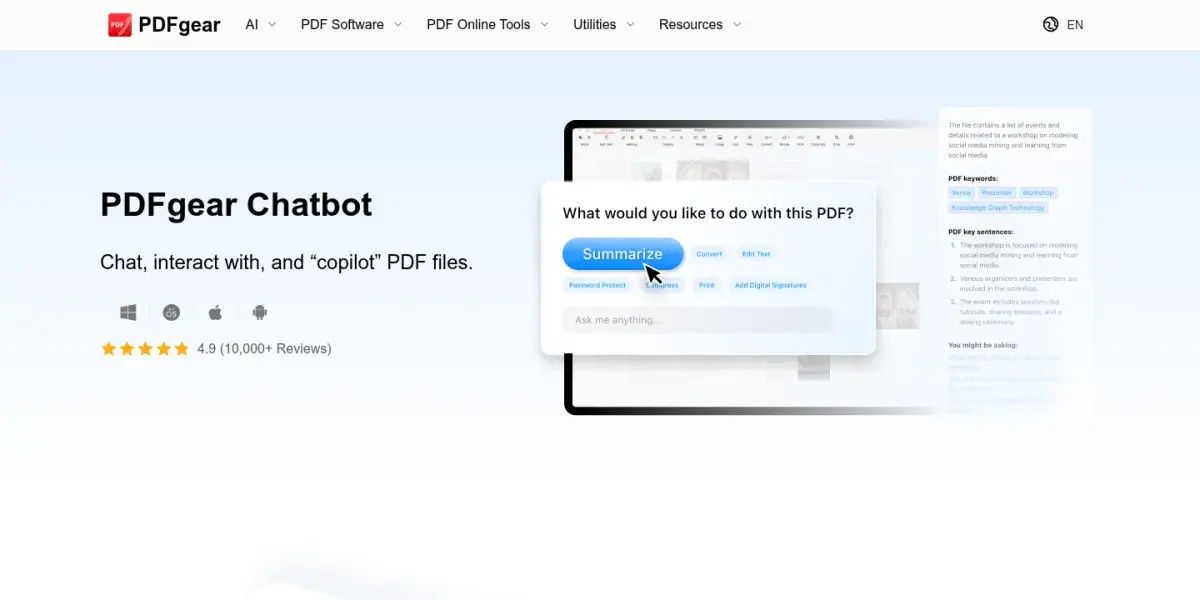
PDFgear is a free PDF editor for Windows, Mac, and iPhone with a built-in chatbot that summarizes, explains, and answers questions about the open PDF. Because it's also a full editor (annotate, highlight, extract pages, convert), it can replace two apps. PDFgear says the chatbot is "currently" free while it gathers feedback, so that may change, and its site doesn't describe citations.
Strengths
- Free, no sign-up for the editor
- PDF editing and AI chat in one app
- Windows, Mac, and iPhone
Drawbacks
- Free status described as current, not permanent
- No citation feature described
- Its AI page lists an older ChatGPT model
Price: Free.
7. AskYourPDF: best for Zotero users
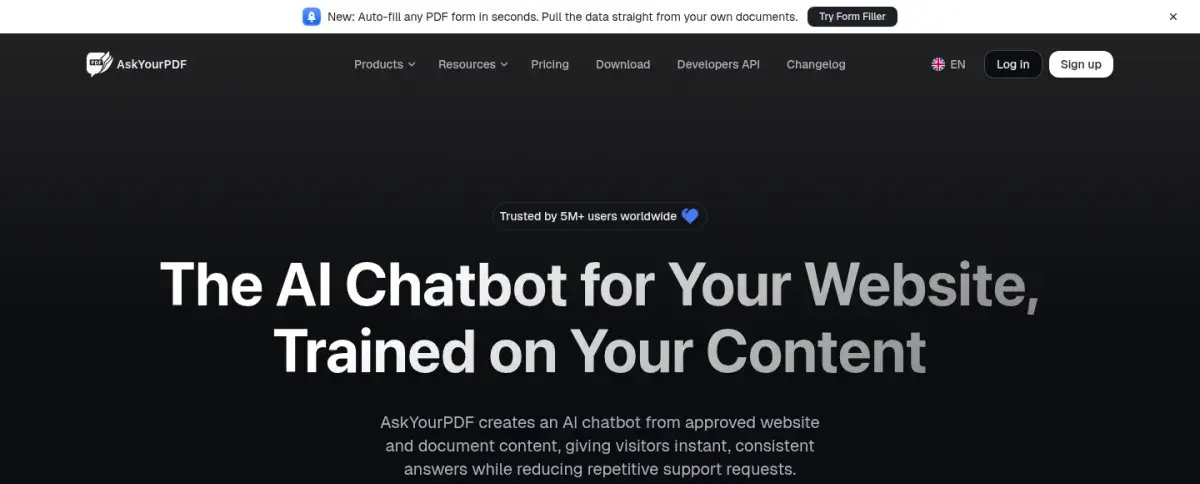
AskYourPDF started as a chat-with-PDF tool and still offers Chat with Docs, plus a Zotero plugin and a Chrome extension, which is handy if your papers live in Zotero. Its homepage now leads with chatbots for businesses' websites, so expect the student product to sit in the menu rather than front and center.
Strengths
- Zotero plugin and Chrome extension
- Free plan: 1 document a day, up to 100 pages
- Premium handles 2,500-page documents
Drawbacks
- Free plan allows 3 conversations a day
- Company focus has shifted to business chatbots
- Monthly prices not listed, only yearly
Price: Free for 1 document a day (100 pages, 15 MB, 50 questions). Premium is $11.99/month billed yearly; Pro is $14.99/month billed yearly.
Prompts that make PDF chat useful for studying
Asking "what is this paper about?" gets you a summary you'll forget by Friday. These prompts make the tool check your understanding instead. They work in any tool above.
Quote, don't paraphrase:
Answer only from the uploaded PDF. For each claim, give the page
number and quote the exact sentence. If the PDF doesn't say, write
"not in the source."
Quiz me before you explain:
Ask me 5 short-answer questions on section 3, one at a time. Wait
for my answer before you reply. Tell me what I got right, what I
missed, and the page where the answer is.
Find what will be tested:
List the 8 definitions, processes, or numbers in this chapter that
an exam is most likely to test. Cite the page for each. Don't
explain them yet.
Then close the chat and explain each item from memory before you check. That last step is where the learning happens: students who were tested on a passage remembered more of it a week later than students who reread it (Roediger & Karpicke, 2006). Our list of ChatGPT prompts for studying has 25 more, and they work in Gemini Notebook and Claude too.
Check the answers you'll rely on
Chat tools are confident even when they're wrong. Before an answer goes into your notes or onto a flashcard, open the cited page and read the sentence yourself. Pay extra attention to numbers, tables, exceptions, and anything with "always" or "never." If a tool can't point to a page, treat the answer as unverified.
From PDF answers to practice
Chatting with a PDF helps you understand it. Remembering it for an exam takes retrieval and spacing. A simple routine for each reading:
- Ask your questions in a chat tool until the reading makes sense.
- Pull out the testable points with the prompt above.
- Turn them into flashcards and a short quiz, written from the PDF and checked against the cited pages.
- Review on a schedule over the next two weeks.
You can do steps 3 and 4 by hand with our guides to making flashcards from a PDF and making a quiz from a PDF. Active Recalling (our app) isn't a chat-with-PDF tool, but it can do those two steps from a PDF with selectable text; see our PDF to flashcards page and AI quiz generator page.
If you only need a one-shot overview of a reading, a summarizer may be enough; we compare those in the best PDF summarizers for studying.
What happens to the PDFs you upload
- Training. OpenAI offers a training opt-out on every ChatGPT plan. Google says Gemini Notebook doesn't train on personal accounts' data unless you send feedback, and Workspace for Education accounts are excluded from training and human review. Adobe says customer content is never used to train its models. Check each tool's setting before you upload.
- Deleting files. ChatPDF says documents are private by default and can be deleted at any time.
- Course rules and copyright. Some instructors don't allow slides, course readers, or past exams to be uploaded to AI tools. Ask if you're unsure, and never upload other students' work.
Our guide to using AI tools without cheating covers where the line usually sits.
Frequently asked questions
Is ChatPDF free?
Yes. ChatPDF's free plan lets you analyze 2 documents a day, and you don't need an account to start. ChatPDF Plus removes the daily limit, raises the page limit per file, and adds chat across folders of PDFs. ChatPDF shows the Plus price at upgrade rather than on a public pricing page, so compare it with the free options above first.
What is the best free alternative to ChatPDF?
Gemini Notebook is the best free alternative for most students. It chats across up to 50 sources per notebook, cites the passage behind each answer, and can turn the same files into flashcards and quizzes. ChatGPT is a good free option for one shorter file, and PDFgear is free if you want a desktop PDF editor with AI chat.
Is NotebookLM better than ChatPDF?
For coursework, usually yes. NotebookLM, now called Gemini Notebook, handles many files at once for free, supports more source types, and adds study tools like quizzes. ChatPDF is quicker for asking questions about a single PDF and works without an account, but its free plan is limited to 2 documents a day.
Can ChatGPT read a PDF like ChatPDF?
Yes. Upload the PDF to any ChatGPT plan and ask questions about it. On the free plan, OpenAI lists the default model's input limit as about 12 pages of text, so split long files into sections. Ask it to answer only from the file and to give page numbers, because it may otherwise add outside knowledge.
Are chat-with-PDF tools accurate?
They're usually right on clearly stated facts and weaker on tables, figures, exceptions, and scanned pages. Tools that cite the passage behind each answer make checking quick. Before you put an answer in your notes, open the cited page and confirm it, especially for numbers, definitions, and claims with "always" or "never."
Sources and further reading
Start with the primary research and official guidance below. Links open in a new tab so you can compare the evidence with the article.
- Read source
ChatPDF
ChatPDF, 2026
- Read source
Learn about Gemini Notebook
Gemini Notebook Help, 2026
- Read source
Add or discover new sources for your notebook
Gemini Notebook Help, 2026
- Read source
Uploading files to Claude
Claude Help Center, 2026
- Read source
ChatGPT pricing
OpenAI, 2026
- Read source
Acrobat AI Assistant
Adobe, 2026
- Read source
Humata pricing
Humata, 2026
- Read source
AskYourPDF pricing
AskYourPDF, 2026
- Read source
PDFgear Chatbot
PDFgear, 2026
- Read source
Test-enhanced learning: taking memory tests improves long-term retention
Psychological Science, 2006