
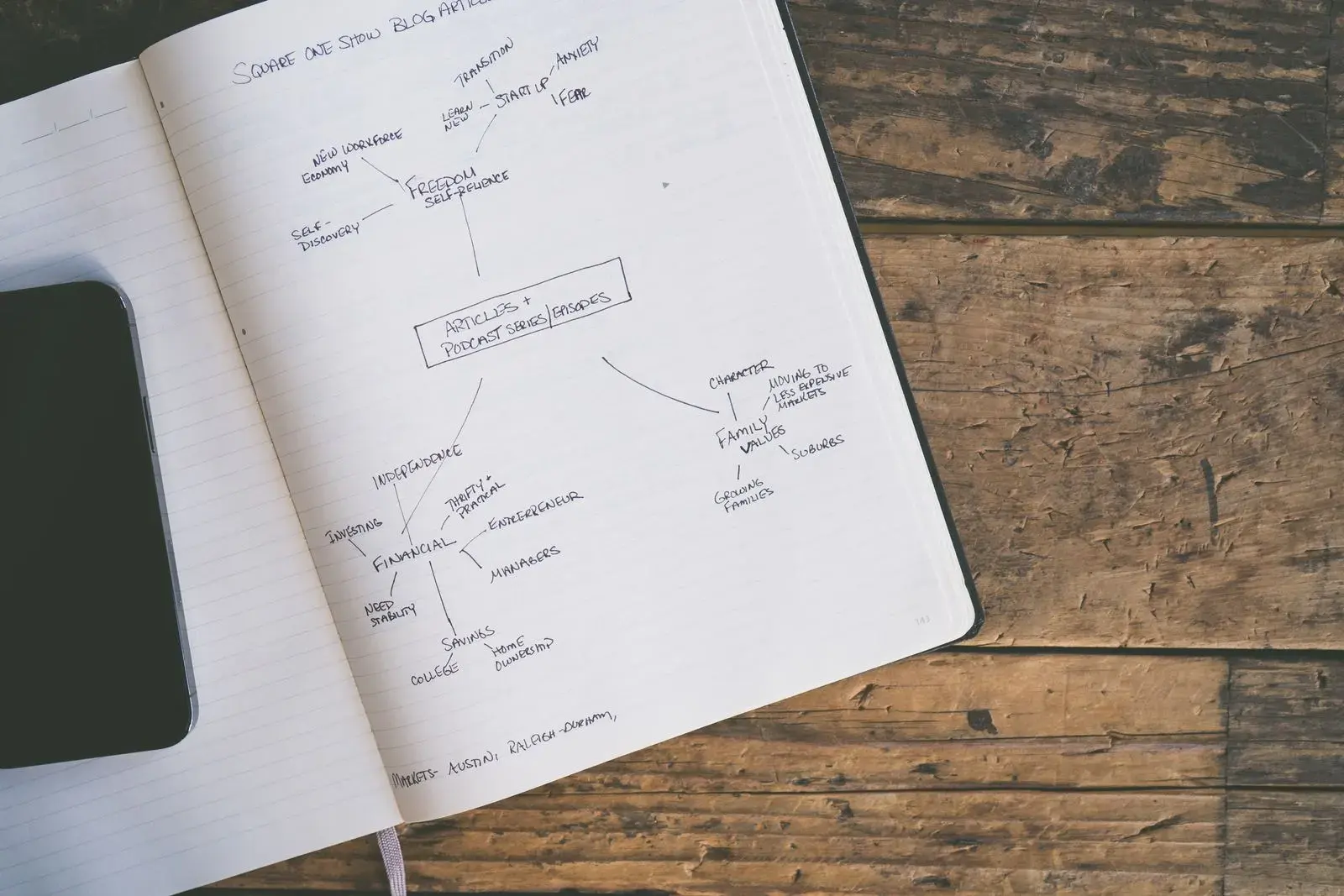
To turn a PDF into a mind map, put the document's main topic in the center, make its major sections the first branches, add two to four key ideas under each in a few words, and draw labeled links where ideas connect across branches. You can build the map by hand from the PDF's headings, or let an AI PDF-to-mind-map tool draft it and then fix the structure yourself.
Either way, the map only helps you remember if you use it the right way. Looking at a finished map is a form of rereading. The learning comes from redrawing it from memory, and there's good research showing why.
This guide covers what a good study map looks like, a manual method, an AI method, a worked example from a history chapter, and how to study with the map once it exists.
What should a study mind map from a PDF look like?
A good map shows the shape of the material at a glance: what the big ideas are, what sits under each, and how they connect. That last part is what outlines lack.
| Format | Best for | Weakness |
|---|---|---|
| Mind map | Seeing a whole chapter's structure; brainstorming | Branches can hide how ideas connect across the tree |
| Concept map | Showing relationships, with labeled links between any two ideas | Slower to build; can get messy |
| Outline | Linear material, step-by-step processes | Hides connections between sections |
For studying, aim for a mind map with a few concept-map links added: a tree, plus labeled arrows across it. Keep labels short (a word or a phrase, not a sentence) and put page numbers on the leaves so you can check them. Our guide to mind mapping for learning covers map design in more depth.
How to convert a PDF to a mind map by hand
This works on paper, a whiteboard, or any mind-mapping app.
- Skim the PDF's structure. Read the table of contents, headings, bold terms, and any summary or learning objectives. Don't read every paragraph yet.
- Write the main topic in the center. Use the chapter title or the question the document answers.
- Add the first branches. Usually the major sections. If the PDF has twelve headings, group them; a branch per big idea beats a branch per heading.
- Read section by section and add leaves. Two to four key ideas per branch, in your own words, with a page number.
- Draw the cross-links. Ask "which ideas on different branches affect each other?" Draw an arrow and label it with a verb.
- Check it against the PDF. Every leaf and link should trace back to something the document says.
If the PDF is a scan and you can't select its text, run it through OCR first, or work from the printed pages. The PDF flashcards guide explains how to tell and what to do.
Worked example: a history chapter PDF to a mind map
Here's a passage of the kind you'd find in a modern history textbook:
Historians often group the long-term causes of the First World War under four headings: militarism, alliances, imperialism, and nationalism. Europe's great powers had built up large armies and navies, and Germany and Britain were locked in a naval arms race. Two alliance blocs had formed: the Triple Alliance of Germany, Austria-Hungary, and Italy, and the Triple Entente of France, Russia, and Britain. Competition for colonies sharpened rivalries, and nationalism, especially among Slavs in the Balkans, threatened Austria-Hungary. The trigger came on 28 June 1914, when Gavrilo Princip, a Bosnian Serb nationalist, assassinated Archduke Franz Ferdinand in Sarajevo. Austria-Hungary declared war on Serbia on 28 July, and within about a week the alliance system had drawn in Russia, Germany, France, and Britain.
The map, written as an outline:
- Center: Causes of World War I (pp. 212–215)
- Militarism: large armies and navies; Anglo-German naval race
- Alliances: Triple Alliance (Germany, Austria-Hungary, Italy); Triple Entente (France, Russia, Britain)
- Imperialism: competition for colonies sharpened rivalries
- Nationalism: Slavic nationalism in the Balkans threatened Austria-Hungary
- Trigger: 28 June 1914, Archduke Franz Ferdinand assassinated in Sarajevo
And the two cross-links that turn it from a list into an explanation:
- Nationalism → motivated → Trigger (the assassin was a Bosnian Serb nationalist)
- Trigger → set off → Alliances (Austria-Hungary declared war on Serbia on 28 July; the blocs pulled in the other great powers within about a week)
On a test, "How did a single assassination become a continental war?" is answered by that second link, not by any single branch. That's why the links matter.
A check an AI draft can fail: a tool reading "Triple Alliance of Germany, Austria-Hungary, and Italy" may add a leaf saying Italy fought alongside Germany. It didn't: Italy stayed neutral in 1914 and joined the Allies in 1915. The passage never says otherwise, so a careful map doesn't either. Keep leaves to what the source supports.
How to make a mind map from a PDF with AI
AI PDF-to-mind-map tools read the document and draft a hierarchy in seconds. That's useful for long PDFs where finding the structure is the hard part. Our roundup of AI mind map generators compares the main options.
After generating, fix these common problems:
- Page order instead of idea order. AI drafts often mirror the headings one-to-one. Merge, regroup, and promote the ideas that matter.
- No cross-links. Most generated maps are pure trees. Add the two or three links that explain how branches interact.
- Lost qualifiers. "Often", "in most cases", and "except" disappear when sentences are squeezed into node labels.
- Invented connections. A link the AI drew may not be in the source. Check every arrow against the PDF.
- Labels that are sentences. Shorten them. Long labels make the map hard to redraw.
Where Active Recalling fits
Active Recalling generates one mind map per chapter from the PDF, Word file, pasted text, or photos you add, alongside flashcards and four-option quizzes from the same material. You can drag nodes around and add or remove connections. The PDF needs selectable text; for a scanned chapter, upload page photos as JPG or PNG instead. More on the AI mind map generator page.
Does making a mind map from a PDF help you remember?
It depends on whether the PDF is open while you work.
In a 2011 study in Science, Jeffrey Karpicke and Janell Blunt had students learn science texts either by building concept maps while looking at the text or by practicing retrieval: closing the text and recalling what they could. On the final test, the retrieval group did better, including on questions that required inferences, and even when the final test asked students to build a concept map.
In a 2014 follow-up, Blunt and Karpicke made concept mapping itself a retrieval task: students drew the map with the text closed. That changed the result.
Mapping from memory works as well as written recall
Share of verbatim questions answered correctly on a test one week after studying science texts (Experiment 2)
View data
| Learning activity | Correct after one week |
|---|---|
| Copied the text (text open) | 33% |
| Concept map (text open) | 43% |
| Concept map from memory | 46% |
| Wrote recall from memory | 49% |
With the text closed, building a map and writing out recall produced about the same scores. Across both formats, working from memory beat working with the text open (48% vs 38% on verbatim questions), and inference questions showed the same pattern (39% vs 31%). With the text open, mapping did beat plain copying, so a map you build while reading isn't wasted. It's just not the main event.
The practical lesson: build the map from the PDF (or let AI draft it), but study by redrawing it without looking. The same idea runs through all retrieval practice.
How to study with your PDF mind map
Once the map exists, use it for recall, not review.
- Blank-page redraw. Close the map and the PDF. Redraw the map from memory, then compare and mark what you missed in a different color. Those gaps are tomorrow's study list.
- Branch explanations. Cover one branch and explain it out loud as if teaching a classmate, the core move of the Feynman technique.
- Link questions. Turn each cross-link into a question: "How did nationalism contribute to the outbreak of war?" Answer it in two or three sentences.
- Flashcards for the leaves. Dates, names, and definitions you keep missing go into a flashcard deck; the PDF flashcards guide shows how to make them from the same pages.
A simple schedule: redraw the map the day after you make it, again about three days later, and again after a week. Each redraw should take less time and need fewer corrections. For history courses specifically, see how to study history effectively.
Frequently asked questions
Can AI convert a PDF to a mind map accurately?
It usually gets the broad structure right for well-organized PDFs with clear headings. Common problems are copying the page order instead of grouping ideas, leaving out cross-links, dropping qualifiers like "often" or "except", and occasionally inventing a connection. Treat the AI map as a first draft and check every branch and arrow against the PDF.
Is a mind map or a concept map better for studying?
For seeing a chapter's structure, a mind map is quicker. For understanding how ideas affect each other, a concept map's labeled links are better. A good compromise is a mind map with a few labeled cross-links. Whichever you choose, the research says the benefit comes mostly from building or redrawing it from memory.
How detailed should a mind map from a PDF be?
Detailed enough to redraw in five to ten minutes. In practice, that means a handful of main branches, two to four short leaves per branch, and a few cross-links. Put fine details such as exact dates, formulas, and lists into flashcards instead. A map so dense you can't redraw it from memory is a summary, not a study tool.
Can I make a mind map from a scanned PDF?
Yes, but a tool can't read a scan until its text is recognized. Run it through OCR first (Google Drive can do this for small files) or upload photos of the pages to a tool that reads images. If you're mapping by hand, a scan is fine: work from the page and type or write the labels yourself.
Should I make a mind map or flashcards from a PDF?
Both, for different jobs. The map captures structure and relationships, which helps with explain-and-compare questions. Flashcards drill specific facts such as definitions, names, and numbers. A good order is map first, so you understand how the chapter fits together, then flashcards for the details you keep missing when you redraw the map.
Sources and further reading
Start with the primary research and official guidance below. Links open in a new tab so you can compare the evidence with the article.
- Read source
Retrieval practice produces more learning than elaborative studying with concept mapping
Karpicke & Blunt, Science, 2011
- Read source
Learning with retrieval-based concept mapping
Blunt & Karpicke, Journal of Educational Psychology, 2014
- Read source
Convert PDF and photo files to text
Google Drive Help, accessed October 2026