
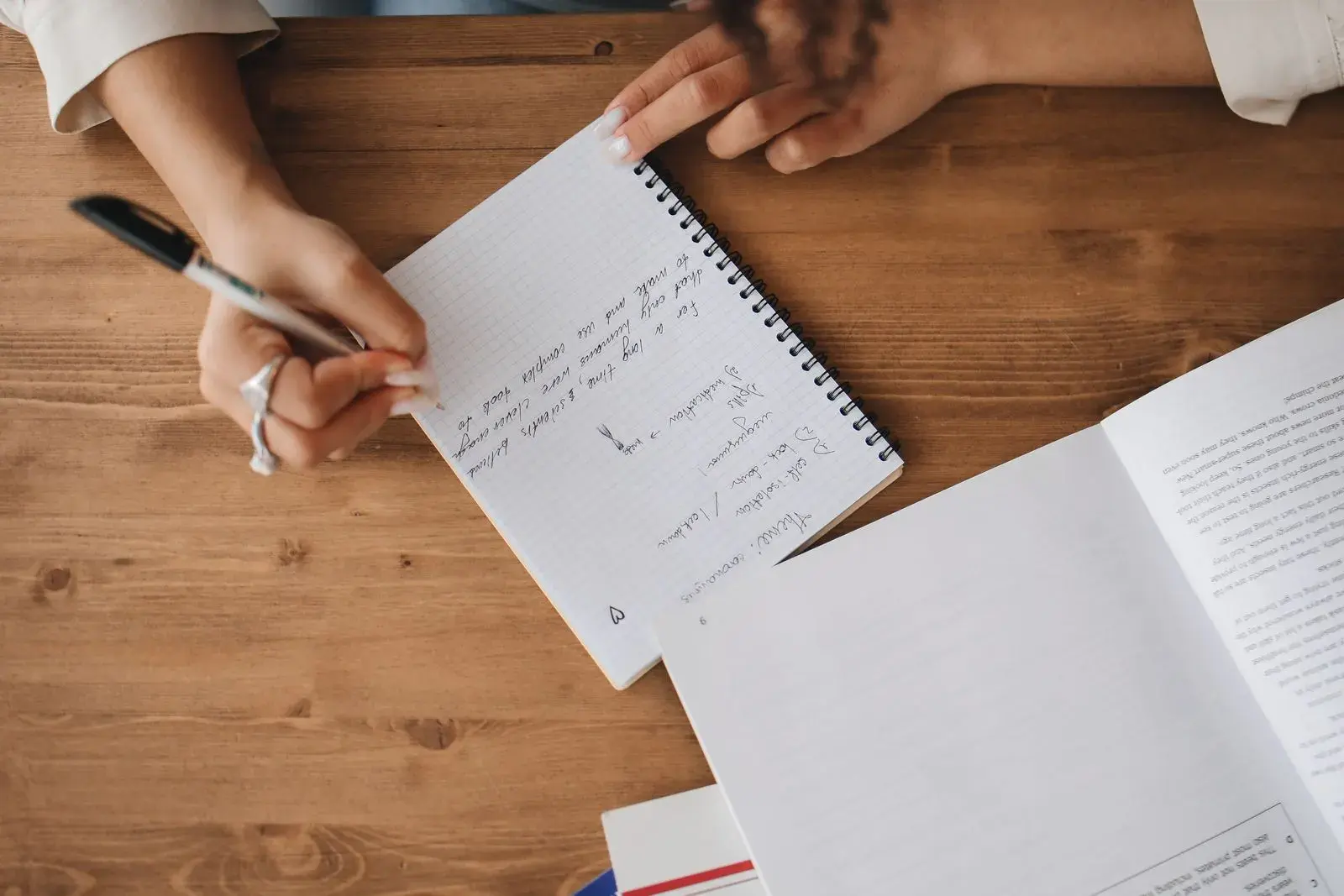
To turn notes into flashcards, go through your notes one idea at a time and rewrite each important idea as a question you can answer from memory, with a short answer on the back. Make cards for definitions, distinctions, causes, steps in a process, and anything your instructor stressed. Leave examples, stories, and asides in your notes.
The best time to do this is the same day as the lecture. You still remember what the lecturer meant by that half-finished bullet, you can check the slides for anything you missed, and you can answer each new card once before you sleep.
This guide covers both a fully manual method (paper, Anki, Quizlet, or a Google Doc) and an AI-assisted one, with a worked example that turns one biology lecture's notes into a ten-card deck.
What should you turn into flashcards?
Flashcards are good at one job: making you produce a specific answer from memory. Card the parts of your notes that have one clear answer, and keep the rest as notes.
| In your notes | Make a card? | Example card front |
|---|---|---|
| Definition | Yes | What is the induced-fit model? |
| Two terms students confuse | Yes, as a contrast | How does a competitive inhibitor differ from a noncompetitive one? |
| Cause and effect | Yes, as a "why" question | Why does an enzyme stop working above its optimum temperature? |
| Steps in a process | Yes, one card per step or one ordered list card | What happens after the substrate binds the active site? |
| Formula | Yes, plus one card on when to use it | What does Km represent? |
| Diagram or graph | Yes, as "draw it from memory" | Sketch reaction rate against substrate concentration. |
| Story, anecdote, worked example | Usually no | Keep in notes, or turn into one application card |
| Admin (deadlines, reading lists) | No | Put it in your calendar |
If your notes are already in a Cornell layout, the cue column on the left is a ready-made list of card fronts.
How to turn notes into flashcards, step by step
This manual method works with any tool, including index cards.
- Read the notes once and mark card candidates. Put a small dot in the margin next to each idea worth remembering. Don't write cards yet.
- Fix the gaps first. Anything marked "??" or half-finished gets checked against the slides, the textbook, or a classmate before it becomes a card. A card built on a wrong note is a mistake you'll rehearse.
- Write the question before the answer. The question decides what you're practicing. "Enzymes" is a topic; "What do enzymes lower in a reaction?" is a question.
- Keep answers short. One phrase or sentence. If the back needs a paragraph, split the card.
- Add just enough context. "What does it do to the rate?" fails a week later. "What does a competitive inhibitor do to the reaction rate?" works.
- Answer each new card once. Cover the back, answer out loud, check. Cards you can't answer even now need rewriting or more study.
For deeper card-writing rules, see how to use flashcards effectively.
Worked example: biology lecture notes to a 10-card deck
Here are one student's raw notes from a lecture on enzymes:
Enzymes - Wed lecture
- lower activation energy, NOT delta G
- active site shape -> substrate fit (induced fit)
- temp up = rate up until optimum, then denature
- pH optimum differs: pepsin ~2, trypsin ~8
- rate plateaus at high [S] ?? (ask)
- competitive inhibitor binds active site, more substrate can outcompete
- EXAM: know graph of rate vs [S]
The "??" line gets checked against the slides first: the rate levels off because nearly every active site is occupied. Then the notes become these cards:
| # | Front | Back |
|---|---|---|
| 1 | What do enzymes lower in a reaction? | The activation energy |
| 2 | Do enzymes change a reaction's ΔG? | No. They speed it up; ΔG stays the same. |
| 3 | What is the induced-fit model? | The active site changes shape slightly as the substrate binds, tightening the fit |
| 4 | Why does activity fall above an enzyme's optimum temperature? | Heat disrupts its shape (denaturation), so the active site no longer fits the substrate |
| 5 | Pepsin works best near pH __; trypsin near pH __. | About 2 (stomach); about 8 (small intestine) |
| 6 | Why does reaction rate level off at high substrate concentration? | Nearly all active sites are occupied, so the enzyme is saturated |
| 7 | How does a competitive inhibitor slow a reaction? | It binds the active site and blocks the substrate |
| 8 | Why can more substrate overcome a competitive inhibitor? | Extra substrate outcompetes the inhibitor for active sites |
| 9 | Sketch rate against substrate concentration and mark where the enzyme is saturated. | A curve that rises steeply, then flattens toward a maximum |
| 10 | Antacids raise stomach pH to 6. What happens to pepsin activity, and why? | It drops sharply, because pH 6 is far from pepsin's optimum near pH 2 |
Notice what happened. Card 9 came from the "EXAM" line, card 10 applies card 5 to a new situation, and the admin line ("Wed lecture") didn't become anything.
Bad cards from the same notes, and the fixes
| Weak card | Problem | Fix |
|---|---|---|
| "Enzymes" → a whole paragraph | Topic, not a question; answer too long to check | Split into cards 1–4 |
| "Enzymes lower activation ___" | The word "activation" gives the answer away | "What do enzymes lower in a reaction?" |
| "What about pH?" | Vague; many answers fit | Card 5 |
| "Explain enzyme kinetics" | Essay question, not a card | Cards 6, 8, and 9 |
| "What does it do to the rate?" | No context once you've forgotten the lecture | Name the inhibitor in the question |
How to turn lecture notes into flashcards right after class
Lecture notes are written fast and decay fast. A note like "rate plateaus ??" makes sense at 11 a.m. and is a puzzle by Friday. Processing notes the same day fixes that, and it gives you a first retrieval attempt while the material is fresh.
Where one lecture's notes end up
A 50-minute lecture processed the same day
Illustrative example, not measured data. Your split will depend on the course.
View data
| From | To | Amount |
|---|---|---|
| Lecture notes | Core ideas | 18 note lines |
| Lecture notes | Unclear (check slides) | 6 note lines |
| Lecture notes | Examples | 9 note lines |
| Lecture notes | Admin and asides | 10 note lines |
| Core ideas | Flashcards | 15 note lines |
| Core ideas | Diagram cards | 3 note lines |
| Unclear (check slides) | Flashcards | 6 note lines |
| Examples | Application cards | 4 note lines |
Here's a routine you can copy:
| When | Minutes | What to do |
|---|---|---|
| Same day | 5 | Read your notes once. Fill every "??" from the slides or textbook while you still remember the lecture. |
| Same day | 10 | Mark card candidates and write 10–20 cards (or generate drafts and edit them). |
| Same day | 5 | Answer every new card once from memory. Rewrite any that confused you. |
| Next day | 5 | Review the new cards before the next lecture. |
| About 3 days, then a week later | 5 each | Review again. An app schedules this; on paper, use the Leitner box system. |
If you fall behind, don't skip the same-day step. Card fewer ideas instead: the three or four things you'd expect on the exam.
Why bother answering the cards on day one? In Roediger and Karpicke's 2006 study, students who read a passage once and then took a recall test remembered 56% of it a week later, compared with 42% for students who spent that time reading it again. A first pass through new cards is the same kind of recall test. The forgetting curve explainer shows why the next few reviews matter most.
Using AI to turn notes into flashcards
AI is fastest when your notes are long and mostly typed. Three ways to use it:
- Typed notes: paste one lecture at a time into an AI flashcard generator or a chatbot.
- Handwritten notes: take clear photos and use a tool that reads images, or type up the parts you want carded.
- Notes apps with built-in cards: RemNote, for example, turns a line into a flashcard when you type special characters between the question and the answer, so cards are made as you write.
If you use a chatbot, give it rules:
Turn these lecture notes into flashcards.
One idea per card. Front = a question, back = under 20 words.
Use only what's in the notes. If a line is unclear or marked "??",
list it separately instead of guessing.
Format: question [TAB] answer
Notes:
[paste one lecture]
The "list it separately" instruction matters. AI tools tend to fill gaps with confident guesses, and a guess about your instructor's definition can be wrong. If Claude is your chatbot, our Claude flashcards guide adds a source-quote check and ways to get the cards into a review schedule.
Then edit the drafts. In five of six experiments by Steven Pan and colleagues, students who made their own digital flashcards scored higher on a test two days later than students who spent the same time with premade cards. An AI deck is a premade deck until you rewrite it. A good compromise: let AI draft the routine definition cards, and write the cards for the hardest ideas yourself. The generation effect explains why producing material yourself helps it stick.
Where Active Recalling fits
Active Recalling takes notes as a Word document, JPG or PNG photos, or pasted text, and drafts flashcards, four-option quizzes, and a mind map from them. You can edit every card, and reviews are scheduled with spaced repetition (FSRS). It's a web app, so it works in a phone or laptop browser, but there's no offline mode. See the AI flashcard generator for details, or the page on turning a Word document into flashcards if your notes are a .docx file.
If your notes come from slides, the PowerPoint flashcards guide covers exporting them first; for a textbook chapter, see how to make flashcards from a PDF; for a recorded lecture, see flashcards from YouTube videos.
Checklist: is a new card ready to study?
Run each new card through these six checks before its first review. It takes seconds per card and saves you from rehearsing a bad one for weeks.
- Is the front a question with one clear answer, not a topic?
- Does it make sense on its own three weeks from now, without the lecture fresh in your mind?
- Is the answer short enough to check at a glance?
- Is it correct? Anything that came from a "??" note or an AI draft has been checked against the slides or textbook.
- Does it test something the exam will ask, not a stray detail?
- Is it in your own words? Rewritten AI drafts count.
The whole system leans on the two methods rated "high utility" in Dunlosky and colleagues' 2013 review of ten study techniques: testing yourself, and spreading that practice out over time. Same-day cards plus spaced reviews do both.
Frequently asked questions
How many flashcards should I make from one lecture?
Most lectures give 10 to 25 useful cards. A dense science lecture full of definitions sits at the high end; a discussion-heavy humanities lecture might give five or six plus a couple of essay-style questions. If daily reviews start taking more time than you can keep up with, make fewer, better cards rather than skipping reviews.
Should I make flashcards during the lecture or after?
After. During the lecture, your job is to follow the argument and capture it in notes. Making cards the same day, within a few hours, gives you a second pass through the material, a chance to fix gaps from the slides, and a first recall attempt. Waiting until the weekend means decoding notes you no longer fully remember.
Is it better to make your own flashcards or use AI?
Making your own usually produces better learning: in five of six experiments, students who created their own cards beat students using premade decks on a test two days later. AI saves time on long or routine material, though. A sensible split is to let AI draft the easy cards, then rewrite them in your own words and write the hardest cards yourself.
How do I turn handwritten notes into flashcards?
Either write the cards by hand straight from your notebook, or photograph the pages and use a tool that reads images, such as Active Recalling, which accepts JPG and PNG photos. Check any AI reading of your handwriting closely, especially numbers, symbols, and abbreviations that only you use.
Can I turn notes into flashcards in Google Docs?
Yes. Make a two-column table, with questions in the left column and answers in the right. To study, cover the right column. To move the cards into Quizlet or Anki, copy the table into a spreadsheet, export it as tab-separated text, and use the app's import option.
Sources and further reading
Start with the primary research and official guidance below. Links open in a new tab so you can compare the evidence with the article.
- Read source
User-generated digital flashcards yield better learning than premade flashcards
Pan, Zung, Imundo, Zhang & Qiu, Journal of Applied Research in Memory and Cognition, 2023
- Read source
Test-enhanced learning: Taking memory tests improves long-term retention
Roediger & Karpicke, Psychological Science, 2006
- Read source
Improving students' learning with effective learning techniques
Dunlosky et al., Psychological Science in the Public Interest, 2013