

The best PDF summarizer for most students in 2026 is Gemini Notebook (the tool formerly called NotebookLM): it's free, it handles up to 50 files per notebook, and its answers carry inline citations that point to the passage behind each claim. Use Adobe Acrobat AI Assistant if you already read in Acrobat, Claude for very long PDFs, and Scholarcy for research papers.
A summary is a map, not the territory. It tells you what a 40-page reading is about in two minutes, which is useful on a Sunday night with three readings due. But it also drops exceptions, flattens hedged findings into confident ones, and gives you something to reread instead of something to recall.
So this guide judges each PDF summarizer on two things: how easy it makes checking the summary against the source, and how quickly you can turn that summary into practice. Prices and limits were checked on each official site in October 2026.
PDF summarizers compared
| Tool | Best for | Free plan | Cheapest paid plan | Study extras |
|---|---|---|---|---|
| Gemini Notebook | Course readings, many files | 50 sources per notebook | Google AI Plus or Pro | Flashcards, quizzes, mind maps |
| Adobe Acrobat AI Assistant | Reading inside Acrobat | Free trial | Acrobat Express $9.99/mo (annual) | Podcast-style overviews |
| Claude | Very long PDFs | Yes, usage-limited | Pro $17/mo billed yearly | None built in |
| ChatGPT | Custom summary formats | About 12 pages per message | Go $8/mo | Study mode quizzes |
| QuillBot | One passage at a time | 600 words per summary | Premium $8.33/mo billed yearly | None |
| Scholarcy | Research papers | 10 article summaries | $9.99/mo or $90/yr | Flashcard summaries |
| Mapify | Visual overview | 30 one-time credits | $5.99/mo billed yearly | Editable mind map |
What a year of each tool's cheapest paid plan costs
Annual cost in US dollars, October 2026. Gemini Notebook's summaries are free.
Source: Official pricing pages, checked October 2026
View data
| Tool | Annual cost (USD) |
|---|---|
| Claude Pro (annual) | $200 |
| Adobe Acrobat Express | $109.99 |
| QuillBot Premium | $99.96 |
| ChatGPT Go (12 × $8) | $96 |
| Scholarcy Plus | $90 |
| Mapify Basic | $71.88 |
What an AI summary gets wrong
AI summarizers rarely invent a whole chapter. The errors are smaller and easier to miss:
- Overgeneralizing. In a 2025 study, researchers compared 4,900 summaries from 10 large language models with the scientific texts they summarized. Most models stated conclusions more broadly than the original, even when told to be accurate, and their summaries were nearly five times more likely to contain broad generalizations than summaries written by people (Peters & Chin-Yee, 2025).
- Dropping the exception. "Arteries carry oxygenated blood" survives; "except the pulmonary artery" doesn't.
- Misreading layout. Two-column papers, tables, equations, and figure captions are where text extraction breaks. A scanned PDF with no selectable text may not be read at all.
- Weighting the wrong parts. A long introduction can get five bullets while the worked examples at the end get one line.
There's also a study-method problem. A major review of ten learning techniques rated summarization as low utility and practice testing as high utility (Dunlosky et al., 2013). That review looked at students writing their own summaries. Reading one that an AI wrote asks even less of you. Use a summary to decide what to study, then study by answering questions.
The 7 best PDF summarizers for studying
1. Gemini Notebook: best free PDF summarizer
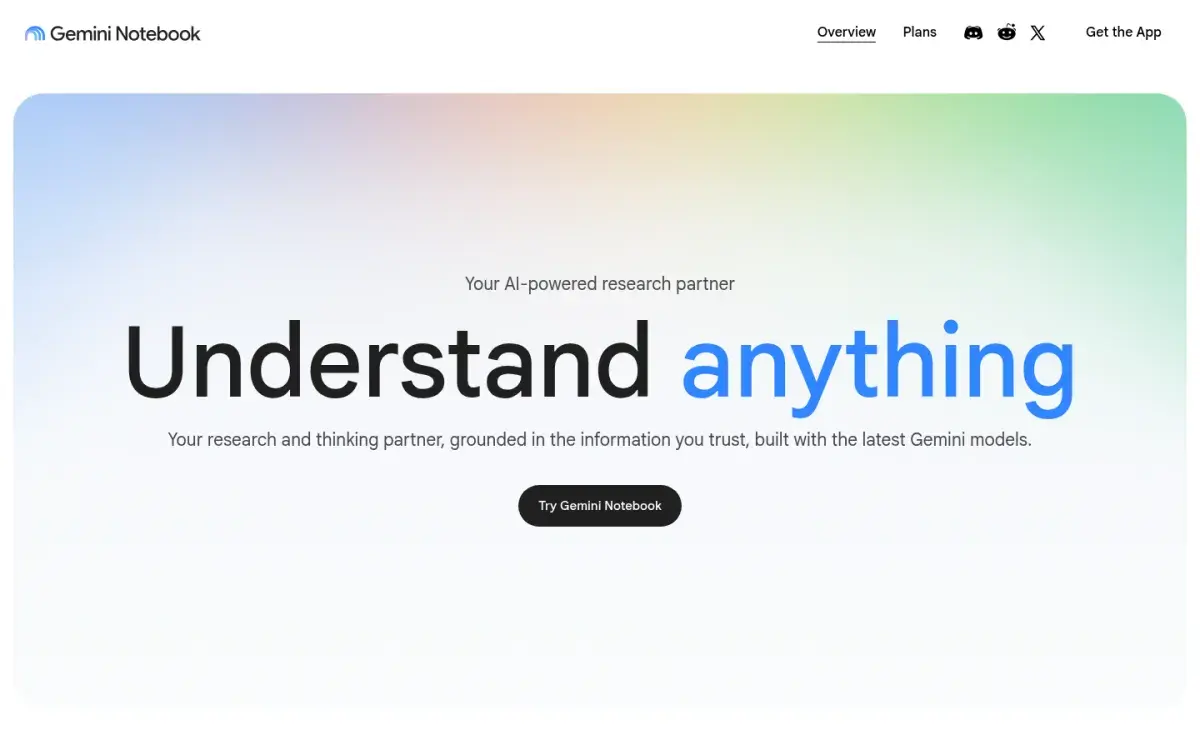
Google renamed NotebookLM to Gemini Notebook in July 2026; it's the same product. You add PDFs, Google Docs and Slides, Word files, web pages, or YouTube links to a notebook, and it summarizes and answers questions using only those sources. Each answer carries inline citations to the passage it came from, which makes checking fast.
It's strongest when a course has several readings. Ask "Summarize each reading in five bullets, then list where the authors disagree," and you get a comparison grounded in your files. From the same notebook it can build a study guide, flashcards, a quiz, and a mind map.
Strengths
- Free, with clickable citations to the source passage
- Up to 50 sources per notebook, each up to 500,000 words
- Same notebook makes flashcards, quizzes, and mind maps
Drawbacks
- Notebook-wide summaries can skim over details; summarize one source at a time
- Only answers from what you upload, so add the whole reading
- No long-term review schedule described for its flashcards
Price: Free with a Google account. Google AI Plus and Pro raise limits. US college students can get a free year of Google AI Pro (normally $19.99/month) if they redeem by December 31, 2026; a payment method is required and the plan renews unless you cancel.
2. Adobe Acrobat AI Assistant: best if you read in Acrobat
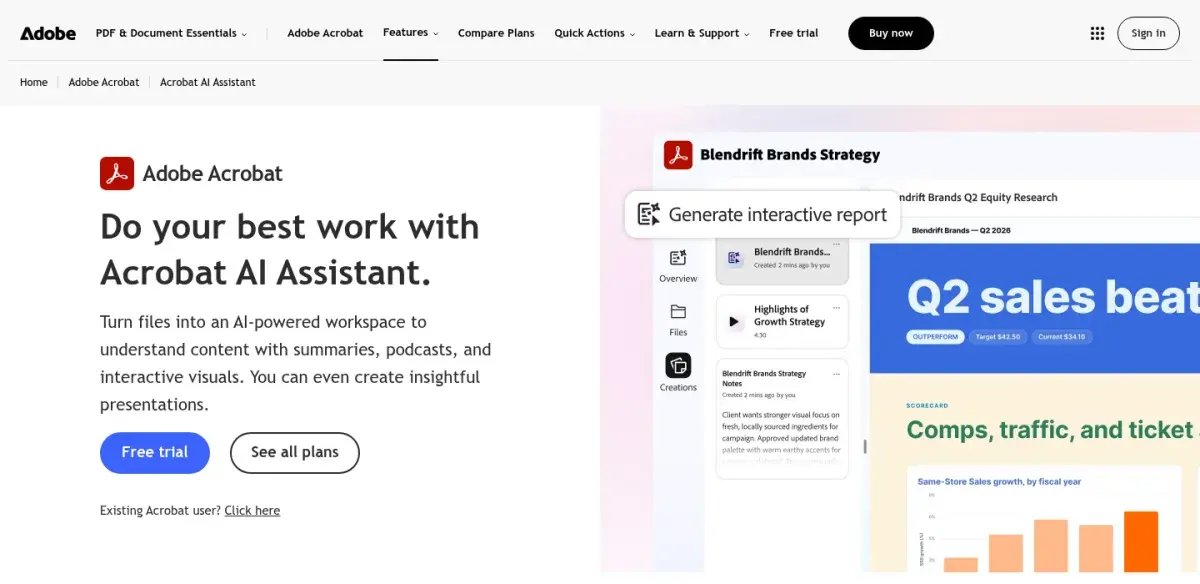
If your readings already open in Acrobat, AI Assistant adds a summary panel next to the page. Adobe says it summarizes long documents, generates outlines and key points, and answers follow-up questions with citations that point to specific pages. Adobe also says customer content is never used to train its AI models.
Strengths
- Summaries sit next to the PDF you're reading
- Answers cite page locations
- Adobe says your files aren't used for AI training
Drawbacks
- No free plan beyond a trial
- Priciest option for a student budget
- Fewer study features than Gemini Notebook
Price: AI Assistant comes with Acrobat Express ($9.99/month on an annual plan, or $109.99 prepaid for a year), Acrobat Studio ($24.99/month on an annual plan), or as an add-on.
3. Claude: best for very long PDFs
Claude accepts PDFs of up to 1,000 pages in a chat, which covers most full textbooks and long reports. For files up to 100 pages it also reads charts and images; beyond that it works from the text only. That makes it the tool to reach for when a 600-page reader won't fit anywhere else.
It doesn't add citations by default, so ask for them: "Summarize chapter 4. After each point, give the page number and quote the sentence it's based on." The quotes make the check against the PDF quick.
Strengths
- PDFs up to 1,000 pages and 20 files per chat
- Reads charts and images in files up to 100 pages
- Free plan available
Drawbacks
- No citations unless you ask for page numbers
- Text-only reading for files over 100 pages
- No built-in flashcards or quizzes
Price: Free plan with usage limits. Pro is $17/month billed yearly ($200) or $20 monthly.
4. ChatGPT: best for custom summary formats
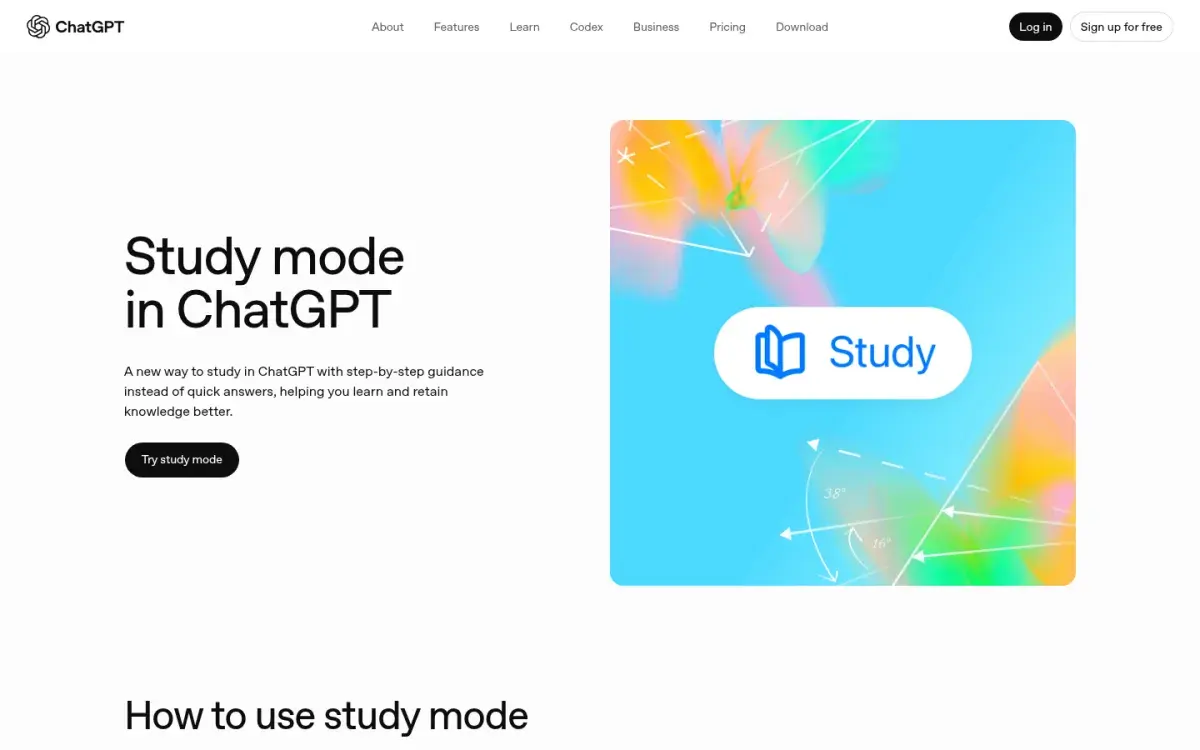
ChatGPT summarizes uploaded PDFs on every plan, and it's the most flexible about format: a comparison table, a one-page outline, a glossary, or a list of likely exam questions. Its study mode, also free, can then quiz you on what you just read.
The catch on the free plan is length. OpenAI lists the free plan's input limit for its default model as about 12 pages of text; Go and Plus raise it to about 40. For a long chapter, upload it in sections. OpenAI also lets you opt out of having your content used for training on every plan.
Strengths
- Any format you ask for
- Study mode can quiz you on the summary
- Free on every plan, with a training opt-out
Drawbacks
- Free plan reads about 12 pages of text per message
- May fill gaps from general knowledge, not your PDF
- Citations only if you ask
Price: Free. Go is $8/month in the US (it may show ads); Plus is $20/month. Our ChatGPT prompts for studying include summary and quiz prompts you can copy.
5. QuillBot: best for summarizing one passage fast
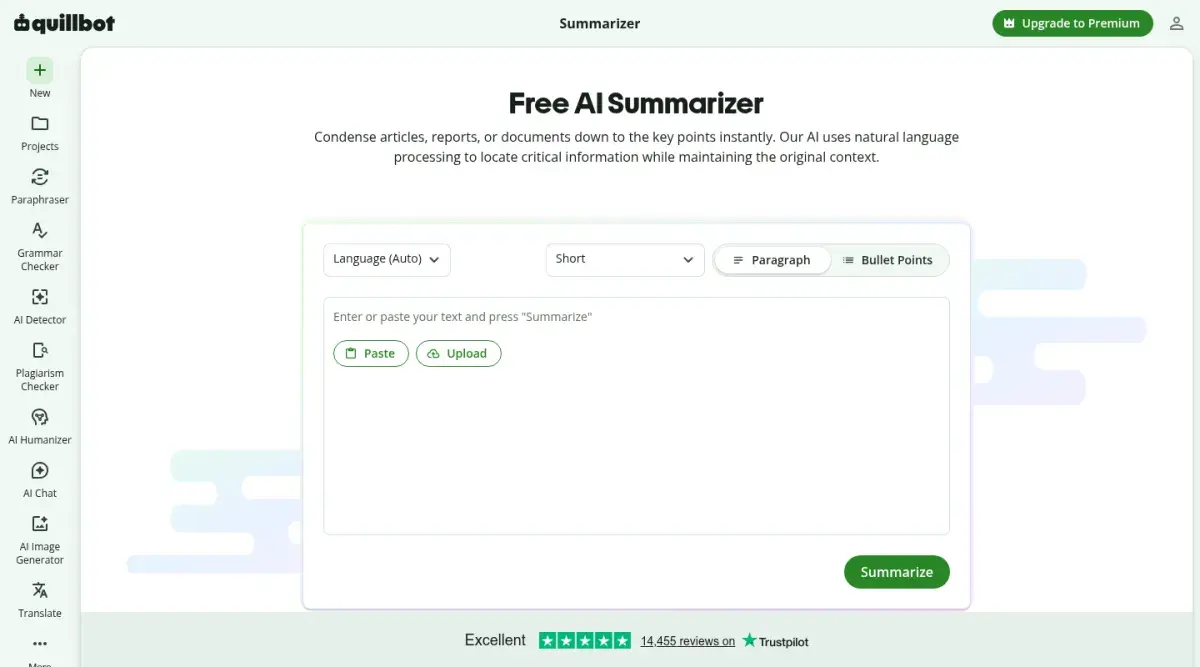
QuillBot's Summarizer is for a section, not a whole PDF. Paste a passage or upload a document, choose paragraph or bullet points, and drag the length slider. The free summarizer page caps input at 600 words, with no daily limit on the number of summaries. QuillBot also has separate AI PDF summarizer and Chat PDF tools.
Strengths
- Unlimited free summaries of short passages
- Bullet or paragraph output with a length slider
- No setup
Drawbacks
- 600-word free limit per summary
- No citations back to the page
- Built for writing, not studying
Price: Free. Premium is $8.33/month billed yearly and raises the summary limit to 6,000 words.
6. Scholarcy: best for research papers
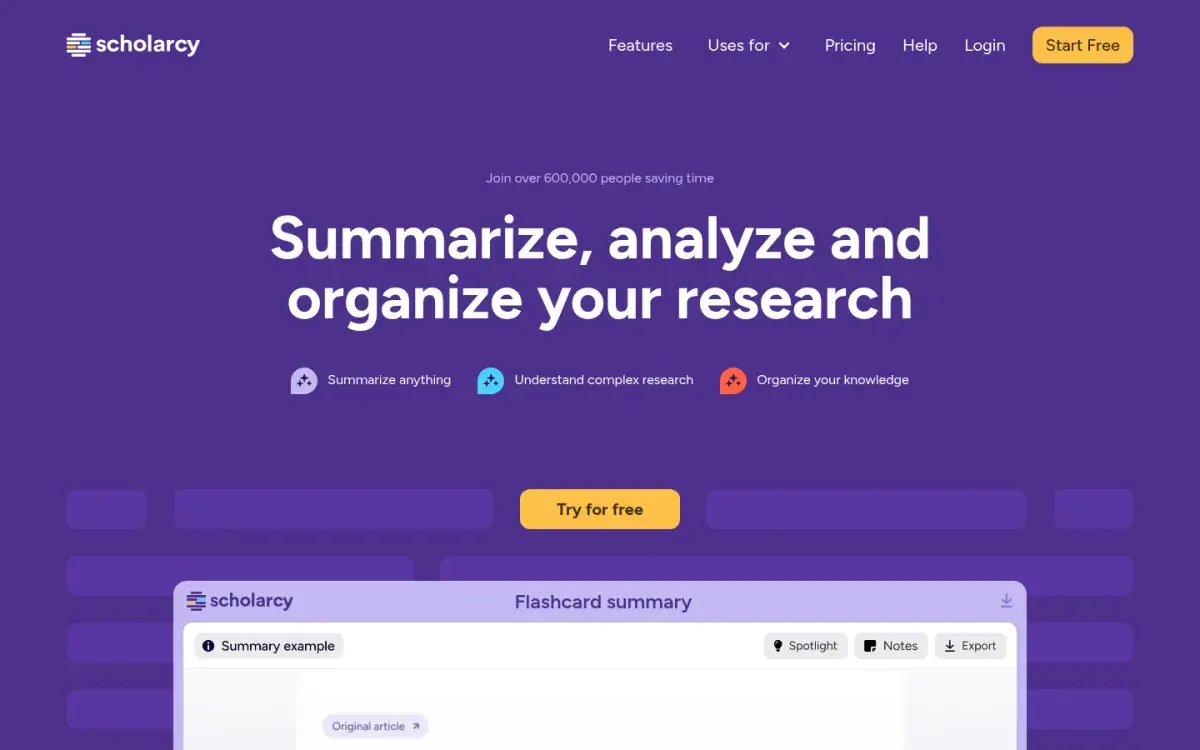
Scholarcy is built for journal articles. It breaks a paper into a "flashcard summary" with the key findings, and on the paid plan you can save those cards, export up to 100 at a time, and build a literature matrix that compares papers side by side. It suits upper-level courses and dissertations more than textbook chapters.
Strengths
- Designed around research papers
- Flashcard summaries and a literature matrix
- Free article summarizer to try it
Drawbacks
- Free summarizer is limited to 10 summaries
- Less useful for textbooks and slides
- Not built for slides or problem sets
Price: Free Article Summarizer (limit of 10 summaries). Scholarcy Plus is $9.99/month with a one-week trial, or $90/year.
7. Mapify: best for a visual overview
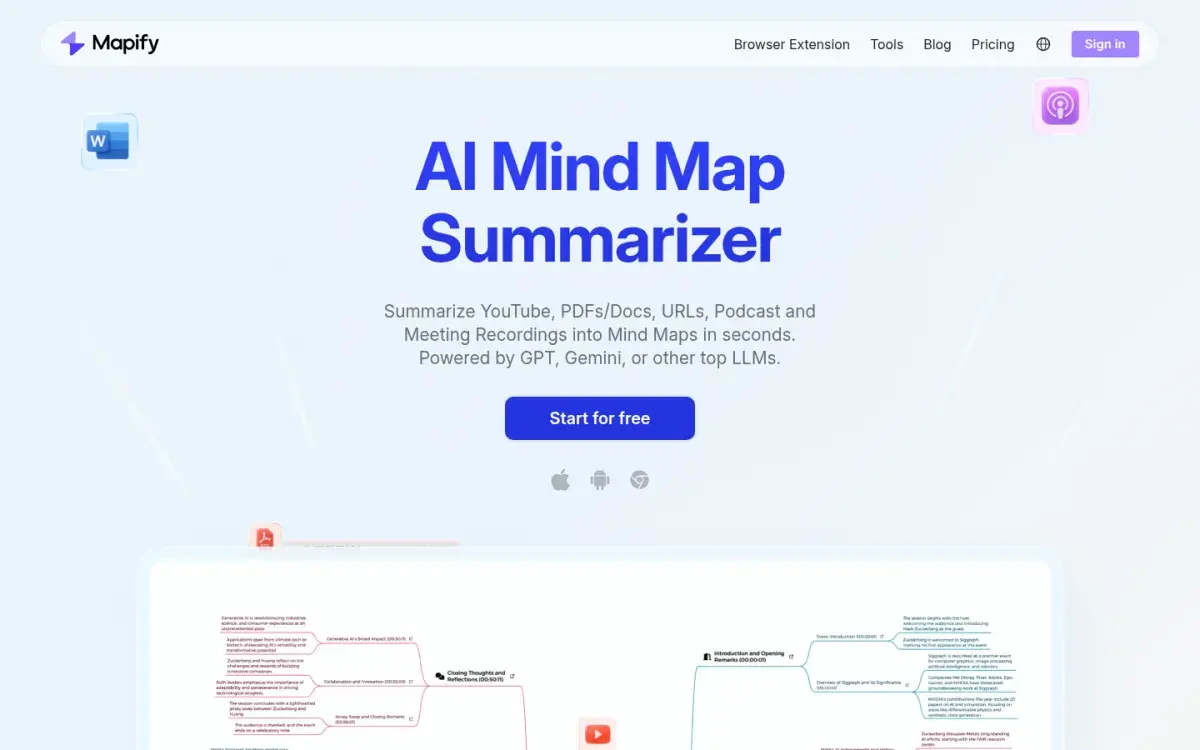
Mapify turns a PDF, Word file, web page, or video into an editable mind map. That's useful at the start of a topic, when you need to see how the parts connect before you learn them in detail. A map is still a summary, though, so test yourself on it: cover it and redraw it from memory. Our guide to turning a PDF into a mind map shows that routine.
Strengths
- Shows structure at a glance
- Accepts PDFs, web pages, and videos
- 30% off for students and educators
Drawbacks
- Free plan is 30 one-time credits
- Credit use depends on the model and word count
- Easy to look at and forget
Price: Free plan with 30 one-time credits. Basic is $5.99/month billed yearly or $9.99 monthly.
What about ChatPDF?
ChatPDF, Humata, and AskYourPDF are "chat with your PDF" tools: you ask questions and get answers, rather than a single summary. If that's how you like to read, see our comparison of ChatPDF alternatives for students.
Before you upload course PDFs
- Check the training setting. ChatGPT lets you opt out of model training on every plan. Google says Gemini Notebook doesn't use personal accounts' data for training unless you send feedback, and school Workspace for Education accounts are excluded from training and human review. Adobe says customer content is never used to train its models.
- Use your school account if it has one. University-licensed tools often have stronger data terms than personal accounts.
- Respect copyright and course rules. Some instructors don't allow their slides, readers, or exam materials to be uploaded to AI tools. If you're unsure, ask.
- Strip personal details. Remove names, student IDs, and anything about classmates.
Our guide to using AI tools without cheating covers where the line usually sits. Once you know a tool is safe to use, check that it is accurate on your material.
How to test a PDF summarizer on your own chapter
No published test tells you how a tool handles your organic chemistry reader. Spend ten minutes finding out before you rely on one.
- Pick a hard section of 3–5 pages with a definition, a number, an exception, and a table or figure.
- Ask for a summary with sources: "Summarize this in 8 bullets. After each bullet, give the page number and quote the sentence it's based on."
- Check five bullets against the page. Mark each one correct, too broad, missing a condition, or wrong.
- Look for the hard parts. Did the number survive? Did the table make it in? Did the exception?
- Hunt for overgeneralization. Words like "always," "proves," and "all students" are red flags when the source said "in this sample" or "may."
Here's the kind of slip to look for. Say a reading reports that in one study of 40 undergraduates, a 90-minute nap improved recall of word pairs compared with staying awake. A typical AI bullet says: "Napping improves memory." The fix keeps the scope: "In one study of 40 undergraduates, a 90-minute nap improved word-pair recall versus staying awake." The short version isn't false, but it's the version that loses marks on an essay question.
Turn the summary into practice
A checked summary is a good starting point for questions. Here's a workflow for one chapter that takes about 40 minutes:
- Skim the summary (5 minutes) to see the chapter's structure. Don't highlight it.
- Generate 10 short-answer questions from the PDF itself, not from the summary. Ask the tool to cite the page for each answer.
- Answer them with the PDF closed. Write or say each answer before you check.
- Check misses against the page and turn each one into a flashcard.
- Review the cards on a spaced schedule over the next two weeks.
If you'd rather not copy questions between apps, a flashcard or quiz generator can do steps 2 and 4 from the same upload. Our PDF to flashcards page shows one (Active Recalling, our app) that lets you pick a page range so it only uses the chapter you need. For manual methods, read how to make flashcards from a PDF and how to make a quiz from a PDF.
The reason this works: in a classic experiment, students who took recall tests on a passage remembered more of it a week later than students who reread it (Roediger & Karpicke, 2006). Our guide on how to remember what you read covers more ways to do this without any app.
Frequently asked questions
What is the best free PDF summarizer?
Gemini Notebook is the best free option for most students. It summarizes up to 50 sources per notebook, cites the passage behind each claim, and can turn the same files into flashcards and quizzes. For a single short passage, QuillBot's free summarizer is quicker. ChatGPT and Claude also summarize PDFs on their free plans, with usage limits.
Can ChatGPT summarize a PDF?
Yes. Upload the PDF and ask for the format you want, such as bullet points with page numbers. On the free plan, OpenAI lists the default model's input limit as about 12 pages of text, so split long chapters into sections. ChatGPT may also add outside knowledge, so tell it to use only the uploaded file.
Is it bad to study from AI summaries?
Not as a first pass, but they make a weak main study method. Research rates summarizing and rereading as low-utility techniques, and AI summaries tend to state findings more broadly than the source. Read the summary once to get oriented, then spend most of your time answering questions about the original PDF.
How do I summarize a long textbook PDF?
Use a tool built for long files. Claude accepts PDFs up to 1,000 pages, and Gemini Notebook accepts sources up to 500,000 words. Even then, summarize one chapter at a time and ask for page numbers, because shorter requests produce more detailed, checkable summaries than a single summary of the whole book.
What is the difference between a PDF summarizer and a chat-with-PDF tool?
A summarizer condenses the document into one overview. A chat-with-PDF tool lets you ask specific questions and get answers drawn from the file. Many tools now do both. Summaries suit a first read; question-and-answer suits revision and checking details. See our ChatPDF alternatives guide for chat tools.
Sources and further reading
Start with the primary research and official guidance below. Links open in a new tab so you can compare the evidence with the article.
- Read source
Learn about Gemini Notebook
Gemini Notebook Help, 2026
- Read source
Sharpen your study routine with new Gemini Notebook tools
Google, 2026
- Read source
Acrobat AI Assistant
Adobe, 2026
- Read source
Uploading files to Claude
Claude Help Center, 2026
- Read source
ChatGPT pricing
OpenAI, 2026
- Read source
Scholarcy pricing
Scholarcy, 2026
- Read source
Generalization bias in large language model summarization of scientific research
Royal Society Open Science, 2025
- Read source
Improving students' learning with effective learning techniques
Psychological Science in the Public Interest, 2013
- Read source
Test-enhanced learning: taking memory tests improves long-term retention
Psychological Science, 2006