

The best AI study guide maker for most students in 2026 is Gemini Notebook (formerly NotebookLM), because it writes a study guide from the readings and slides you give it rather than the open web, for free. Quizlet and Knowt are better if you want the guide to turn straight into flashcards and practice tests, and Turbo AI is the pick if your course material starts as lecture recordings.
Any AI study guide maker can turn a 40-page chapter into a tidy two-page outline in a minute. That's useful, but it creates a new risk: a clean, confident guide that leaves out the exception your professor loves to test. So this guide pairs the tool picks with a six-point check you can run on any AI-made guide.
We checked each tool's official site and help pages in October 2026. We didn't run a controlled accuracy test. For AI tools that do other study jobs, such as flashcards or tutoring, see our guide to AI tools for studying.
What does an AI study guide maker actually do?
You upload notes, slides, a PDF, or a recording, and the tool writes a structured summary: main topics, key terms, and often examples and practice questions. The better tools work only from what you upload; weaker ones fill gaps from general knowledge, which is where errors creep in.
Keep its job in perspective. In a major review of ten study techniques, summarization and rereading were rated low utility, while practice testing and spaced practice were rated high utility (Dunlosky et al., 2013). That review studied students writing their own summaries; reading one an AI wrote asks even less of you. The guide's value is in telling you what to practice. The practice is still your job.
AI study guide makers compared
| Tool | Works from | Guide format | Built-in practice | Free plan |
|---|---|---|---|---|
| Gemini Notebook | PDFs, Docs, Slides, web, YouTube, audio | Study guide, briefing doc, or FAQ report | Flashcards, quizzes | Yes, usage-limited |
| Quizlet | Uploaded notes and files | Outline with overview, key terms, examples | Flashcards, practice tests | Limited |
| Knowt | PDFs, slides, videos, recordings | AI notes and summaries | Flashcards, practice tests | 1 AI summary/mo |
| Turbo AI | Lecture recordings, PDFs, YouTube, notes | Editable notes; pre-made AP guides | Flashcards, quizzes | Yes |
| Mindgrasp | Files, recordings, YouTube, articles | Notes and summaries | Flashcards, quizzes, AI tutor | Free to try |
| ChatGPT study mode | Chat and uploads | Whatever you ask for | Questions on request | Yes |
The 6 best AI study guide makers
1. Gemini Notebook: best free AI study guide maker
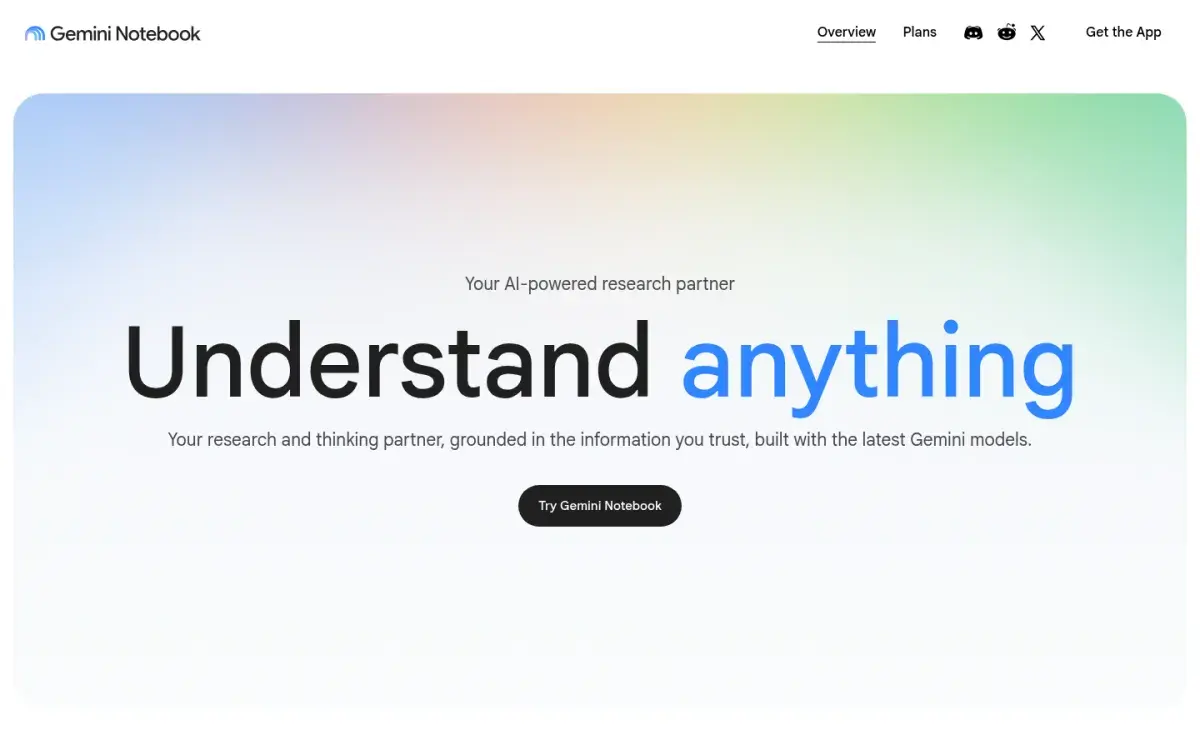
Google renamed NotebookLM to Gemini Notebook in July 2026. Add your sources and pick a report: a study guide, a briefing document, an FAQ, or one you describe yourself. Because it works from your sources rather than the open web, it's less likely to pad the guide with material your course never covered.
In September 2026 Google announced interactive learning overviews under Reports, which mix a summary with infographics, quizzes, and flashcards, rolling out to all users. The same notebook can then make flashcards and quizzes, so you can move from guide to practice without changing tools.
Strengths
- Guide comes only from your sources
- Study guide, briefing doc, and FAQ formats
- Free, with flashcards and quizzes in the same notebook
Drawbacks
- Usage limits are compute-based
- Only as complete as the sources you add
- Not built for long-term review schedules
Price: Free with a Google account. Google AI Plus and Pro raise usage limits; US college students can get a free year of AI Pro if they redeem by December 31, 2026.
2. Quizlet: best for a guide that becomes flashcards and tests
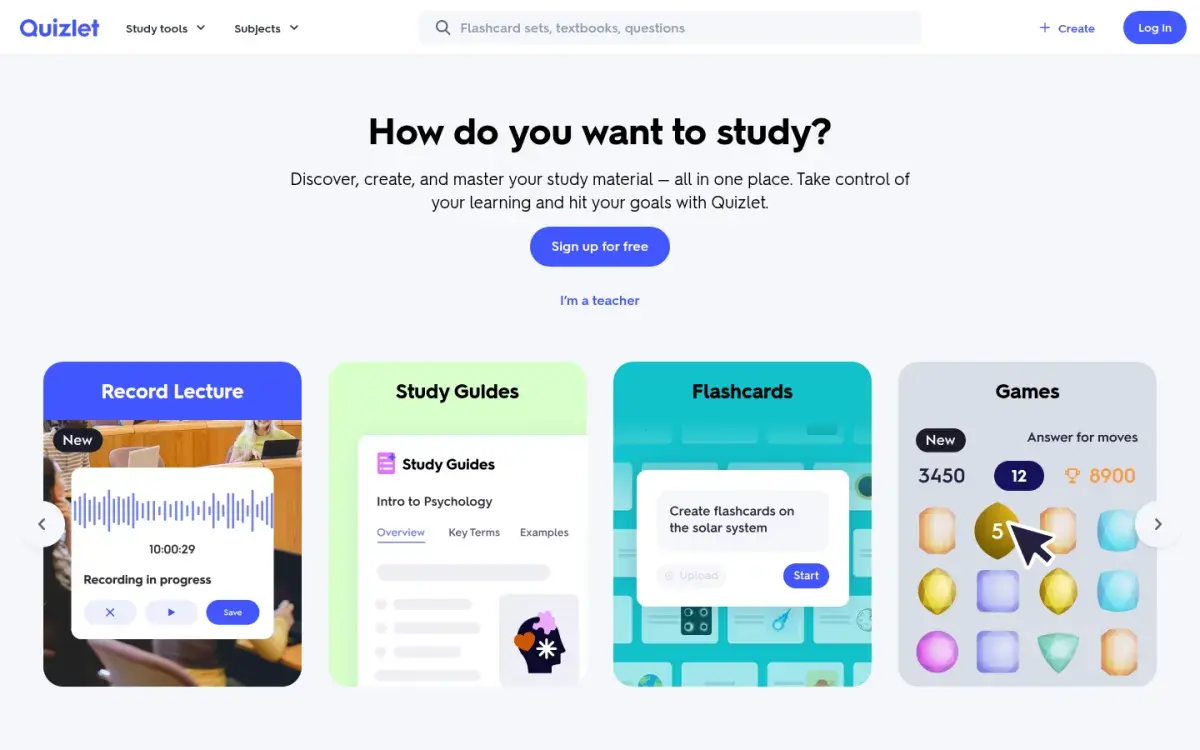
Quizlet's Study Guides (formerly Magic Notes) turn uploaded or pasted class notes into an editable outline with an overview, key terms, and examples, plus a flashcard set. From there you can generate a timed practice test. Free users get limited access; Plus and Plus Unlimited subscribers get unlimited study guides. In the US they're open to users aged 14 and over.
Strengths
- Guide, flashcards, and practice test from one upload
- Familiar interface
- Timed practice tests
Drawbacks
- AI features limited on the free plan
- Age and language restrictions
- Practice tests capped at 3 a month on Plus
Price: Free with limited access. Plus is $35.99/year; Plus Unlimited is $44.99/year.
3. Knowt: best free studying after the guide
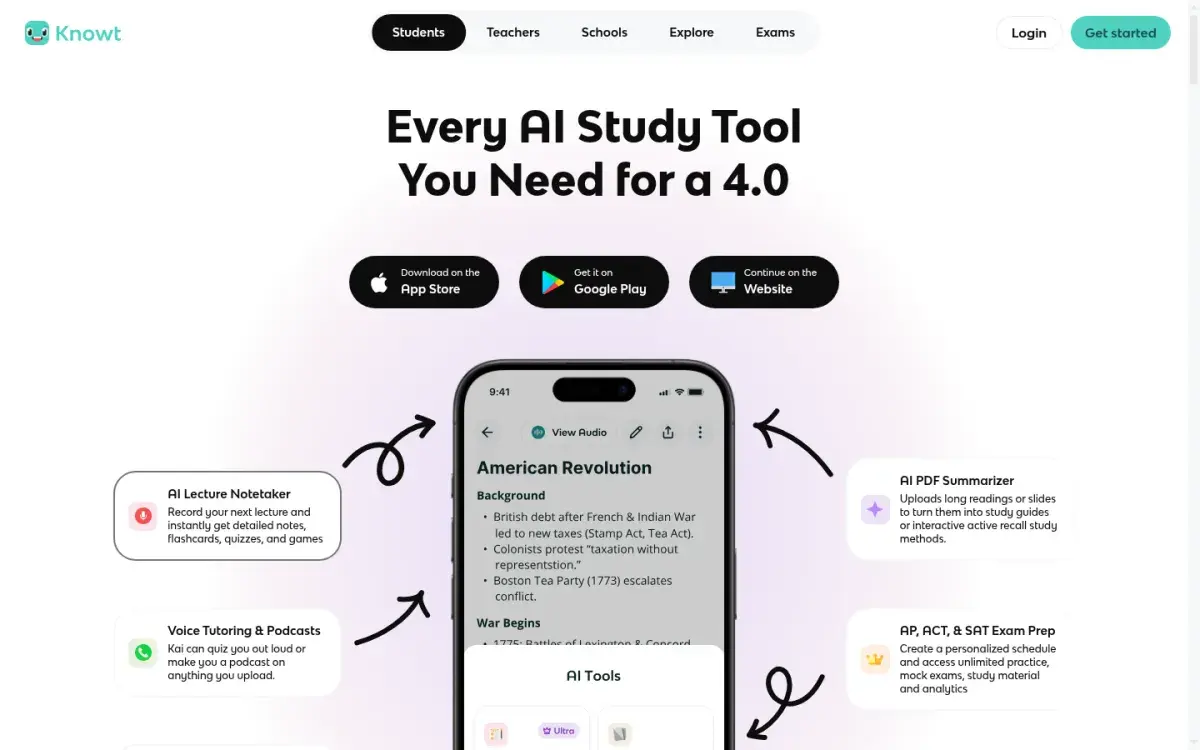
Knowt turns long readings, slides, and recorded lectures into notes and study guides. Its free plan caps AI summaries at one a month, but every study mode on your own sets is free, including practice tests and spaced repetition. Free accounts also get one full-length AP, SAT, or ACT mock exam.
Strengths
- Free practice tests and spaced repetition on your sets
- Lecture recording summaries on Ultra
- AP, SAT, and ACT prep
Drawbacks
- Only one free AI summary a month
- Ultra is $24.99 if paid monthly
- Ad-free studying needs Ultra
Price: Free. Ultra is $149.99/year or $24.99/month.
4. Turbo AI: best for turning lectures into a study guide
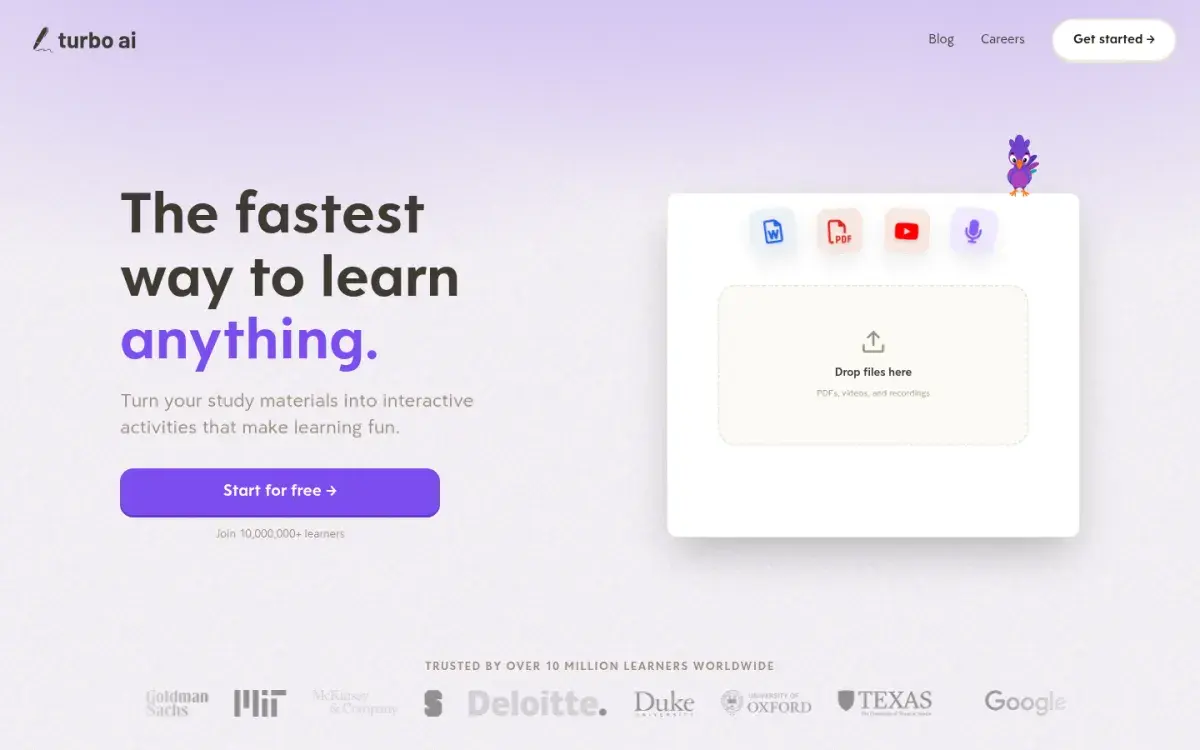
Turbo AI records a lecture and writes organized, editable notes from it, then makes flashcards, quizzes, and podcasts from those notes or from PDFs, Word files, and YouTube videos. It also has a library of pre-made AP study guides, and you can edit documents with classmates live. It's free to start; we couldn't find a public price list for its paid plan in October 2026.
Strengths
- Lecture recording to notes
- Pre-made AP study guides
- Live editing with classmates
Drawbacks
- Paid price not published on its site
- Check your course's recording policy first
- Notes still need checking against slides
Price: Free to start, with notes, flashcards, and quizzes on the free tier. Paid prices aren't listed on its site.
5. Mindgrasp: best for an all-in-one study session
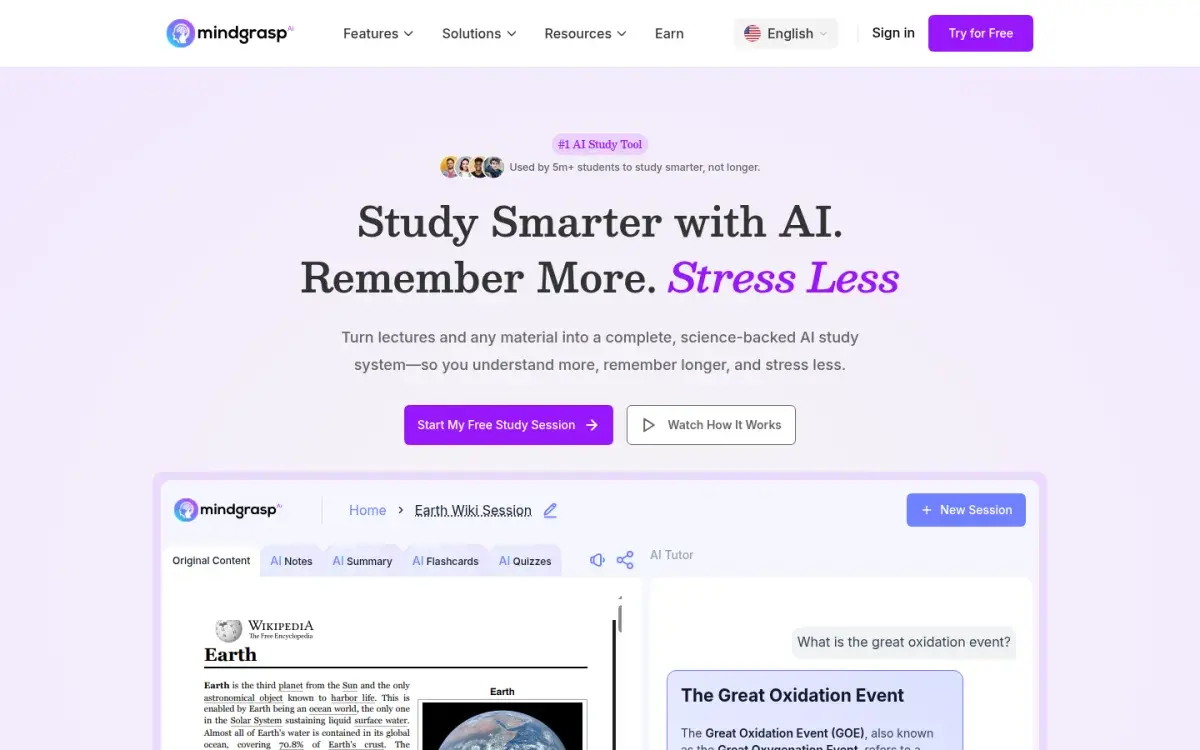
Mindgrasp turns PDFs, Word files, slides, audio and video files, YouTube links, and articles into a study session with notes, a summary, flashcards, quizzes, and an AI tutor you can question. Its FAQ says all plans include unlimited uploads and no daily usage limits, which suits students who process a lot of material each week.
Strengths
- Notes, summary, cards, quiz, and tutor in one view
- Unlimited uploads on every plan, per its FAQ
- Works from links as well as files
Drawbacks
- No public price list we could find
- Summary-first design invites passive reading
- Another subscription if you already use a flashcard app
Price: Free to try. Its homepage doesn't list plan prices.
6. ChatGPT study mode: best for a custom format
ChatGPT will write a guide in any shape you ask for, and study mode keeps the conversation interactive by quizzing you as it goes. It's free on every plan. The risk is that it fills gaps from general knowledge, so tell it to use only your file. A prompt that works:
Using only the attached lecture notes, make a study guide for my exam. For each main topic give 3–5 key points, one example from the notes, one common confusion, and three questions I should be able to answer without notes. Mark anything you're unsure of with [CHECK]. Don't add facts that aren't in the notes.
Strengths
- Any format you describe
- Free on every plan
- Can quiz you on the guide right away
Drawbacks
- May add facts that aren't in your notes
- No saved flashcards or review schedule
- Free plan has lower upload limits than Go or Plus
Price: Free. Go is $8/month in the US; Plus is $20/month. More prompts in our ChatGPT prompts for studying.
How to check an AI study guide: six points
Run this before you study from any AI-made guide. It takes 10–15 minutes per chapter.
- Coverage. Put the syllabus or learning objectives next to the guide. Every objective should map to a section. A missing objective is easy to overlook and costly on exam day.
- Trace. Pick five claims at random and find each one in your source. If you can't, treat the whole section as suspect.
- Numbers and formulas. Check every figure, unit, and equation against the source. AI garbles subscripts, signs, and units.
- Exceptions. Look for words like "always" and "never." Your notes probably have an exception the guide dropped.
- Examples. Make sure examples come from your course, not invented ones that are subtly wrong.
- Extras. Delete anything that isn't in your material. If it's not in your course, it's not on your exam.
Here's what step 4 catches. An AI guide to classical conditioning might say: "Extinction permanently removes the conditioned response." Your psychology notes almost certainly cover spontaneous recovery, where the response returns after a rest, which shows extinction doesn't erase the original learning. One word, "permanently," turns a correct idea into a wrong exam answer.
Turn your study guide into practice
A guide only helps if you use it to test yourself. For each heading, write three questions at different levels before you reread anything:
| Level | Question type | Example (classical conditioning) |
|---|---|---|
| Remember | Define or list | What is a conditioned stimulus? |
| Understand | Explain in your own words | Why doesn't extinction erase a conditioned response? |
| Apply | Use it on a new case | A dog flinches at a can opener. Name each stimulus and response. |
Answer them from memory, check against the guide and your notes, and mark what you missed. The levels come from Bloom's taxonomy, and the habit of answering before checking is active recall. If you'd rather generate the questions, the tools in our AI quiz generator comparison can do it from the same file.
Active Recalling (our app) skips the written guide and turns the same PDF or notes straight into flashcards and quiz questions; our PDF to flashcards page shows how.
Then space it out: retake the questions two or three days later, then a week later. For a full exam timeline, see how to prepare for exams.
Frequently asked questions
What is the best free AI study guide maker?
Gemini Notebook is the best free option for most students. It writes a study guide, briefing document, or FAQ only from the PDFs, slides, and videos you add, and the same notebook can then make flashcards and quizzes. Knowt is also free for studying, but caps AI summaries at one a month.
Can AI make a study guide from my notes?
Yes. Upload or paste your notes into Gemini Notebook, Quizlet, Knowt, Turbo AI, Mindgrasp, or ChatGPT, and it will produce an outline with key points. Clean, typed notes give better results than blurry photos. Tell the tool to use only your notes so it doesn't add outside material.
Is an AI study guide enough to pass an exam?
Rarely on its own. Reading a summary is a passive activity, and research rates summarizing well below practice testing. Use the guide to see what to study, then test yourself on each section with questions or flashcards, and review the ones you miss over several days.
How do I know if an AI study guide is accurate?
Compare it with your syllabus to check nothing is missing, trace a few claims back to your source, and check every number, formula, and exception. Delete anything that isn't in your course material. If several random claims can't be traced, rebuild that section from your notes.
Can ChatGPT make a study guide?
Yes. Upload your notes and ask for a guide with key points, examples, common confusions, and practice questions for each topic. Tell it to use only your file and flag anything uncertain. Study mode can then quiz you on the guide, which is more useful than reading it.
Sources and further reading
Start with the primary research and official guidance below. Links open in a new tab so you can compare the evidence with the article.
- Read source
Improving students' learning with effective learning techniques
Psychological Science in the Public Interest, 2013
- Read source
Create a notebook in Gemini Notebook
Gemini Notebook Help, 2026
- Read source
Sharpen your study routine with new Gemini Notebook tools
Google, 2026
- Read source
Studying with Study Guides
Quizlet Help Center, 2026
- Read source
Knowt plans
Knowt, 2026
- Read source
Turbo AI
Turbo AI, 2026
- Read source
Mindgrasp
Mindgrasp, 2026
- Read source
Using study mode in ChatGPT
OpenAI Help Center, 2026