
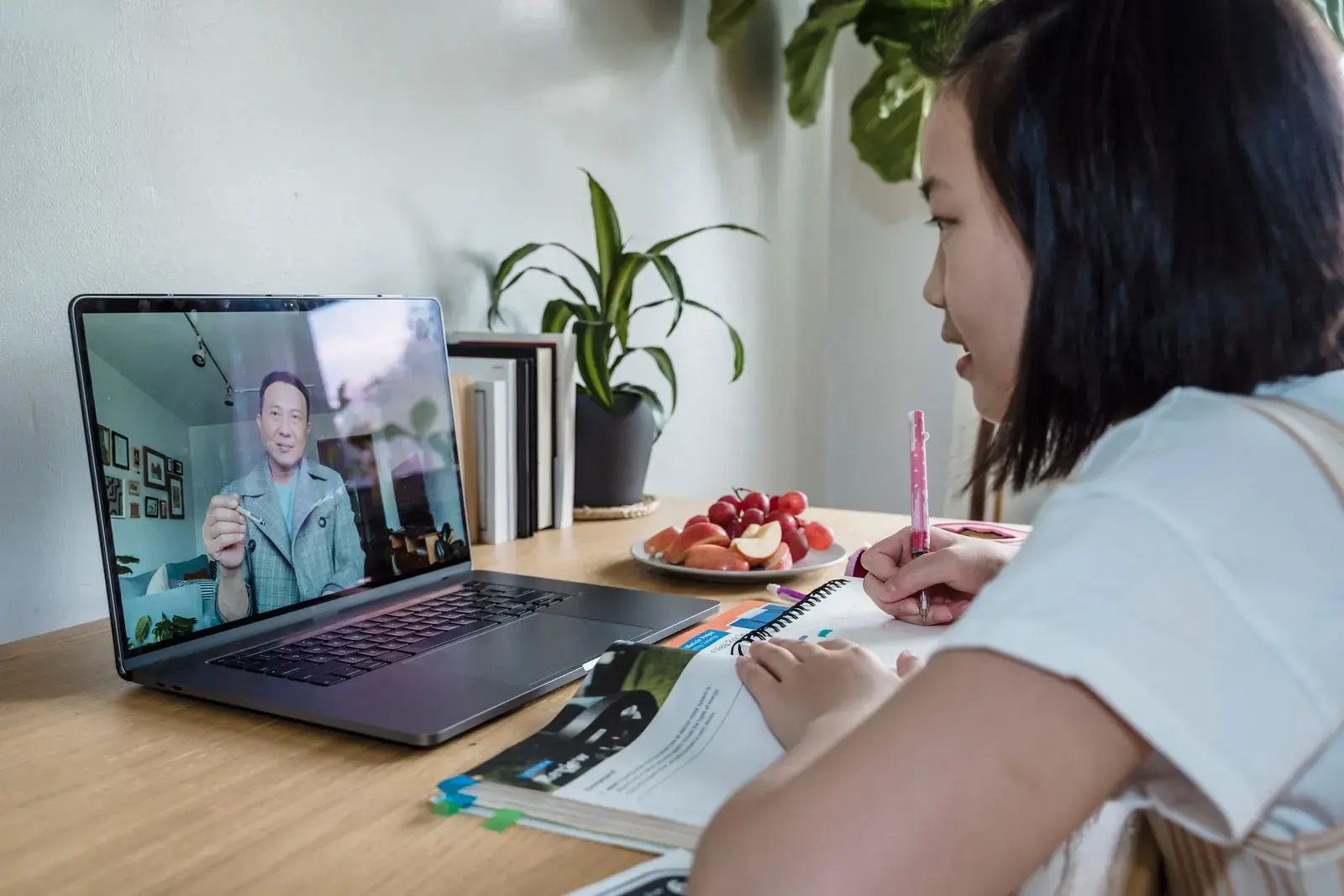
To make flashcards from a YouTube video, watch it once, then open its transcript (click "...more" under the video, then "Show transcript"), copy the parts that matter, fix the caption errors, and turn each key idea into a question card with the timestamp on the back. You can write the cards yourself or paste the cleaned transcript into an AI flashcard tool.
Watching comes first. Cards made from a transcript you haven't followed are cards about ideas you never understood. Once you've watched, the transcript saves you from pausing and scrubbing back to catch exact wording.
This guide covers getting and cleaning the transcript, choosing what to card, a manual method, an AI method, and a worked example from a statistics video.
Why make flashcards from a video instead of rewatching it?
Rewatching a lecture video is the video version of rereading your notes. It feels productive because every explanation looks familiar, but recognizing an explanation isn't the same as producing it in an exam. On tests days later, retrieving material beats seeing it again; the research is in active recall vs passive learning.
Flashcards turn a 20-minute video into a few minutes of recall practice you can repeat on a schedule. The timestamps keep the video useful as a reference for the cards you miss.
Step 1: Get the YouTube transcript
On a computer:
- Click ...more under the video to expand the description.
- Scroll to the bottom of the description and click Show transcript.
- The transcript opens beside the video. It scrolls along as the video plays, and clicking any line jumps the video to that moment.
- Select the text in the panel and paste it into a document. Keep the timestamps.
No "Show transcript" button? YouTube only shows transcripts for videos that have captions. If a video has none, take your own notes while watching, pausing every few minutes, or see our roundup of AI lecture note takers. Copying from the transcript is easiest on a computer.
Step 2: Clean the transcript lines you'll use
Unless the creator uploaded their own captions, the transcript comes from YouTube's automatic captions. YouTube's own help page warns that their quality varies and that they can misrepresent speech because of mispronunciations, accents, dialects, or background noise. Technical terms are often the casualties.
You don't need to clean the whole transcript, only the lines you're turning into cards. Here's an excerpt of the kind you'll see from an intro statistics video:
4:12 so the standard deviation tells you how spread out
4:15 the data is around the meme so if every value is
4:18 close to the meme the standard deviation is small
4:22 to calculate it you take each value subtract the
4:25 meme square it average those squares and that's the
4:29 variants then you take the square root
4:33 and for a sample you divide by n minus one instead
4:36 of n
5:02 in a normal distribution about 68 percent of values
5:06 fall within one standard deviation of the meme
"Meme" is "mean" and "variants" is "variance". An AI tool given this text may happily make a card about memes. Fix errors like these first, and check any number or name against your course materials.
Step 3: Choose what to turn into cards
A video has a lot of talk around a few ideas. Card the ideas.
- Card: definitions, the steps of a method, cause-and-effect explanations, numbers the speaker emphasizes, and anything they repeat or summarize at the end.
- Turn into application cards: worked examples. Change the numbers and ask yourself to solve it.
- Skip: intros, sponsor segments, "like and subscribe", jokes, and tangents.
If the creator added chapters, they make natural sections. A focused 10 to 15 minute explainer often gives somewhere between 5 and 15 cards. A two-hour lecture recording is better split by chapter or topic and carded over a few sessions.
Step 4: Write the cards, with timestamps
From the cleaned statistics excerpt above:
| Front | Back |
|---|---|
| What does standard deviation measure? | How spread out values are around the mean (4:12) |
| What are the steps to calculate a standard deviation? | Subtract the mean from each value, square the results, average them (that's the variance), take the square root (4:22) |
| How are variance and standard deviation related? | Variance is the standard deviation squared (4:29) |
| When do you divide by n − 1 instead of n? | When you calculate the standard deviation of a sample rather than a whole population (4:33) |
| In a normal distribution, about what share of values fall within one standard deviation of the mean? | About 68% (5:02) |
| Two classes both average 70 on a test. Class A's SD is 3; class B's is 12. What does that tell you? | Class B's scores are far more spread out; class A's cluster near 70 |
The last card isn't in the video at all. It applies the idea to a new case, which is the kind of question exams ask.
Make timestamps clickable. If your flashcard app allows links, add &t=252s to the end of a youtube.com/watch link to start the video at 4:12 (252 seconds). When you miss a card, you rewatch 30 seconds instead of the whole video. For card-writing rules in general, see how to use flashcards effectively.
How to make flashcards from a YouTube video with AI
Once the transcript is clean, AI can do the drafting. Paste it into an AI flashcard generator or a chatbot, one chapter or 10-minute chunk at a time, with rules like these:
Make flashcards from this video transcript.
One idea per card; front as a question; back under 20 words.
Use only what the speaker says. Skip intros, ads, and asides.
Keep the timestamp of the line each card comes from.
If the transcript looks garbled, list that line instead of guessing.
Format: question [TAB] answer (timestamp)
[paste transcript chunk]
Our list of ChatGPT prompts for studying has more prompts in this style.
Three things to watch for in AI drafts from video:
- Caption errors carried into cards. The AI trusts the transcript. Clean it first.
- Opinions turned into facts. Speakers say "I think" and "probably". A card should keep that hedge, or be cut.
- Filler cards. "What is the name of this channel?" Delete those.
Then rewrite the keepers in your own words. In five of six experiments by Pan and colleagues, students who made their own flashcards beat students given premade cards on a test two days later, and an AI deck is premade until you've edited it. For the full list of errors to check, from wrong numbers to a missing "not", see the checking step in the PDF flashcards guide.
Some AI tools accept a YouTube link and fetch the captions themselves. Active Recalling doesn't import YouTube links. Copy the transcript, clean it, and paste it into a chapter as text. It then drafts flashcards, four-option quizzes, and a mind map that you can edit, with reviews scheduled by spaced repetition (FSRS). See the AI flashcard generator for details.
A 45-minute plan for one 15-minute video
| Minutes | What to do |
|---|---|
| 0–20 | Watch the video, pausing to jot the timestamps of key moments. |
| 20–25 | Open the transcript and copy the sections you marked. |
| 25–30 | Fix caption errors in those lines. Check numbers against your course material. |
| 30–40 | Write cards with timestamps, or generate drafts and edit them. |
| 40–45 | Answer every card once from memory. Rewrite any that confused you. |
Review the deck the next day, then let a spaced-repetition app spread out the rest; the spaced repetition guide explains the timing. If the video was a recording of your own course's lecture, the notes to flashcards guide covers the after-class routine in more detail. If the lecture also came with slides, turning the lecture's slides into flashcards fills in what the speaker only said out loud.
Frequently asked questions
How do I get the transcript of a YouTube video?
On a computer, click "...more" under the video to expand the description, scroll down, and click "Show transcript". The transcript opens beside the video, and you can select and copy the text, timestamps included. The option only appears for videos that have captions, either uploaded by the creator or generated automatically.
Why can't I see "Show transcript" on a video?
The video probably has no captions, and YouTube only offers transcripts for captioned videos. Try another video on the same topic, or take notes while you watch. If you're on a phone, try a computer, where the transcript panel is easier to find and copy from.
Can AI make flashcards directly from a YouTube link?
Some tools can: they fetch the video's captions and generate cards from them. Active Recalling can't import YouTube links, so copy the transcript and paste it as text. Either way, the cards are only as good as the captions, so fix misheard terms and check every card against the video or your course material.
How many flashcards should I make from a YouTube video?
Base it on ideas, not minutes. A focused 10 to 15 minute explainer often gives 5 to 15 cards; a long lecture recording gives more, best split by chapter. If a video has only two ideas you need, make two cards. A deck you'll actually review beats a complete one you won't.
Are YouTube auto-generated captions accurate enough to study from?
Often close, but not reliable on the words that matter most. YouTube itself says automatic captions can misrepresent speech because of mispronunciations, accents, dialects, or background noise. Technical terms, names, and numbers are the usual casualties. Fix the lines you card, and when in doubt, replay that moment.
Sources and further reading
Start with the primary research and official guidance below. Links open in a new tab so you can compare the evidence with the article.
- Read source
View video transcripts
YouTube Help, accessed October 2026
- Read source
Use automatic captioning
YouTube Help, accessed October 2026
- Read source
User-generated digital flashcards yield better learning than premade flashcards
Pan, Zung, Imundo, Zhang & Qiu, Journal of Applied Research in Memory and Cognition, 2023